 74d20a2069
* 📝 docs: update docs

* 📝 docs: update plugin docs

* 📝 docs: update plugin docs

* 📝 docs: update plugin docs

* 📝 docs: update plugin docs

* 📝 docs: update plugin docs

* 📝 docs: add plugin docs

* 📝 docs: add plugin en docs

* 📝 docs: fix plugin docs
2.8 KiB
| title | group | order |
|---|---|---|
| Plugin UI | Plugin Development | 3 |
Plugin UI Interface
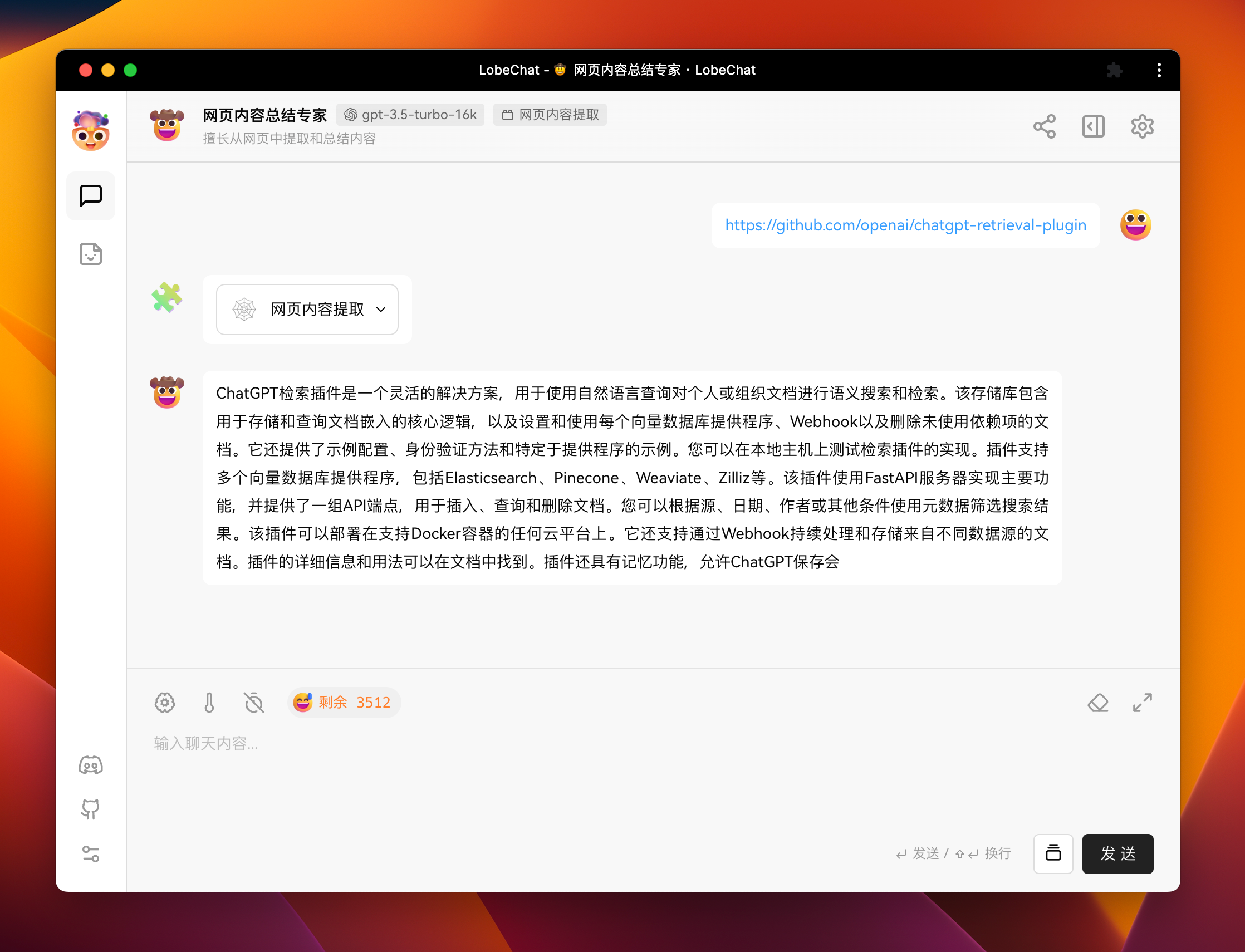
For LobeChat plugins, the UI interface is optional. For example, the Web Content Extraction plugin does not have a corresponding user interface.
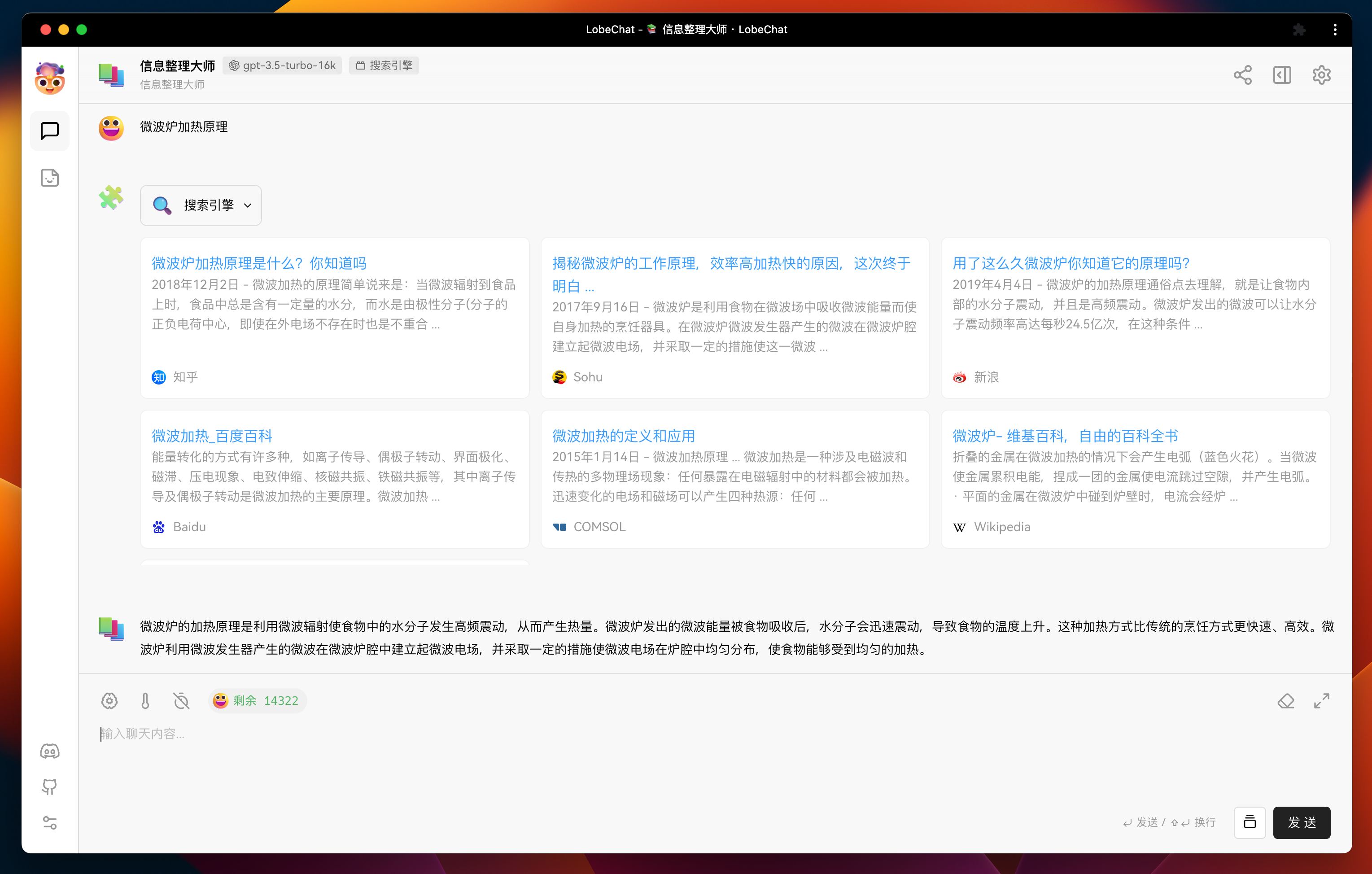
If you wish to display more enriched information in plugin messages, or include some rich interactions, you can define a user interface for the plugin. Below is an example of the user interface for a search engine plugin.
Implementing UI Interface
LobeChat implements plugin UI loading and communication through iframe + postMessage. Therefore, the implementation of the plugin UI is consistent with regular web development. You can use any frontend framework and development language that you are familiar with.
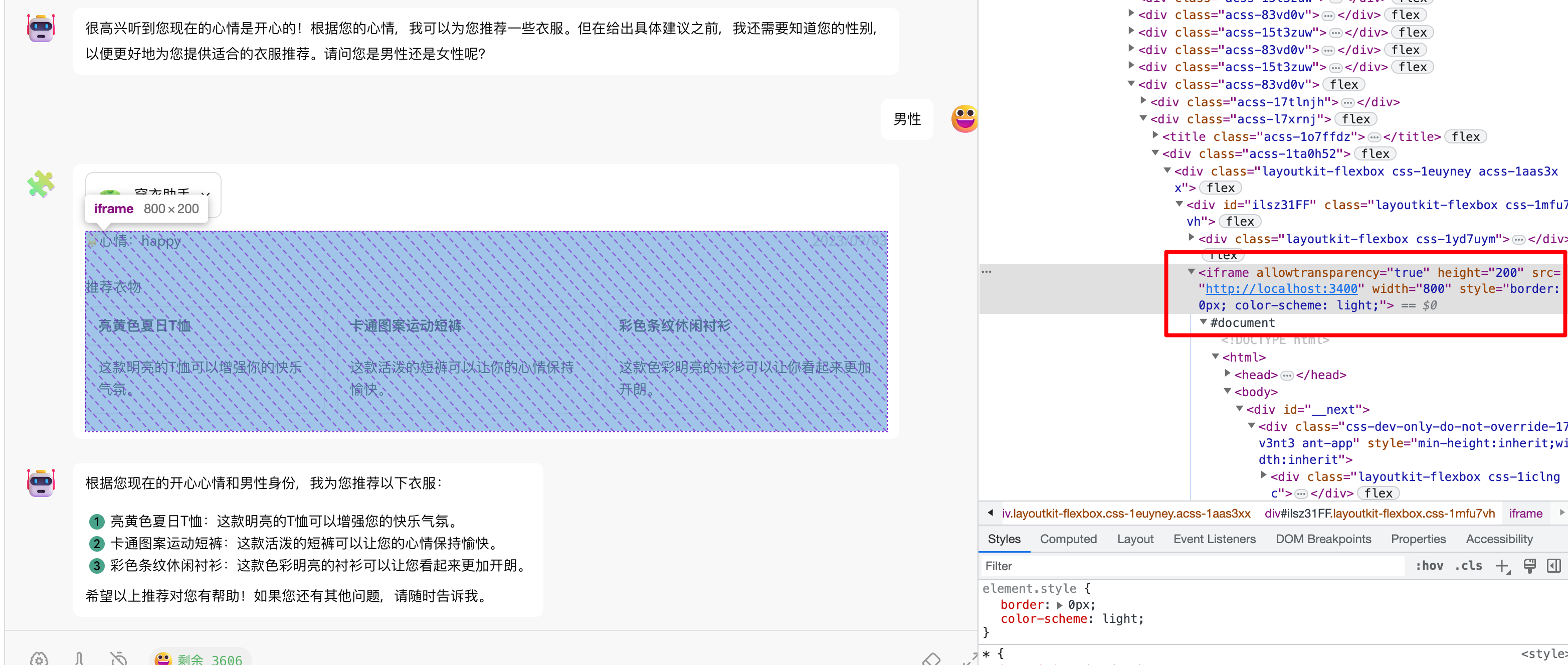
In the template we provide, we use React + Next.js + antd as the frontend interface framework. You can find the implementation of the user interface in src/pages/index.tsx.
Plugin Communication
Regarding plugin communication, we provide two methods to achieve bidirectional communication between the plugin and the LobeChat core.
Plugin Initiative Request
You can actively request data from LobeChat through the getPluginMessage method of lobeChat.
import { lobeChat } from '@lobehub/chat-plugin-sdk/client';
import { memo, useEffect, useState } from 'react';

import { ResponseData } from '@/type';

const Render = memo(() => {
  const [data, setData] = useState<ResponseData>();

  useEffect(() => {
    // Get the current message of the plugin from LobeChat
    lobeChat.getPluginMessage().then((e: ResponseData) => {
      setData(e);
    });
  }, []);

  return <>...</>;
});

export default Render;
:::info
The lobeChat.getPluginMessage method is a regular asynchronous request method, so it can be used with swr or react-query to implement data caching and automatic updates for a better user experience.
:::
Receive LobeChat Push
You can subscribe to messages sent from LobeChat to the plugin using the useWatchPluginMessage method.
import { useWatchPluginMessage } from '@lobehub/chat-plugin-sdk/client';

const Demo = () => {
  const { data, loading } = useWatchPluginMessage();

  if (loading) {
    return <div>Loading...</div>;
  }

  return (
    <div>
      <h1>Plugin Sent Message Data:</h1>
      <pre>{JSON.stringify(data, null, 2)}</pre>
    </div>
  );
};

export default Demo;