mirror of
https://github.com/catppuccin/yazi.git
synced 2026-01-09 05:50:48 +08:00


 Catppuccin for Yazi



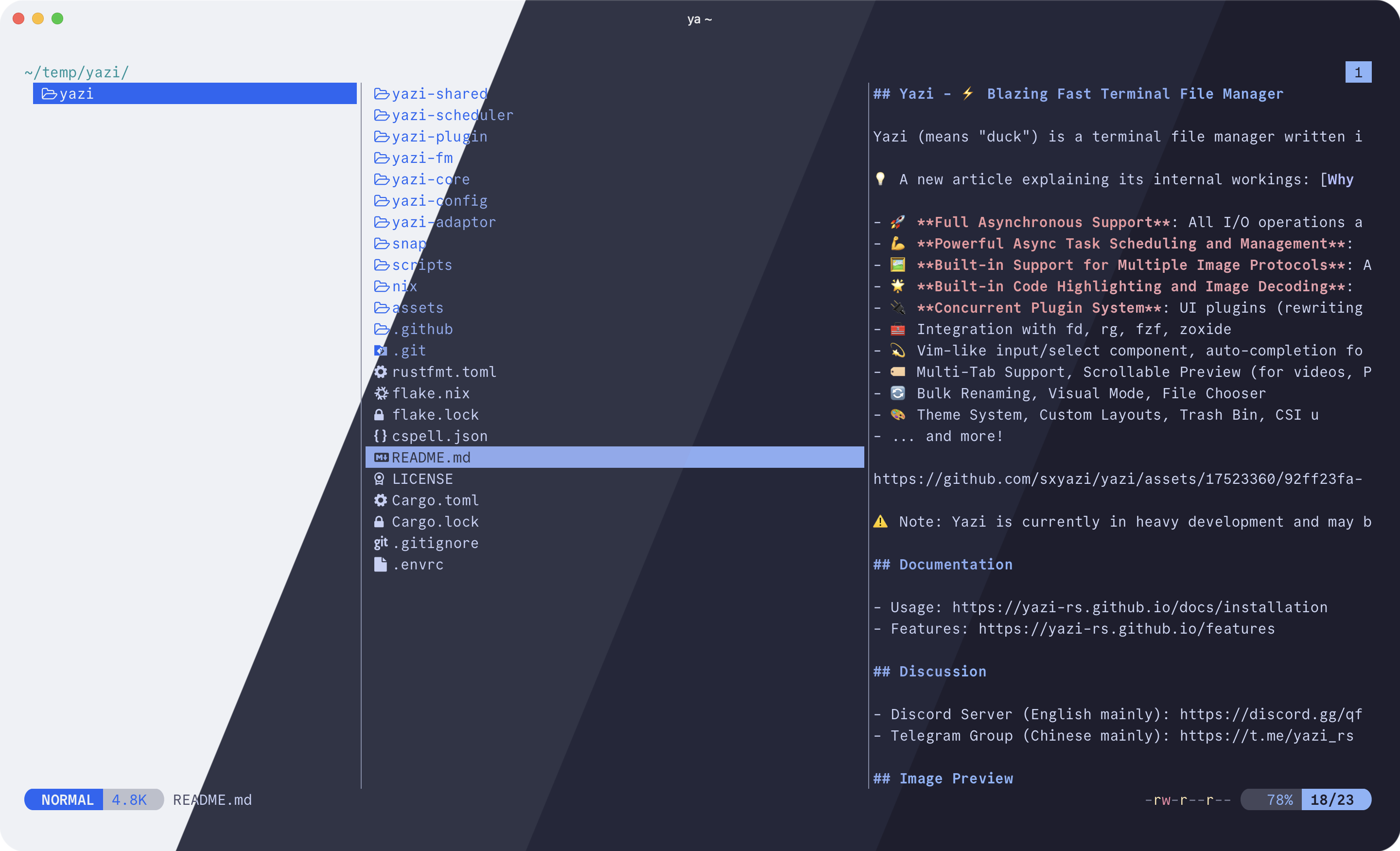
Previews
🌻 Latte

🪴 Frappé

🌺 Macchiato

🌿 Mocha

Usage
- Copy the theme file of your choice from
themes/to your Yazi configuration directory with the filenametheme.toml. - For Catppuccin-themed syntax highlighting in the preview pane:
- Download the
.tmThemefile of your choice from catppuccin/bat. - Set the
syntect_themeoption of your theme file downloaded in step 1 with the path of your downloaded.tmThemefile.
- Download the
Contributing
To contribute to this port you will need the following dependencies installed:
Edit yazi.tera to make changes to the theme. Run just build to build the output themes in themes/.
To update the icons data, you will additionally need Lua, LuaRocks, and the dkjson LuaRocks module. Run just icons to fetch and process the data from nvim-web-devicons.
💝 Thanks to

Copyright © 2021-present Catppuccin Org
