mirror of
https://github.com/catppuccin/remnote.git
synced 2026-02-23 00:01:16 +08:00
 fdc8c3fd7f
- replace `plugin.track` block with individual `plugin.settings.onChange` handlers
- subscribe to `dark-theme`, `light-theme`, `accent-color`, `auto-switch-theme`, and override settings
- ensure both light/dark theme selectors trigger immediate reapply regardless of current appearance
- remove fallback reliance on `track` and avoid silent drops of out‑of‑mode changes

 Catppuccin for RemNote



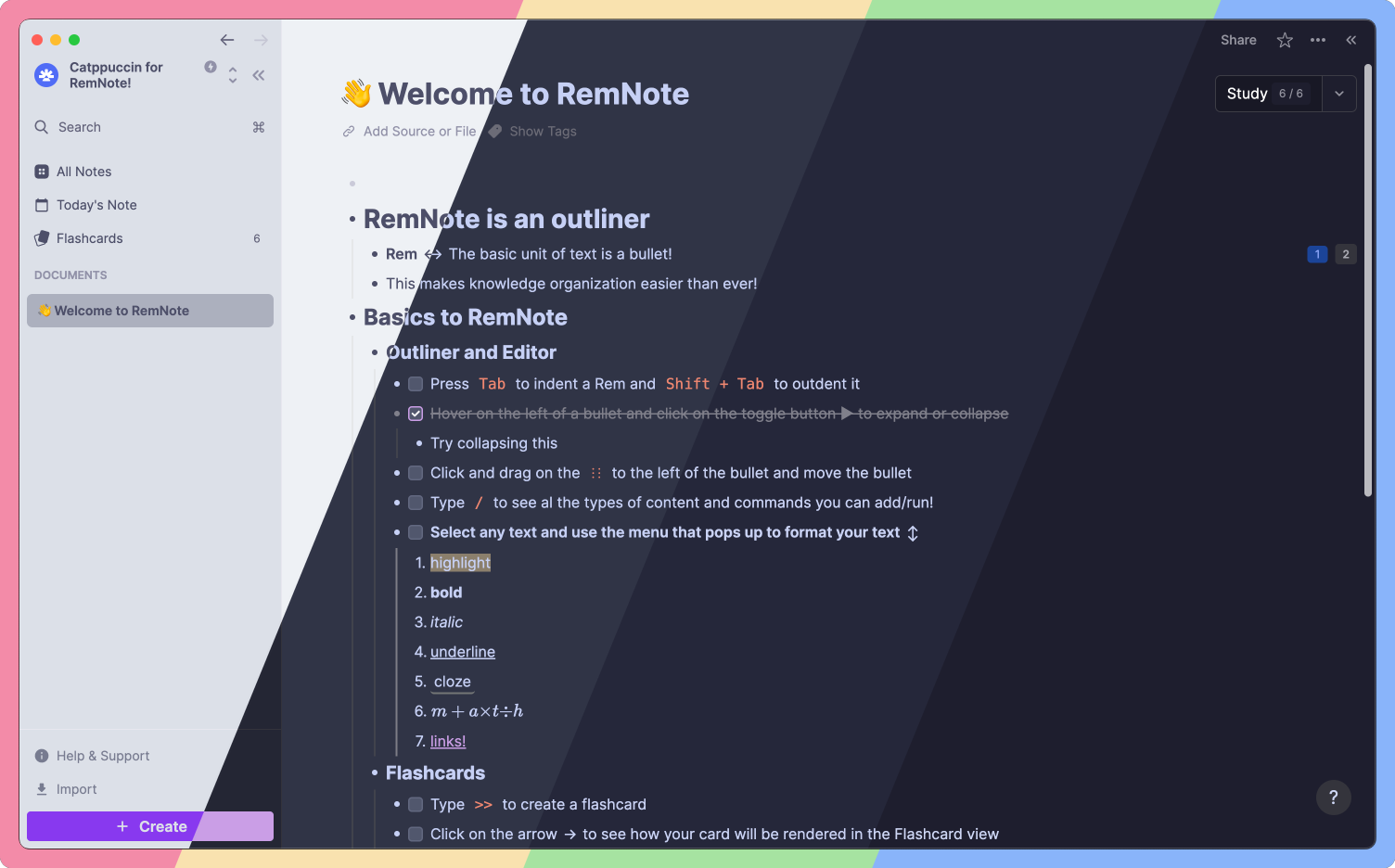
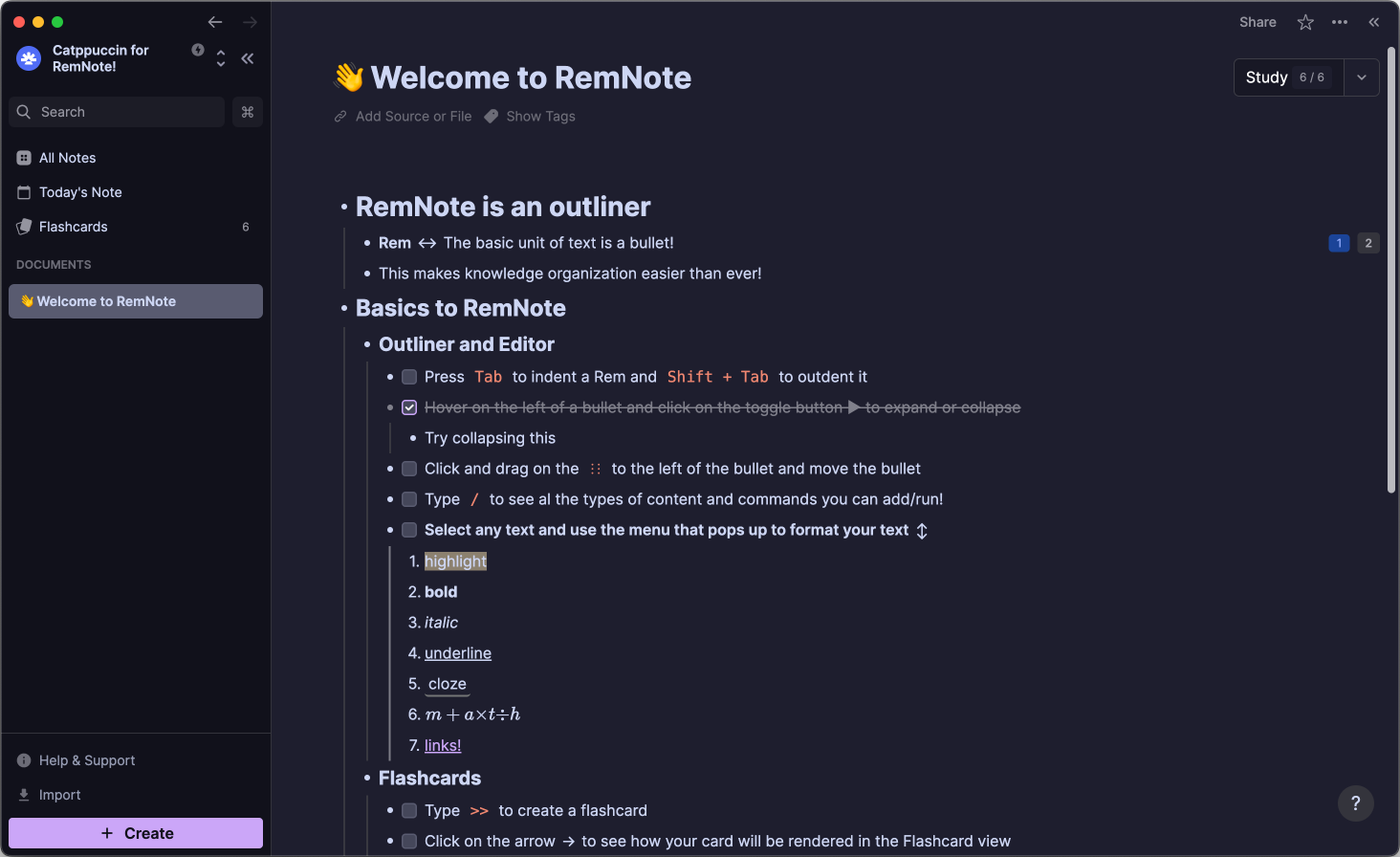
Previews
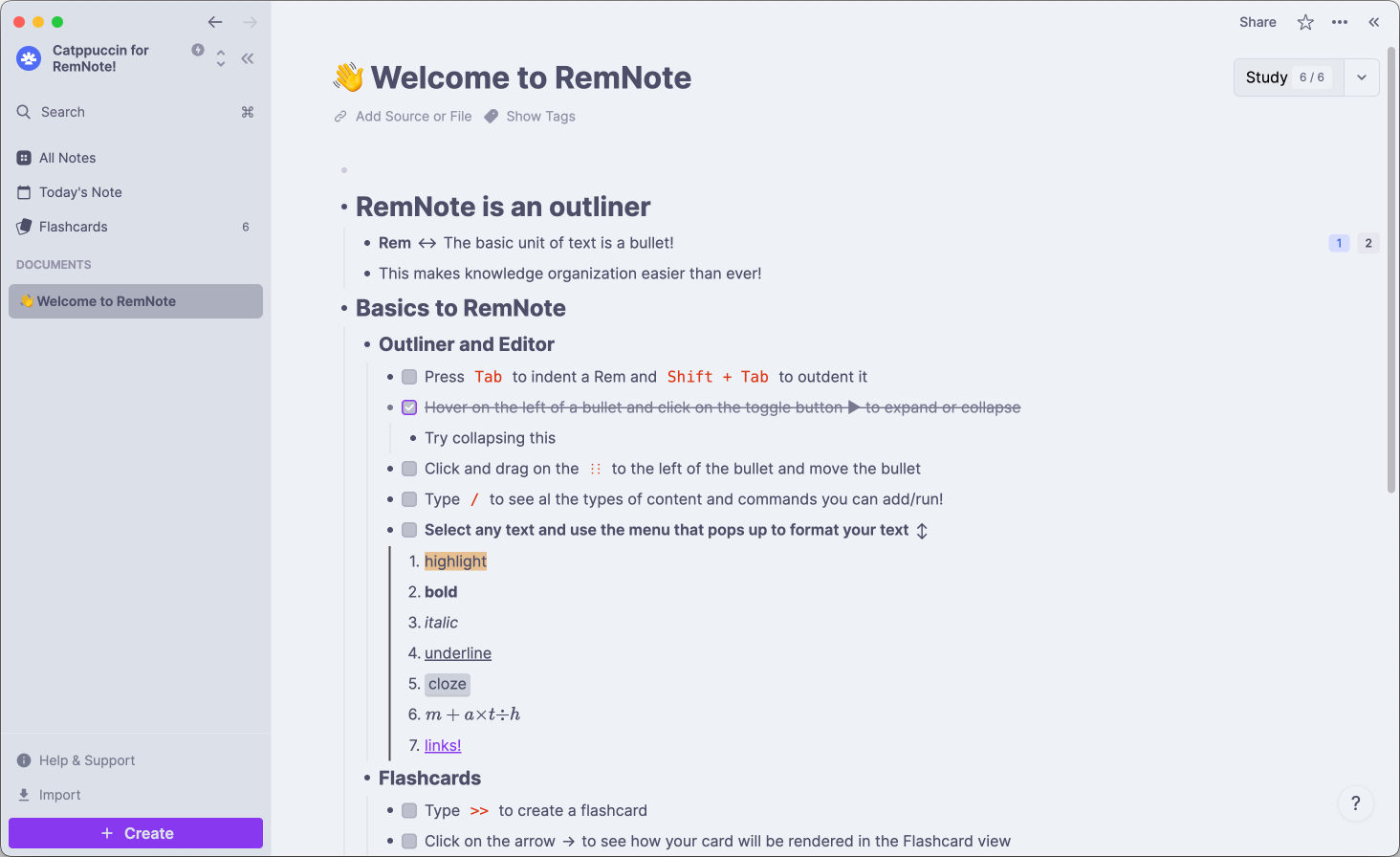
🌻 Latte
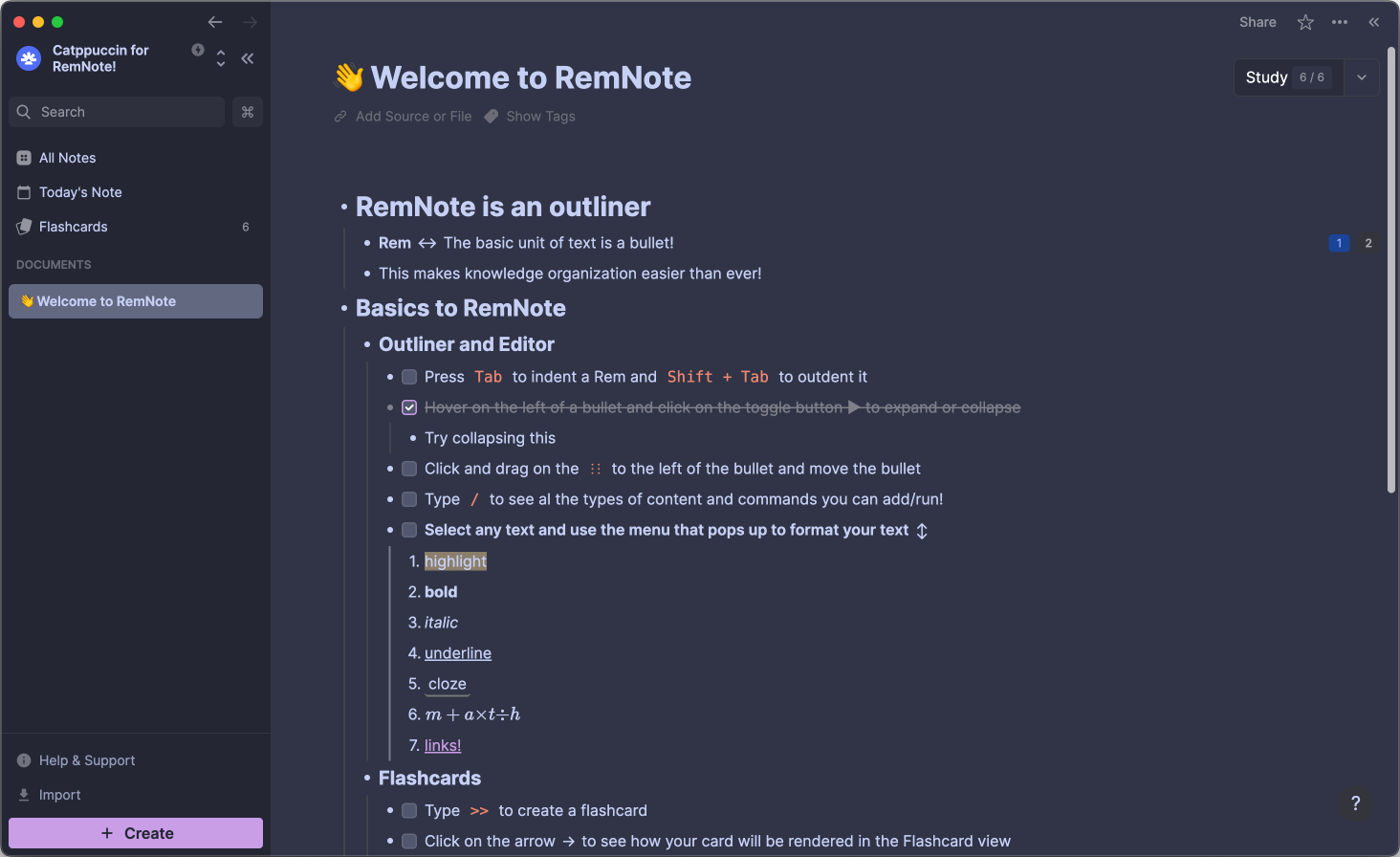
🪴 Frappé
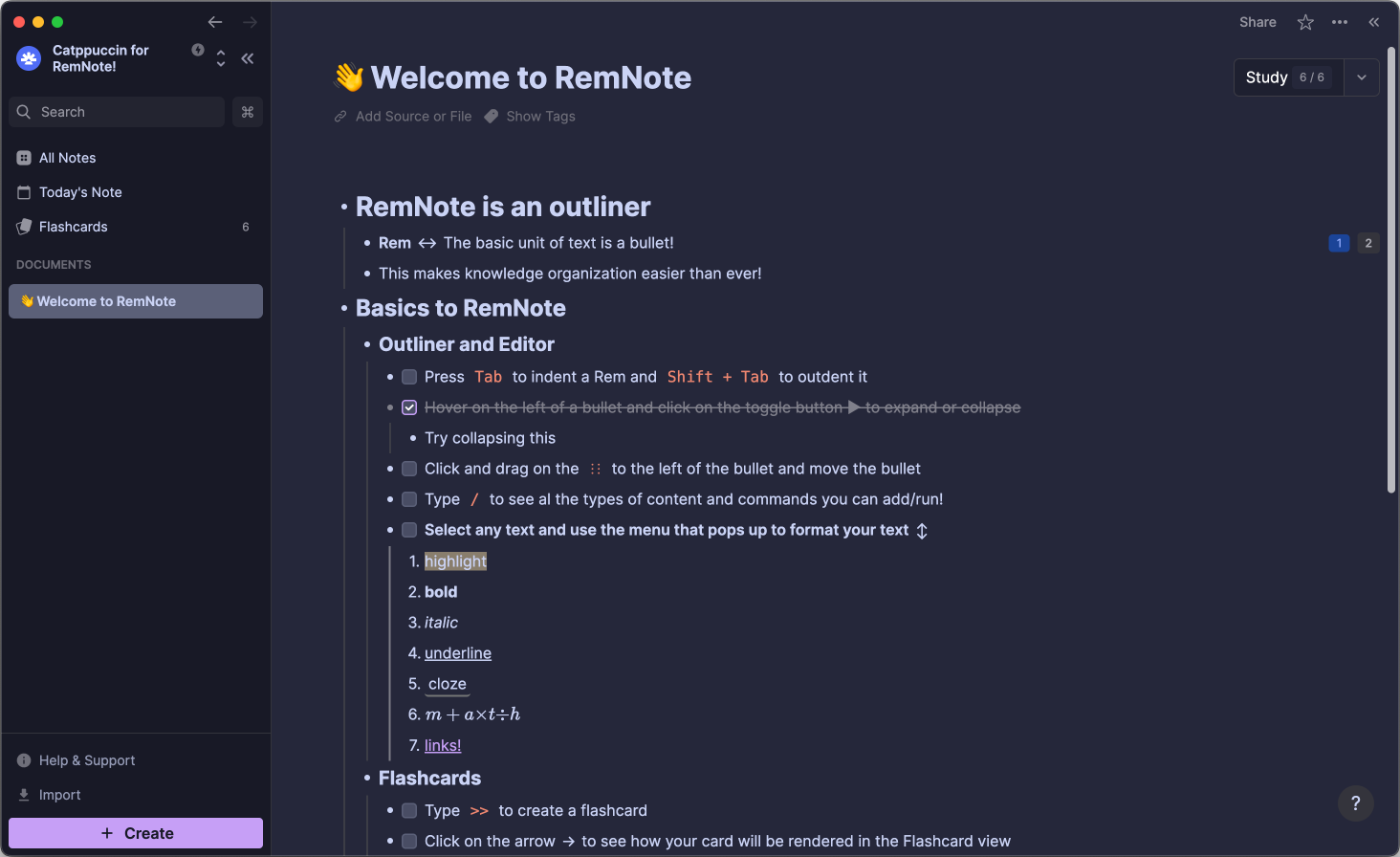
🌺 Macchiato
🌿 Mocha
Usage
📥 Plugin Installation
- Open RemNote (either the Desktop-, Mobile App or Website)
- Navigate to
Plugins and Themesand check theShow Themesbox. - Search for Catppuccin and click the
Installbutton. - Navigate to
Plugin Settingsand scroll toCatppuccin. - Customize to your liking!
💝 Thanks to

Copyright © 2021-present Catppuccin Org
