mirror of
https://github.com/catppuccin/logseq.git
synced 2026-02-23 00:04:53 +08:00


 Catppuccin for Logseq



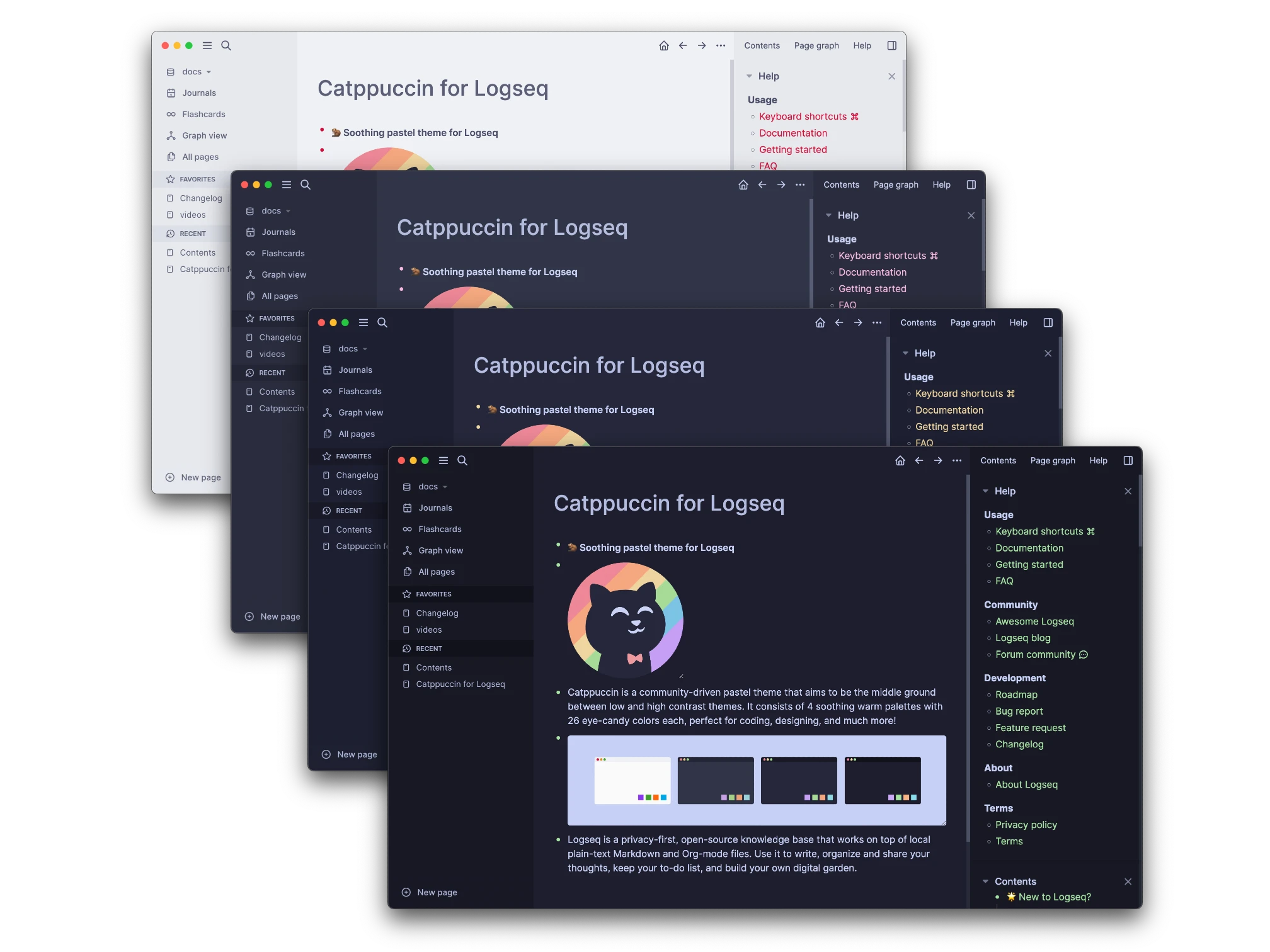
Previews
🌻 Latte
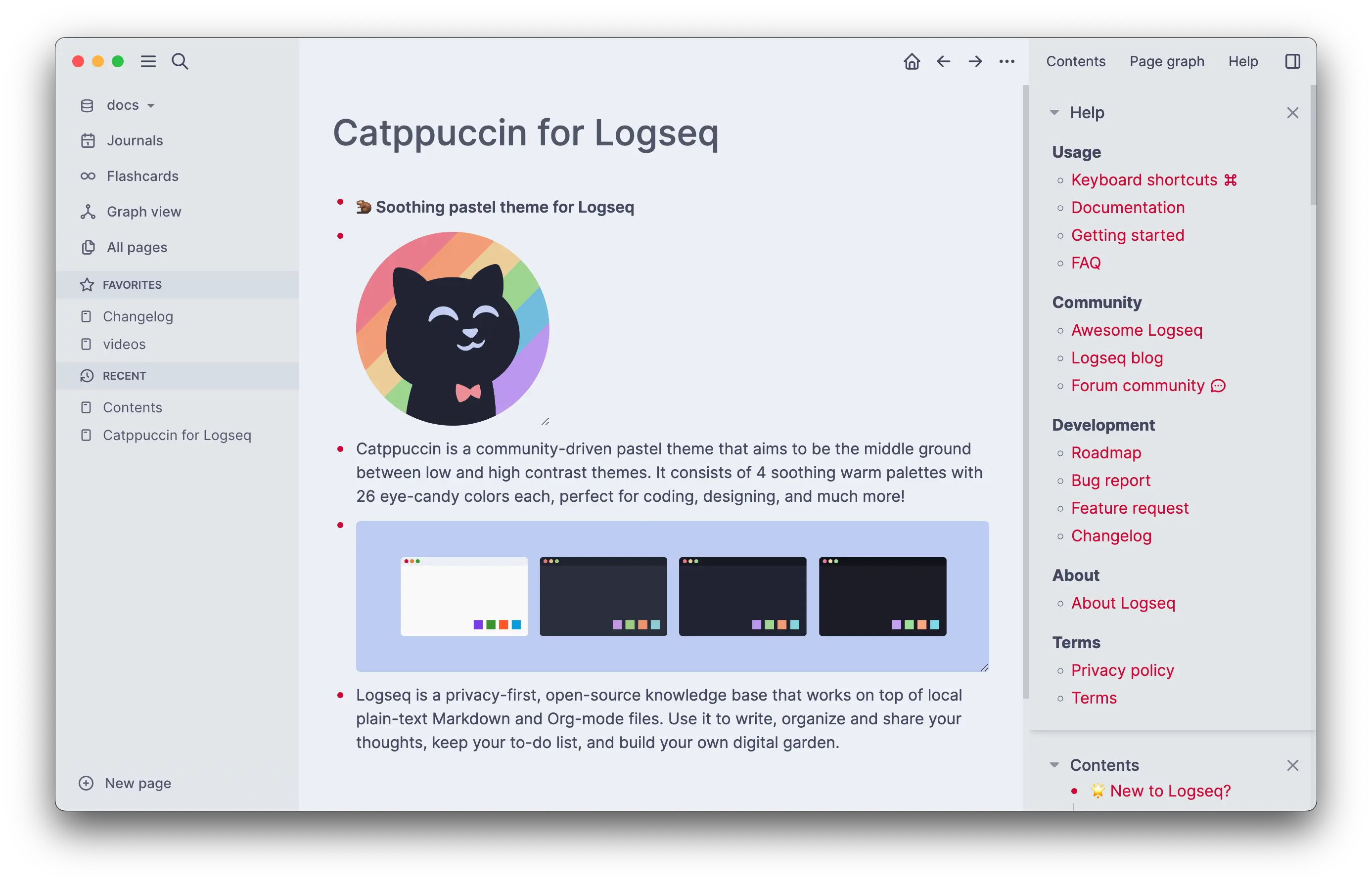
Selected Accent: Red
🪴 Frappé
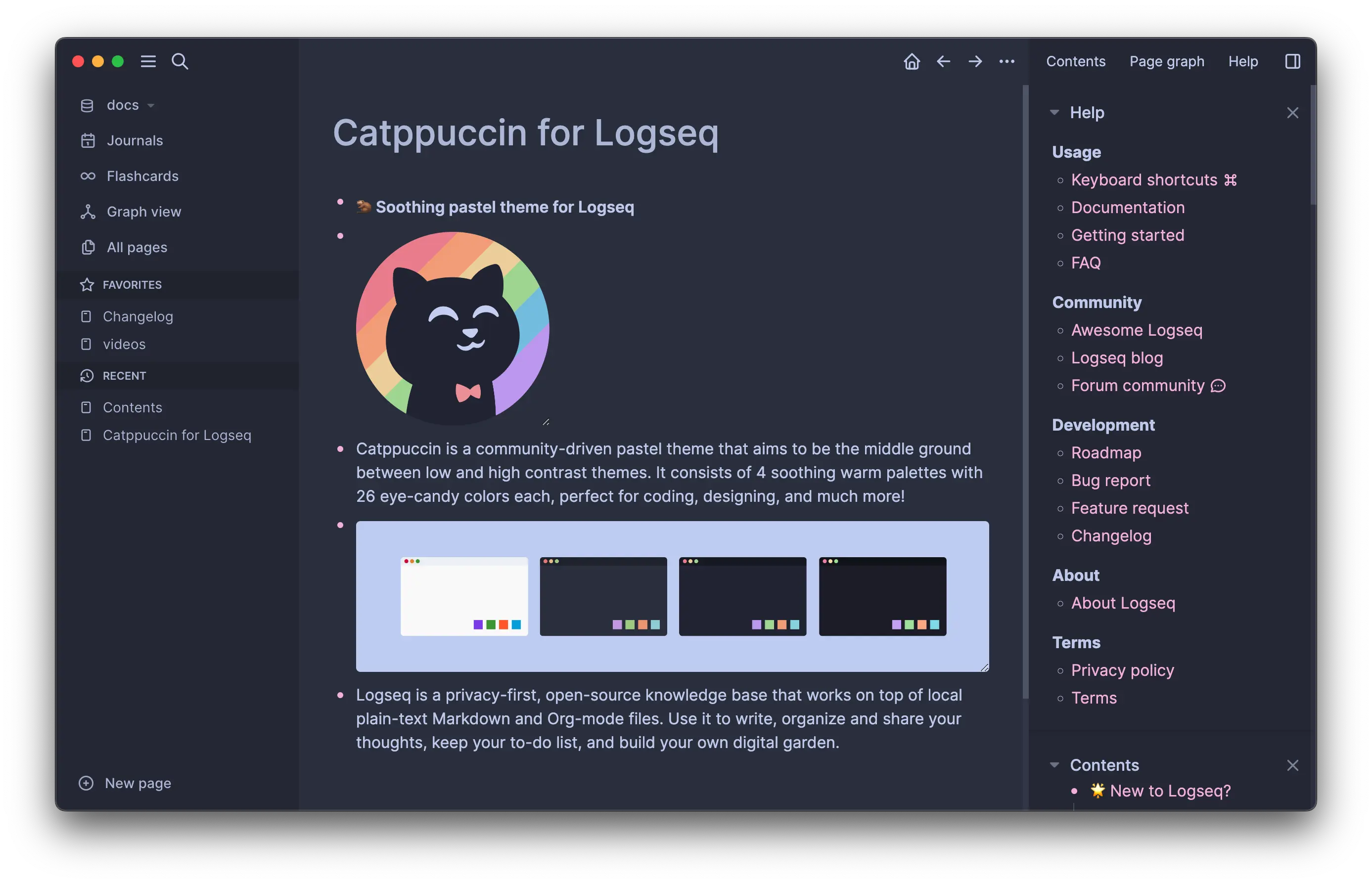
Selected Accent: Pink
🌺 Macchiato

Selected Accent: Yellow
🌿 Mocha

Selected Accent: Green
Usage
Warning
Logseq now officially supports accents for its default theme. Catppuccin Theme DOES NOT support the new accent colors. Select no accent color or Logseq classical color (one of the first two) for maximum theme compatibility.
Logseq Plugin Marketplace (Recommended)
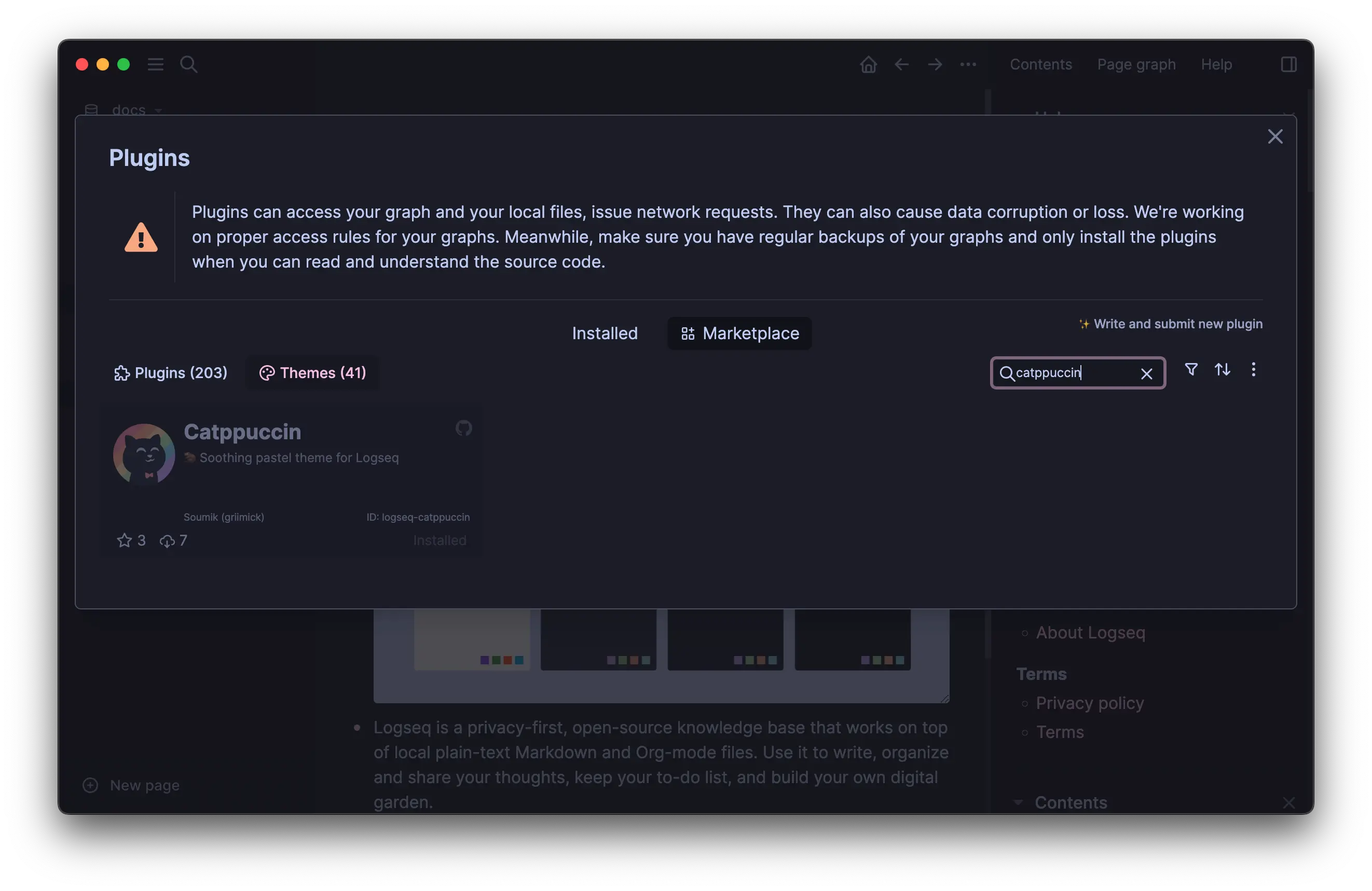
- Search for 'catppuccin' in
Plugins>Marketplace>Themesand install the plugin. - Choose the the appropriate theme variant from
Settings>Themes.
Importing external CSS (Recommended for mobile)
A. Add one of the following lines at the start of your custom.css and restart Logseq
Note
@importstatement works only when defined at the top of CSS files (ref)
@import url('https://logseq.catppuccin.com/ctp-latte.css');
@import url('https://logseq.catppuccin.com/ctp-frappe.css');
@import url('https://logseq.catppuccin.com/ctp-macchiato.css');
@import url('https://logseq.catppuccin.com/ctp-mocha.css');
@import url('https://logseq.catppuccin.com/ctp-oled.css');
OR
B. Add one of the following in your custom config.edn (source) and restart Logseq.
:custom-css-url "@import url('https://logseq.catppuccin.com/ctp-latte.css');"
:custom-css-url "@import url('https://logseq.catppuccin.com/ctp-frappe.css');"
:custom-css-url "@import url('https://logseq.catppuccin.com/ctp-macchiato.css');"
:custom-css-url "@import url('https://logseq.catppuccin.com/ctp-mocha.css');"
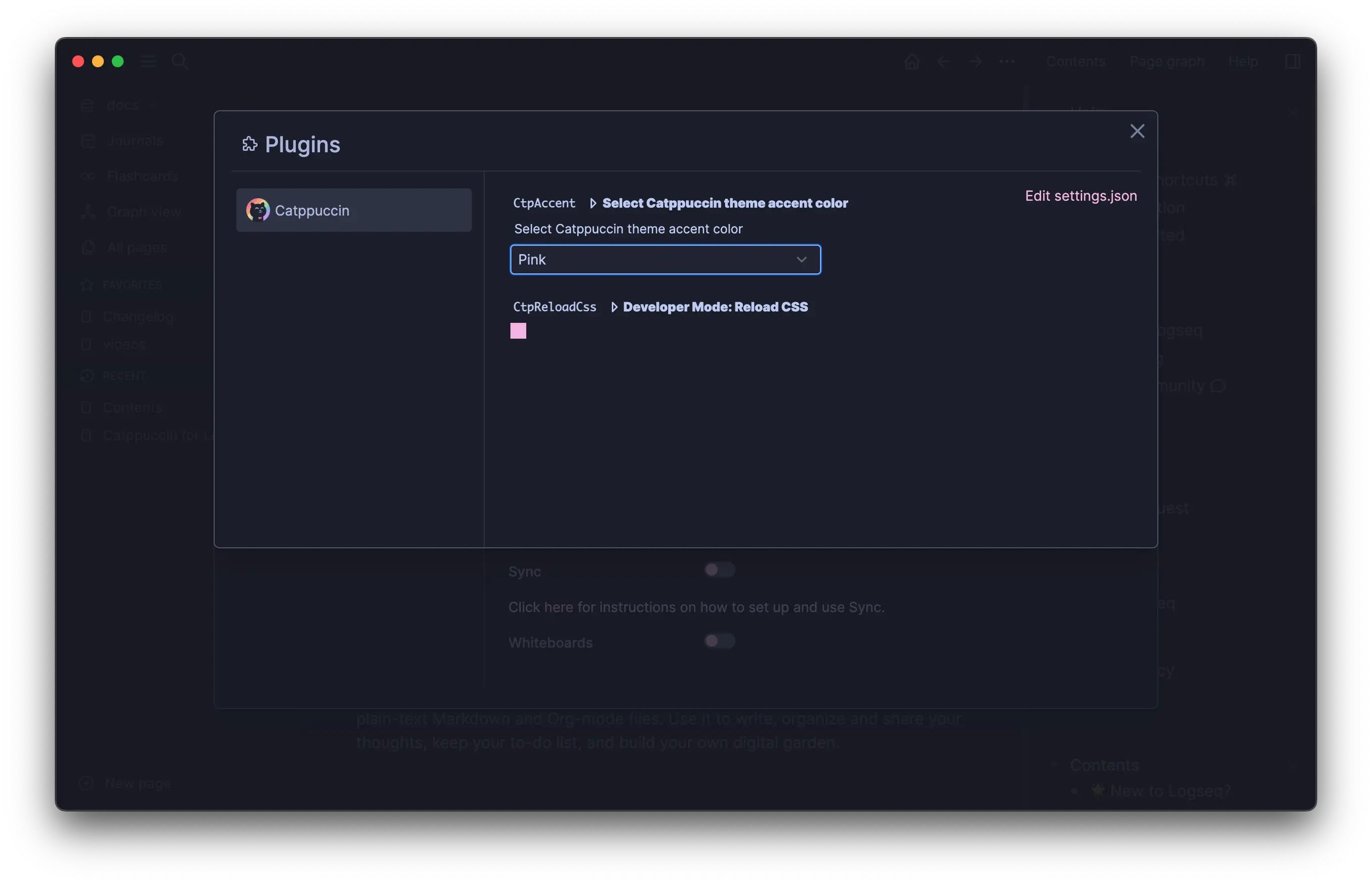
Switching Accent Color
This option is only available when the theme installed through the Plugins Marketplace
- Theme settings can be accessed under
Settings>Plugins>Catppuccin - Select an accent color from the dropdown under
CtpAccentsetting.
Bonus: Oledppuccin
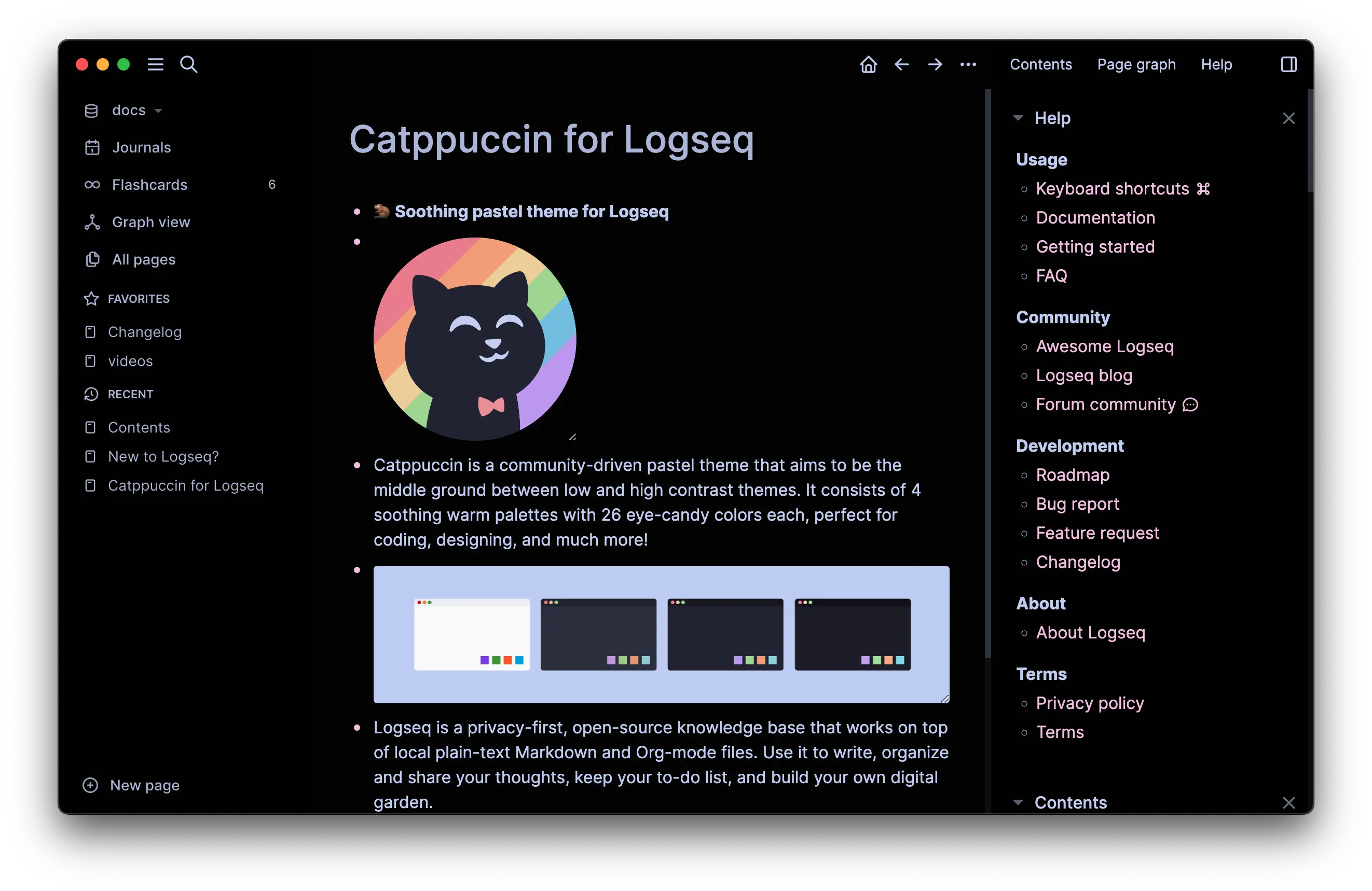
The niche dark side
You can choose this dark theme variant under Settings > Themes.
💝 Thanks to
Current Maintainer(s)
Inspiration and Contribution

Copyright © 2023-present Catppuccin Org
