 7493044fb1
Corrected a typo in the explanation of HyDE-specific Hyprland settings.

# Pull Request

## Description

Please read these instructions and remove unnecessary text.

- Try to include a summary of the changes and which issue is fixed.
- Also include relevant motivation and context (if applicable).
- Make sure to make PR against dev and not the master
- List any dependencies that are required for this change. (e.g.,
packages or other PRs)
- Provide a link if there is an issue related to this pull request.
e.g., Fixes # (issue)
- Please add Reviewers, Assignees, Labels, Projects, and Milestones to
the PR. (if applicable)

## Type of change

Please put an `x` in the boxes that apply:

- [ ] **Bug fix** (non-breaking change which fixes an issue)
- [ ] **New feature** (non-breaking change which adds functionality)
- [ ] **Breaking change** (fix or feature that would cause existing
functionality to not work as expected)
- [ ] **Documentation update** (non-breaking change; modified files are
limited to the documentations)
- [ ] **Technical debt** (a code change that does not fix a bug or add a
feature but makes something clearer for devs)
- [ ] **Other** (provide details below)

## Checklist

Please put an `x` in the boxes that apply:

- [ ] I have read the
[CONTRIBUTING](https://github.com/HyDE-Project/HyDE/blob/master/CONTRIBUTING.md)
document.
- [ ] My code follows the code style of this project.
- [ ] My commit message follows the [commit
guidelines](https://github.com/HyDE-Project/HyDE/blob/master/COMMIT_MESSAGE_GUIDELINES.md).
- [ ] My change requires a change to the documentation.
- [ ] I have updated the documentation accordingly.
- [ ] I have added a changelog entry.
- [ ] I have added necessary comments/documentation to my code.
- [ ] I have added tests to cover my changes.
- [ ] I have tested my code locally and it works as expected.
- [ ] All new and existing tests passed.

## Screenshots

(if appropriate)

## Additional context

Add any other context about the problem here.


<!-- This is an auto-generated comment: release notes by coderabbit.ai
-->

## Summary by CodeRabbit

* **Documentation**
* Corrected grammar in migration documentation to improve readability
and clarity.

<sub>✏️ Tip: You can customize this high-level summary in your review
settings.</sub>

<!-- end of auto-generated comment: release notes by coderabbit.ai -->







Check this out for the full note: Journey to HyDE and beyond
https://github.com/prasanthrangan/hyprdots/assets/106020512/7f8fadc8-e293-4482-a851-e9c6464f5265
The installation script is designed for a minimal Arch Linux install, but may work on some Arch-based distros. While installing HyDE alongside another DE/WM should work, due to it being a heavily customized setup, it will conflict with your GTK/Qt theming, Shell, SDDM, GRUB, etc. and is at your own risk.
For NixOS support there is a separate project being maintained @ Hydenix
Important
The install script will auto-detect an NVIDIA card and install nvidia-open-dkms drivers for your kernel. For legacy cards check this first Please ensure that your NVIDIA card supports dkms drivers in the list provided here.
Caution
The script modifies your
gruborsystemd-bootconfig to enable NVIDIA DRM.
To install, execute the following commands:
sudo pacman -S --needed git base-devel
git clone --depth 1 https://github.com/HyDE-Project/HyDE ~/HyDE
cd ~/HyDE/Scripts
./install.sh
Tip
You can also add any other apps you wish to install alongside HyDE to
Scripts/pkg_user.lstand pass the file as a parameter to install it like so:./install.sh pkg_user.lst
Important
Refer your list from
Scripts/pkg_extra.lstor you cancp Scripts/pkg_extra.lst Scripts/pkg_user.lstif you wish to install all extra packages.
Please reboot after the install script completes and takes you to the SDDM login screen (or black screen) for the first time. For more details, please refer to the installation wiki.
We welcome contributions from the community! To get started:
- Check our CONTRIBUTING.md for guidelines
- Read about team roles in TEAM_ROLES.md
- Review our release process in RELEASE_POLICY.md
- Add yourself to CONTRIBUTORS.md when making your first PR
Whether you're helping with code, testing, or documentation, we appreciate your support in making HyDE better for everyone. Thank you!
To update HyDE, you will need to pull the latest changes from GitHub and restore the configs by running the following commands:
Warning
The following commands will discard any uncommitted local changes in the repository.
cd ~/HyDE/Scripts
git fetch --update-shallow --depth 1 origin master
git reset --hard origin/master
./install.sh -r
Important
Please note that any configurations you made will be overwritten if listed to be done so as listed by
Scripts/restore_cfg.psv. However, all replaced configs are backed up and may be recovered from in~/.config/cfg_backups.
HyDEVM is a script that allows you to run HyDE in a virtual machine for testing and development.
Quick Start
Arch Linux
# Download and run (will auto-detect missing packages)
curl -L https://raw.githubusercontent.com/HyDE-Project/HyDE/main/Scripts/hydevm/hydevm.sh -o hydevm
chmod +x hydevm
./hydevm
NixOS (or Nix)
# Using flakes from HyDE repository
nix run github:HyDE-Project/HyDE

# Or if you have the repository cloned locally
nix run .
For more details, please refer to the HyDEVM README.
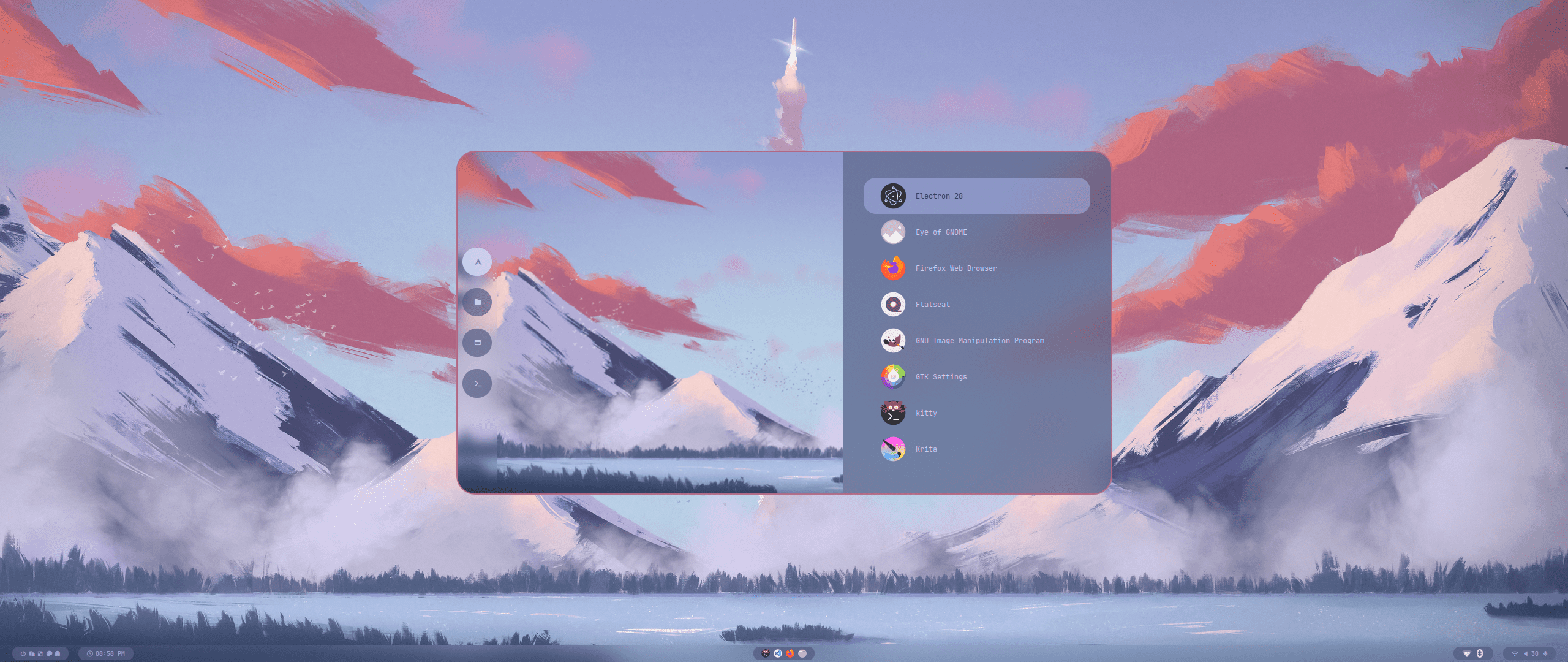
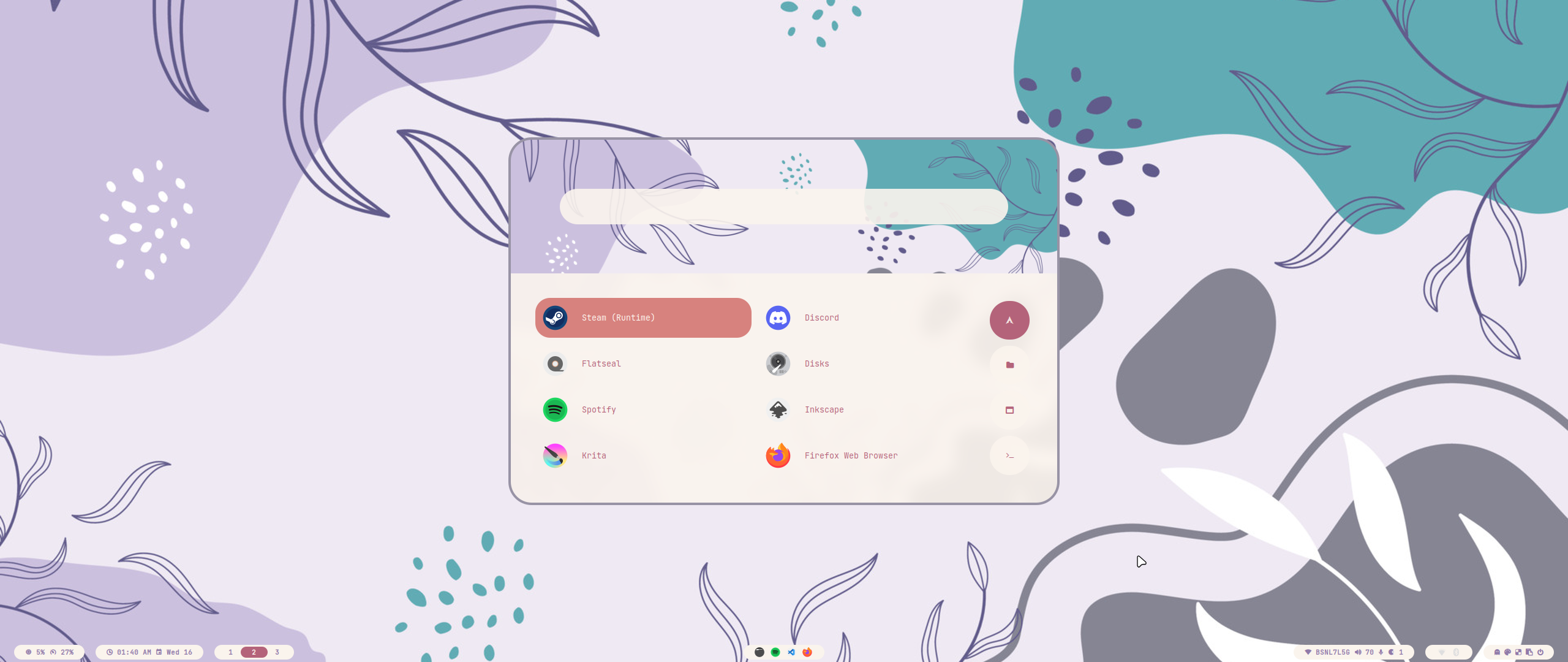
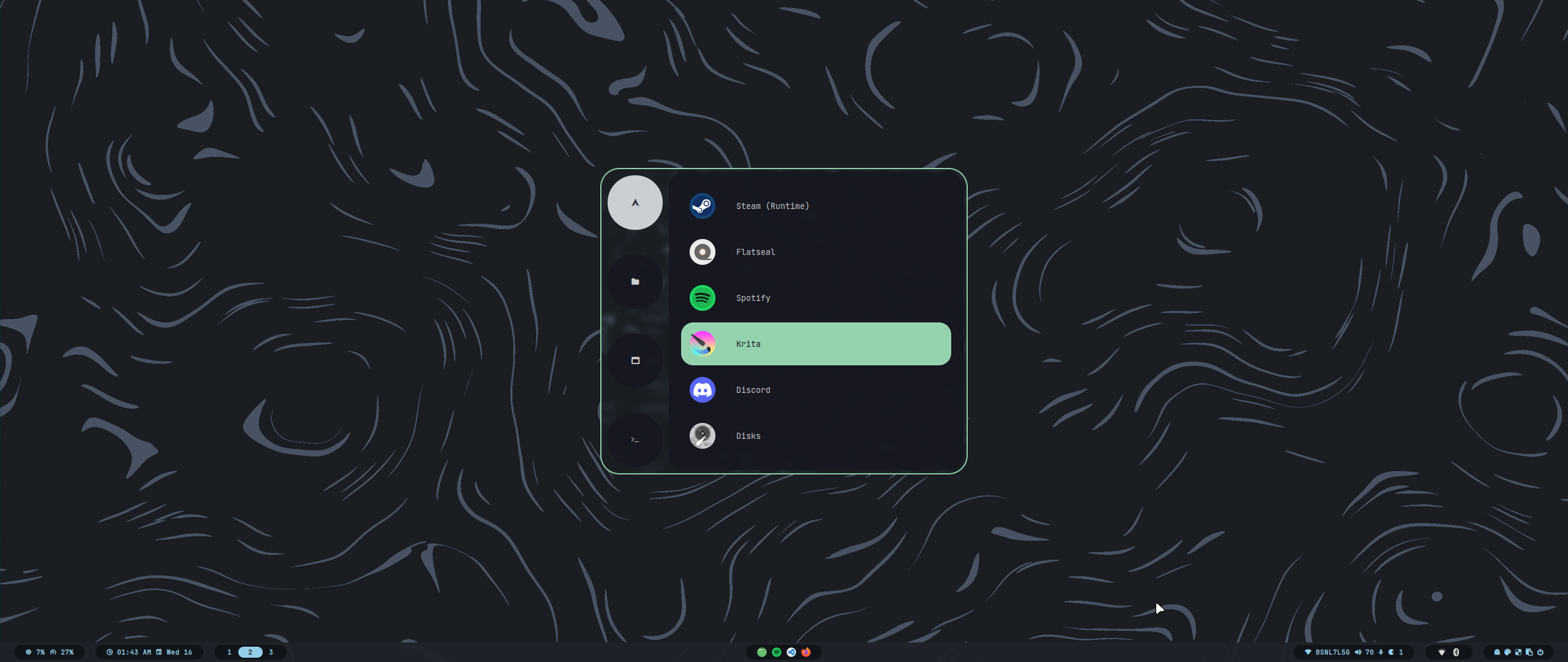
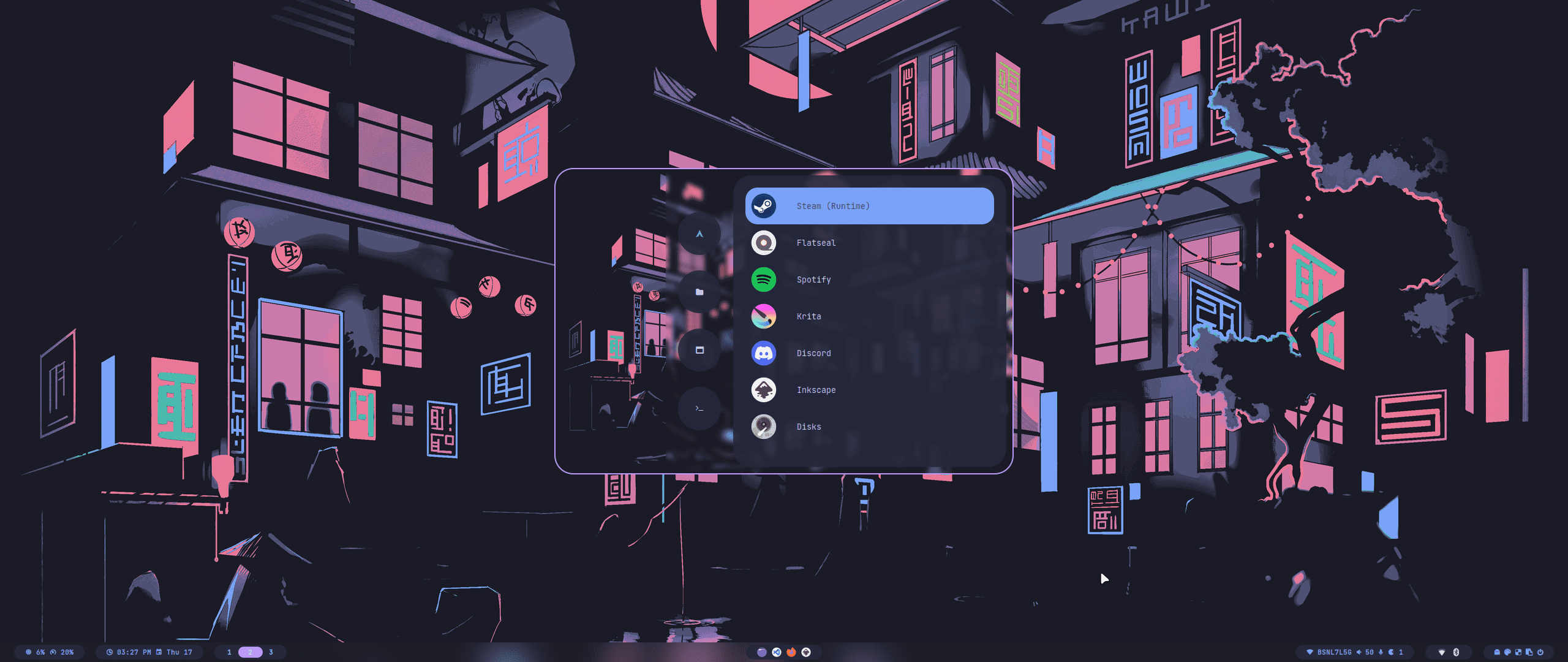
All our official themes are stored in a separate repository, allowing users to install them using themepatcher. For more information, visit HyDE-Project/hyde-themes.
|
|
Tip
Everyone, including you can create, maintain, and share additional themes, all of which can be installed using themepatcher! To create your own custom theme, please refer to the theming wiki. If you wish to have your hyde theme showcased, or you want to find some non-official themes, visit kRHYME7/hyde-gallery!
 |
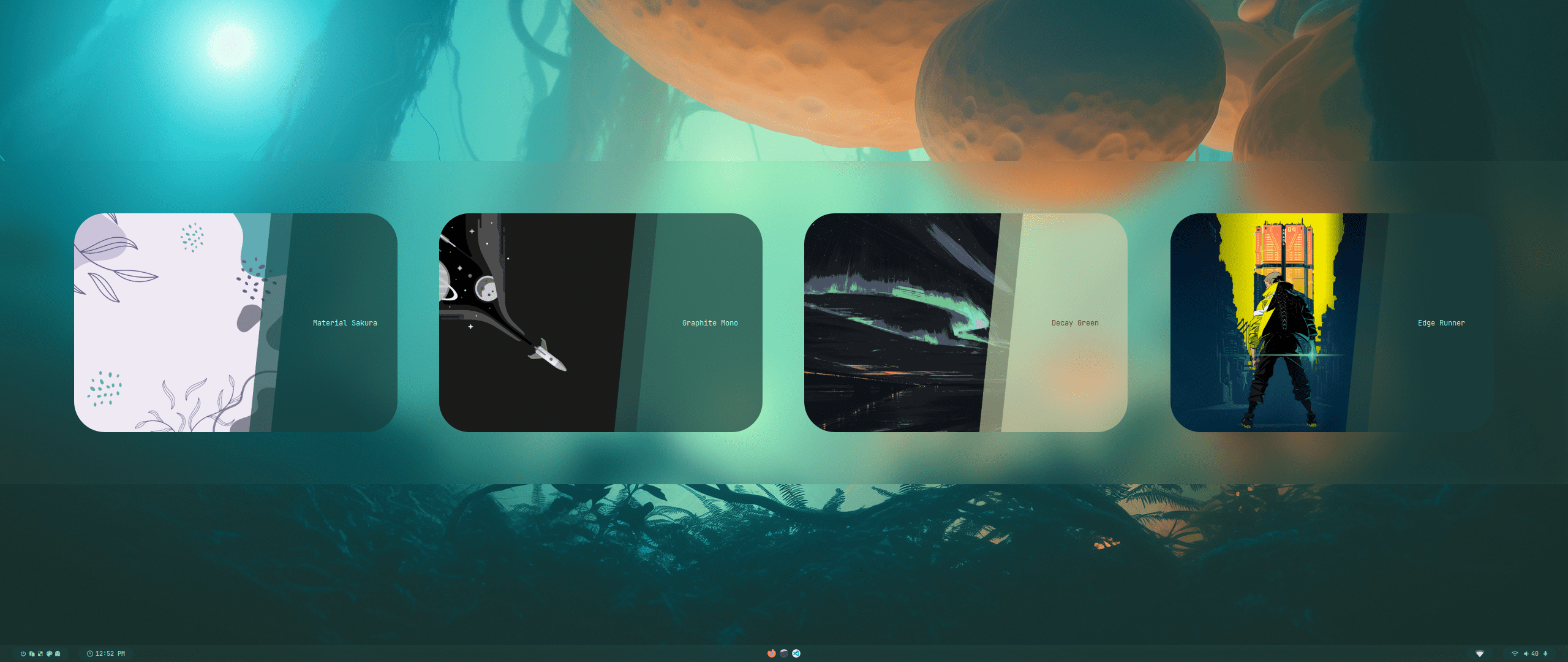 |
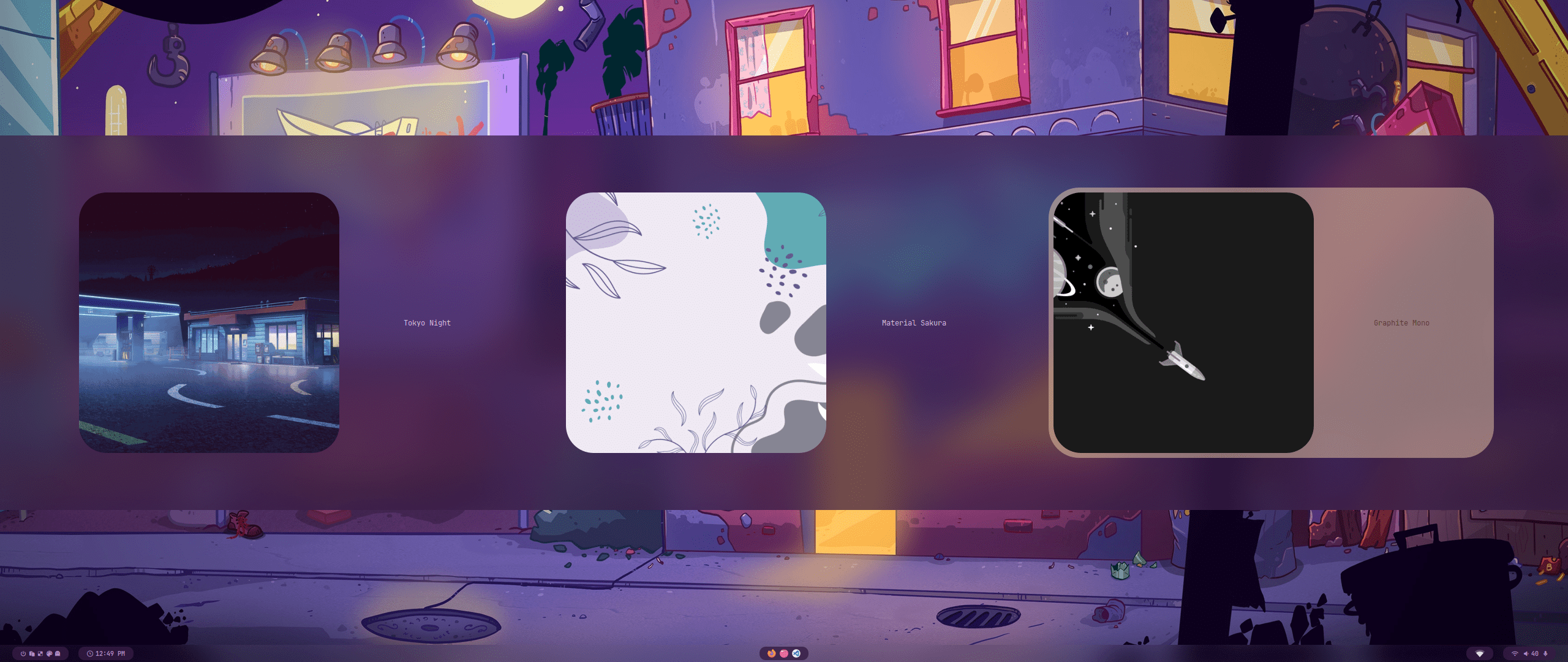
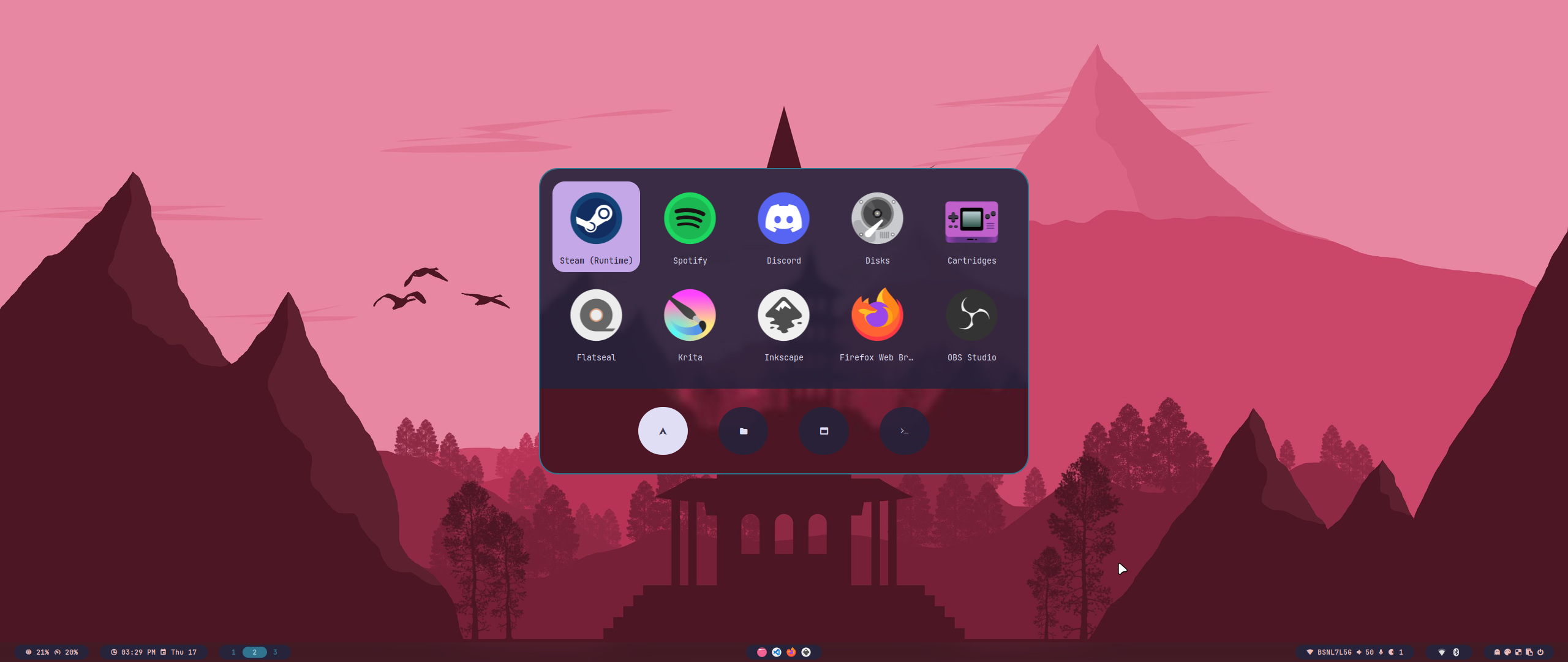
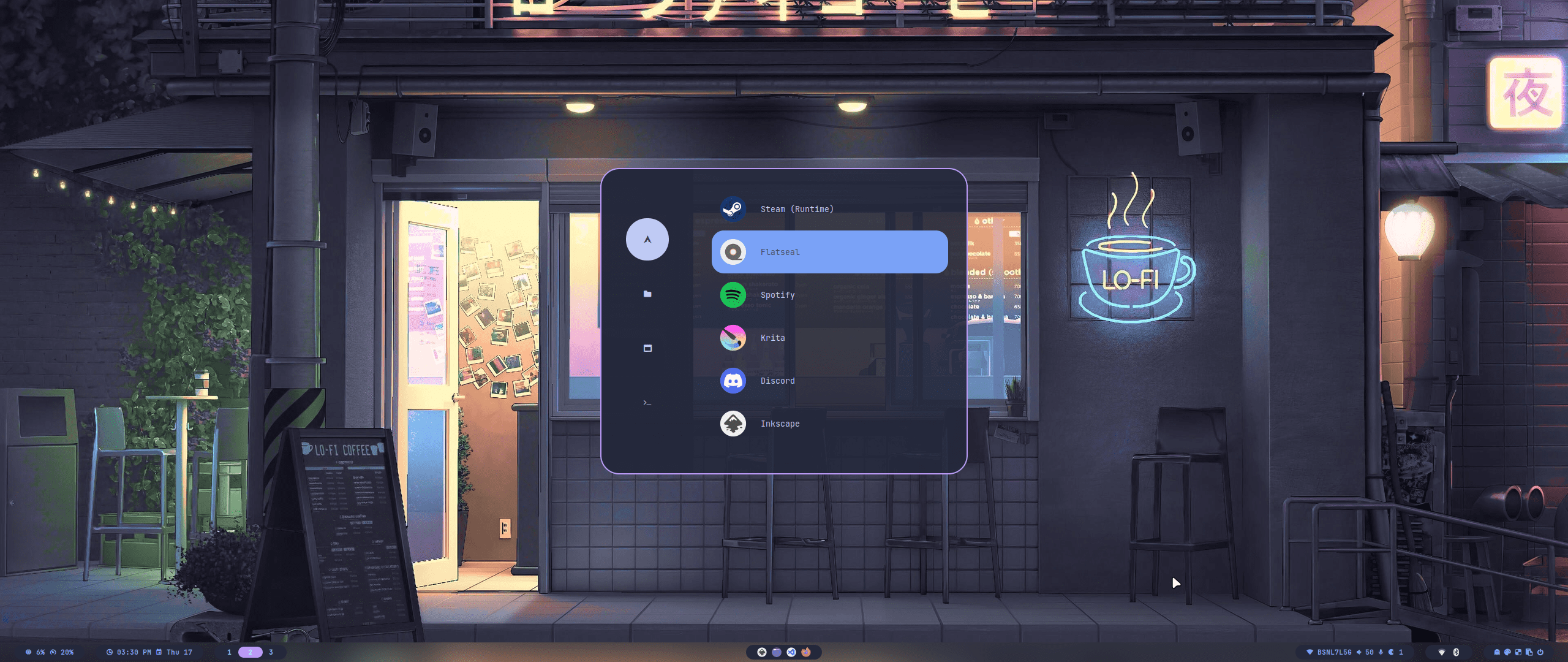
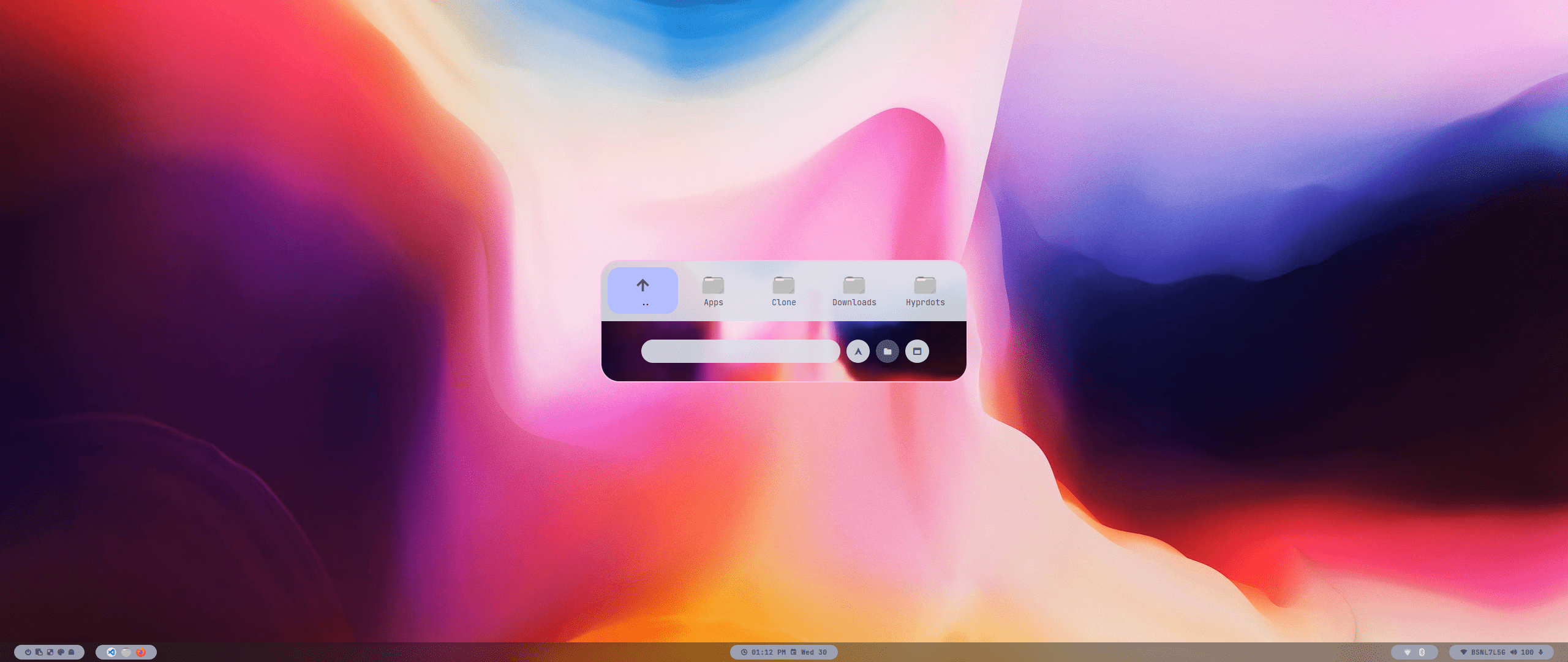
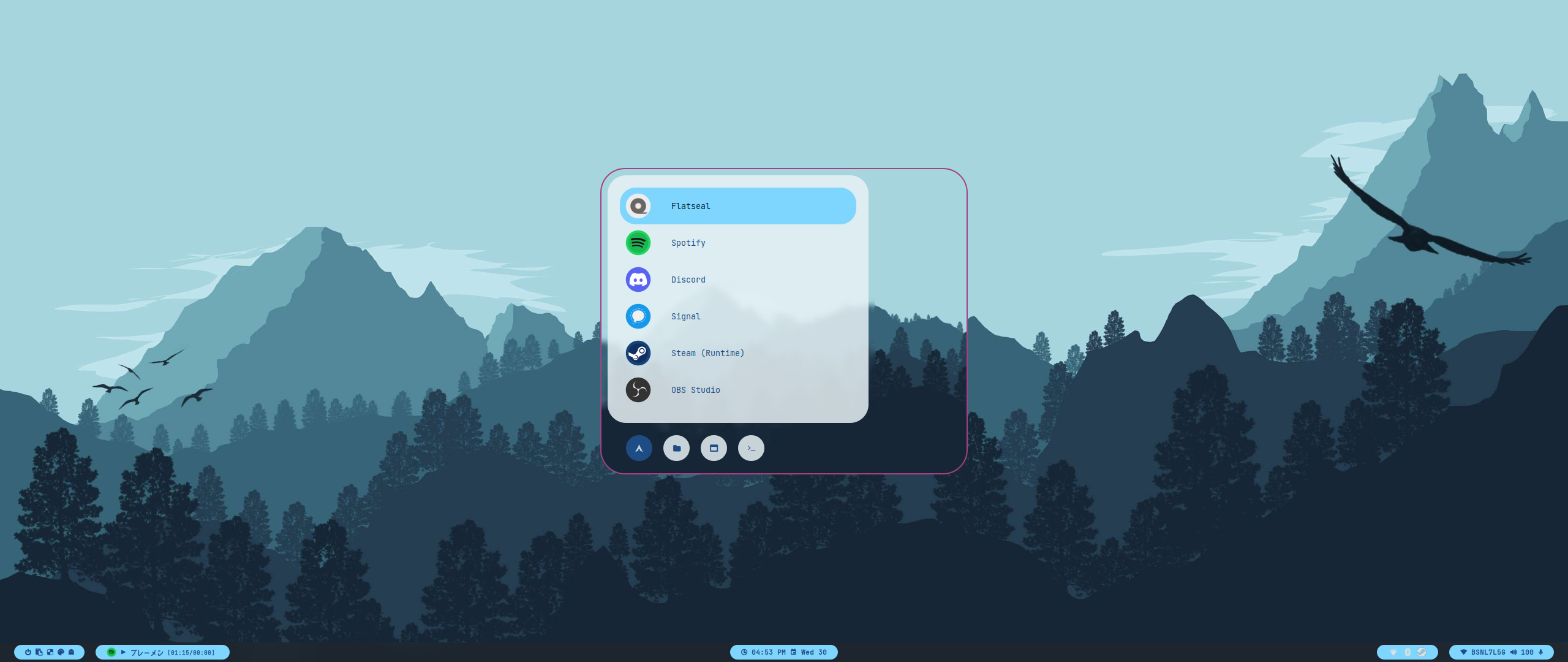
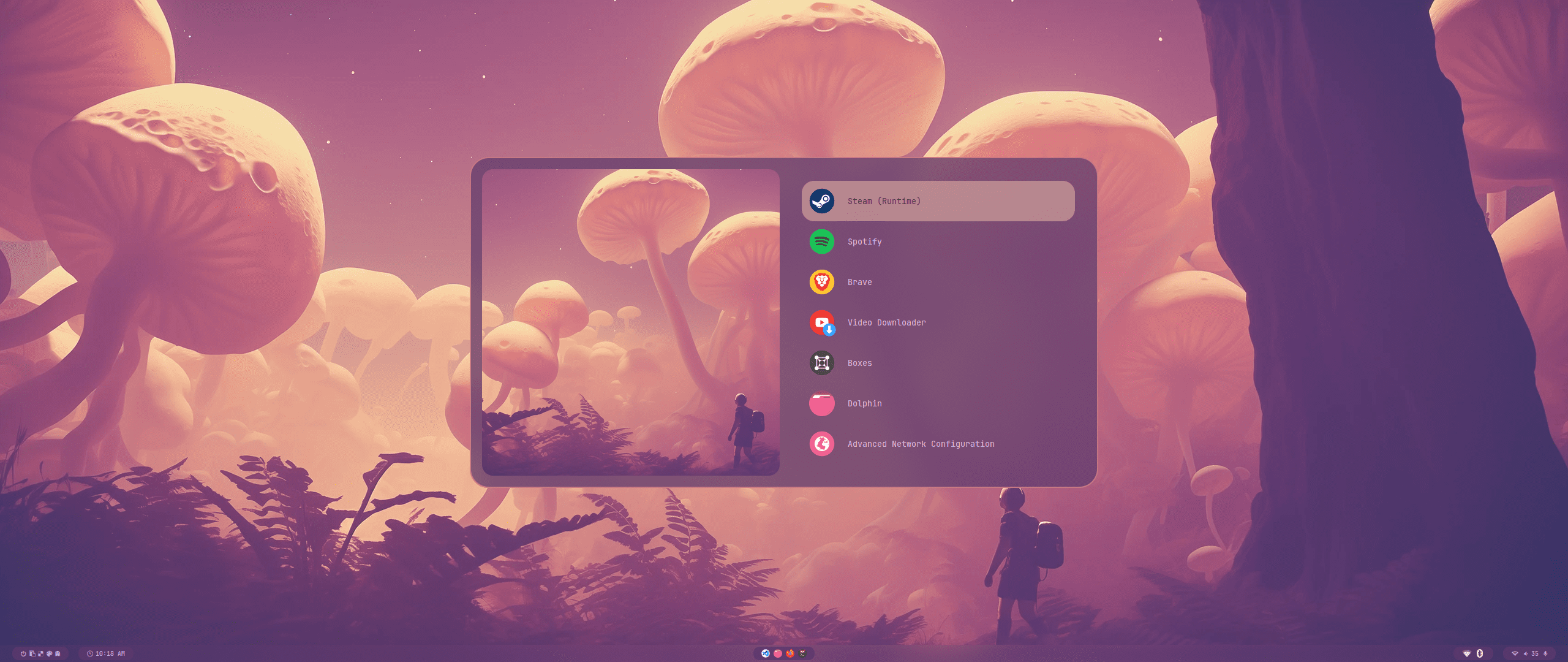
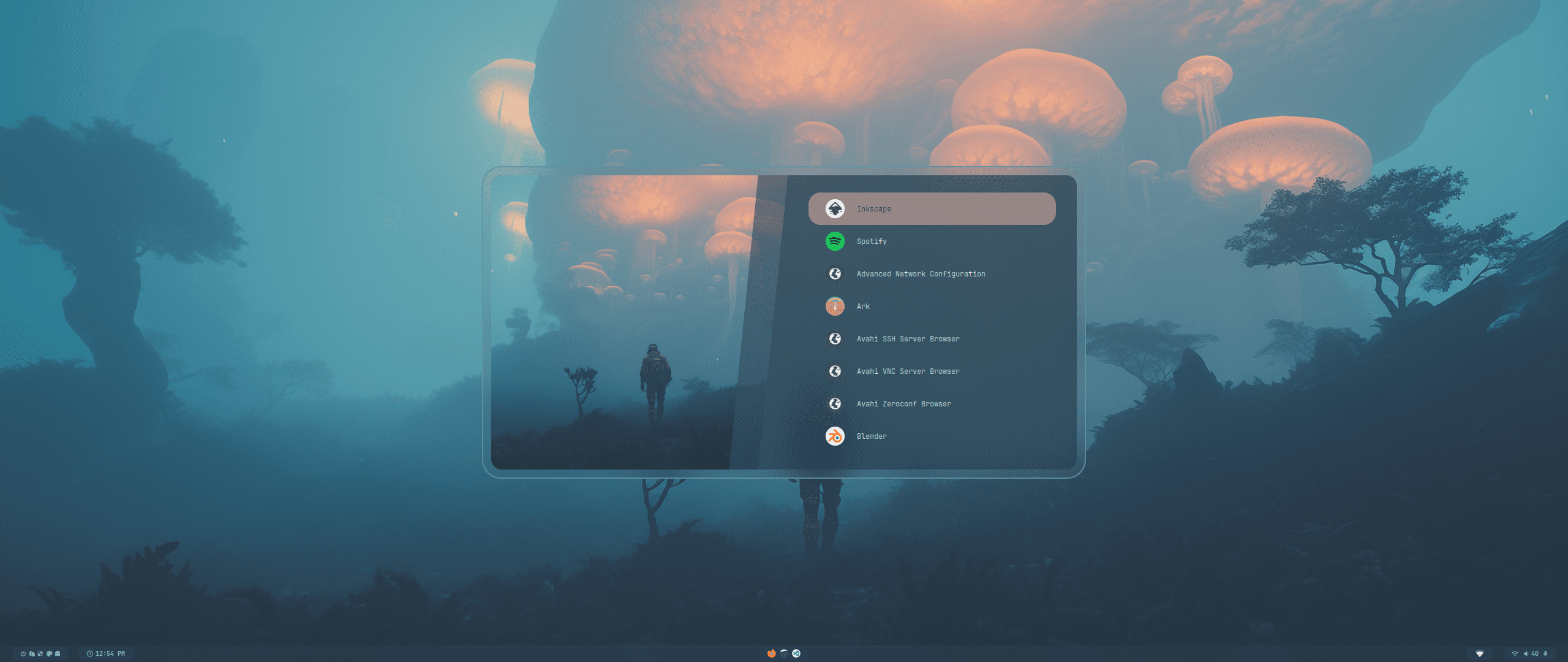
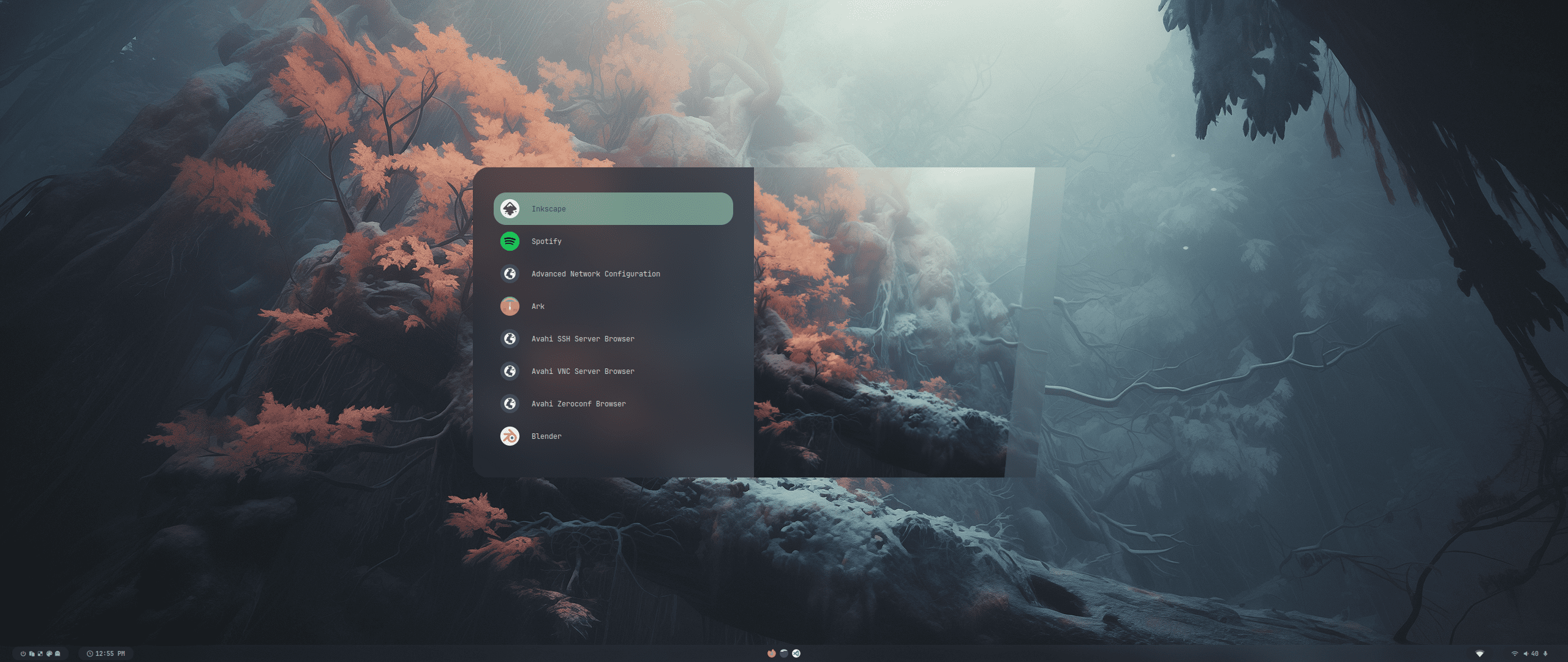
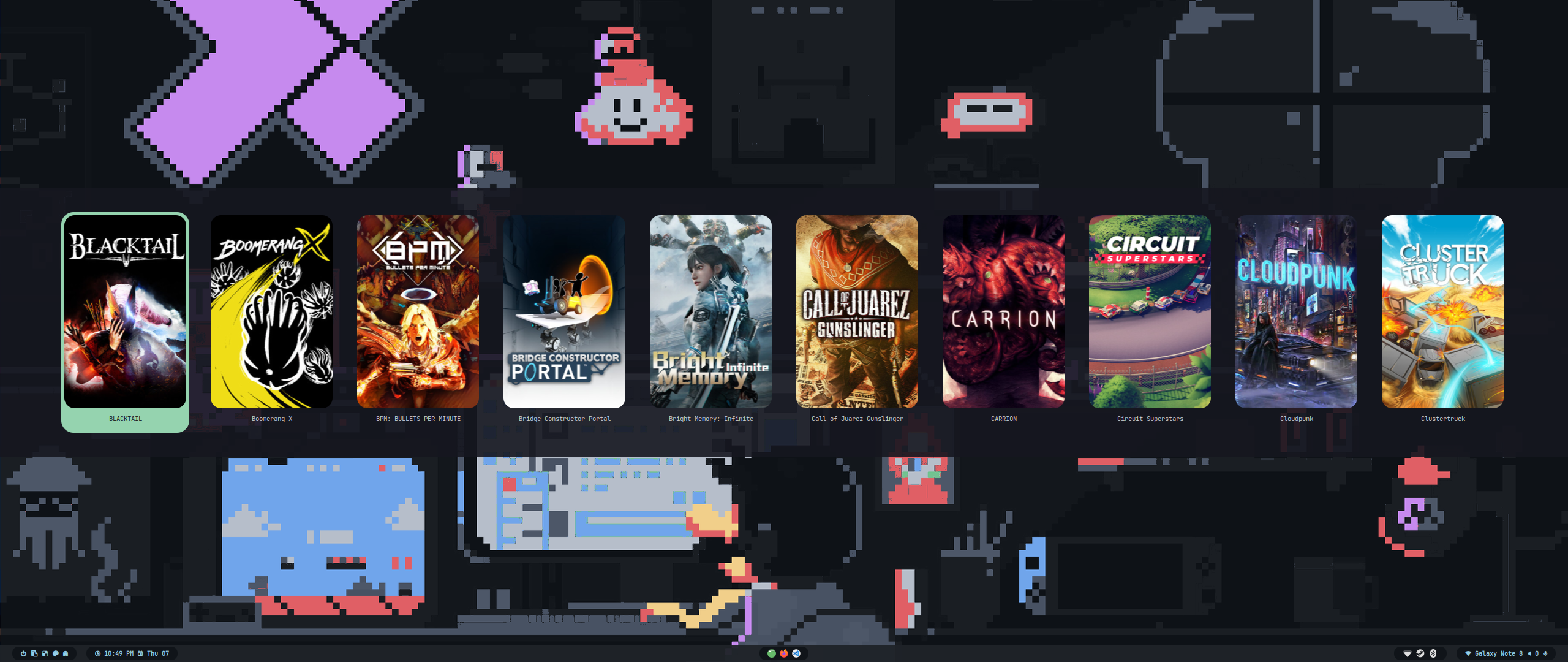
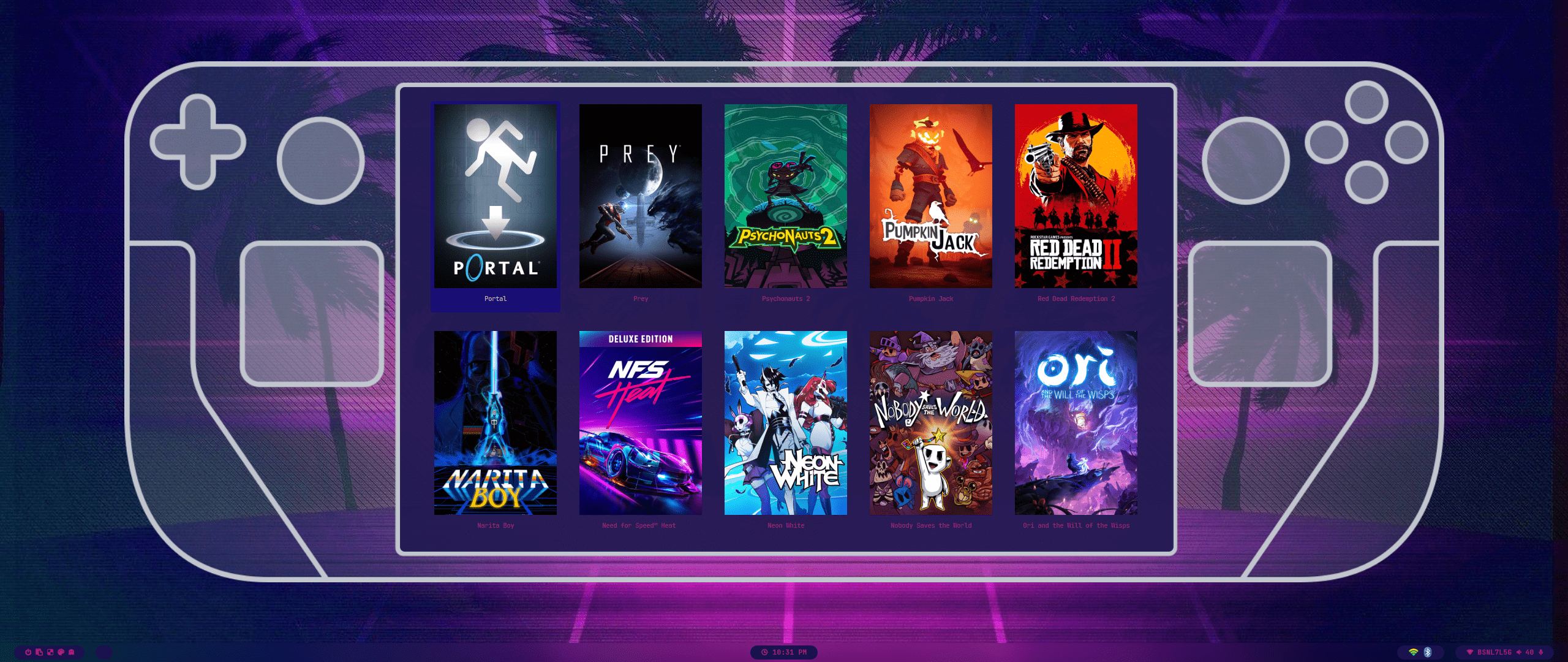
| Wallpaper Select | Launcher Select |
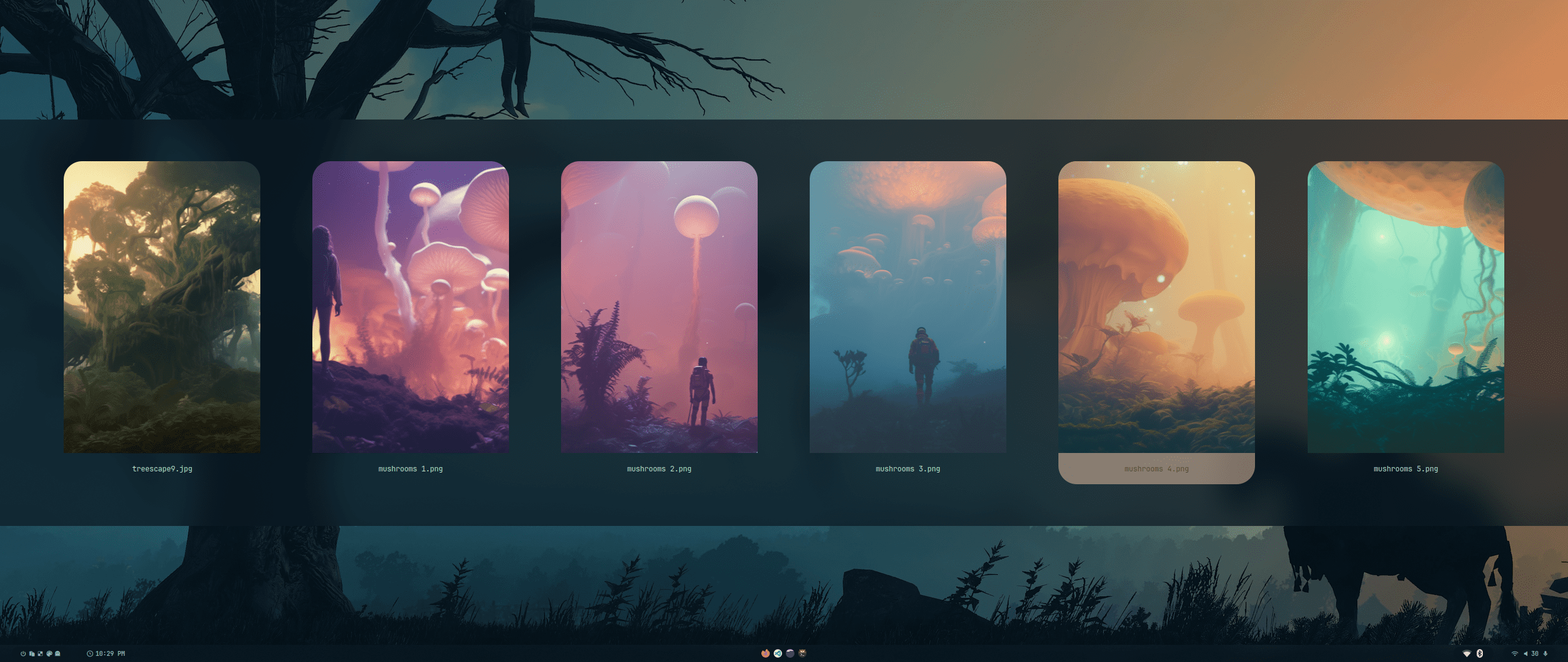 |
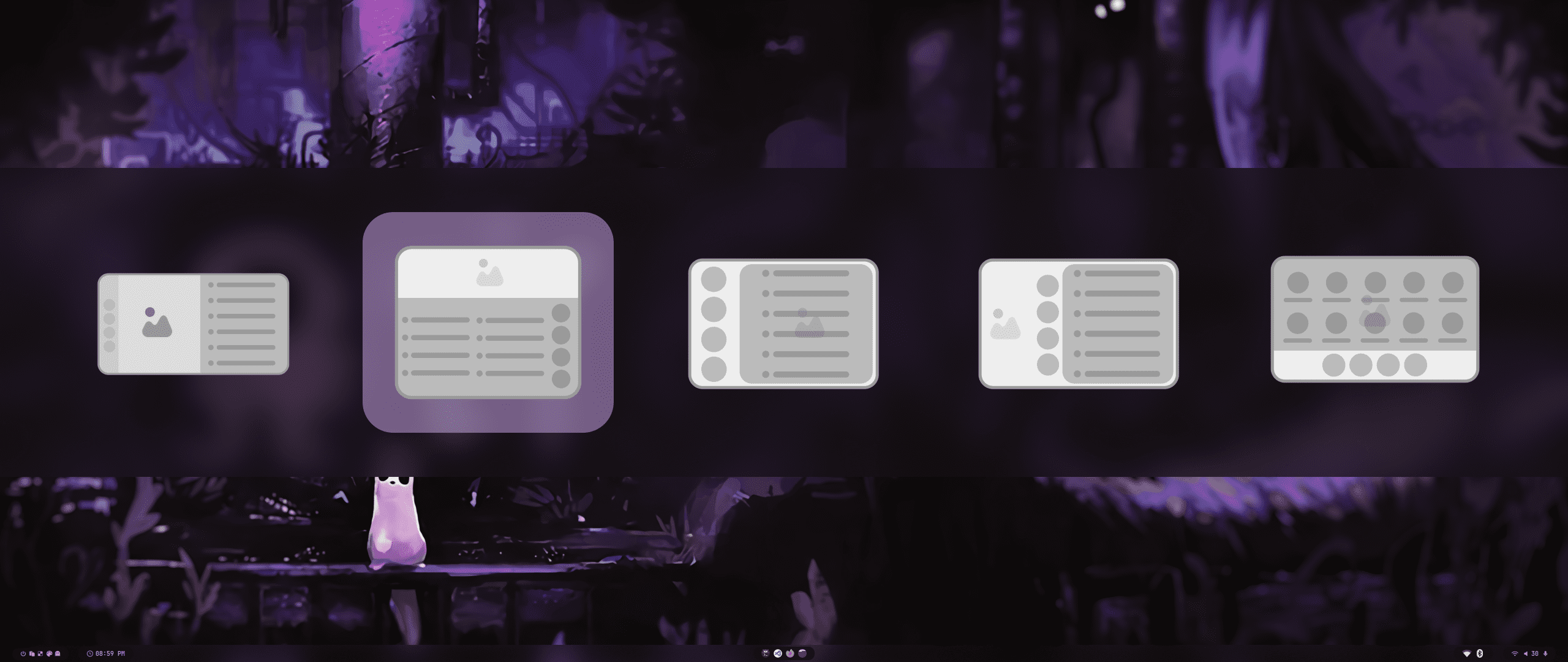 |
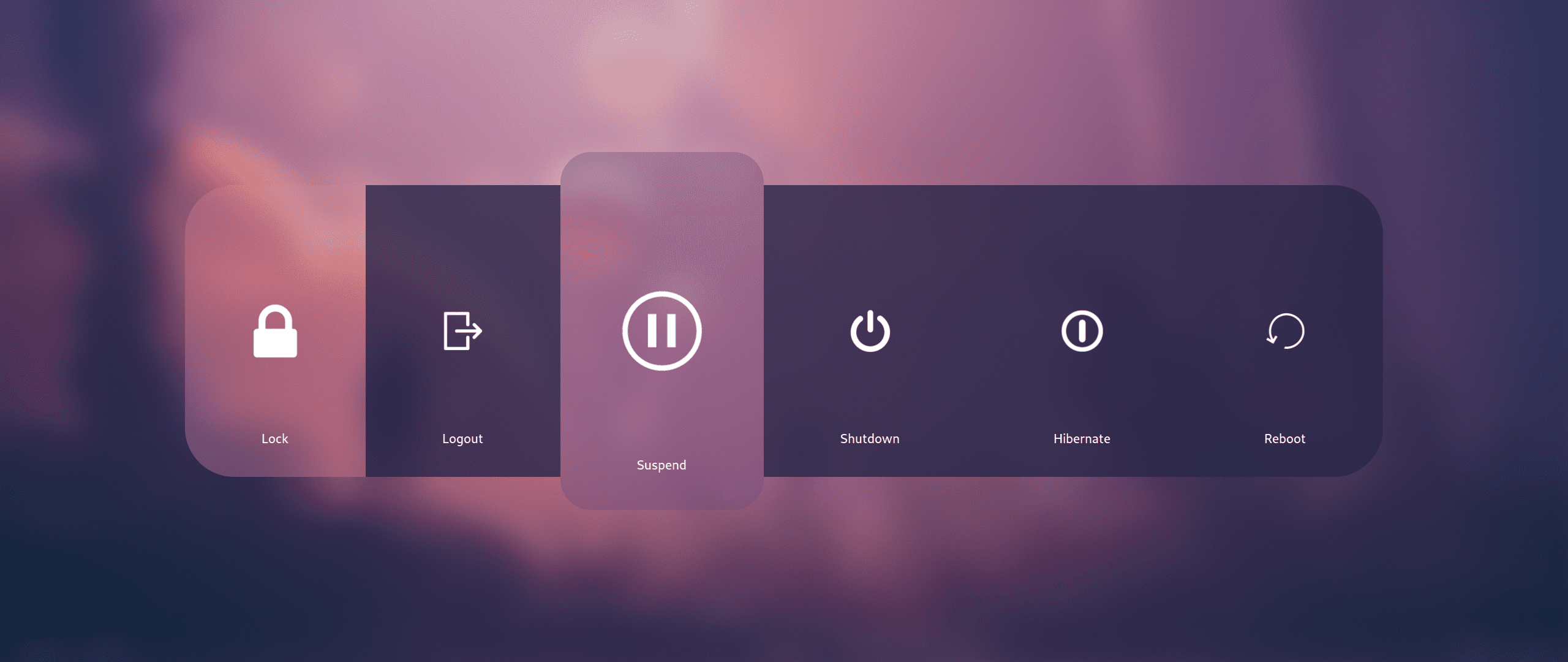
| Wallbash Modes | Notification Action |
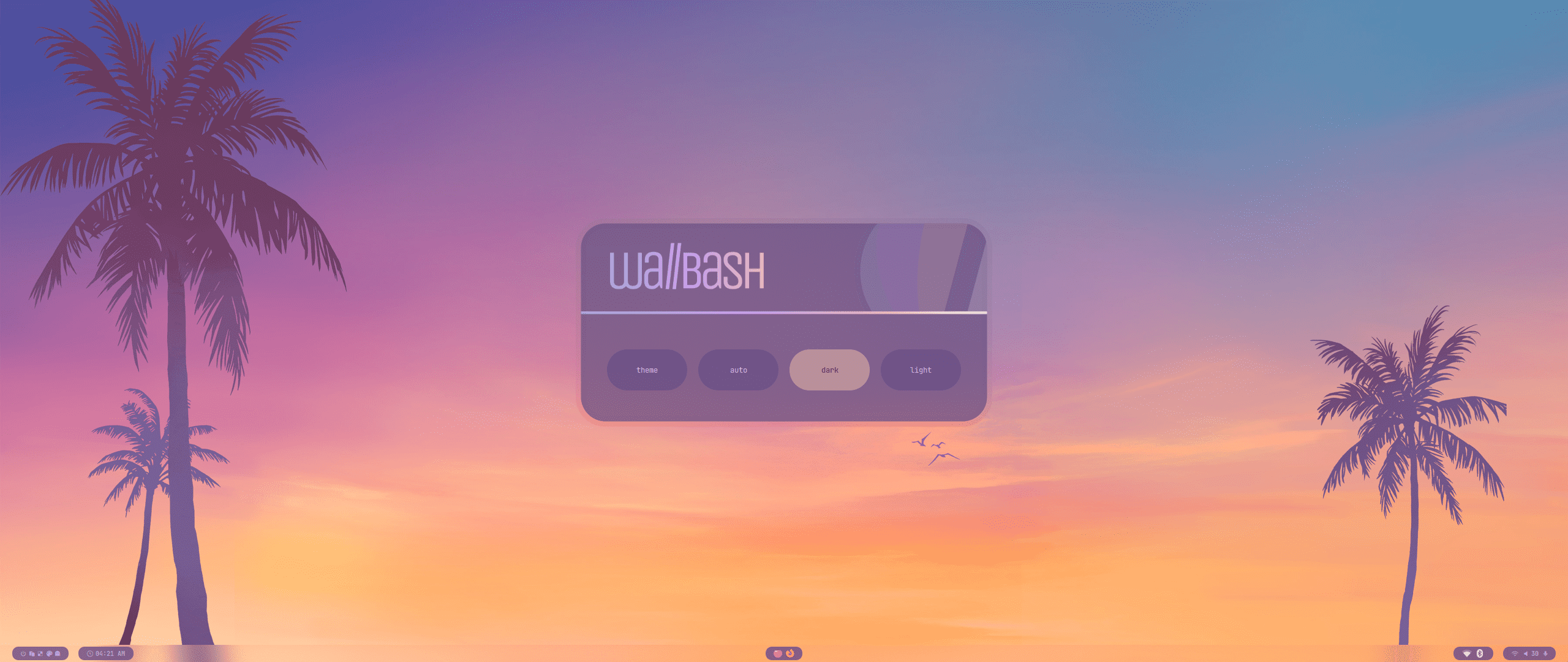 |
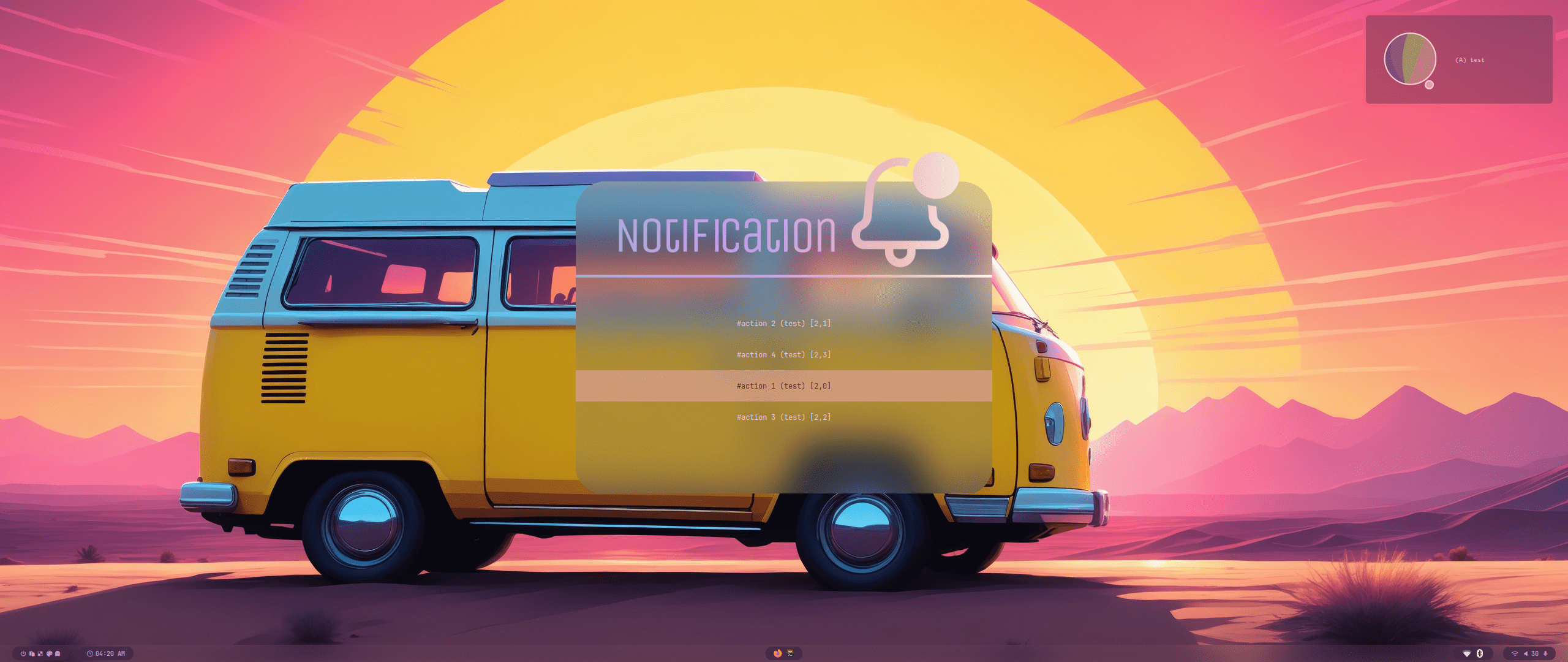 |
 |
 |
 |
 |
 |
 |
 |
 |
 |
 |
 |
 |
 |
 |
 |
 |
 |
 |
 |
Contributors ✨
Thanks goes to these wonderful people (emoji key):
 Rubin Bhandari 💻 |
 Khing 💻 📖 |
This project follows the all-contributors specification. Contributions of any kind welcome!