
davos
davos is an FTP download automation tool that allows you to scan various FTP servers for files you are interested in. This can be used to configure file feeds as part of a wider workflow.
Why use davos?
A fair number of services still rely on "file-drops" to transport data from place to place. A common practice is to configure a cron job to periodically trigger FTP/SFTP programs to download those files. davos is relatively similar, only it also adds a web UI to the whole process, making the management of these schedules easier.
How it works
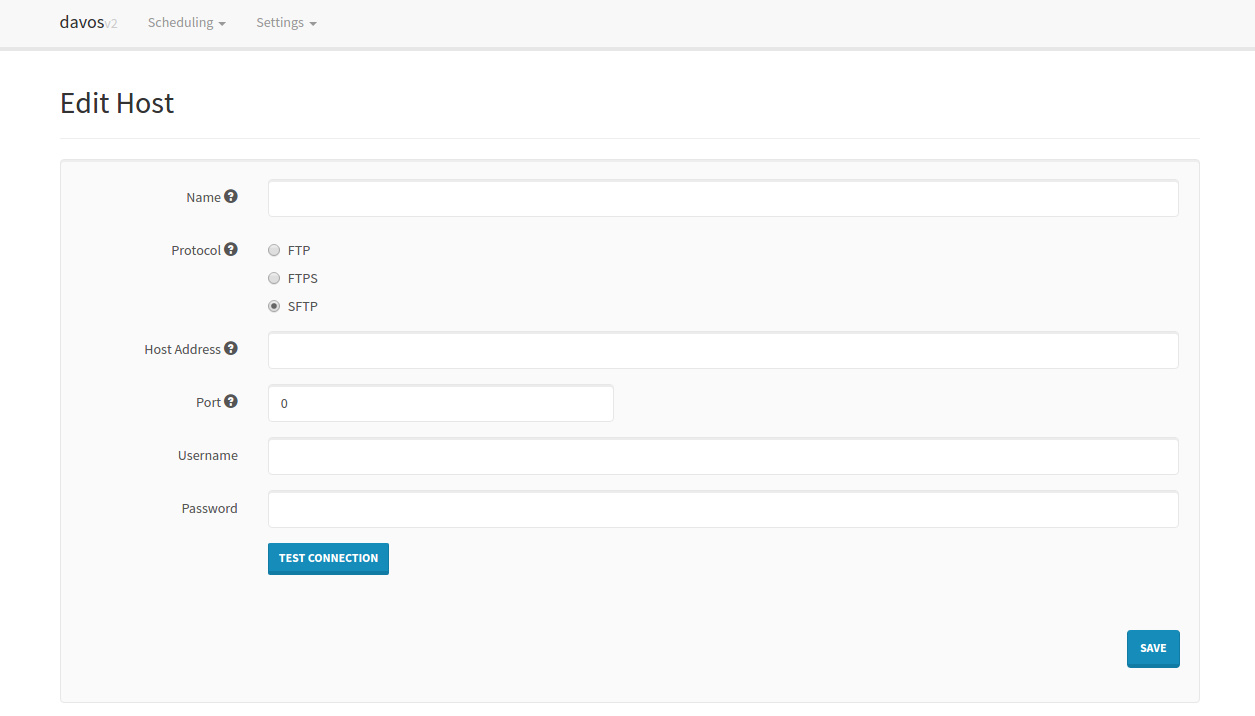
Hosts
All periodic scans (Schedules) require a host to connect to. These can be added individually:
Schedules
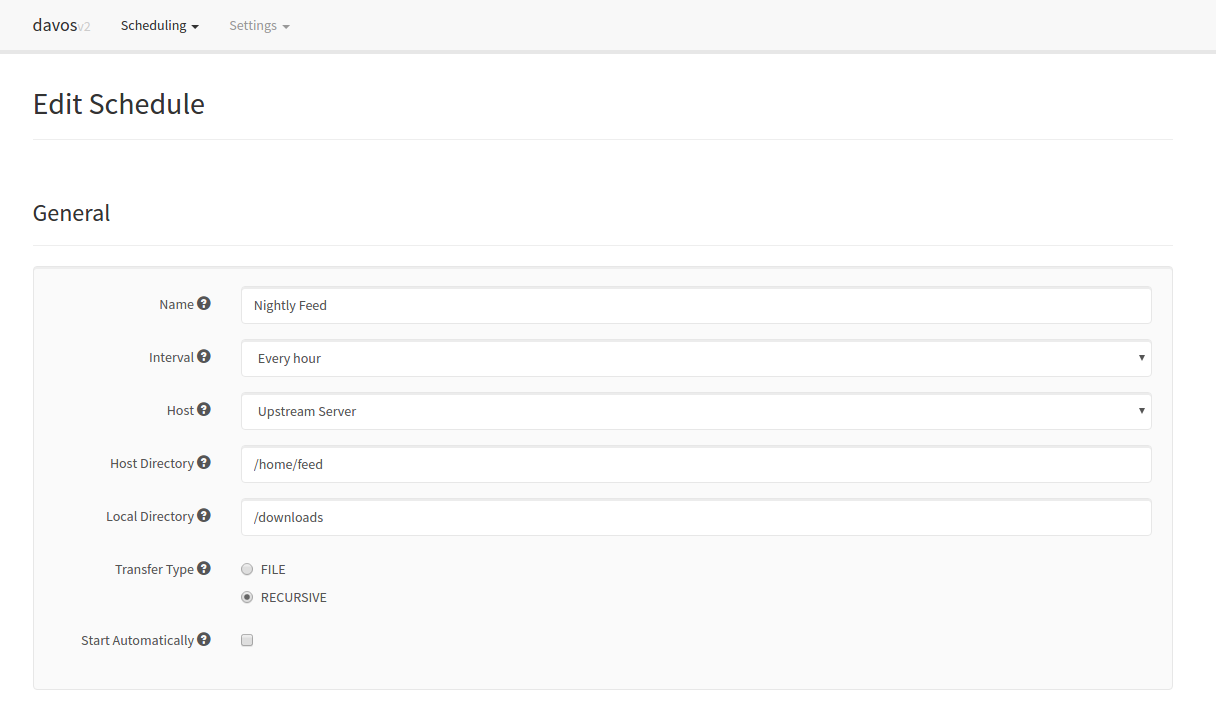
Each schedule contains all of the required information pertaining to the files it is interested in. This includes the host it needs to connect to, where to look for the files, where to download them, and how often:
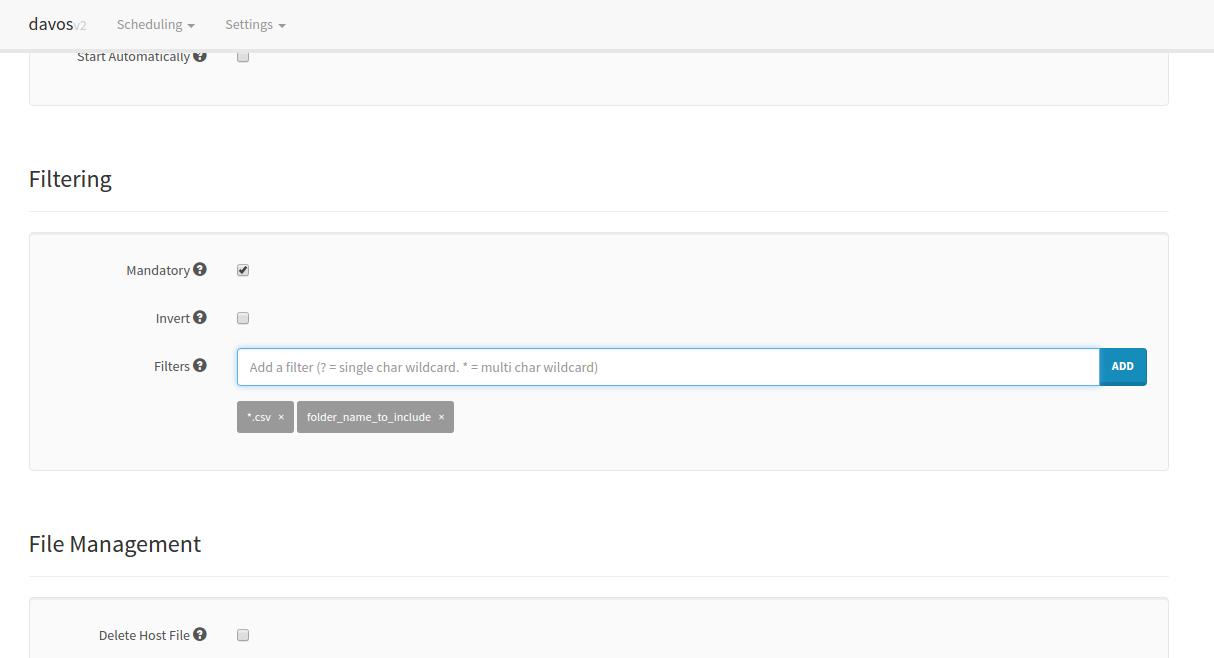
It is also possible to limit what the schedule downloads by applying filters to each scan. davos will only download files that match its list of given filters. If no filters are applied to a schedule, all files will be downloaded. Each schedule also keeps an internal record of what it scanned in the previous run, so it won't download the same file twice.
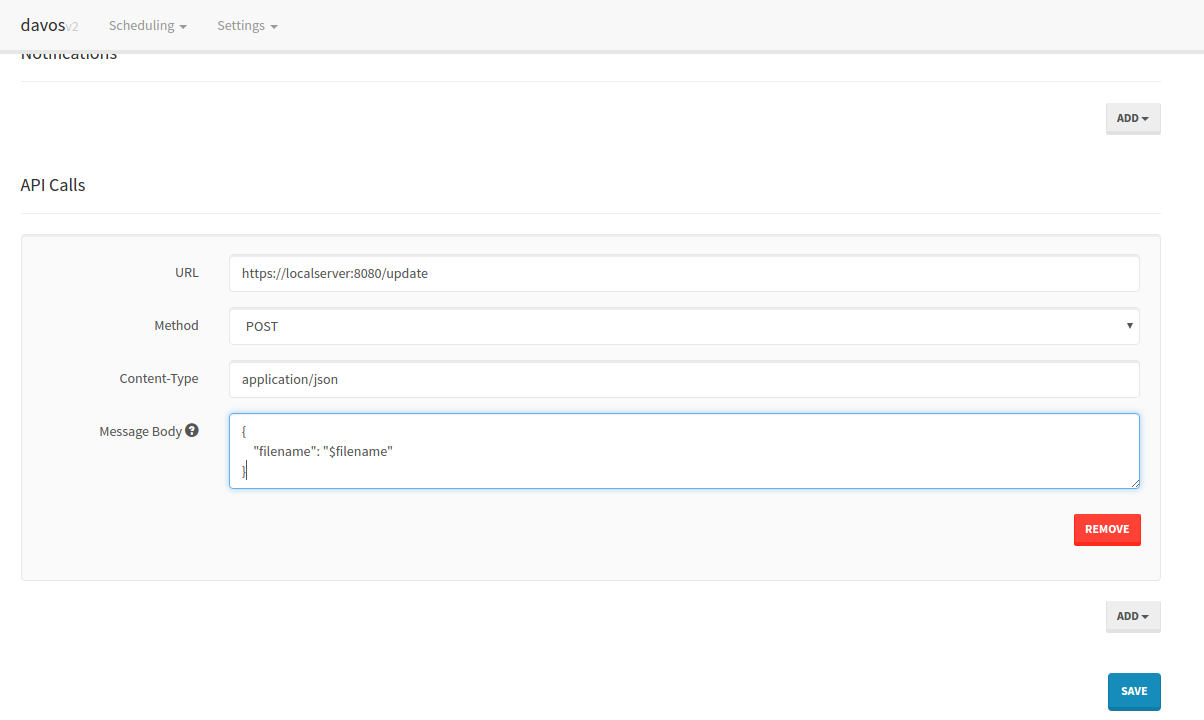
Once each file has been downloaded, davos can also notify you via Pushbullet, as well as sending downstream requests to other services. This is particularly useful if another service makes use of the file davos has just downloaded.
Running
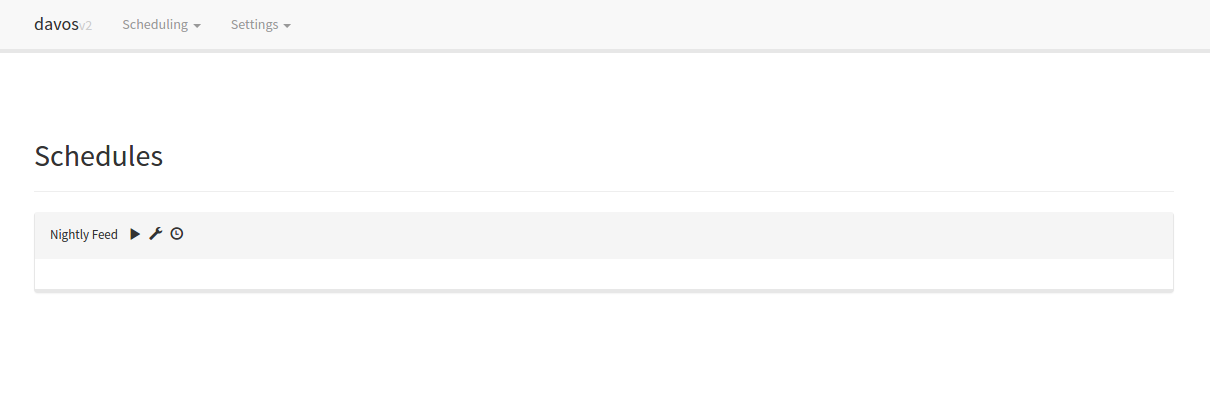
Finally, schedules can be started or stopped at any point, using the schedules listing UI:
Changelog
- 2.1.0
- Mandatory filtering allows schedules to only download files when at least one filter has been set.
- Form validation on Hosts and Schedule pages
- New theme
- Inverse filtering allows schedules to download files that DO NOT match provided filters.
- "Test Connection" button added to Hosts page
- Schedules can now delete the remote copy of each file once the download has completed. This is separate to the Post-download actions.