mirror of
https://github.com/material-components/material-components-ios.git
synced 2026-02-20 08:27:32 +08:00
 378f90dc6e
The BottomAppBar now supports the "surface variant" of the Material theming color themers. The examples should be updated to reflect the correct styling for Material Theming. **This is a breaking change that will break internal MDC Catalog screenshot tests.** |Example|Before|After| |--|--|--| |Catalog (Objc)|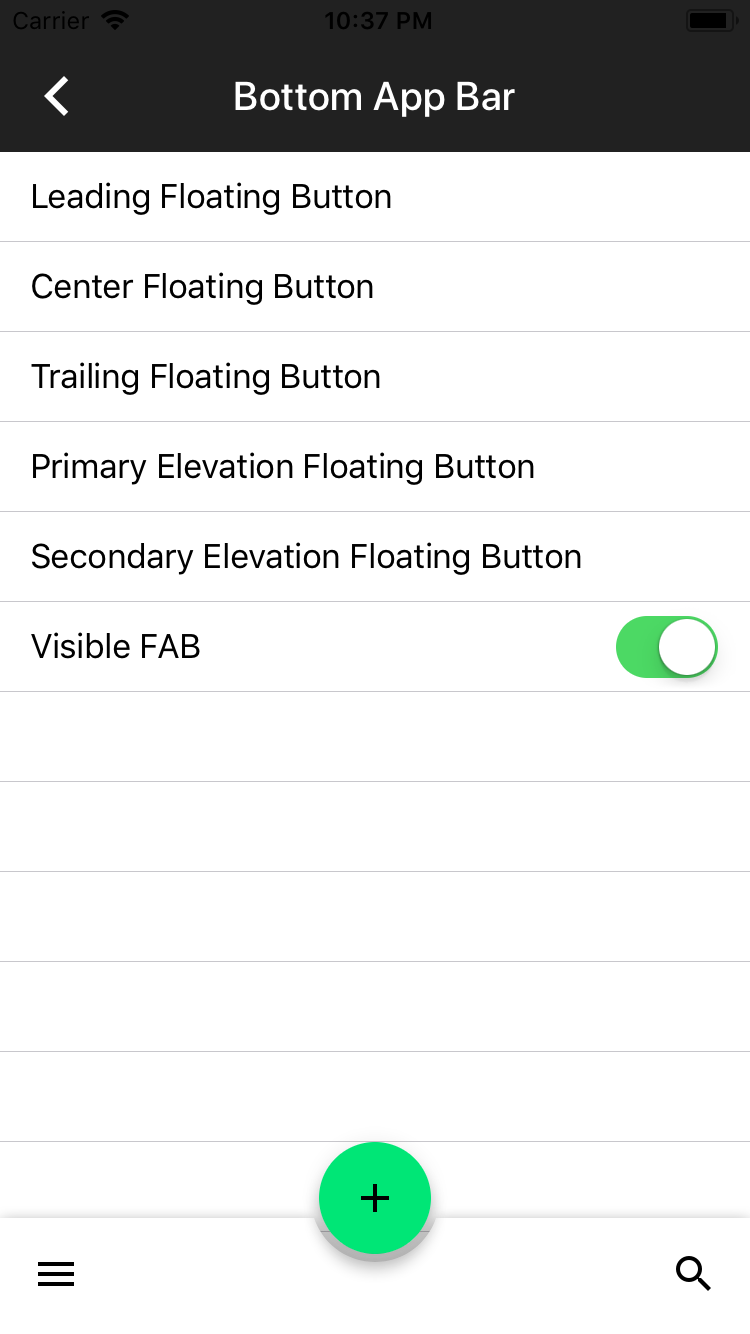|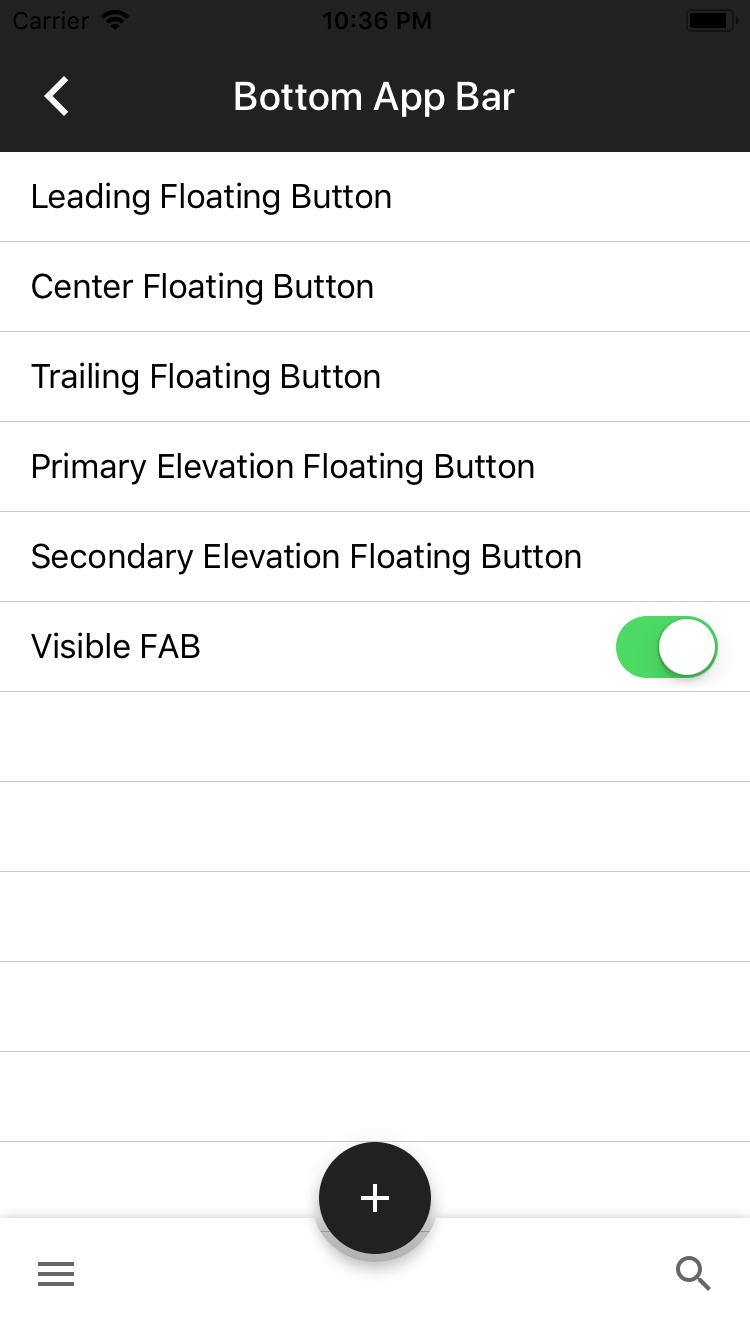| |Dragons (Objc)|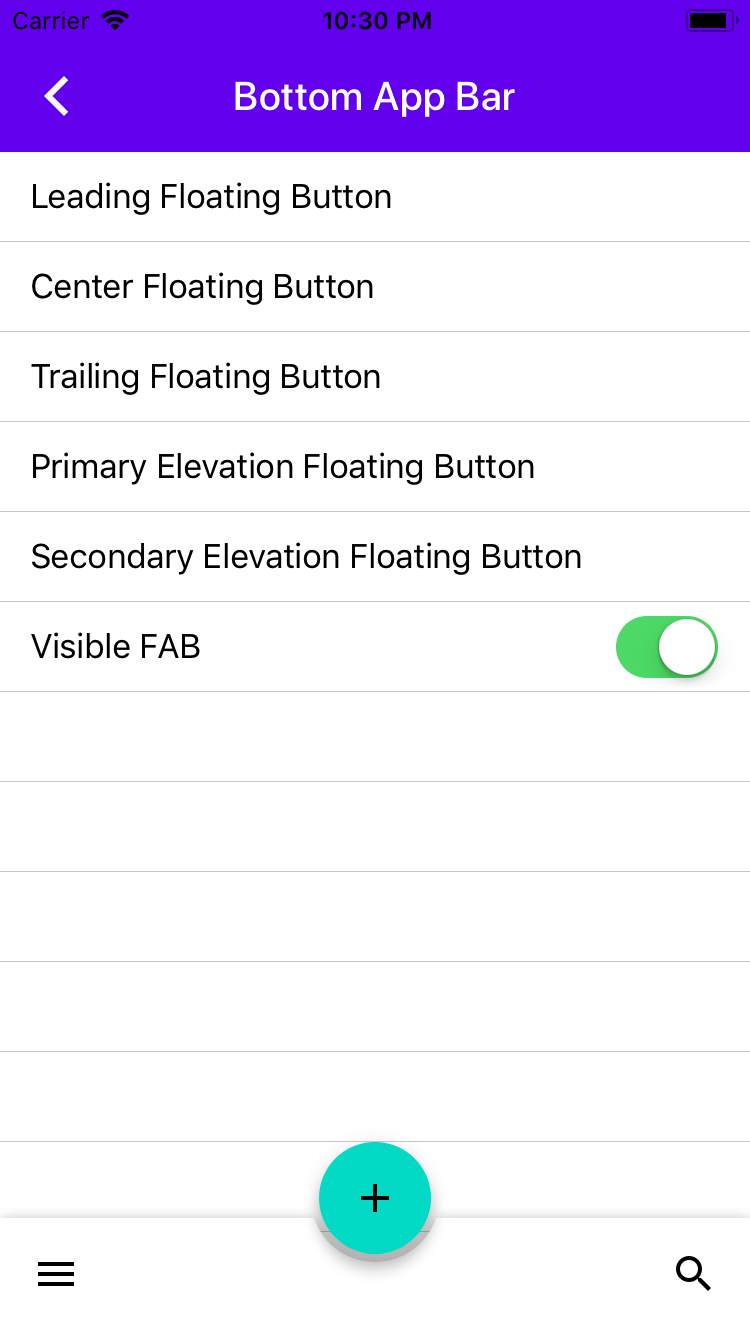|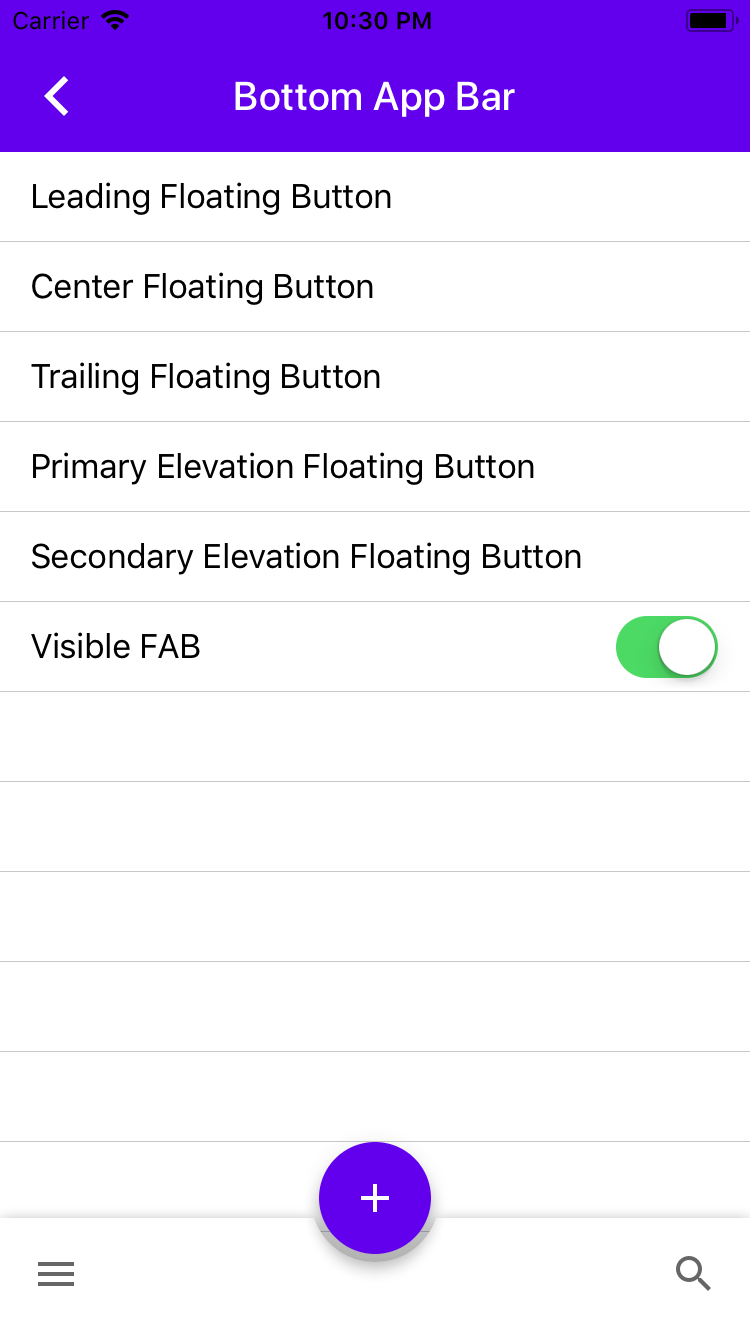| |Dragons (Swift)|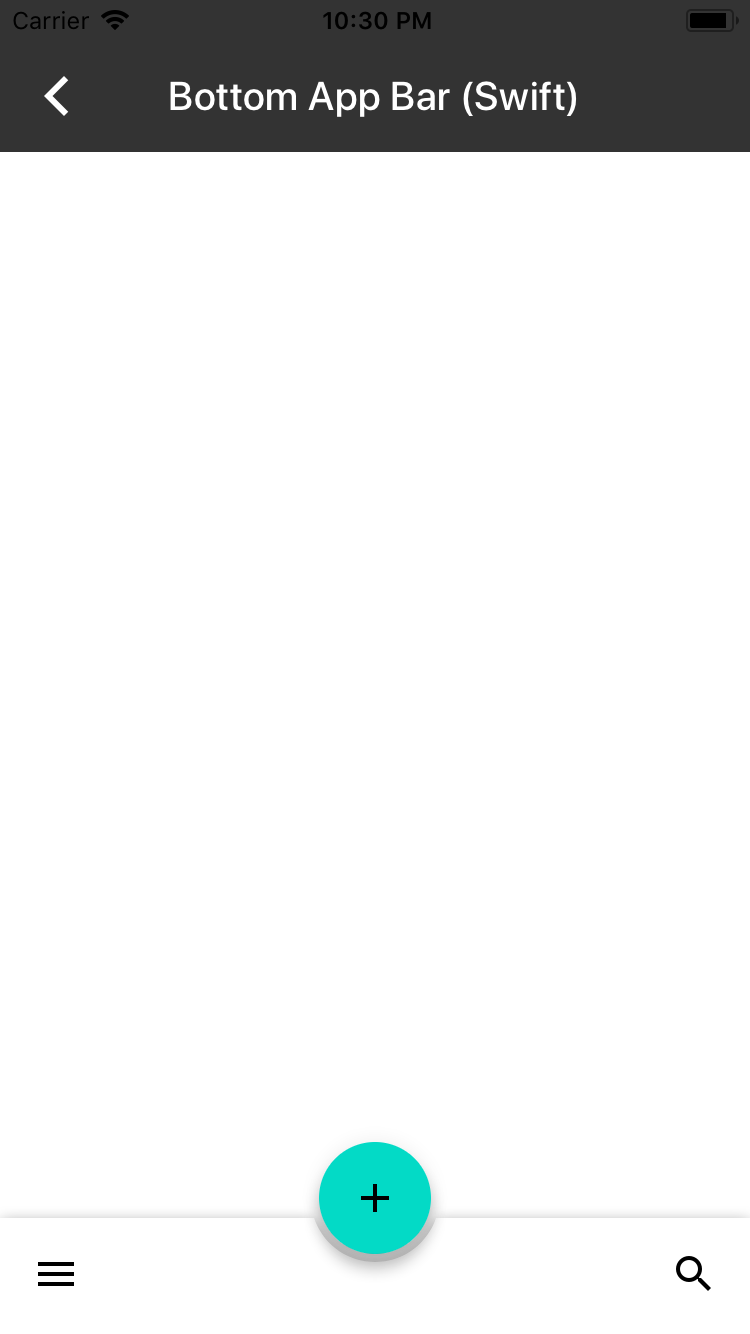|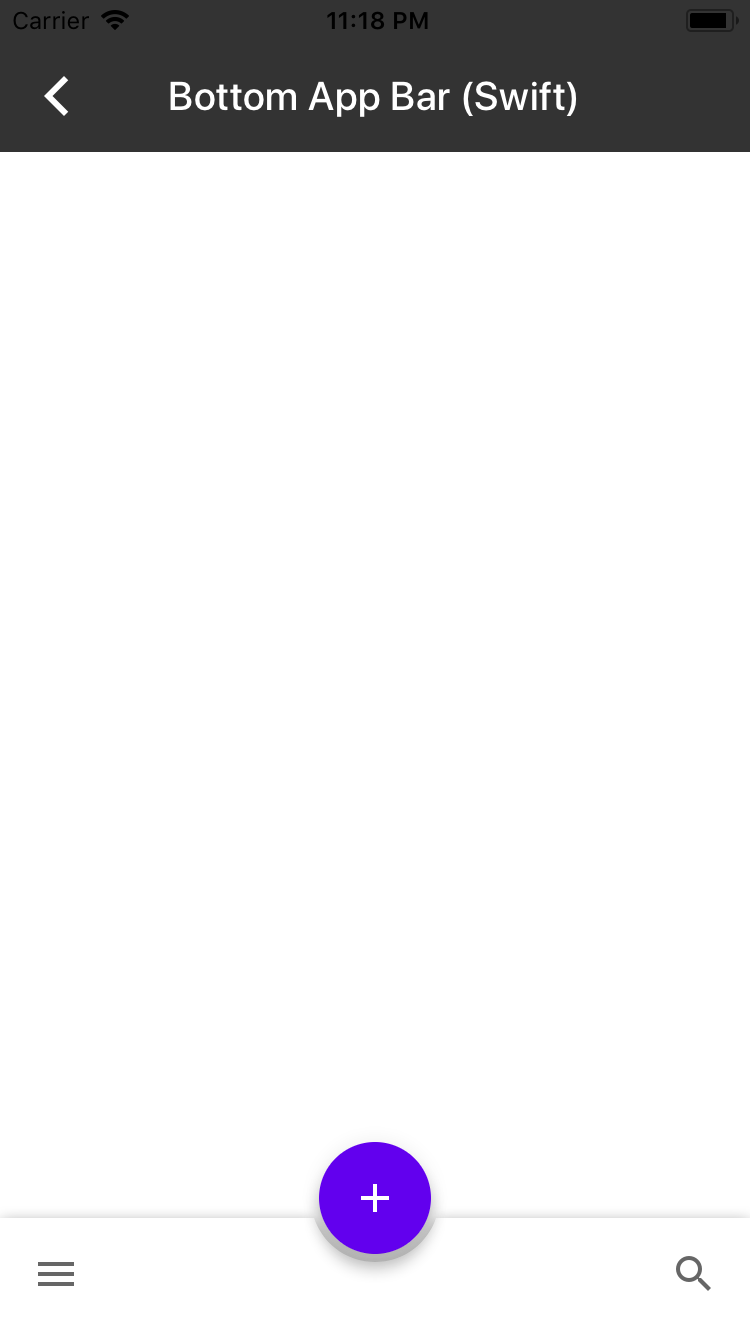| Part of #3928






148 lines
5.1 KiB
Swift
148 lines
5.1 KiB
Swift
// Copyright 2017-present the Material Components for iOS authors. All Rights Reserved.
|
|
//
|
|
// Licensed under the Apache License, Version 2.0 (the "License");
|
|
// you may not use this file except in compliance with the License.
|
|
// You may obtain a copy of the License at
|
|
//
|
|
// http://www.apache.org/licenses/LICENSE-2.0
|
|
//
|
|
// Unless required by applicable law or agreed to in writing, software
|
|
// distributed under the License is distributed on an "AS IS" BASIS,
|
|
// WITHOUT WARRANTIES OR CONDITIONS OF ANY KIND, either express or implied.
|
|
// See the License for the specific language governing permissions and
|
|
// limitations under the License.
|
|
|
|
import Foundation
|
|
import UIKit
|
|
|
|
import MaterialComponents.MaterialAppBar
|
|
import MaterialComponents.MaterialBottomAppBar
|
|
import MaterialComponents.MaterialBottomAppBar_ColorThemer
|
|
import MaterialComponents.MaterialButtons_ButtonThemer
|
|
|
|
class BottomAppBarTypicalUseSwiftExample: UIViewController {
|
|
|
|
let appBarViewController = MDCAppBarViewController()
|
|
let bottomBarView = MDCBottomAppBarView()
|
|
var colorScheme = MDCSemanticColorScheme()
|
|
var typographyScheme = MDCTypographyScheme()
|
|
|
|
init() {
|
|
super.init(nibName: nil, bundle: nil)
|
|
|
|
self.title = "Bottom App Bar (Swift)"
|
|
self.addChildViewController(appBarViewController)
|
|
|
|
let color = UIColor(white: 0.2, alpha:1)
|
|
appBarViewController.headerView.backgroundColor = color
|
|
appBarViewController.navigationBar.tintColor = .white
|
|
appBarViewController.navigationBar.titleTextAttributes = [NSForegroundColorAttributeName : UIColor.white]
|
|
commonInitBottomAppBarTypicalUseSwiftExample()
|
|
}
|
|
|
|
required init?(coder aDecoder: NSCoder) {
|
|
super.init(coder: aDecoder)
|
|
commonInitBottomAppBarTypicalUseSwiftExample()
|
|
}
|
|
|
|
override func viewDidLoad() {
|
|
super.viewDidLoad()
|
|
|
|
view.addSubview(appBarViewController.view)
|
|
appBarViewController.didMove(toParentViewController: self)
|
|
}
|
|
|
|
func commonInitBottomAppBarTypicalUseSwiftExample() {
|
|
bottomBarView.autoresizingMask = [ .flexibleWidth, .flexibleTopMargin ]
|
|
view.addSubview(bottomBarView)
|
|
|
|
// Add touch handler to the floating button.
|
|
bottomBarView.floatingButton.addTarget(self,
|
|
action: #selector(didTapFloatingButton(_:)),
|
|
for: .touchUpInside)
|
|
|
|
// Set the image on the floating button.
|
|
let addImage = UIImage(named:"Add")?.withRenderingMode(.alwaysTemplate)
|
|
bottomBarView.floatingButton.setImage(addImage, for: .normal)
|
|
|
|
// Set the position of the floating button.
|
|
bottomBarView.floatingButtonPosition = .center
|
|
|
|
// Theme the floating button.
|
|
let buttonScheme = MDCButtonScheme()
|
|
buttonScheme.colorScheme = colorScheme
|
|
buttonScheme.typographyScheme = typographyScheme
|
|
MDCFloatingActionButtonThemer.applyScheme(buttonScheme, to: bottomBarView.floatingButton)
|
|
MDCBottomAppBarColorThemer.applySurfaceVariant(withSemanticColorScheme: colorScheme,
|
|
to: bottomBarView)
|
|
|
|
// Configure the navigation buttons to be shown on the bottom app bar.
|
|
let barButtonLeadingItem = UIBarButtonItem()
|
|
let menuImage = UIImage(named:"Menu")?.withRenderingMode(.alwaysTemplate)
|
|
barButtonLeadingItem.image = menuImage
|
|
|
|
let barButtonTrailingItem = UIBarButtonItem()
|
|
let searchImage = UIImage(named:"Search")?.withRenderingMode(.alwaysTemplate)
|
|
barButtonTrailingItem.image = searchImage
|
|
|
|
bottomBarView.leadingBarButtonItems = [ barButtonLeadingItem ]
|
|
bottomBarView.trailingBarButtonItems = [ barButtonTrailingItem ]
|
|
}
|
|
|
|
@objc func didTapFloatingButton(_ sender : MDCFloatingButton) {
|
|
|
|
// Example of how to animate position of the floating button.
|
|
if (bottomBarView.floatingButtonPosition == .center) {
|
|
bottomBarView.setFloatingButtonPosition(.trailing, animated: true)
|
|
} else {
|
|
bottomBarView.setFloatingButtonPosition(.center, animated: true)
|
|
}
|
|
}
|
|
|
|
func layoutBottomAppBar() {
|
|
let size = bottomBarView.sizeThatFits(view.bounds.size)
|
|
let bottomBarViewFrame = CGRect(x: 0,
|
|
y: view.bounds.size.height - size.height,
|
|
width: size.width,
|
|
height: size.height)
|
|
bottomBarView.frame = bottomBarViewFrame
|
|
}
|
|
|
|
override func viewWillAppear(_ animated: Bool) {
|
|
super.viewWillAppear(animated)
|
|
self.view.backgroundColor = .white
|
|
|
|
self.navigationController?.setNavigationBarHidden(true, animated: animated)
|
|
}
|
|
|
|
override func viewWillLayoutSubviews() {
|
|
super.viewWillLayoutSubviews()
|
|
layoutBottomAppBar()
|
|
}
|
|
|
|
#if swift(>=3.2)
|
|
@available(iOS 11, *)
|
|
override func viewSafeAreaInsetsDidChange() {
|
|
super.viewSafeAreaInsetsDidChange()
|
|
layoutBottomAppBar()
|
|
}
|
|
#endif
|
|
|
|
}
|
|
|
|
// MARK: Catalog by convention
|
|
extension BottomAppBarTypicalUseSwiftExample {
|
|
|
|
class func catalogMetadata() -> [String: Any] {
|
|
return [
|
|
"breadcrumbs": ["Bottom App Bar", "Bottom App Bar (Swift)"],
|
|
"primaryDemo": false,
|
|
"presentable": false,
|
|
]
|
|
}
|
|
|
|
func catalogShouldHideNavigation() -> Bool {
|
|
return true
|
|
}
|
|
}
|