mirror of
https://github.com/material-components/material-components-ios.git
synced 2026-02-20 08:27:32 +08:00
 e0fef69db3
### Context In working on #4042 I discovered that Bottom Navigation (Swift) example isn't working as intended ### The problem No elements were on screen ### The fix Call the common init in the initializer ### Screenshots | Before | After | | ----- | ----- | |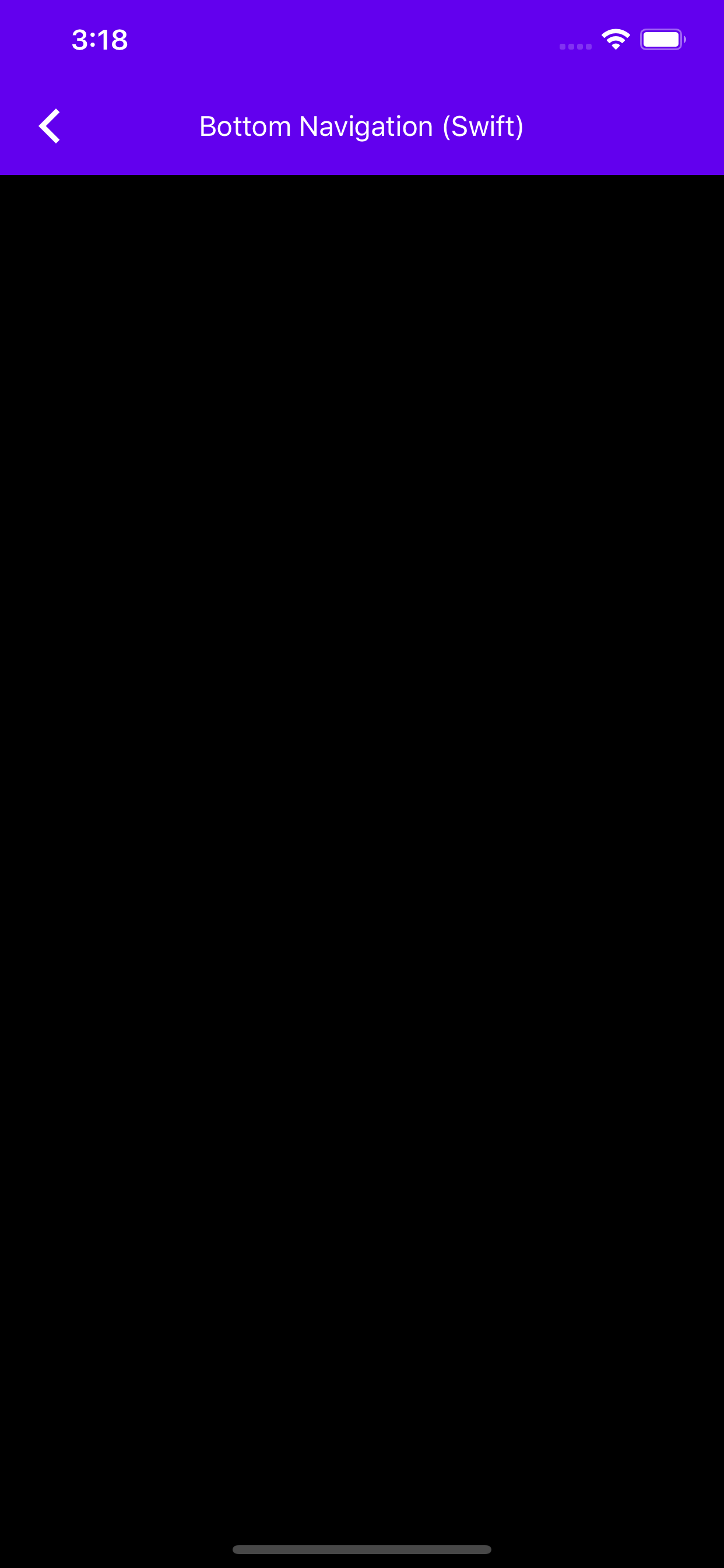|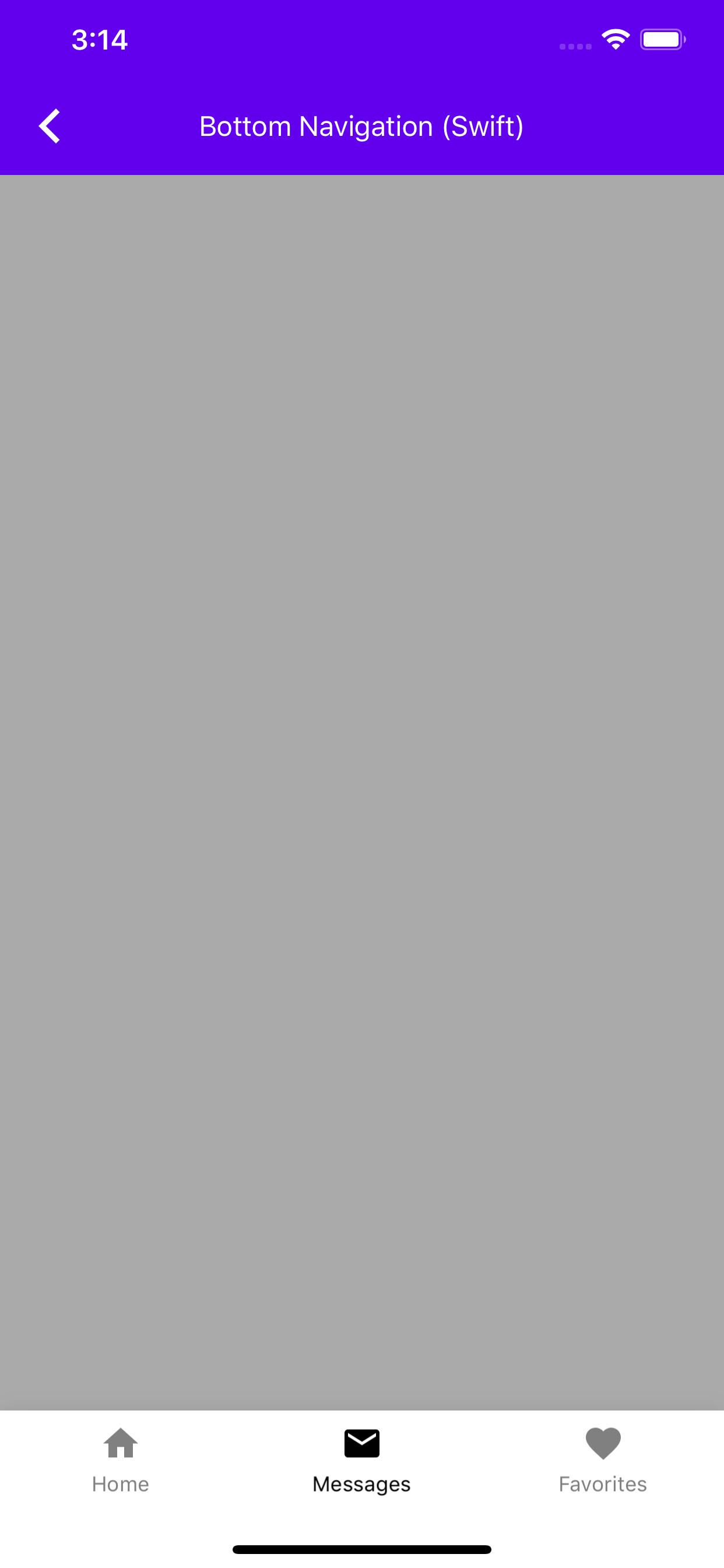|


93 lines
3.1 KiB
Swift
93 lines
3.1 KiB
Swift
// Copyright 2017-present the Material Components for iOS authors. All Rights Reserved.
|
|
//
|
|
// Licensed under the Apache License, Version 2.0 (the "License");
|
|
// you may not use this file except in compliance with the License.
|
|
// You may obtain a copy of the License at
|
|
//
|
|
// http://www.apache.org/licenses/LICENSE-2.0
|
|
//
|
|
// Unless required by applicable law or agreed to in writing, software
|
|
// distributed under the License is distributed on an "AS IS" BASIS,
|
|
// WITHOUT WARRANTIES OR CONDITIONS OF ANY KIND, either express or implied.
|
|
// See the License for the specific language governing permissions and
|
|
// limitations under the License.
|
|
|
|
import Foundation
|
|
import MaterialComponents.MaterialBottomNavigation_ColorThemer
|
|
import MaterialComponents.MaterialColorScheme
|
|
|
|
class BottomNavigationTypicalUseSwiftExample: UIViewController {
|
|
|
|
var colorScheme = MDCSemanticColorScheme()
|
|
|
|
// Create a bottom navigation bar to add to a view.
|
|
let bottomNavBar = MDCBottomNavigationBar()
|
|
|
|
init() {
|
|
super.init(nibName: nil, bundle: nil)
|
|
commonBottomNavigationTypicalUseSwiftExampleInit()
|
|
}
|
|
|
|
@available(*, unavailable)
|
|
required init?(coder aDecoder: NSCoder) {
|
|
super.init(coder: aDecoder)
|
|
}
|
|
|
|
func commonBottomNavigationTypicalUseSwiftExampleInit() {
|
|
view.backgroundColor = .lightGray
|
|
view.addSubview(bottomNavBar)
|
|
|
|
// Always show bottom navigation bar item titles.
|
|
bottomNavBar.titleVisibility = .always
|
|
|
|
// Cluster and center the bottom navigation bar items.
|
|
bottomNavBar.alignment = .centered
|
|
|
|
// Add items to the bottom navigation bar.
|
|
let tabBarItem1 = UITabBarItem(title: "Home", image: UIImage(named: "Home"), tag: 0)
|
|
let tabBarItem2 =
|
|
UITabBarItem(title: "Messages", image: UIImage(named: "Email"), tag: 1)
|
|
let tabBarItem3 =
|
|
UITabBarItem(title: "Favorites", image: UIImage(named: "Favorite"), tag: 2)
|
|
bottomNavBar.items = [ tabBarItem1, tabBarItem2, tabBarItem3 ]
|
|
|
|
// Select a bottom navigation bar item.
|
|
bottomNavBar.selectedItem = tabBarItem2;
|
|
}
|
|
|
|
func layoutBottomNavBar() {
|
|
let size = bottomNavBar.sizeThatFits(view.bounds.size)
|
|
var bottomNavBarFrame = CGRect(x: 0,
|
|
y: view.bounds.height - size.height,
|
|
width: size.width,
|
|
height: size.height)
|
|
if #available(iOS 11.0, *) {
|
|
bottomNavBarFrame.size.height += view.safeAreaInsets.bottom
|
|
bottomNavBarFrame.origin.y -= view.safeAreaInsets.bottom
|
|
}
|
|
bottomNavBar.frame = bottomNavBarFrame
|
|
}
|
|
|
|
override func viewWillLayoutSubviews() {
|
|
super.viewWillLayoutSubviews()
|
|
layoutBottomNavBar()
|
|
}
|
|
|
|
override func viewWillAppear(_ animated: Bool) {
|
|
super.viewWillAppear(animated)
|
|
self.navigationController?.setNavigationBarHidden(true, animated: animated)
|
|
}
|
|
}
|
|
|
|
// MARK: Catalog by convention
|
|
extension BottomNavigationTypicalUseSwiftExample {
|
|
|
|
class func catalogMetadata() -> [String: Any] {
|
|
return [
|
|
"breadcrumbs": ["Bottom Navigation", "Bottom Navigation (Swift)"],
|
|
"primaryDemo": false,
|
|
"presentable": false,
|
|
]
|
|
}
|
|
}
|