3 Commits

Author SHA1 Message Date
Andrew Overton
d93ddfbc1b
[TextControls] Add dynamic type functionality to text controls example (#8847)
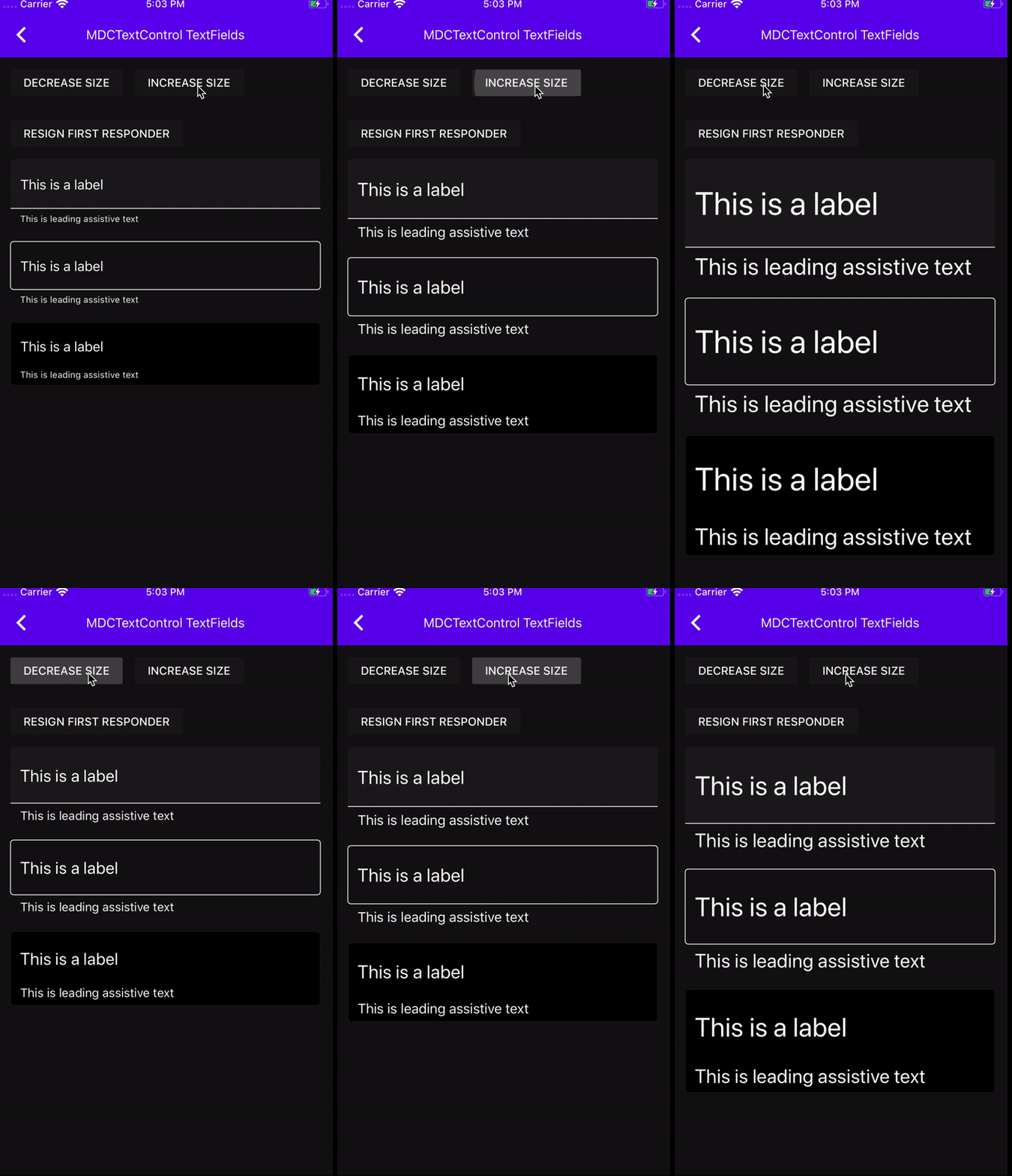
This PR adds some dynamic type functionality to the text controls example.
Note that in the largest content sizes the content goes off the screen. This will be addressed in a follow up PR.
 
Here is a gif:

![DynamicType](https://user-images.githubusercontent.com/8020010/68900027-f92b9980-0700-11ea-958e-6965638bdbc5.gif)

Closes #8845.
2019-11-15 11:13:43 -05:00
Andrew Overton
9b9edf9f46
[TextControls] Use system dynamic colors for sensible defaults in iOS 13 (#8818)
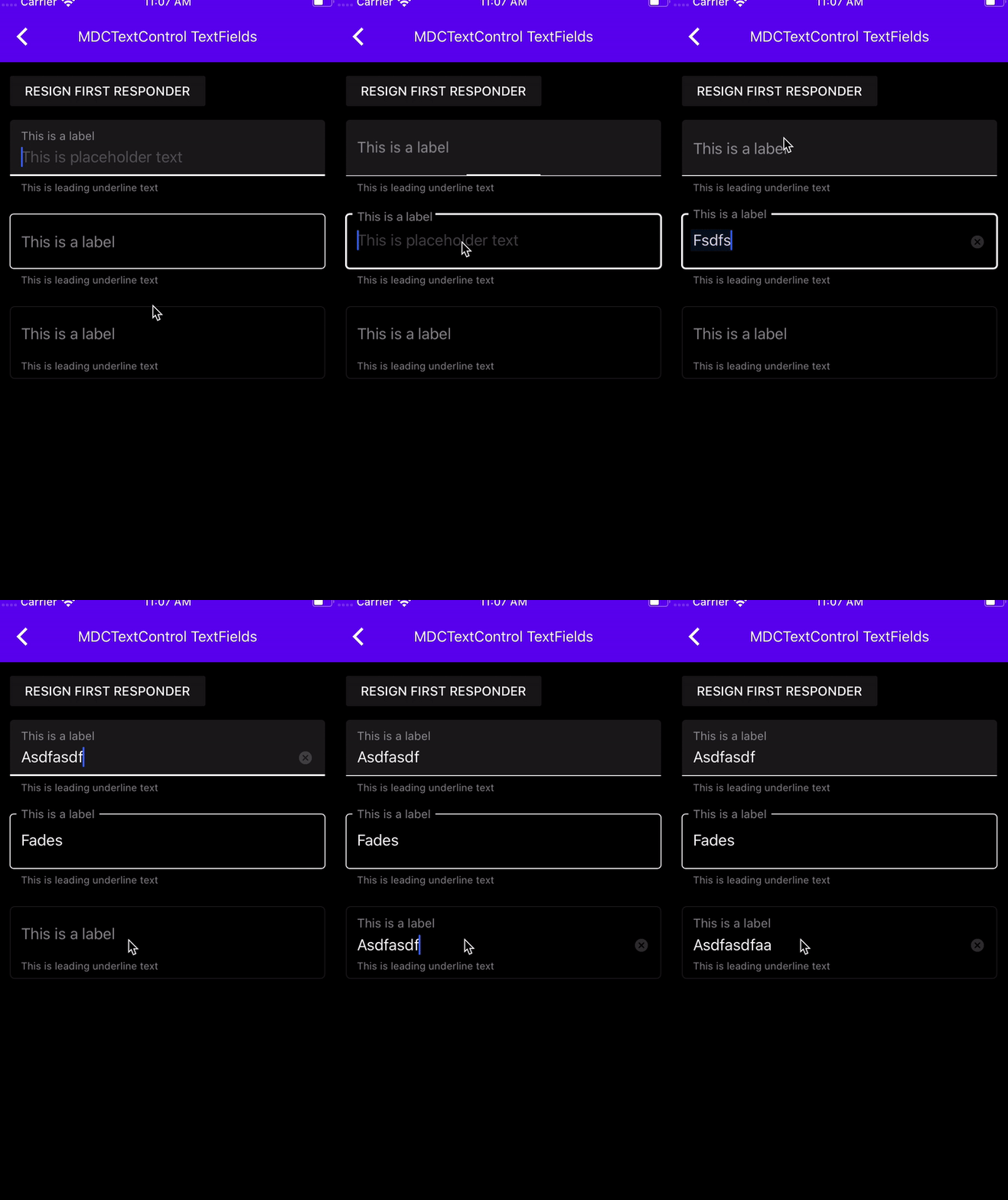
MDCFilledTextField and MDCOutlinedTextField are completely unreadable (inaccessible) in iOS 13 dark mode when shown over the system background color. When using `borderStyle`, MDCBaseTextField is completely unreadable in iOS 13 dark mode when shown over _any_ color, because UITextField adds a system background color to the textfield's background. This PR addresses these issues. This PR doesn't affect pre-iOS 13 behavior.

Note that the system placeholder and clear button never pass contrast in dark mode. I know the system clear button doesn't even pass contrast in light mode.

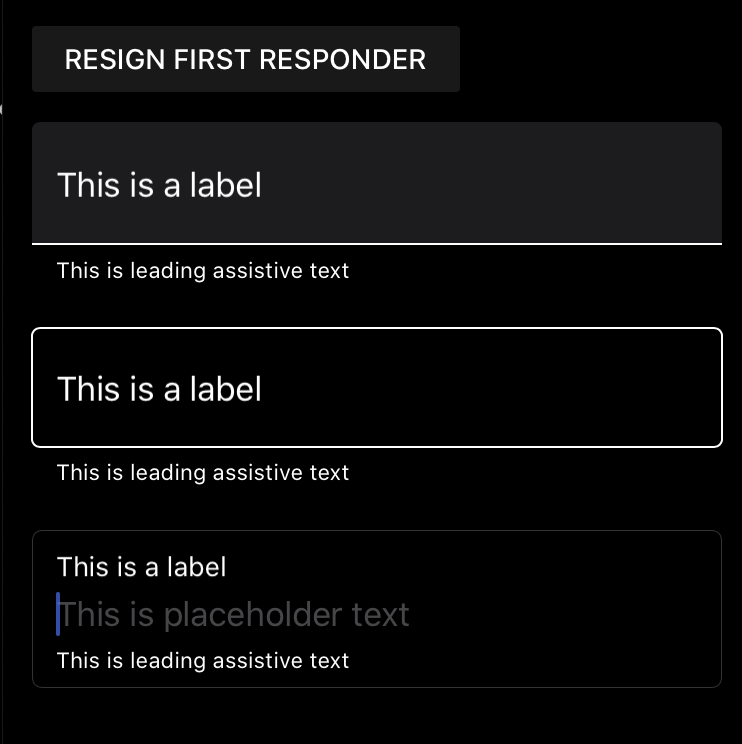
Note that the below gifs are outdated. Here's what it looks like now in dark mode:

<img width="371" alt="Screen Shot 2019-11-14 at 11 40 07 AM" src="https://user-images.githubusercontent.com/8020010/68877158-9a036000-06d3-11ea-8cd2-902a1d2b0eb1.png">

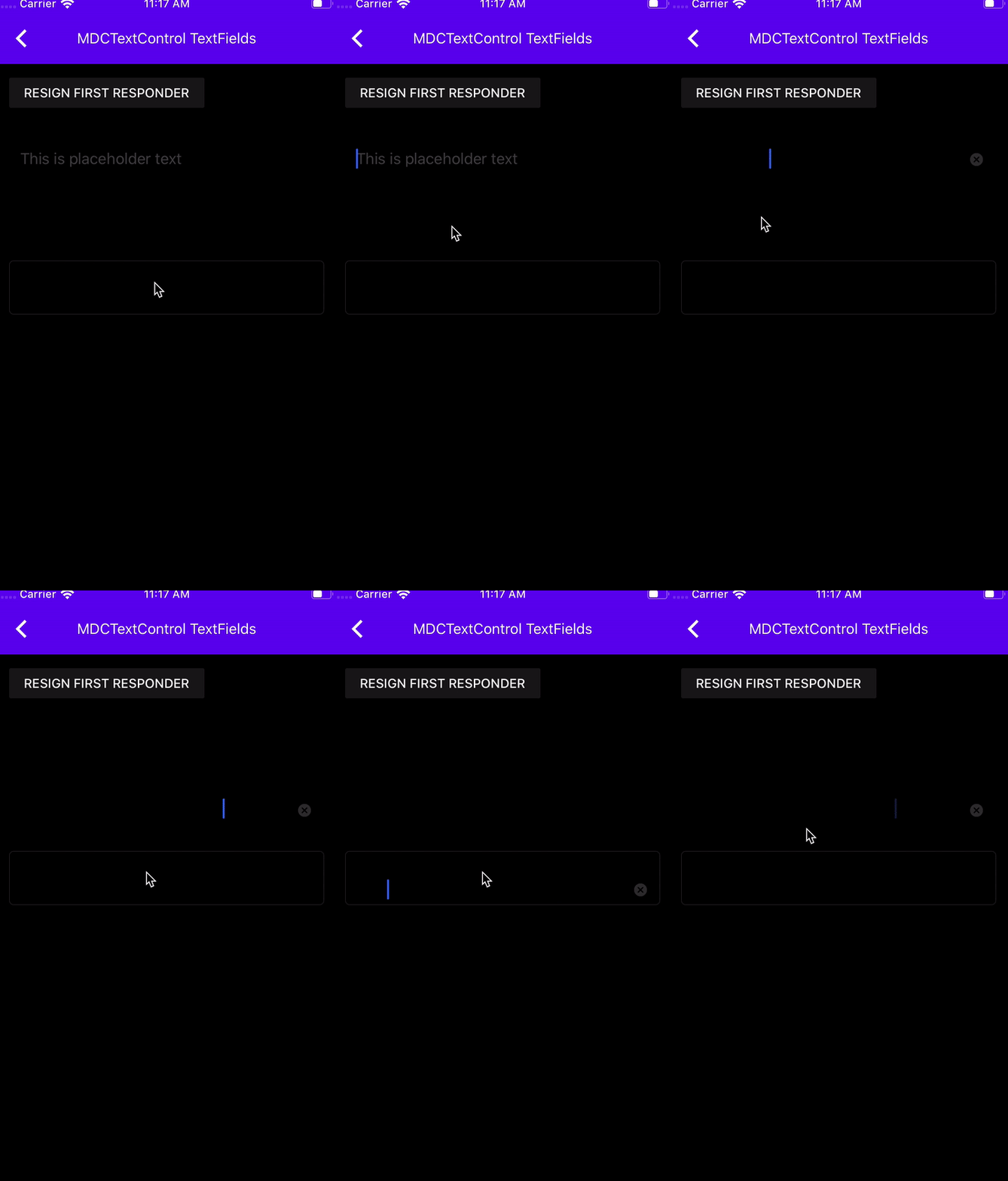
Here's a before gif in iOS 13 dark mode:
![iOS13darkbefore](https://user-images.githubusercontent.com/8020010/68875587-15afdd80-06d1-11ea-8bee-b583a56e4537.gif)

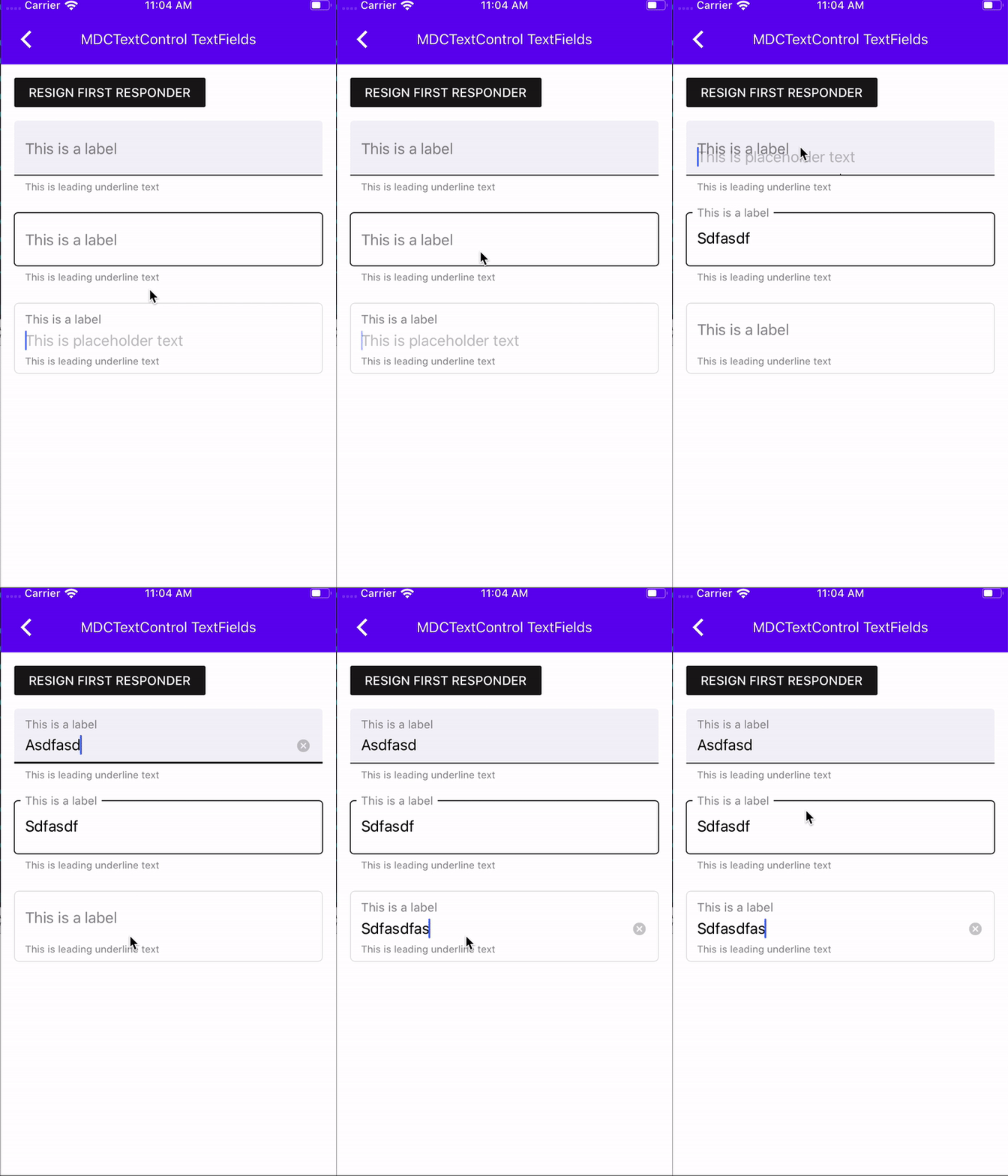
Here's an after gif in iOS 13 light mode:
![iOS13light](https://user-images.githubusercontent.com/8020010/68875641-2c563480-06d1-11ea-8172-5743390bf839.gif)

Here's an after gif in iOS 13 dark mode:

![iOS13Dark](https://user-images.githubusercontent.com/8020010/68875625-282a1700-06d1-11ea-9f3d-2d56d068f3ed.gif)

Closes #8817.
2019-11-14 15:32:45 -05:00
Andrew Overton
02f9c9f01d
Move new TextFields into TextControls directory (#8726)
In this PR I extract the new TextFields from the old TextFields directory. In the future, if we bring over the input chip view and text area, they will go under this new TextControls directory as well.

Closes #8684.
2019-11-07 14:17:56 -05:00