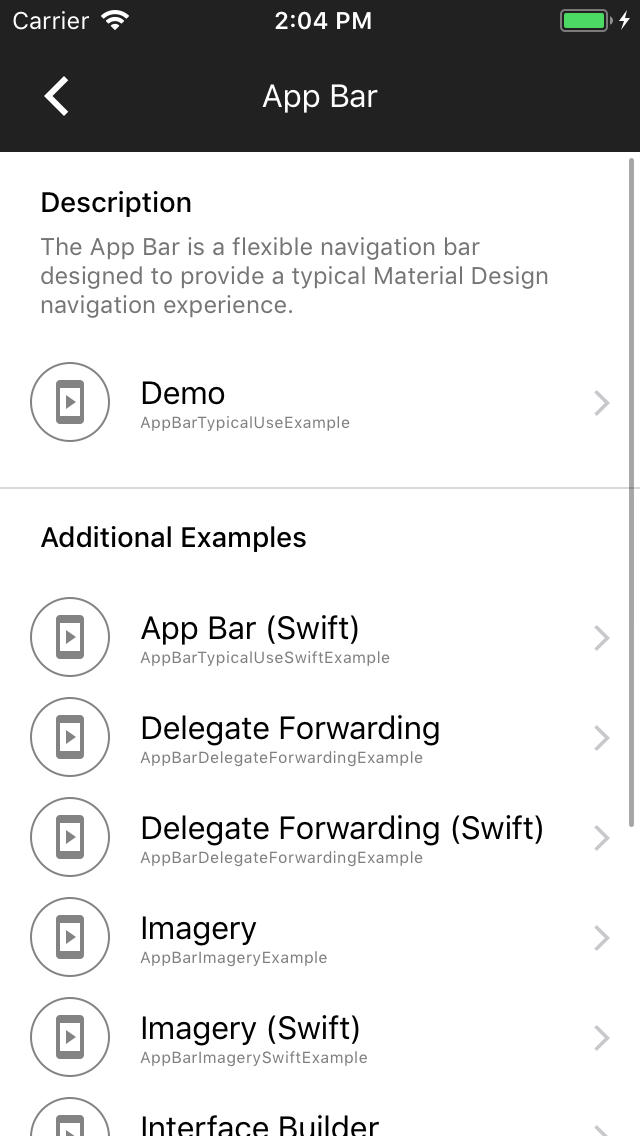
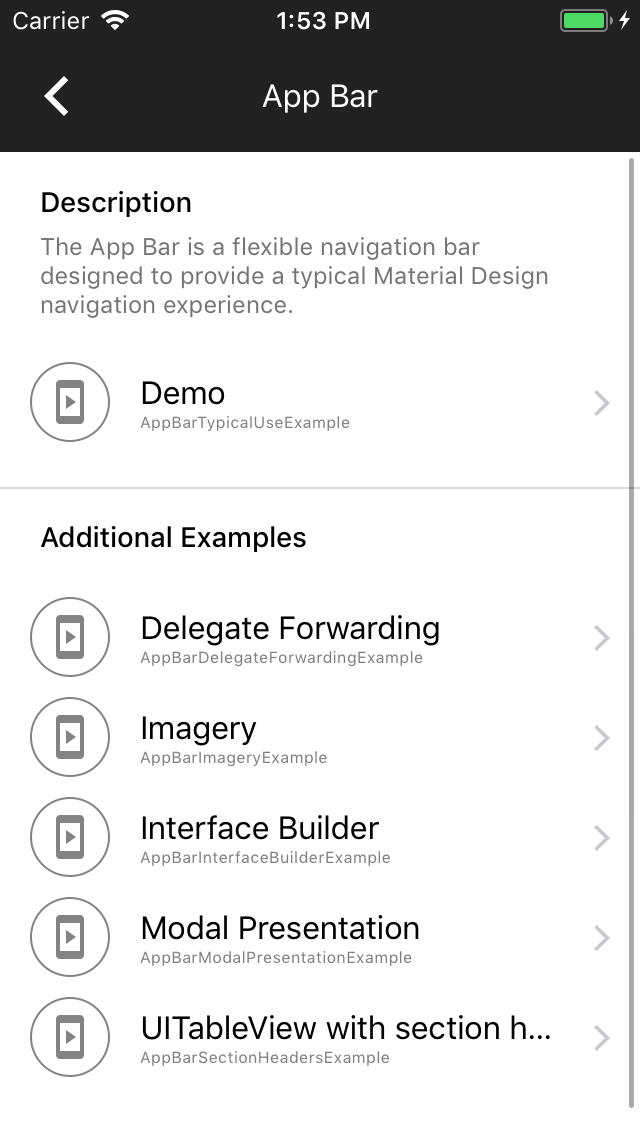
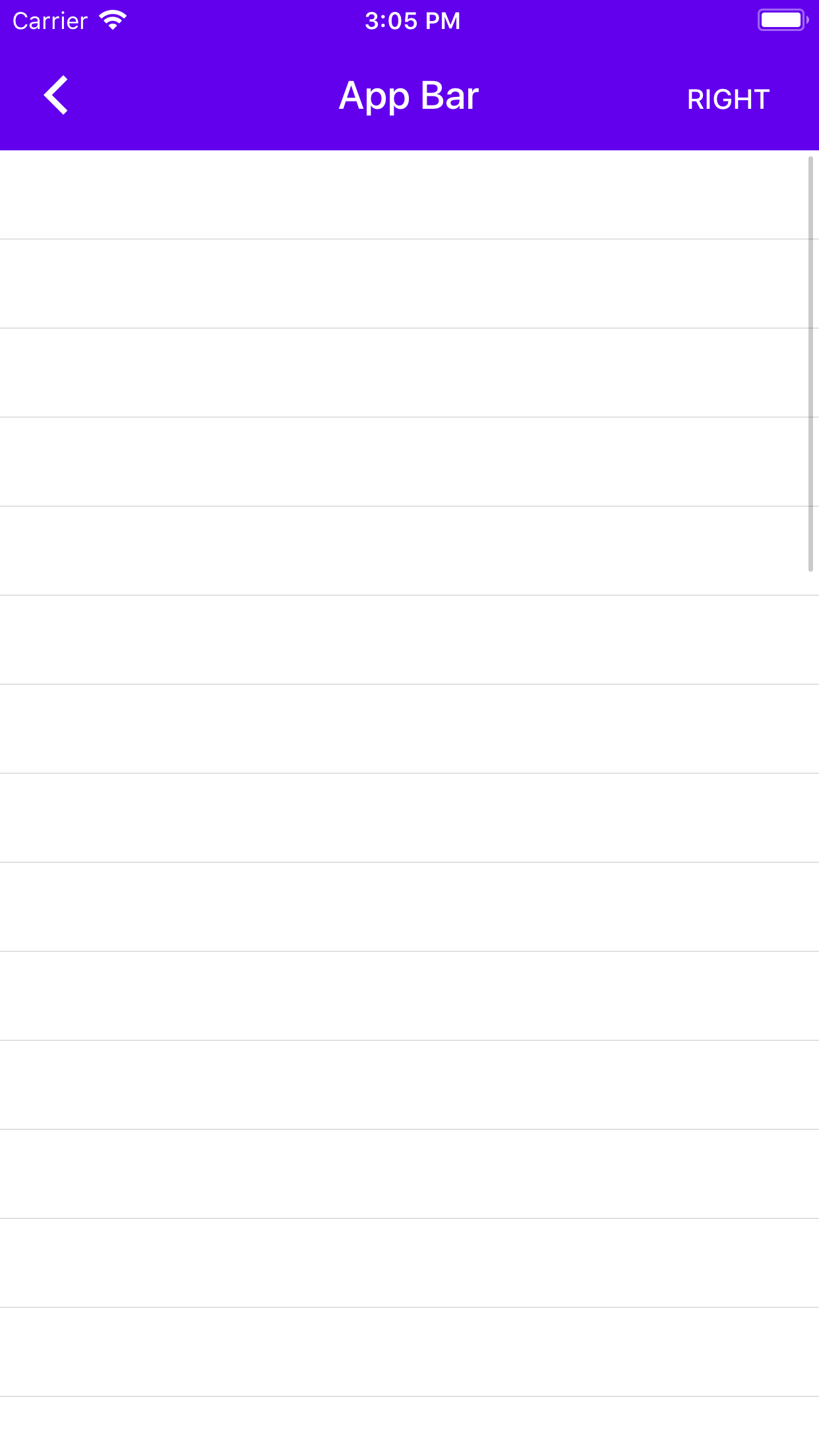
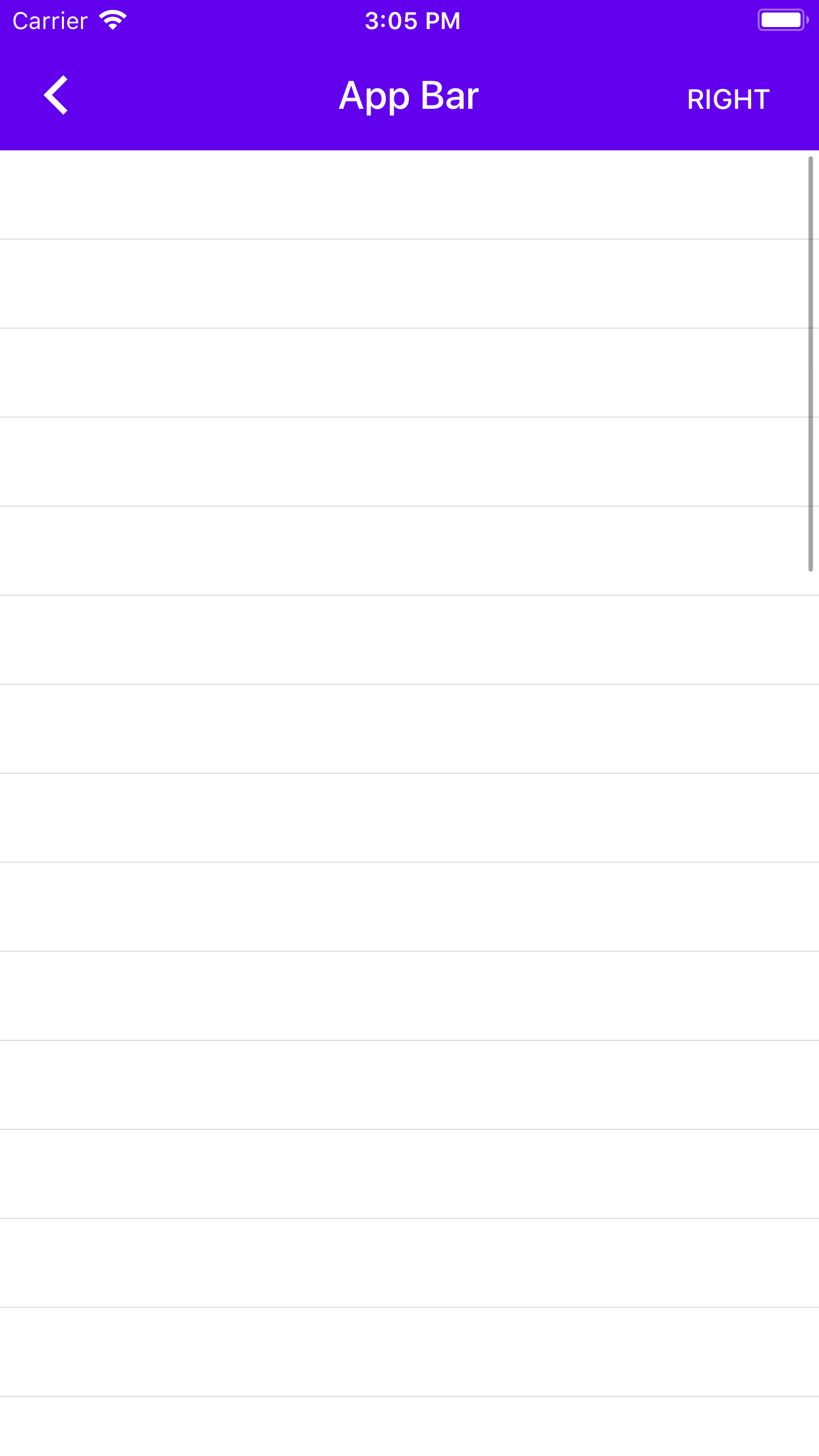
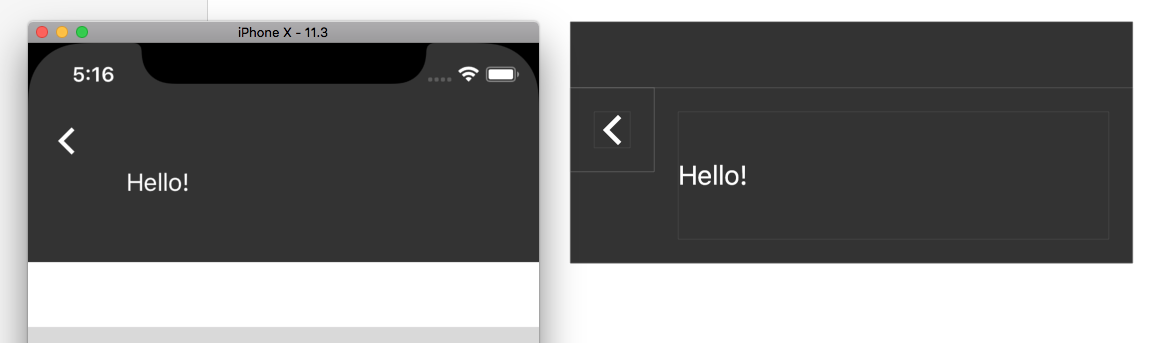
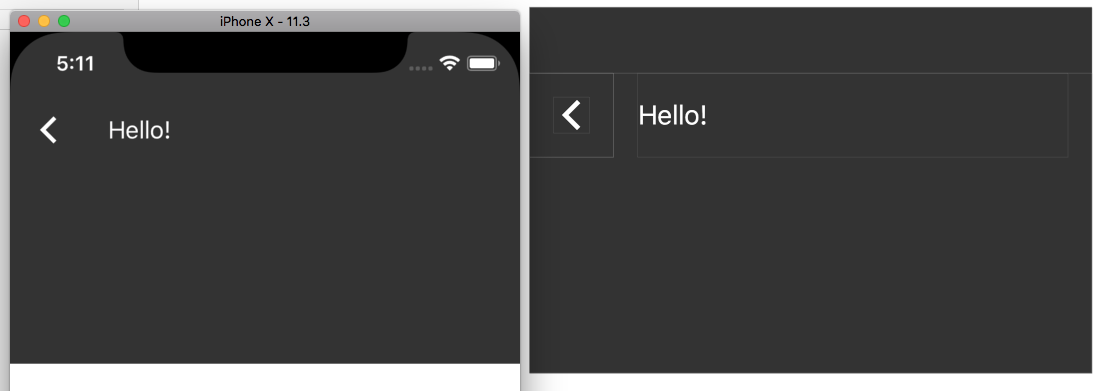
I did an audit of the Catalog app to track down screens with an incorrect status bar color and the ones that I found are:
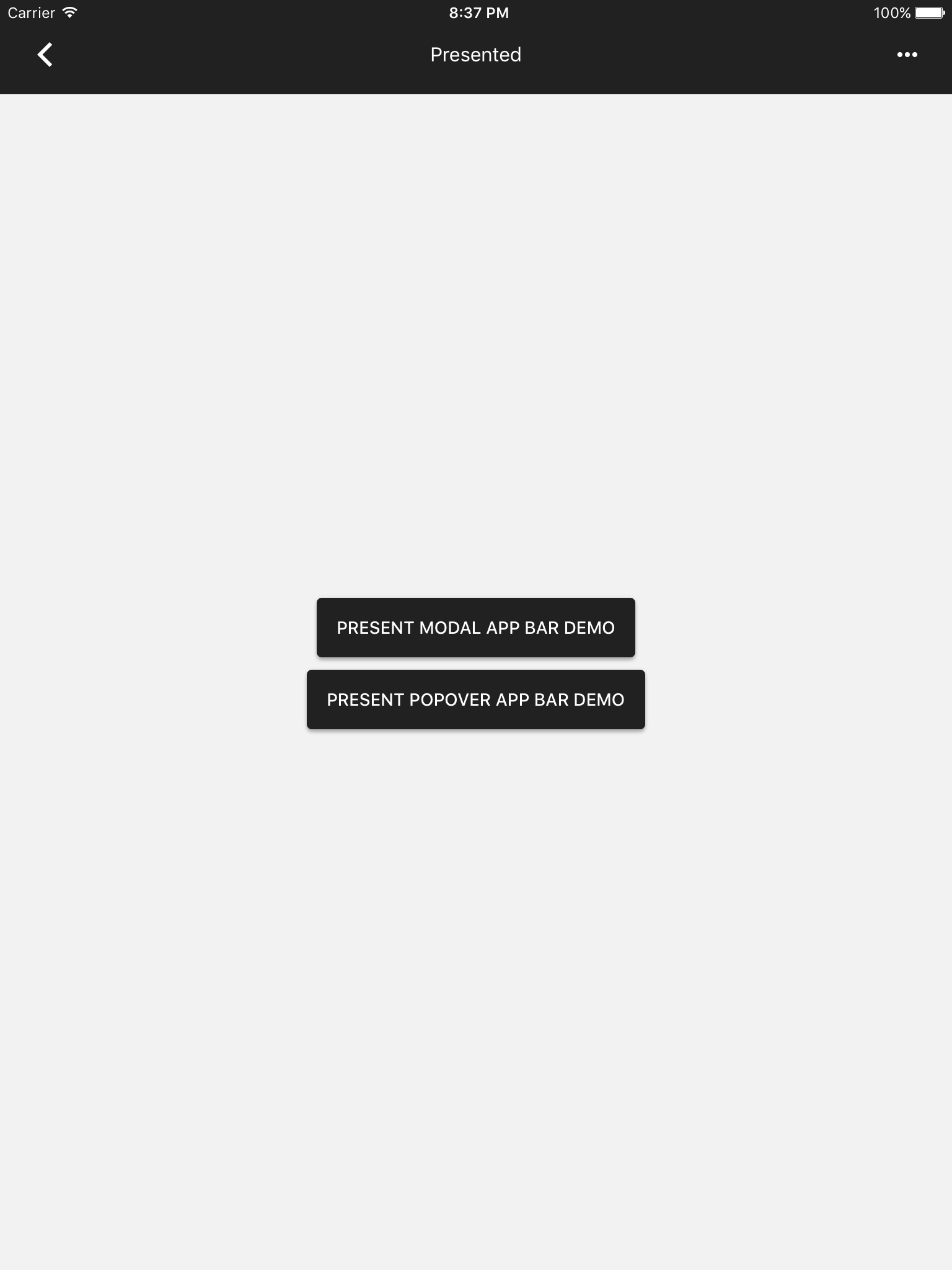
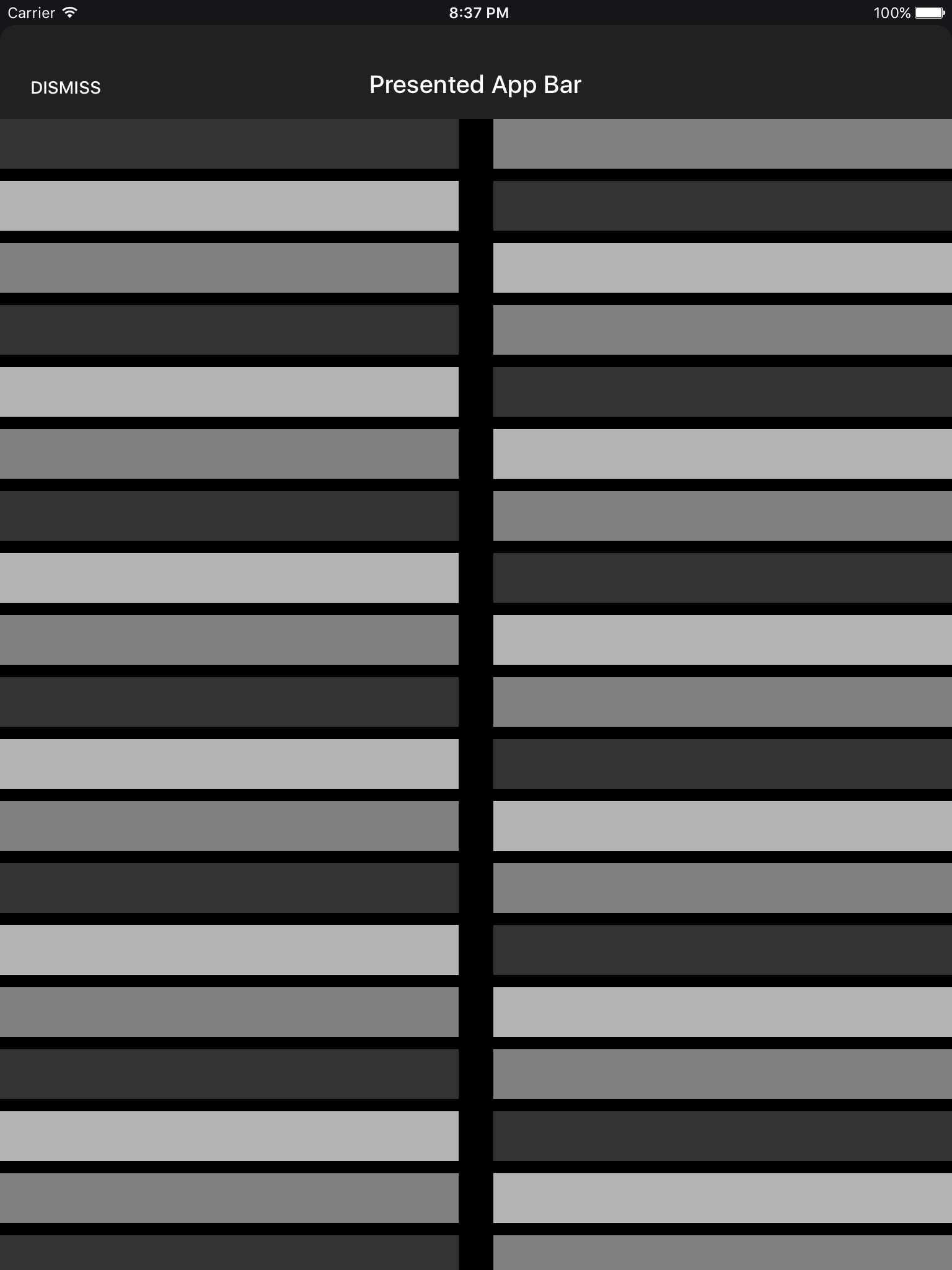
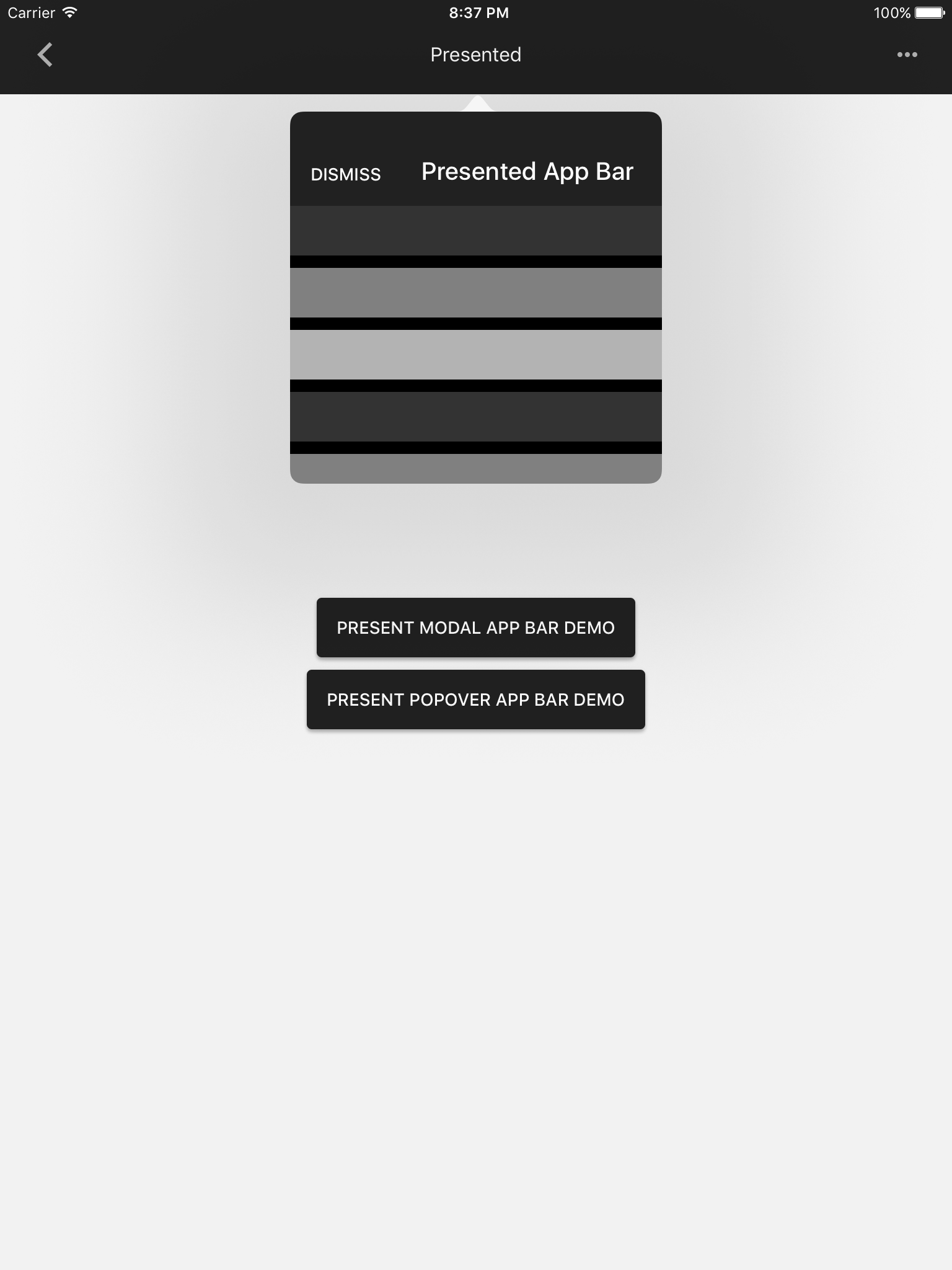
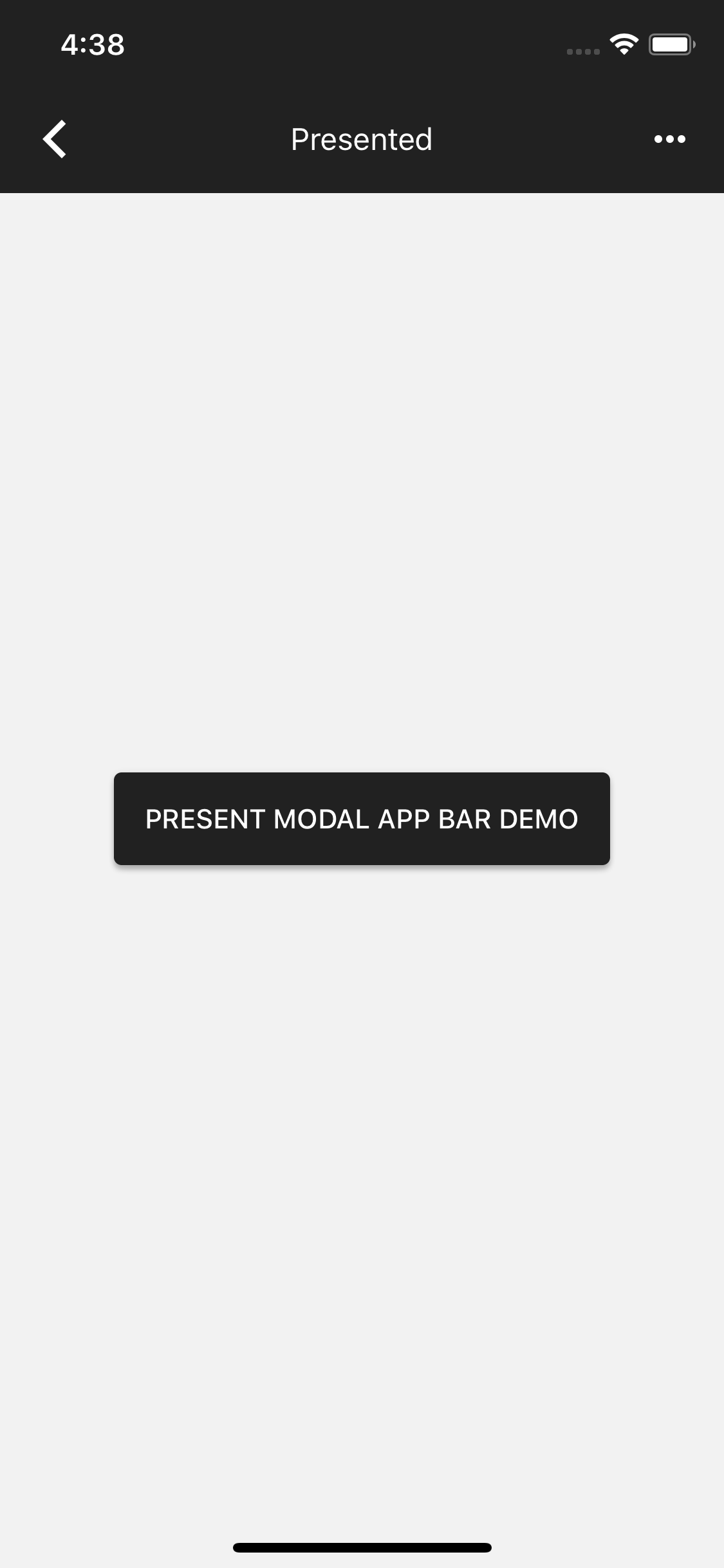
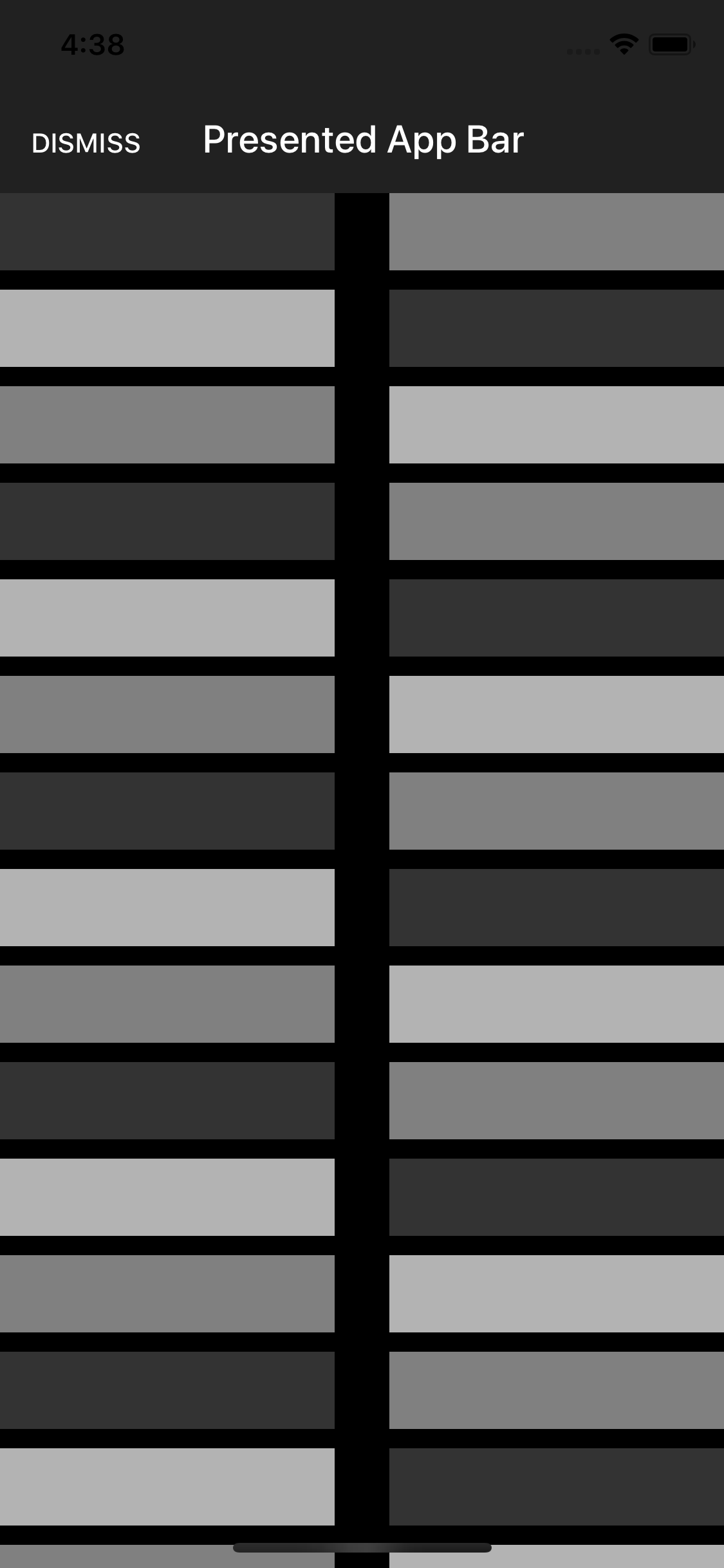
* AppBar -> Presented (This example does not use the app theme so I was able to set the style directly)
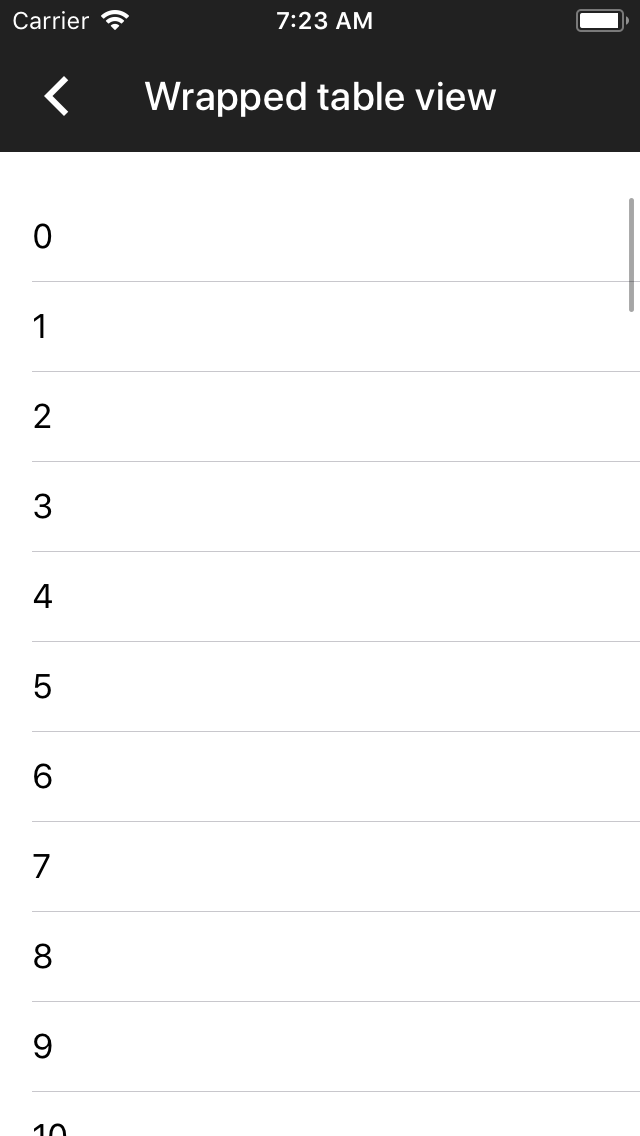
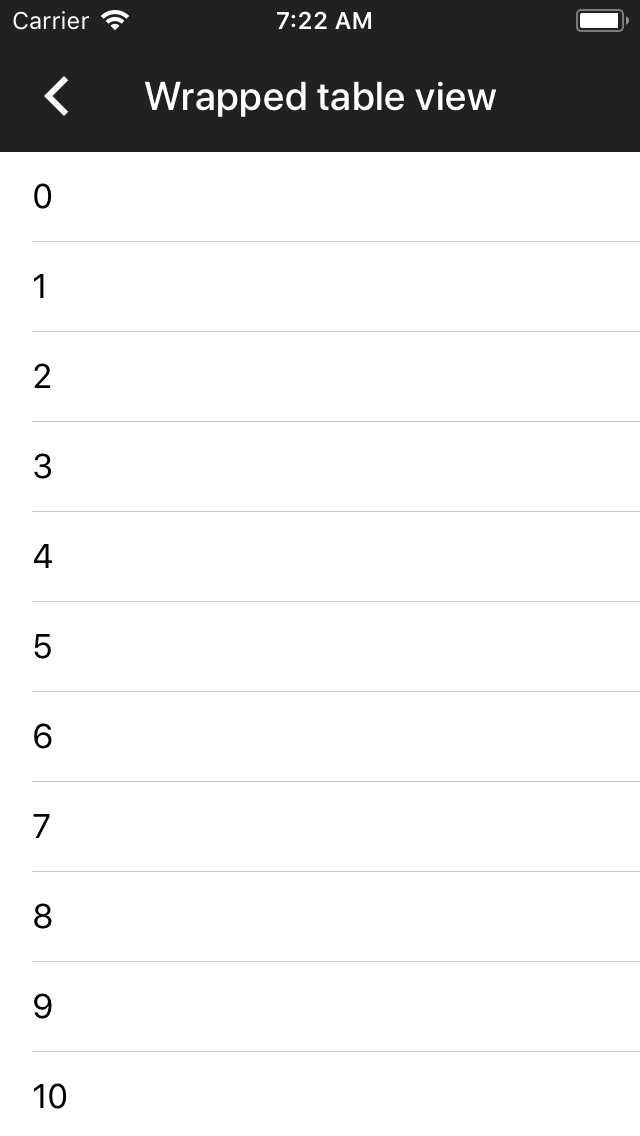
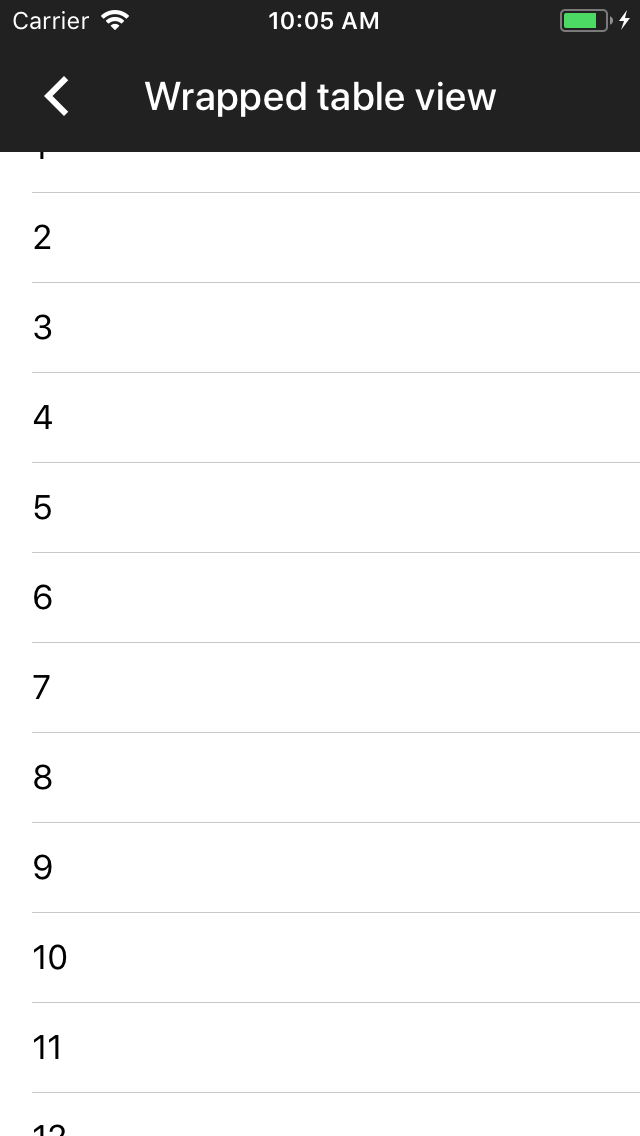
* AppBar -> Wrapped
* BottomAppBar
Additionally, I found that changing the Catalog theme from black to another color (and vice-versa) resulted in the status bar being incorrect until the next page navigation. So I created a fix for this too.
Closes#3778
This example was provided by @babakbo in https://github.com/material-components/material-components-ios/issues/5156
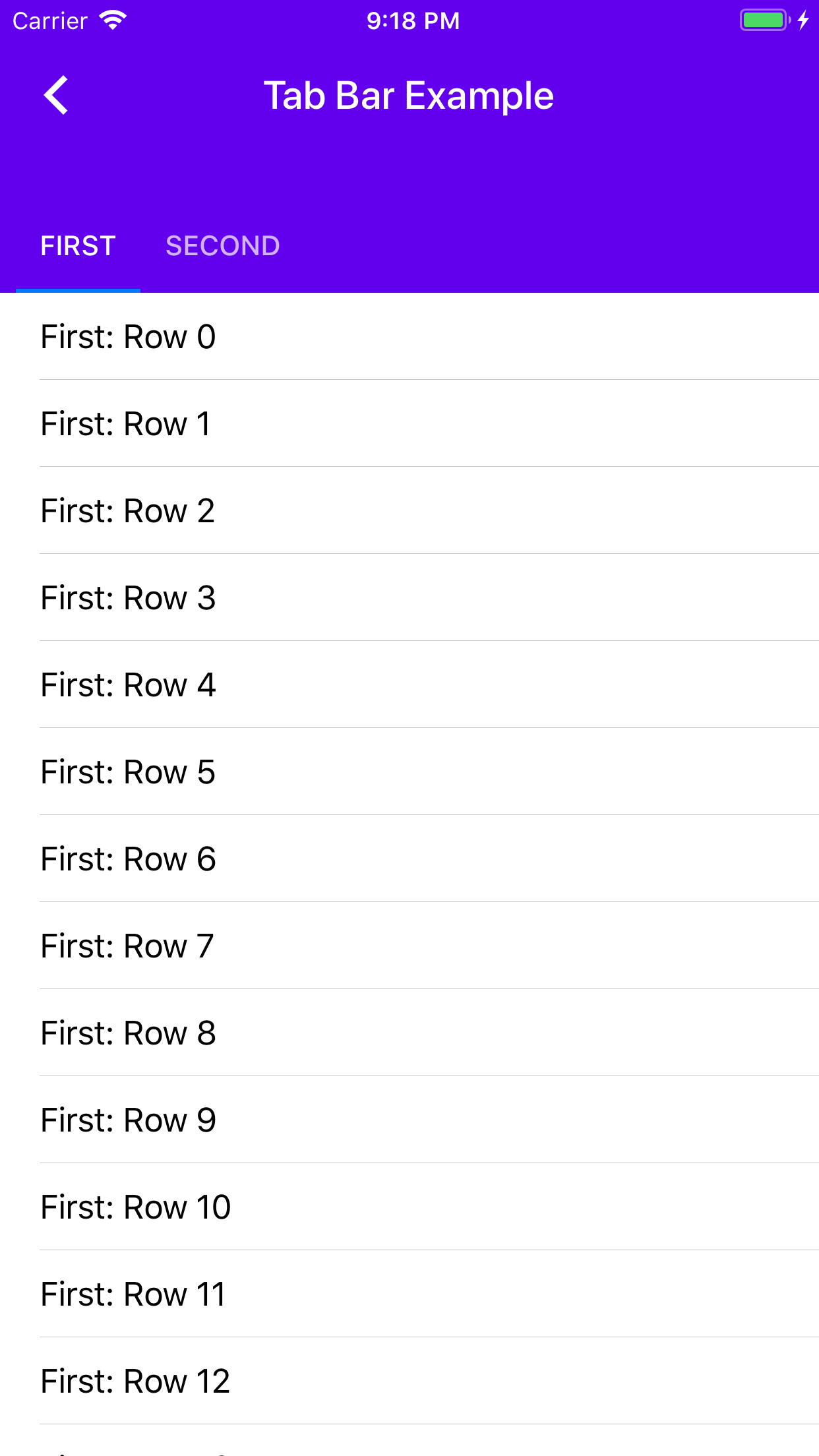
The purpose of this example is to be able to test the behavior of multiple tabs that are added and removed from the view controller hierarchy as the selected tab changes. This is different from the typical tabs usage, which relies on a horizontally-paging scroll view to allow the tabs to be switched between.
In addition, this example is demonstrating the use of the canAlwaysExpandToMaximumHeight API which has been provided specifically for @babako and team.
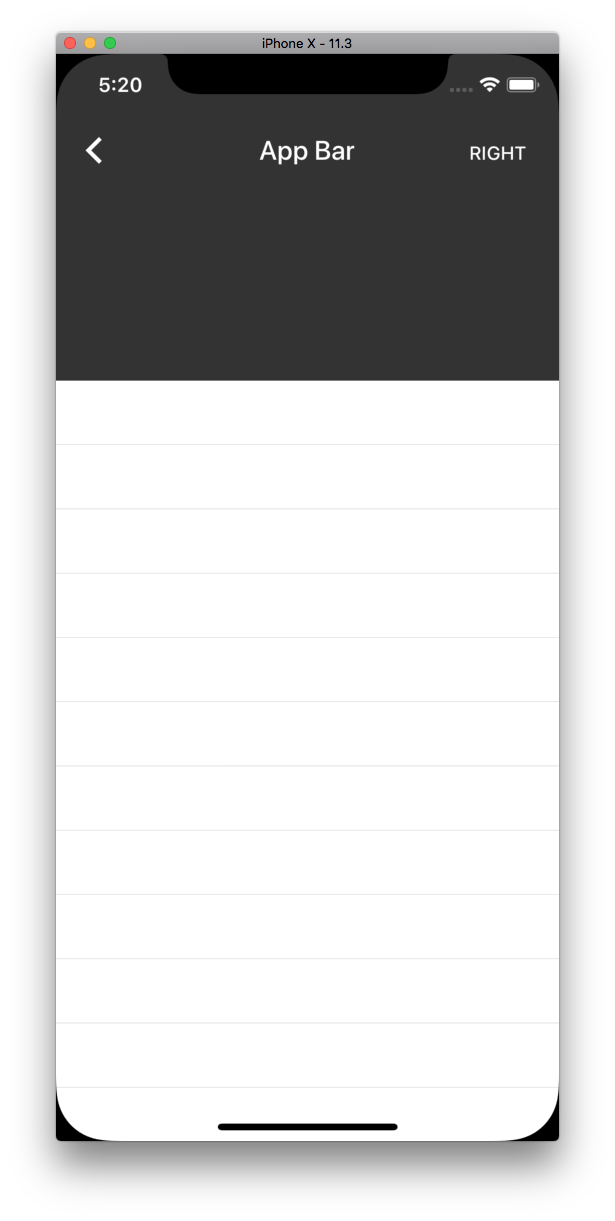
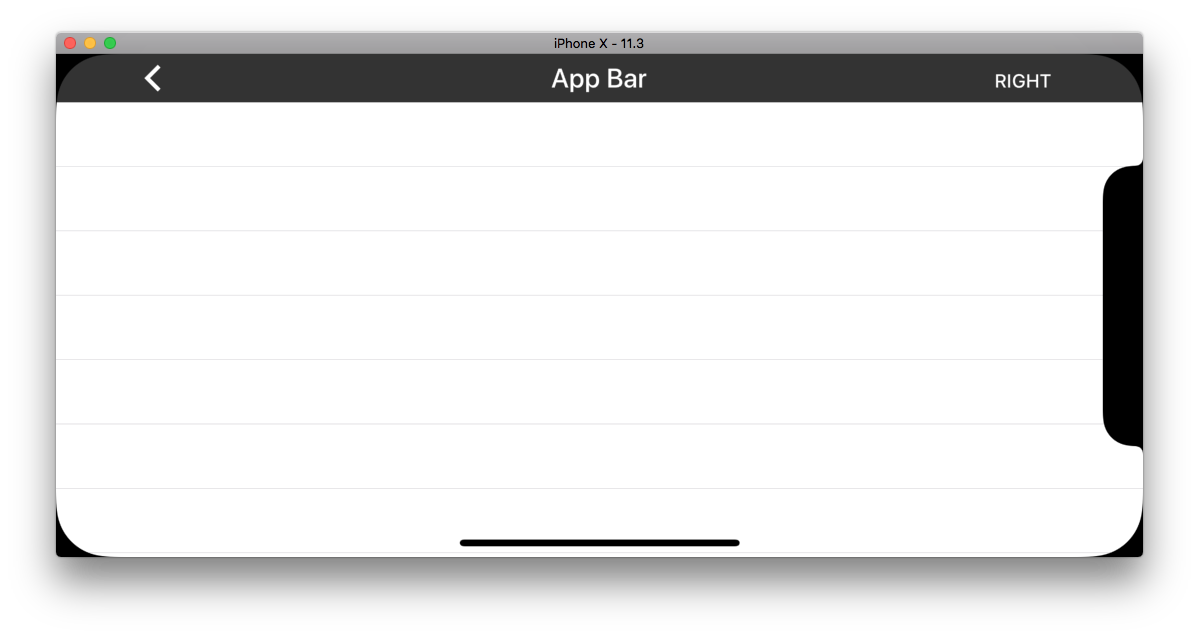
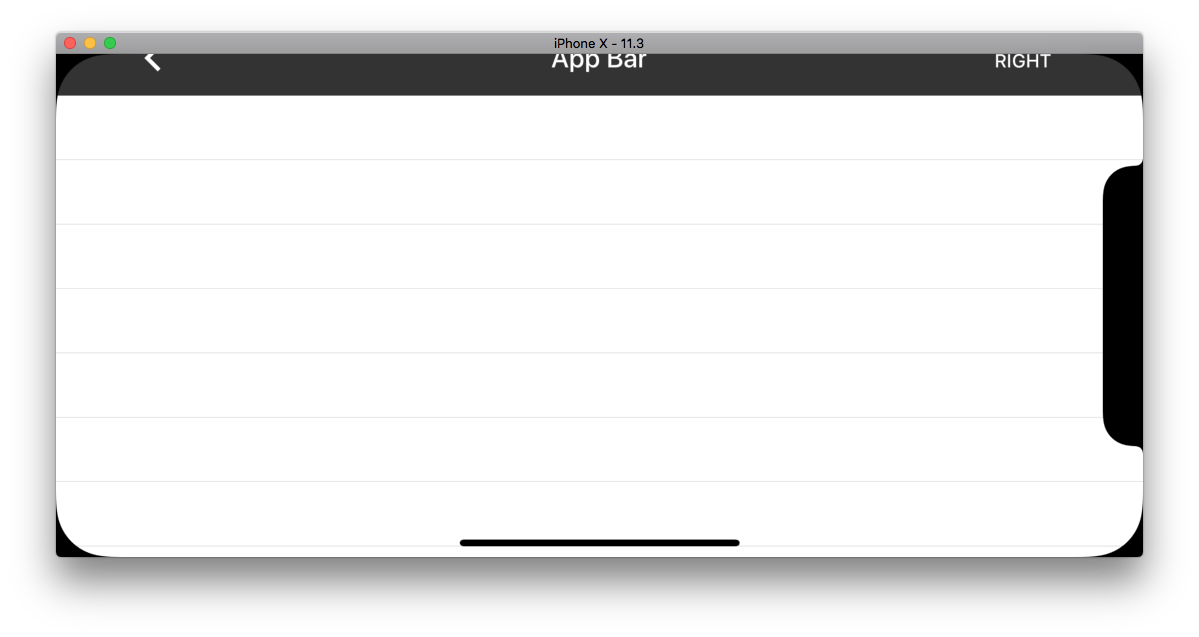
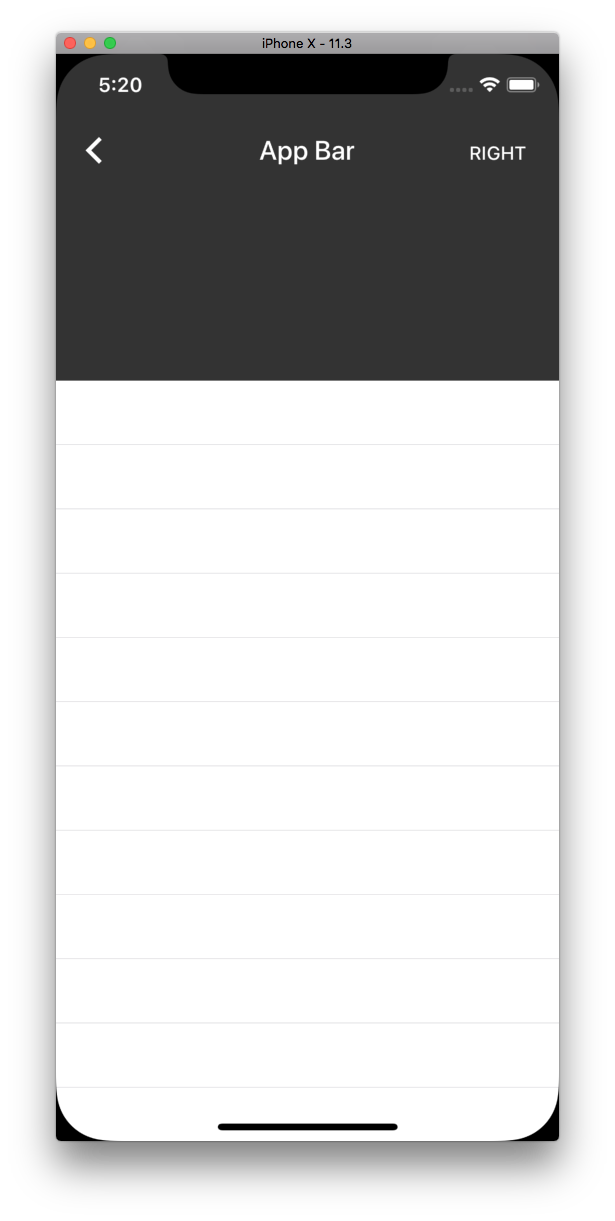
## Screenshots
Removes the need to copy-paste stanzas from other files anymore as we'll rely on #4478 to generate the correct stanza for us instead.

This was an automated change generated by running a find-and-replace regular expression:

```
/\*
 Copyright ([0-9]+)-present the Material Components for iOS authors\. All Rights Reserved\.

 Licensed under the Apache License, Version 2\.0 \(the "License"\);
 you may not use this file except in compliance with the License\.
 You may obtain a copy of the License at

 http://www\.apache\.org/licenses/LICENSE-2\.0

 Unless required by applicable law or agreed to in writing, software
 distributed under the License is distributed on an "AS IS" BASIS,
 WITHOUT WARRANTIES OR CONDITIONS OF ANY KIND, either express or implied\.
 See the License for the specific language governing permissions and
 limitations under the License\.
 \*/
```

```
/\*
Copyright ([0-9]+)-present the Material Components for iOS authors\. All Rights Reserved\.

Licensed under the Apache License, Version 2\.0 \(the "License"\);
you may not use this file except in compliance with the License\.
You may obtain a copy of the License at

http://www\.apache\.org/licenses/LICENSE-2\.0

Unless required by applicable law or agreed to in writing, software
distributed under the License is distributed on an "AS IS" BASIS,
WITHOUT WARRANTIES OR CONDITIONS OF ANY KIND, either express or implied\.
See the License for the specific language governing permissions and
limitations under the License\.
\*/
```

```
/\*
 Copyright ([0-9]+)-present the Material Components for iOS authors\. All Rights Reserved\.
 Licensed under the Apache License, Version 2\.0 \(the "License"\);
 you may not use this file except in compliance with the License\.
 You may obtain a copy of the License at
 http://www\.apache\.org/licenses/LICENSE-2\.0
 Unless required by applicable law or agreed to in writing, software
 distributed under the License is distributed on an "AS IS" BASIS,
 WITHOUT WARRANTIES OR CONDITIONS OF ANY KIND, either express or implied\.
 See the License for the specific language governing permissions and
 limitations under the License\.
 \*/
```

```
// Copyright $1-present the Material Components for iOS authors. All Rights Reserved.
//
// Licensed under the Apache License, Version 2.0 (the "License");
// you may not use this file except in compliance with the License.
// You may obtain a copy of the License at
//
// http://www.apache.org/licenses/LICENSE-2.0
//
// Unless required by applicable law or agreed to in writing, software
// distributed under the License is distributed on an "AS IS" BASIS,
// WITHOUT WARRANTIES OR CONDITIONS OF ANY KIND, either express or implied.
// See the License for the specific language governing permissions and
// limitations under the License.
```
We can now make use of @available throughout our codebase.

We support Xcode 9 and up, which includes the iOS 11 SDK. This means we can remove any guards for SDKs prior to iOS 11.

This was cleaned up by running a global find-and-replace with the following regular expression:

```
Find:#if defined\(__IPHONE_11_0\) && \(__IPHONE_OS_VERSION_MAX_ALLOWED >= __IPHONE_11_0\)\n(.+if \(@available\(iOS 11.0, \*\)\) \{(?:.|\n)*?)(?:#else(?:.|\n)*?)?\n#endif
Replace:$1
```

With some additional cleanup for stragglers that didn't match this pattern. Note that else clauses were intentionally dropped.

Closes https://github.com/material-components/material-components-ios/issues/4909
Repro case:
- Open MDCDragons.
- Open the App Bar -> WKWebView small content bug

Expected behavior: the web view does not allow the content to be scrolled up and down.
Actual behavior: the web view's scroll view's content size height appears to have extra padding, allowing the content to be scrolled.

---

This change introduces a runtime check for WKWebView. If the tracking scroll view is a scroll view of a WKWebView, we disable the content inset adjustment behavior in favor of using additionalSafeAreaInsets on iOS 11 and up. On older iOS devices, clients must instead rely on the topLayoutGuide and position their web view below the header accordingly. This is demonstrated in the two added examples.

This bug stems from the fact that UIKit's implementations of its various UIScrollView subclasses each have individual quirks. UITableView reacts differently to additionalSafeAreaInsets than WKWebView's scroll view, and a pure UIScrollView reacts differently from either of them. The most notable difference in behavior is how and when the contentOffset is adjusted in reaction to changes in the additionalSafeAreaInsets.

My original attempt at this fix included a public behavioral flag that would allow clients to opt in to using additionalSafeAreaInsets for any tracking scroll view, but the various quirks of UITableView and friends was expanding the scope of the fix too much. I would like to move the Flexible Header towards relying solely on additionalSafeAreaInsets in the future, but for now it is out of scope of this particular bug fix. As such, I've introduced a more focused behavioral flag that only enables itself if the tracking scroll view is a WKWebView's scroll view.

Closes https://github.com/material-components/material-components-ios/issues/4377
set cell selection style to none in following examples:
Activity Indicator Demo
App Bar Demo
AppBarSectionHeaderExample
AppBarImageryExample
closes#3870
This behavior enables the similarly-named behavior added to the Flexible Header in bb245597d8895a78c346c76f7d0986d7a993ad12. In addition to allowing the flexible header's min/max height to use the contextual safe area insets, the App Bar will use the flexible header view's top safe area guide to position its header view (rather than using MDCDeviceSafeAreaInsets(), which we want to remove).

This change enables the new behavior in the App Bar examples and in the MDCCatalog node list view controller.

Closes https://github.com/material-components/material-components-ios/issues/4104
This new opt-in behavior allows a client to more easily integrate the Flexible Header (and relatedly, the App Bar) when they do not require shifting behavior (which is most of the time).

The new behavior can be enabled by setting `observesTrackingScrollViewScrollEvents` to true on the flexible header view instance.

When this property is enabled, the flexible header will no longer allow tracking scroll view events to be manually forwarded, and it will also enforce the shift behavior being set to a disabled state. The intent of this enforcement is to encourage unambiguous usage of the flexible header (you're either allowing it to observe events, or you're forwarding events, but not both).

I've rolled this new behavior out to all of the App Bar examples to demonstrate how much code it removes. I expect this to be a large win for client teams that are integrating with the App Bar.

The underlying implementation of this new behavior relies on KVO of the scroll view's contentOffset property. We manage registration of KVO events through the fhv_startObservingContentOffset and fhv_stopObservingContentOffset APIs.

Prior to iOS 11, the KVO implementation of observers required that you deregister any observers from an object before it is deallocated. As such, if a client wishes to use this behavior and they also support iOS 10.* or below, they must also explicitly nil out the tracking scroll view before it is deallocated. This is required because we keep a weak reference to the tracking scroll view (for a variety of important reasons, namely: avoiding retain cycles and ensuring we don't keep the tracking scroll view alive longer than its owning controller). Because of the weak reference, we can't rely on our own dealloc method being invoked before the tracking scroll view is deallocated. As such, only the client who provided us with a tracking scroll view is capable of making an informed decision as to when to nil out the tracking scroll view. In essence, this behavior comes with a KVO contract (a cost) while providing a much easier integration experience (the benefit).

If a client supports iOS 11 and up, they can simply enable this behavior with no additional code.

Closes https://github.com/material-components/material-components-ios/issues/347
This enables the new FlexibleHeader/AppBar behavior that correctly updates the content view controller's safe area insets/top layout guide to match the flexible header's height and sets the frame of the content view controller to match the bounds of the container view controller.

As part of this change, we were able to remove the Catalog logic that would manually adjust the frame of examples that did not have a scroll view. Examples are now expected to adjust their content according to the top layout guide / safe area insets, as can be seen in the ButtonsTypicalUse example.

Examples that *do* have a scroll view will also now make use of the correct top layout guide / safe area insets behavior. This behavioral change can most notably be seen in the ActivityIndicator example, which no longer has a 20 point "dead zone" above the table view.
* Added a AppBarTypicalCollectionViewExample.

* applying scheme in view did load, adding scheming properties to the example so it works with global theming.

* light content status bar for dark nav bar.

* Added Step 1.

https://github.com/material-components/material-components-ios/pull/3491
Made colorScheme and typographyScheme properties in the class interfaces for all our examples.
Moved theming away from example inits and into viewDidLoad
Small update for slider example to allow it to grab the theming properly.
Related Pivotal: https://www.pivotaltracker.com/story/show/156616695
Make inkColor for buttons in MDCButtonBar customizable. Also expose an API on MDCNavigationBar to allow using the custom inkColor in AppBar.
closes#1660
All examples now have at least the required `+catalogBreadcrumbs` and `+catalogIsPrimaryDemo`. All examples in the same breadcrumbs path have only one primary demo. There should be only one `-catalogDescription` attached to the primary demo.
Closes#1897
* MDC_#702 - Start to implement accessibility configurator

* MDC_#702 - Implemented configurator method to modify accessibility colors to app bar and implemented example use

* MDC_#702 - Updated examples

* MDC_#702 - Updated naming convention

* MDC_#702 - Readability

* MDC_#702 - Updated pod spec to include new class MDCAppBarAccessibilityEnforcer, started adding tests, updated examples to new use class

* MDC_#702 - Stubbed out tests

* MDC_#702 - Re-implemented MDCAppBarAccessibilityEnforcer as object within AppBar component

* Filled in additional tests

* MDC_#702 - Updated method name

* MDC_#702 - Updated test cases

* MDC_#702 - Update added test to Swift 3.0

* [AppBar] - Update accessibility mutator class

* [AppBar] - Updated text selection in mutator method

* [AppBar] - Removed init method per comment

* [AppBar] - Updated colors in AppBar demo examples