Context:
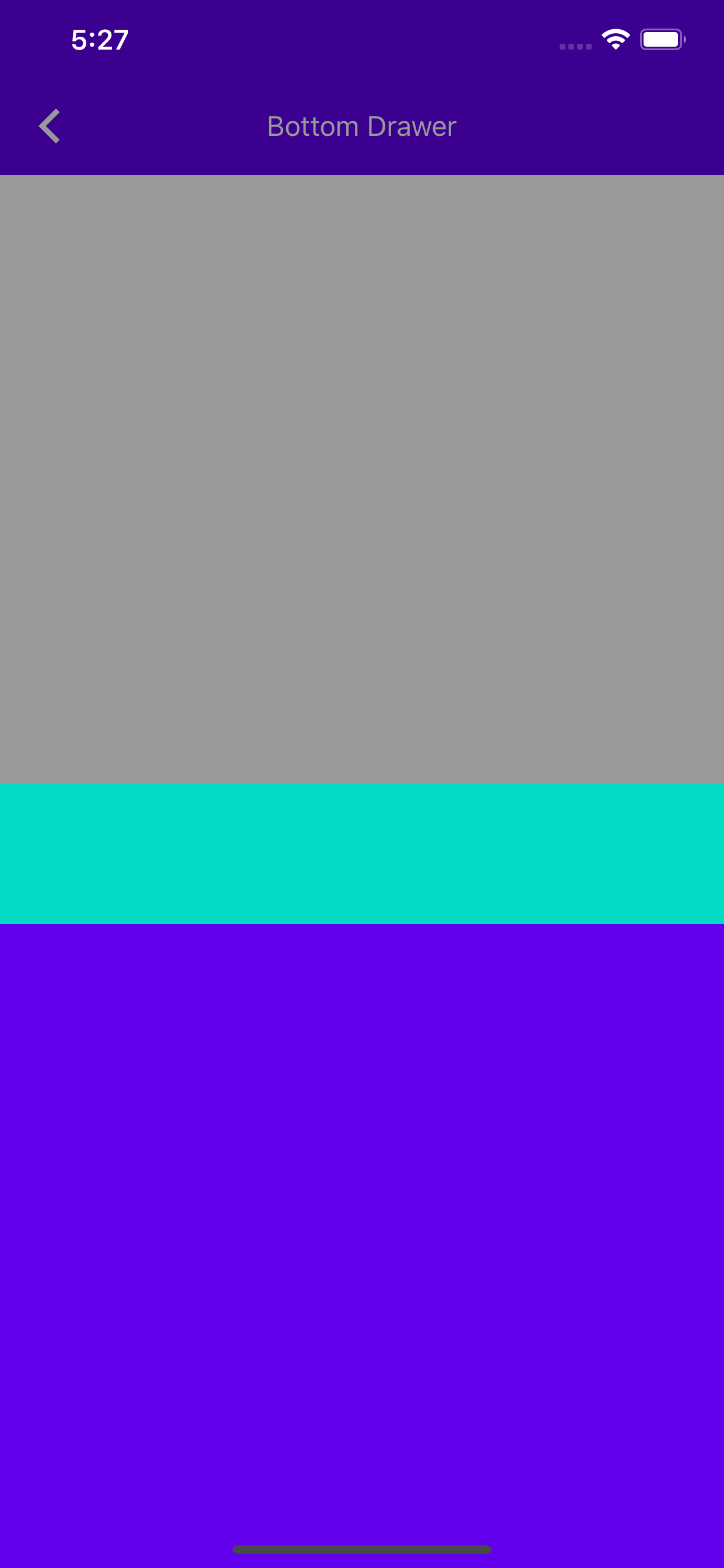
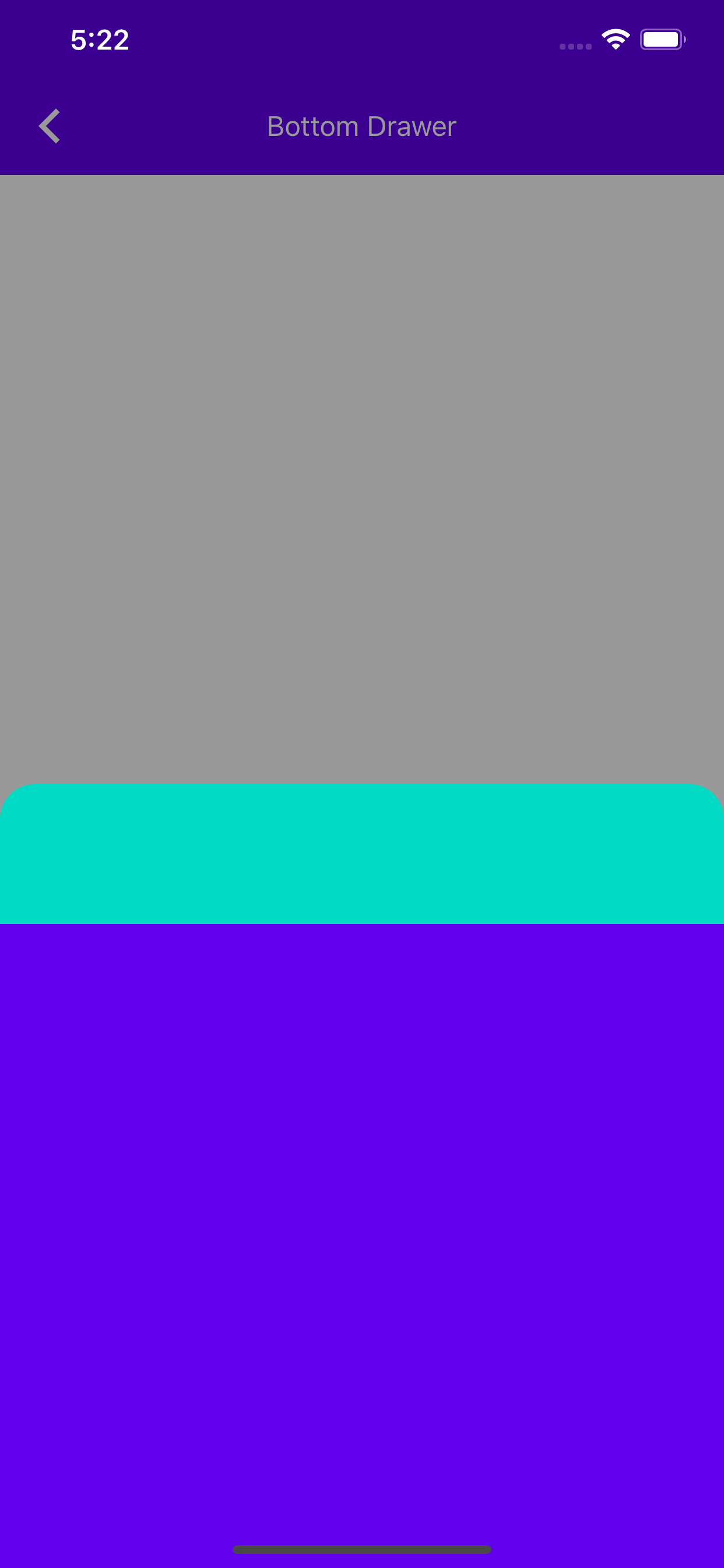
To allow us to create APIs for our users to set different appearances based on the different states the drawer can be in, we need to create an initial state system.
The Problem:
Without defining a state for our drawer, we won't be able to differentiate between different presentations the drawer may be in, and then alter the drawer's appearance effectively.
The Fix:
Provide a state enum as part of MDCBottomDrawerController, that is read only, and is set using a delegate that is initially set by the internal implementation.
Testing:
Unit Tests + Tested on an iPhone X and iPhone 7 with smaller and bigger preferredContentSize to imitate different states.
Related Bugs:
Closes#5524
### Context
In working on #5519 I tried to import "MaterialComponents/schemes/ColorScheme" and "MaterialComponents/schemes/TypographyScheme". Neither of these pods exist and you would get an error.

```bash

[!] CocoaPods could not find compatible versions for pod "MaterialComponents/schemes/ColorScheme":
  In Podfile:
    MaterialComponents/schemes/ColorScheme

None of your spec sources contain a spec satisfying the dependency: `MaterialComponents/schemes/ColorScheme`.

You have either:
 * out-of-date source repos which you can update with `pod repo update` or with `pod install --repo-update`.
 * mistyped the name or version.
 * not added the source repo that hosts the Podspec to your Podfile.

Note: as of CocoaPods 1.0, `pod repo update` does not happen on `pod install` by default.
```
### The problem
We are adding an extra "scheme" at the end of the podname.
### The fix
Remove extra "scheme" at the end of the podname.

### Test
1. Create a fake project
2. Set your `Podfile` to:

```bash
pod 'MaterialComponentsAlpha',
:git => 'https://github.com/codeman7/material-components-ios.git',
:branch => 'schemes'
```
### Context
In development of MDCActionSheet I thought it was necessary to have this extra work for `viewWillTransitionToSize:withTransitionCoordinator:`. After putting this into production it is no longer necessary and is causing bugs.
### The problem
ActionSheet doesn't layout correctly after a rotation
### The fix
Remove the extra work in `viewWillTransitionToSize:withTransitionCoordinator:` and let `layoutSubviews` handle layout.
### Testing
This was tested in iOS 11.1 and iOS 12 for iPhone X, iPhone XS Max, and iPad (Split View, Regular)
### Related bugs
Closes#5409
### Screenshots
| Before | After |
| - | - |
|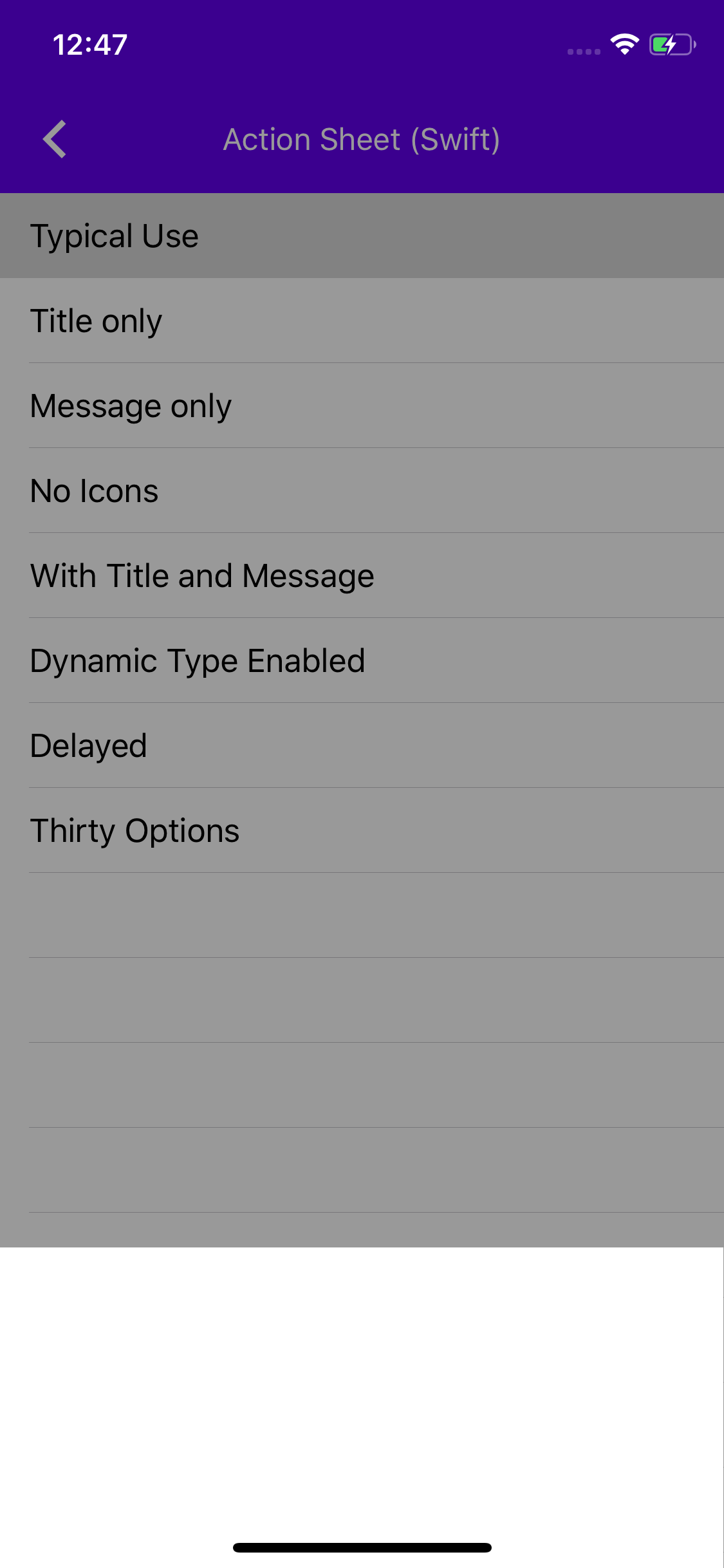|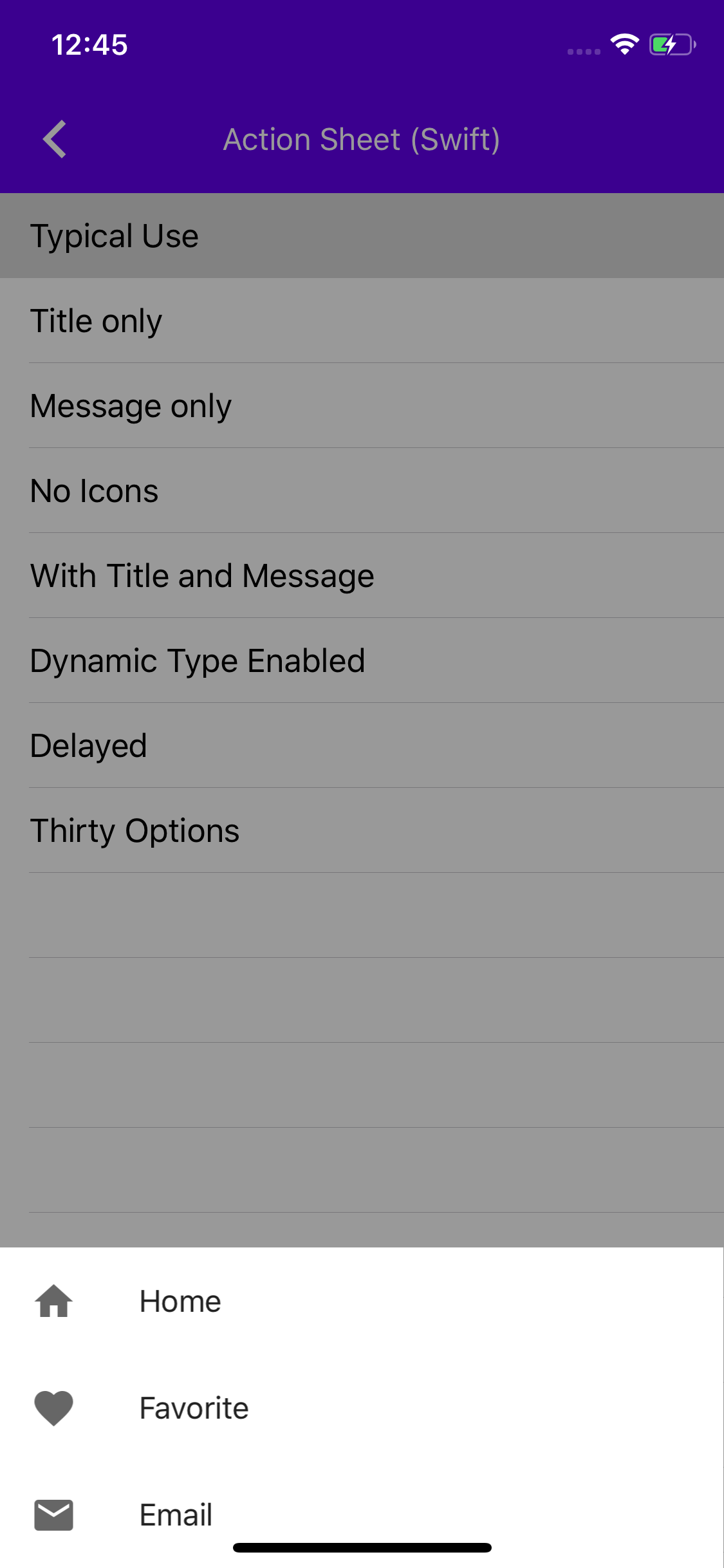|
**_Note:_** Screenshot is generated from an iPhone X on iOS 12 starting from portrait, rotating to landscape and back to portrait.
### Context
When the migration from MDCAppBar to MDCAppBarViewController occurred, a small piece of code was left out, specifically in `addSubviewsToParent`.
### The problem
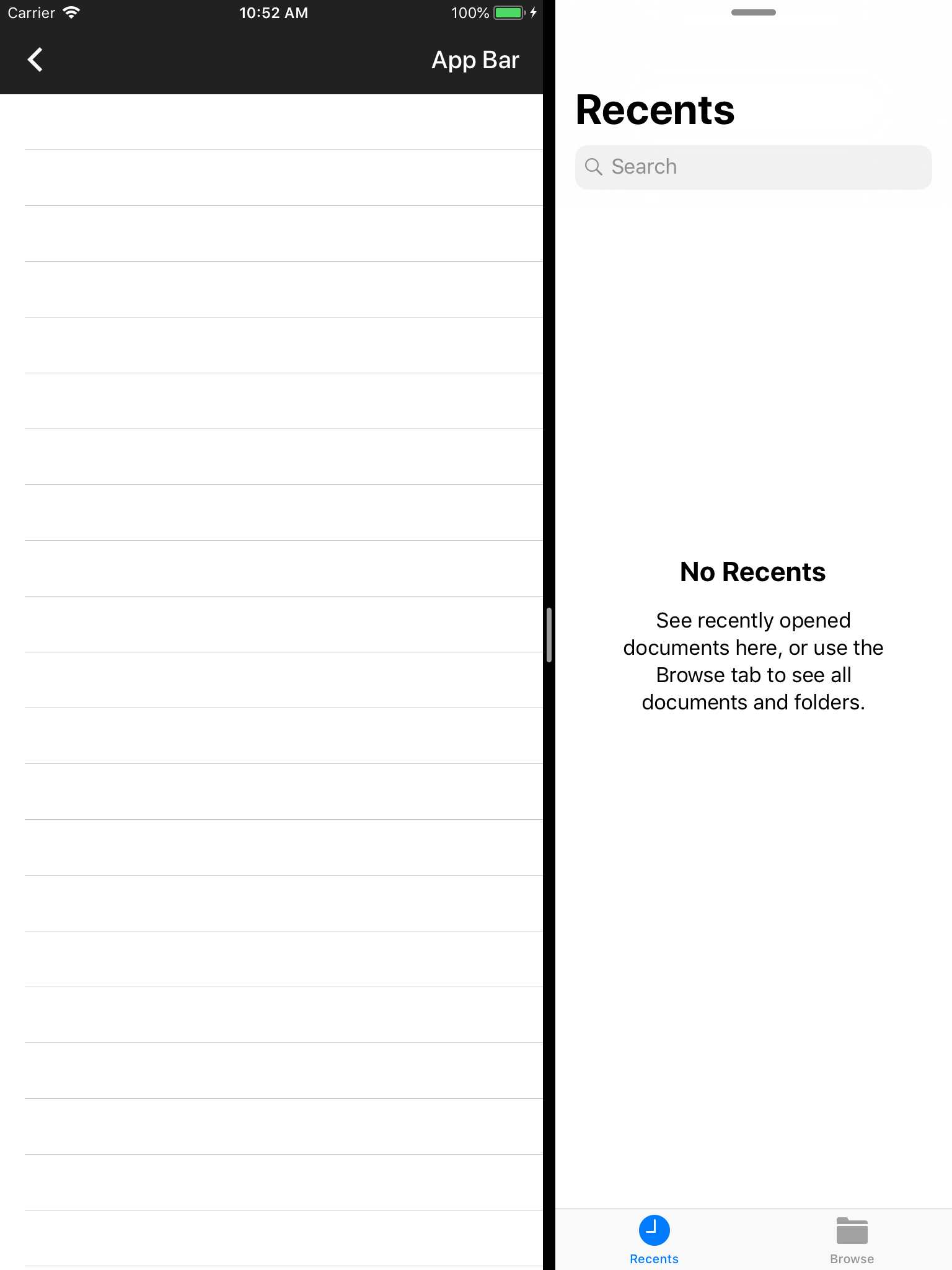
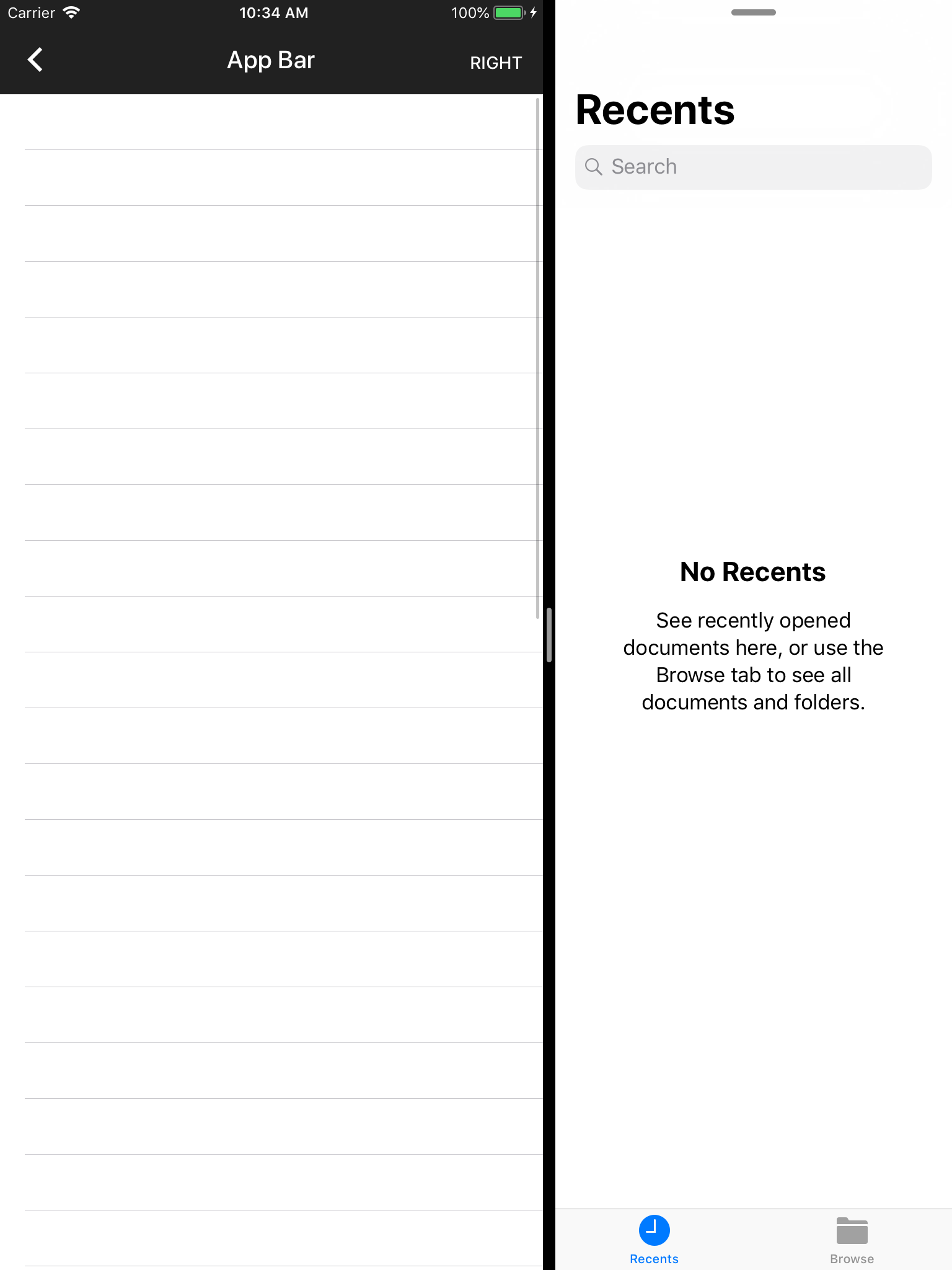
When running the catalog app in split screen on iPad and viewing the examples for MDCAppBarViewController, the App Bar is not sized correctly and overflows outside of the bounds.
### The fix
Re-add the frame width modifying logic from `addSubviewsToParent` into `didMoveToParentViewController:parent` for MDCAppBarViewController.
### Related bugs
closes#5479, b/118126496
### Screenshots
| Before | After |
| - | - |
|||
The example showing how to use MDF Internationalization's language
direction code was somewhat inefficient, calling the method twice on the
same string. Instead it should be called once and the result checked.

In manual testing, dropped overhead from 0.8% of Main Thread time to
0.4% while scrolling the example.
## The problem:
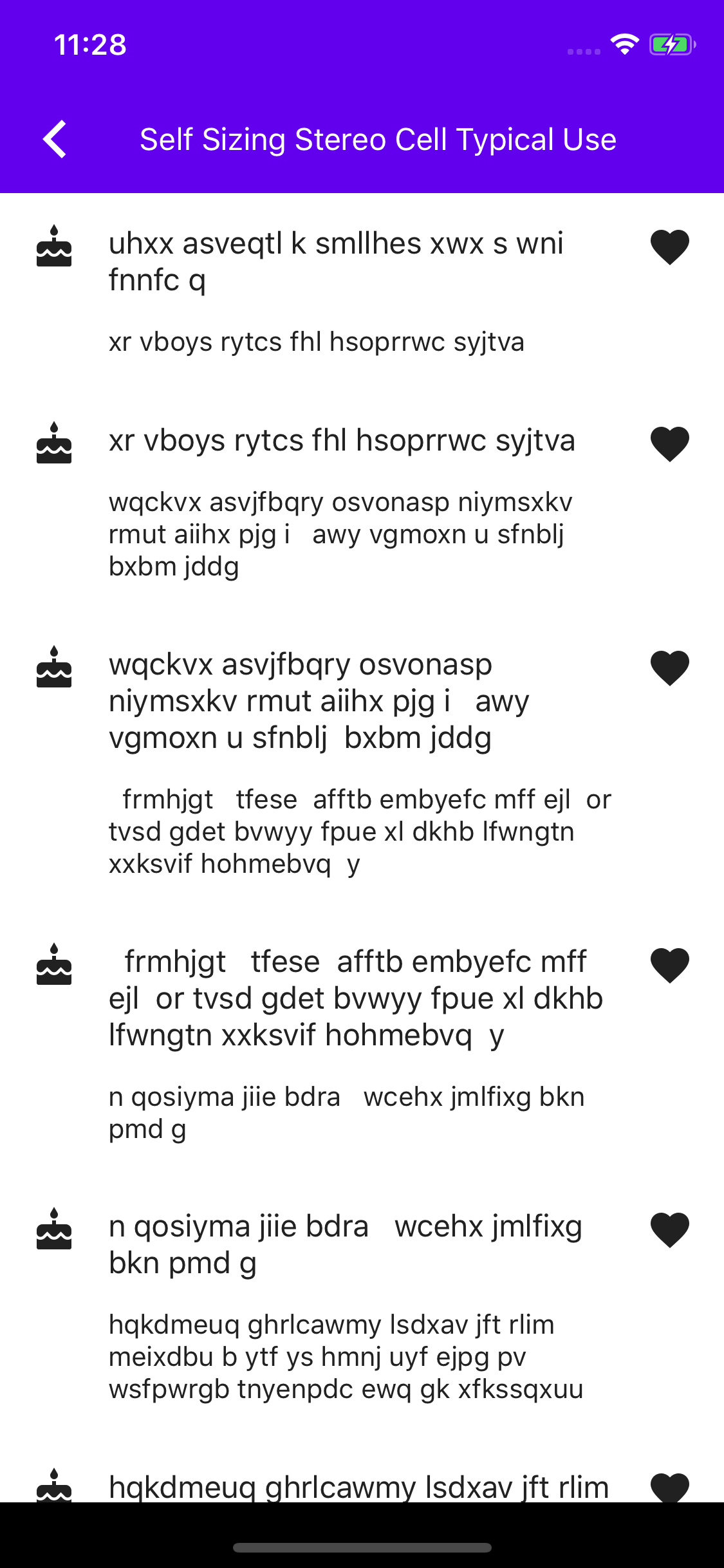
The Stereo cell example wasn't using the List Themer.
## The solution:
Make the Stereo cell example use the List Themer.
I didn't include before and after screenshots because there is no visual change.
Closes#5501.
** This is a breaking change to the Shape Scheme **

Based on recent conversations with design, there has been some updates to the way we theme our bottom sheet using shapes. Namely, the discussions revolved around the different states the sheet can be shaped in, and the different variations of sheets having different shape mappings ([Standard Bottom Sheet](https://material.io/design/components/sheets-bottom.html#standard-bottom-sheet) and [Modal Bottom Sheet](https://material.io/design/components/sheets-bottom.html#modal-bottom-sheet).

In conclusion, it has been decided that for the case of the Modal Bottom Sheet (our current bottom sheet), we map the top 2 corners to the Large Component Shape category when the sheet isn't in a full screen state. When the sheet is in full screen, we should not map it or shape it at all.
### Context
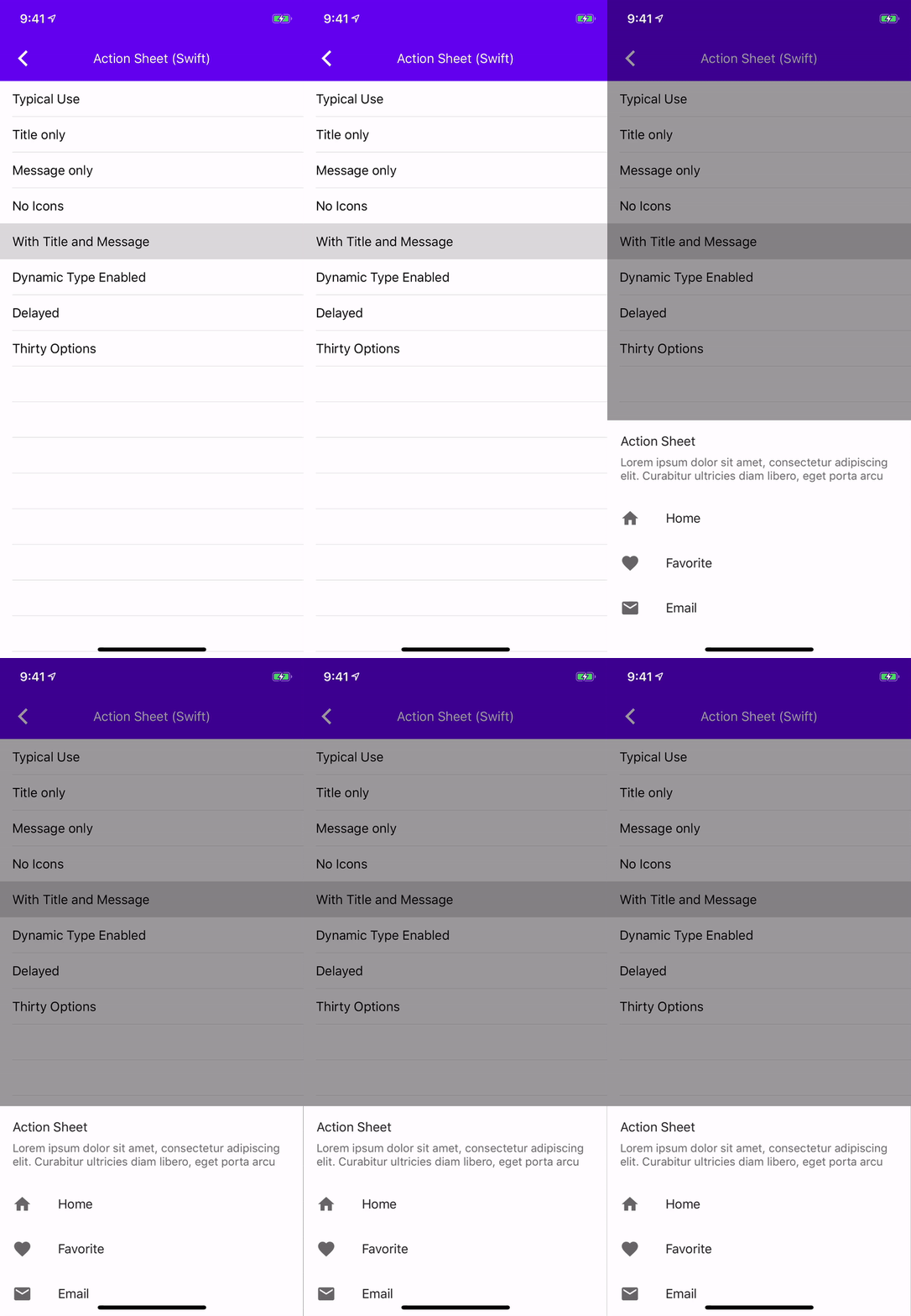
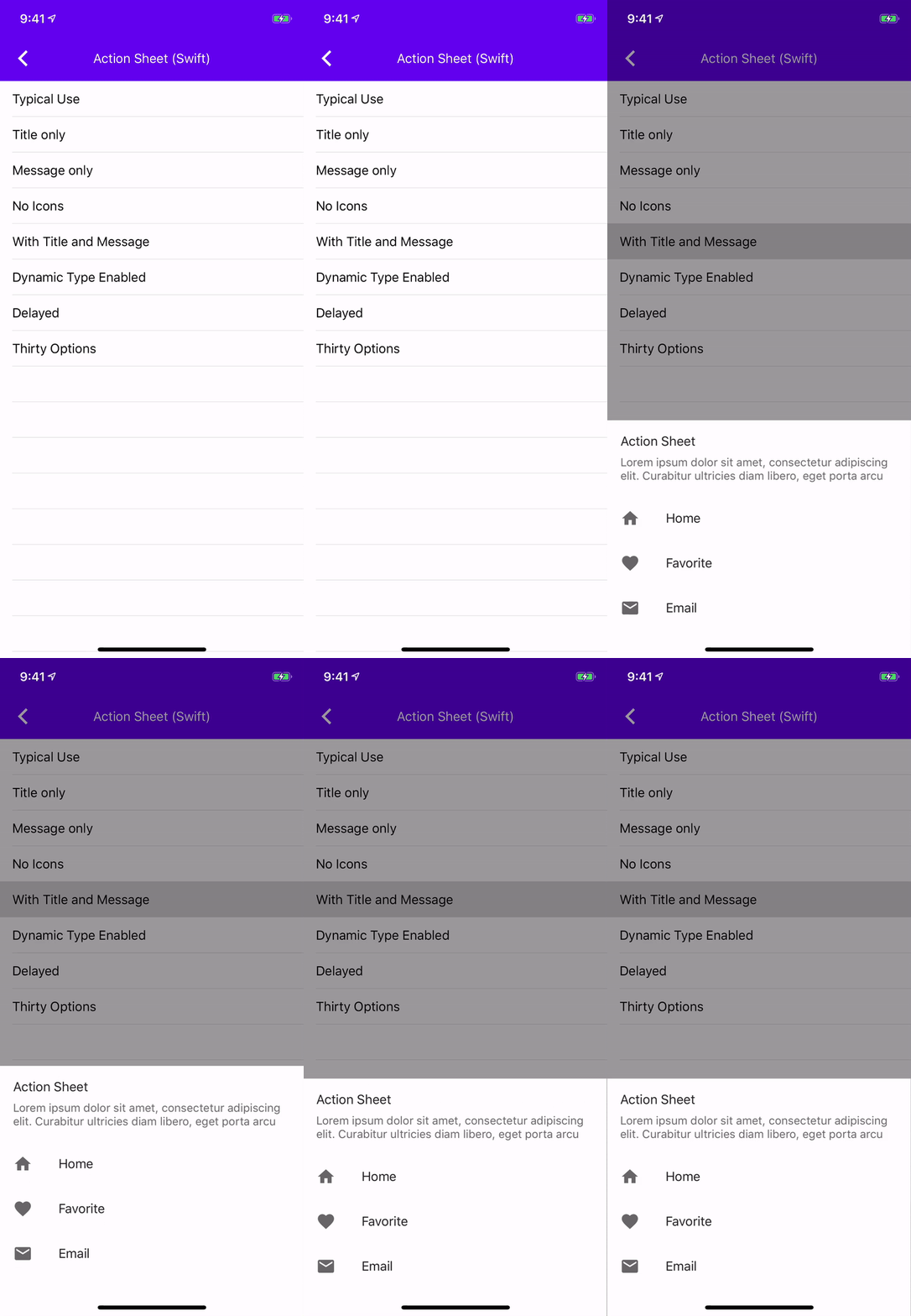
ActionSheet is using MDCBottomSheet presentation controller which uses `MDCSheetContainerView` within the method `safeAreaInsetsDidChange` the `MDCSheetContainerView` would subtract the top safe area inset from the scrollView frame. This caused components using this presentation controller to have the correct layout initially but after a user interacts with it they wouldn't layout correctly.
### The problem
After the bottom sheet rebounds from an upward nudge it doesn't respect the safe area
### The fix
Remove the subtraction from the scrollView's frame.
### Related bugs
b/117286643, #5331
### Videos
| Before | After |
| - | - |
|||
Note that this solution (using the cell's center property to update its position) is recommended by Apple documentation:
"Use this property to scale or rotate the view's frame rectangle within its superview's coordinate system. (To change the position of the view, modify the center property instead.)"
https://developer.apple.com/documentation/uikit/uiview/1622459-transform?language=objc
The bug is fixed when the cell's position is updated using the center property instead of using an offset in addition to the transform property.
Closes#5328
If explicitly setting this boolean to YES is a concern due to performance (there is no visible degradation of performance with this change in place), at the very least a property in the MDCCollectionViewEditing protocol should allow clients using the MDCCollectionViewController to control whether or not the snapshot captures the latest state of the cell.
Closes#5335
### Context
In working on #5296 I noticed a lot of the test had repeated code that can be pulled into a `setup` function. Additionally some of the test were missing _Given_, _When_, and _Then_ statements so those were added. This change hopefully makes this code more readable to future maintainers. I also noticed some of the test had extra work in the _Given_ that wasn't necessary so I removed that.
### The problem
Repeated steps in the _Given_ section of the test
### The fix
Implement the `setup` and `teardown` functions as well as add missing _Given_, _When_, and _Then_ comments.

### Related bugs
This isn't related to any bugs this is just something that I saw that could be improved.
This PR is the last step in graduating the Navigation Drawer component from Beta to Ready.
We have resolved all the outstanding issues in the Navigation Drawer Project here: https://github.com/material-components/material-components-ios/projects/85 and hotlist: 1230549 .
The only outstanding issue is the unit tests ( #5466 , #5465 ) which were approved and are pending due to GitHub issues causing CI not to run.
We are essentially migrating here the NavigationDrawer component from the MaterialComponentsAlpha podspec to the MaterialComponents podspec so it can be used publicly using the normal means of installing our Pod.
This PR is blocked and can land once #5466 and #5465 land.
Closes#5333
### Context
NavigationDrawer is missing unit test. One of the _heavy lifting_ functions is `cacheLayoutCalculation`, which has many side effects. One of those side effects is setting the `contentHeightSurplus`. `contentHeightSurplus` effects `scrollsToReveal` so those test were also added.

**_Note:_** I didn't add any comments in the test but those may be necessary to give future maintainers context on why the test are a given result.

### Related issues
#4911
### Related PR
#5465
Adding semantic emphasis to Dialog actions which allows conditional theming of buttons. The MDCDailogScheme now has a button scheme which can be used to theme buttons according to their action's assigned emphasis.
Issue: b/117608629
Design Review document (go/gmdc-ios-dialogs-design-doc).
### Context
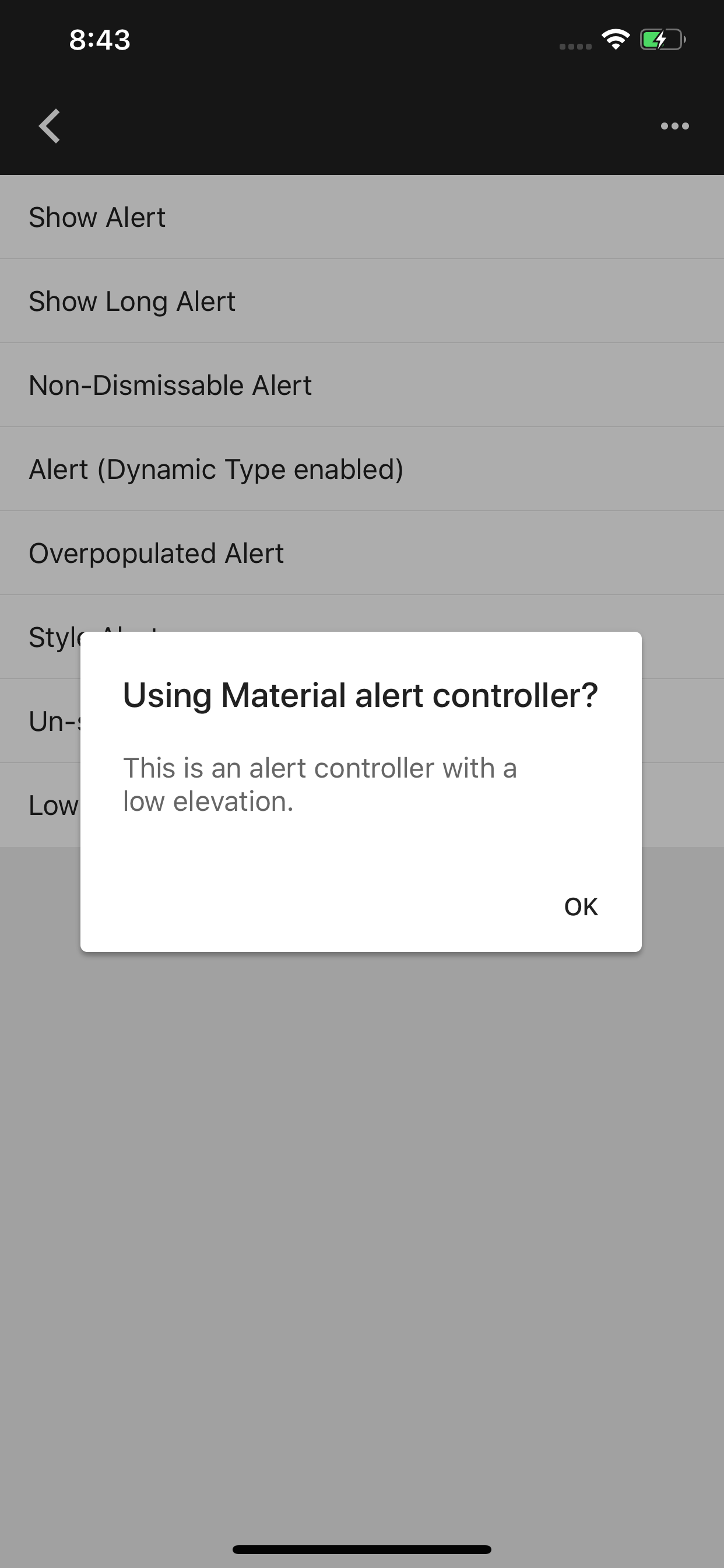
In working on #5296 and #5301 I used `CGFloat` instead of `MDCShadowElevation`. We have the `MDCShadowElevation` data type strictly for this exact use case and I missed that. This goes back and fixes those changes to match all other components. This shouldn't cause any changes in behavior but screenshots are added to make sure. Clients should be unaffected by this change even if they were using a custom elevation.
```objc
dialog.elevation = 2;
```
Will work the same as before.
### The problem
MDCAlertController (and all related classes) used `CGFloat` instead of `MDCShadowElevation`.
### The fix
Replace `MDCShadowElevation` with `CGFloat`.
| Before | After |
| - | - |
||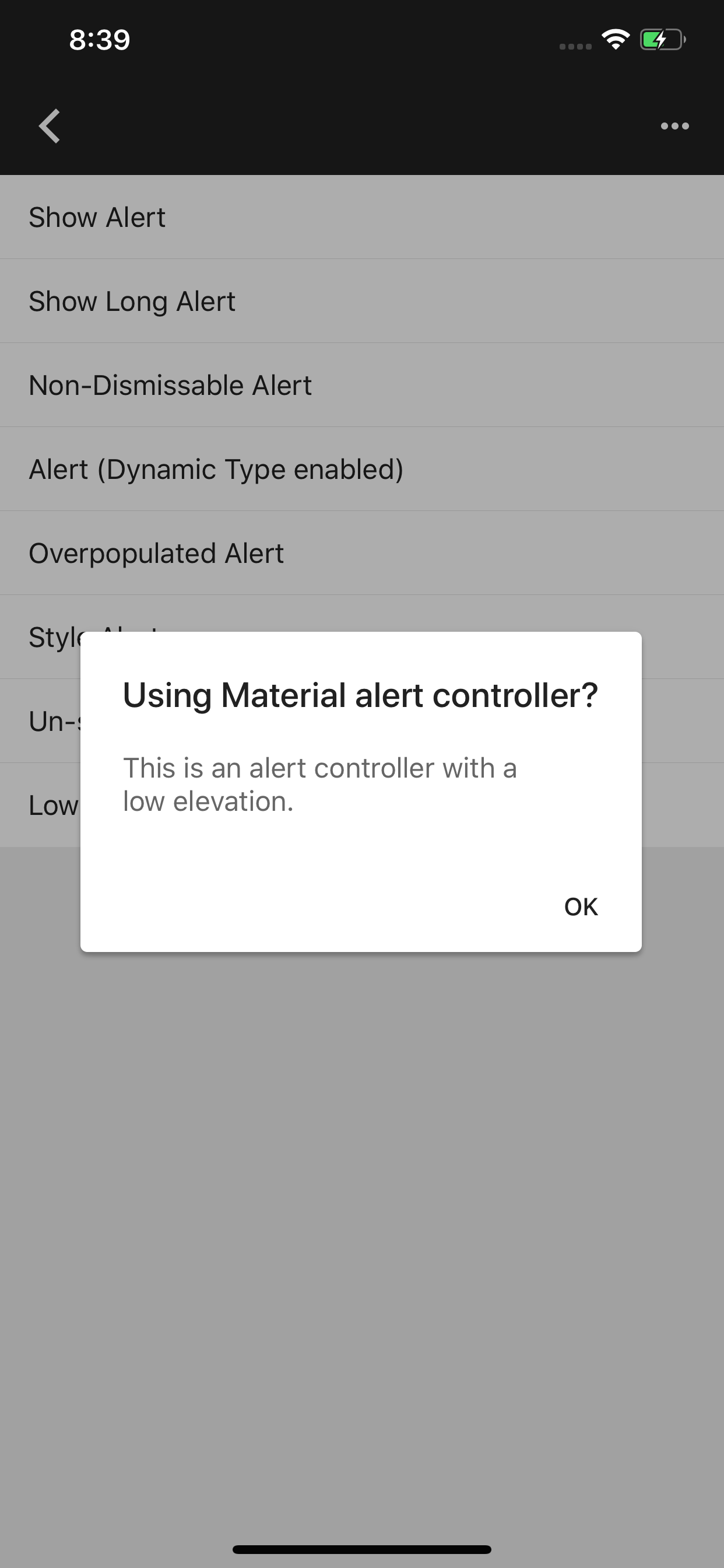|
Switching MDCAlertController buttons from MDCFlatButton, which is being deprecated, to MDCButton.
Issue: b/117543195
TAP test: CL/217698229
Also see: #4739
### Content
NavigationDrawer is missing unit test. One of the _heavy lifting_ functions is `cacheLayoutCalculation`, which has many side effects. One of those side effects is setting the `contentHeaderTopInset`. In cacheLayoutCalculations there is two paths to set `contentHeaderTopInset` one is with scrollable content and one is without scrollable content. If the content isn't scrollable then the `contentHeaderTopInset` is the size of the `presentingViewBounds.size.height` minus the `headerViewController.preferredContentSize.height` and the `contentViewController.preferredContentSize.height`. If the content is scrollable then the `contentHeaderTopInset` is the size of the `presentingViewBounds` * `initialDrawerFactor`.

### Work in the PR
Test `presentingViewBounds`

Test `contentHeaderTopInset`
-  Scrollable
   - With large headerViewController
   - With large contentViewController
   - With large contentViewController and headerViewController
- Non-scrollable
  - With only a headerViewController
  - With only a contentViewController
  - With both a contentViewController and a headerViewController
  - With no contentViewController or headerViewController

### Remaining Work
For `cacheLayoutCalculations` we still need to test `contentHeightSurplus`
### Related issues
#4911
Adding semantic emphasis to Dialog actions which allows conditional theming of buttons. The MDCDailogScheme now has a button scheme which can be used to theme buttons according to their action's assigned emphasis.
Issue: b/117608629
Design Review document (go/gmdc-ios-dialogs-design-doc).
This PR adds the shape theming API documentation using the doc generation script improvements that were added in PR #5463 .
To achieve this, I added into the .vars files of the supported components the missing variables, and ran the script `scripts/apply_all_templates`. Then I ran `scripts/generate_readme component` for the components that have been added the `shape-theming.md` file, so it is seen in the actual README.md of the component.
Specifically, Bottom Sheet was using the old method of documentation, and wasn't using the right generation method, so it's doc content was just copied to the right location to allow its generation to work well as well.
Closes#5319
### Context
We currently are missing a lot unit test for NavigationDrawer. In order to keep the PR's manageable I have decided to break them up into related groups. This group is the two properties that look at the headerViewControllers.preferredContentSize.height and tests those two.
### The problem
We are missing a lot of unit test for NavigationDrawer
### The fix
Add test for `topHeaderHeight` and `contentHeaderHeight`

### Bugs
Related to #4911
### The problem
BottomDrawer previously had no color themer support
### The fix
This change adds a color themer for BottomDrawer. Additionally this adds unit tests and updates the example to use the color themer. The guidelines indicate the content and header should utilize the semantic surface color, so that is what the themer applies to the BottomDrawer.
**Note:** The drawer should be configured with its header and content ViewControllers before applying the theme.
### Related issues
Closes#4910
### Code snippet
#### Swift
```
let bottomDrawerViewController = MDCBottomDrawerViewController()
bottomDrawerViewController.contentViewController = contentViewController
bottomDrawerViewController.headerViewController = headerViewController
MDCBottomDrawerColorThemer.applySemanticColorScheme(colorScheme,
toBottomDrawer: bottomDrawerViewController)
```
#### ObjC
```
MDCBottomDrawerViewController *bottomDrawer = [[MDCBottomDrawerViewController alloc] init];
bottomDrawer.contentViewController = contentViewController
bottomDrawer.headerViewController = headerViewController
[MDCBottomDrawerColorThemer applySemanticColorScheme:self.colorScheme
toBottomDrawer:bottomDrawer];
```
### Context
After releasing the Shape Theming code, this provides initial documentation for how to use shape theming, and its API.
### The problem
We lack documentation on what is Shape Theming, and how do you use it.
### The fix
An Initial doc outlining shape theming.
### Bug
Closes#4605Closes#4606
### Context
This is a bug fix to finalize the VoiceOver full screen presentation of the drawer, and allows the full screen presentation of the drawer to work correctly on all devices on Landscape as well.
### The problem
Up until today we have been using FLT_EPSILON as a number for comparison, but on 32 bit devices, in certain numbers that take more bits than others, the floating point precision loses the FLT_EPSILON. Example:
```
(lldb) po 20.f + FLT_EPSILON
20
(lldb) po 0 + FLT_EPSILON
0.00000011920929
```
### The fix
The EPSILON number is set to a significant enough number to allow easy comparison, and not get "lost" when added/subtracted into `CGFloat`s. Because the numbers using the epsilon are numbers that represent screen points, this new number also is small enough to not alter any visual changes due to it changing the screen points too drastically.
### Bug
Closes#5442
### Tests
Tested on an iPhone 4S, iPhone 5, iPhone X, iPhone 7, portrait, landscape, VO on/off, iOS 8.1, 10, 12, on all Nav Drawer examples by dragging the drawer to see accurate dismissal.
### Context
In #5423 my thinking was that we would need to test MDCBottomDrawerViewController but majority of the test are going to be related to MDCBottomDrawerContainerViewController. We may still want to test MDCBottomDrawerViewController so that is why I haven't completely removed that file for tests. But, we need fakes in a couple places so this adds _Fakes_ files so that code can be shared.

### The problem
We need fakes for test in MaterialNavigationDrawer because we can't present and that code should be shared.

### The fix
Add a `MDCNavigationDrawerFakes` files so we can have fakes and they can be shared across test files.

### Related bugs
#4911
### Context
In working on #5296 and #5301 I used `CGFloat` instead of `MDCShadowElevation`. We have the `MDCShadowElevation` data type strictly for this exact use case and I missed that. This goes back and fixes those changes to match all other components. This shouldn't cause any changes in behavior but screenshots are added to make sure. Clients should be unaffected by this change even if they were using a custom elevation.
```objc
dialog.elevation = 2;
```
Will work the same as before.
### The problem
MDCAlertController (and all related classes) used `CGFloat` instead of `MDCShadowElevation`.
### The fix
Replace `MDCShadowElevation` with `CGFloat`.
| Before | After |
| - | - |
|||
Switching MDCAlertController buttons from MDCFlatButton, which is being deprecated, to MDCButton.
Issue: b/117543195
TAP test: CL/217698229
Also see: #4739
When the Drawer is presented in a mobile landscape presentation (or a compact size class), it should be presented in full screen based on design guidelines.

There is an issue opened regarding a full screen presentation with 32 bit devices that needs to be addressed: https://github.com/material-components/material-components-ios/issues/5442
Added conformation to MDCBottomDrawerHeader for DrawerHeaderViewController.swift file in **NavigationDrawer** examples as it was not showing up if code was run.
Context
Set up the everything to start work on unit test for Navigation Drawer. In order to make small changes that are easier to review this sets up the files to get ready for test. This will allow us to work in tandem on unit test for this component once the files are in place.

The problem
MDCNavigationDrawer doesn't have any unit test

The fix
This adds the files to the build file and basic setup to add tests

Related bug
b/117175875