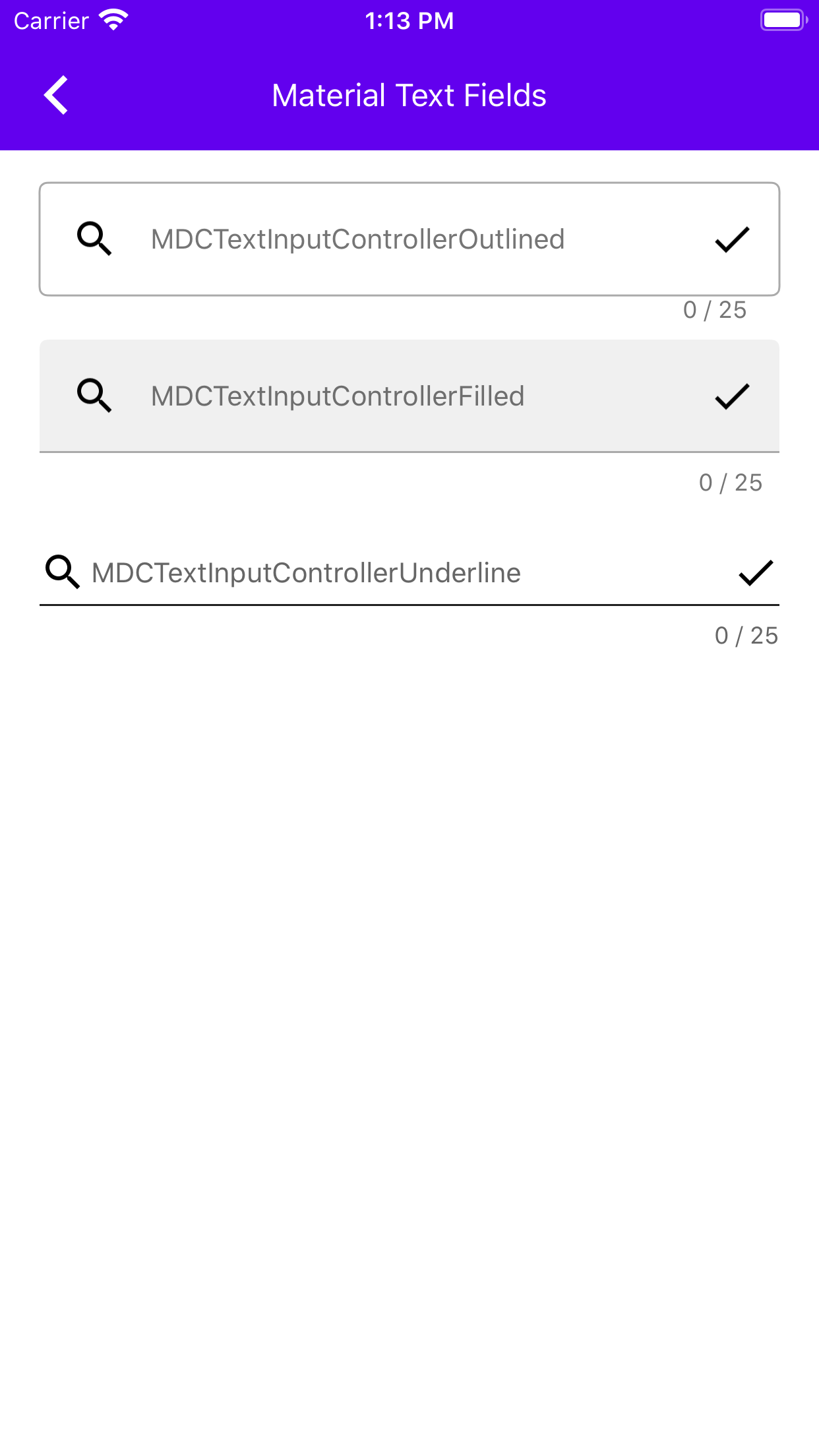
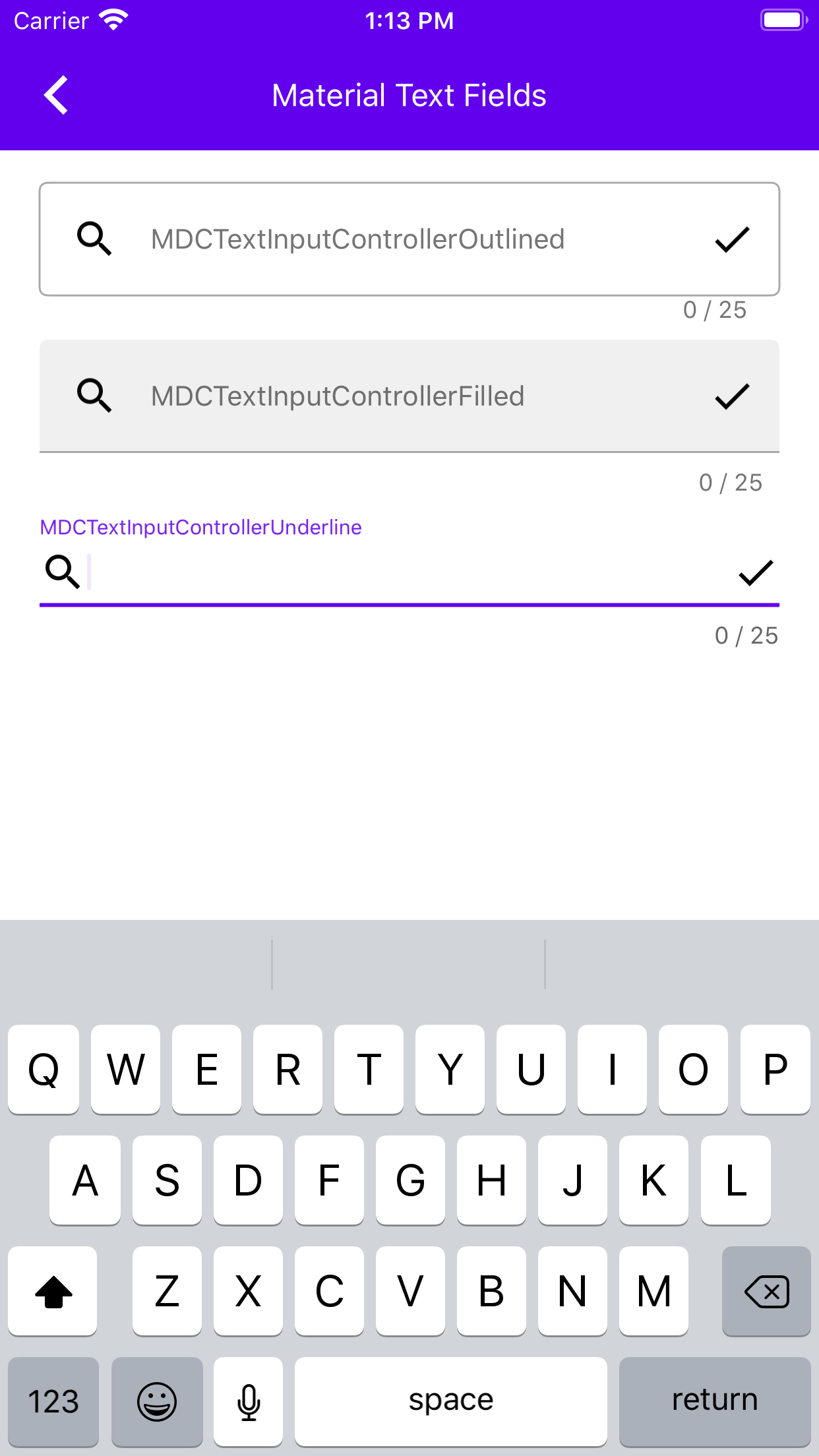
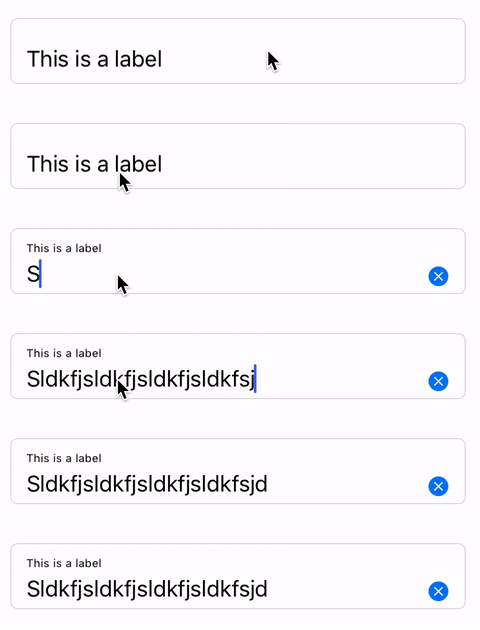
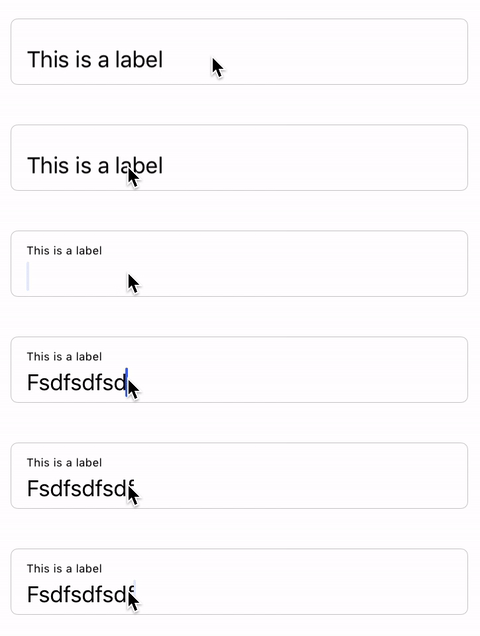
This goal of this PR is to remove usage of MDCTextFieldColorThemer in preparation for its deprecation and deletion. The snapshot tests that were using this themer no longer have color theming. There is a TODO in each of these tests saying to use a theming extension if/when one that will work for them is written.

Related to #9080
This goal of this PR is to remove usage of MDCTextFieldTypographyThemer from MDCTextField snapshot tests in preparation for its deprecation and deletion. In cases where theming with a theming extension/container scheme is available I'm changing the snapshot test files to use those. In cases where there is no equivalent theming extension I am foregoing theming. The two things that have themers but lack theming extensions are MDCTextField itself (we only have theming extensions for the filled and outlined textfield controllers) and the MDCTextInputControllerOutlinedTextArea.

Related to #9168
UITextField verbalizes the placeholder in a lower pitch when no text has been entered. This change incorporates this behavior into what values get added to the MDCTextField's accessibilityLabel.

Before after videos:
[singleFix.zip](https://github.com/material-components/material-components-ios/files/3853326/singleFix.zip)


QA=Notice that "state" is verbalized when it is not visible on screen in the after.
more info at #7513
[TextFields] Add check for placeholder before adding to the accessibility strings spoken by voice over.

Also added changed example to remove the floating label so that we can check that voice over correctly verbalizes only the visible text.

Before and After zip:
[BeforeAfterVideos.zip](https://github.com/material-components/material-components-ios/files/3843558/BeforeAfterVideos.zip)

QA=Notice that "state" is verbalized when it is not visible on screen in the after.
more info at #7513
In this PR I extract the new TextFields from the old TextFields directory. In the future, if we bring over the input chip view and text area, they will go under this new TextControls directory as well.
Closes#8684.
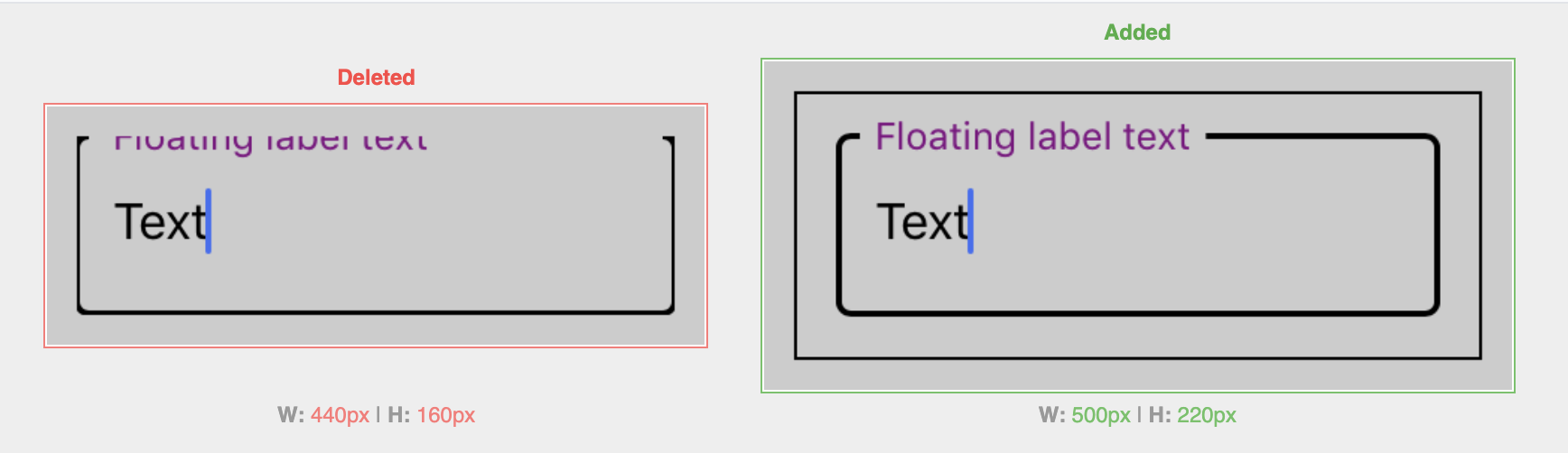
This PR makes it so that textcontrol snapshot test cases validate UIView snapshots of text controls inside container views as opposed to validating just UIView snapshots of text controls themselves. This is so that when floating labels go outside the bounds, as they partially do with the outline style, that can be captured in the snapshot.

It also (I think) gets rid of some flakiness in the MDCOutlinedTextFieldSnapshotTests with the changes to MDCTextControlStyleOutlined.

Here's an example snapshot diff:

<img width="868" alt="Screen Shot 2019-11-04 at 4 48 31 PM" src="https://user-images.githubusercontent.com/8020010/68161034-ff608f80-ff22-11e9-8a64-1234635f3681.png">
This PR adds the outlined textfields. The snapshots look a little weird because the way the snapshot tests are currently implemented they only get an image that's as big as the frame of the view. In a follow up PR I'm going to change that, so the images will have the entire floating label (which goes above the top of the view) for example.
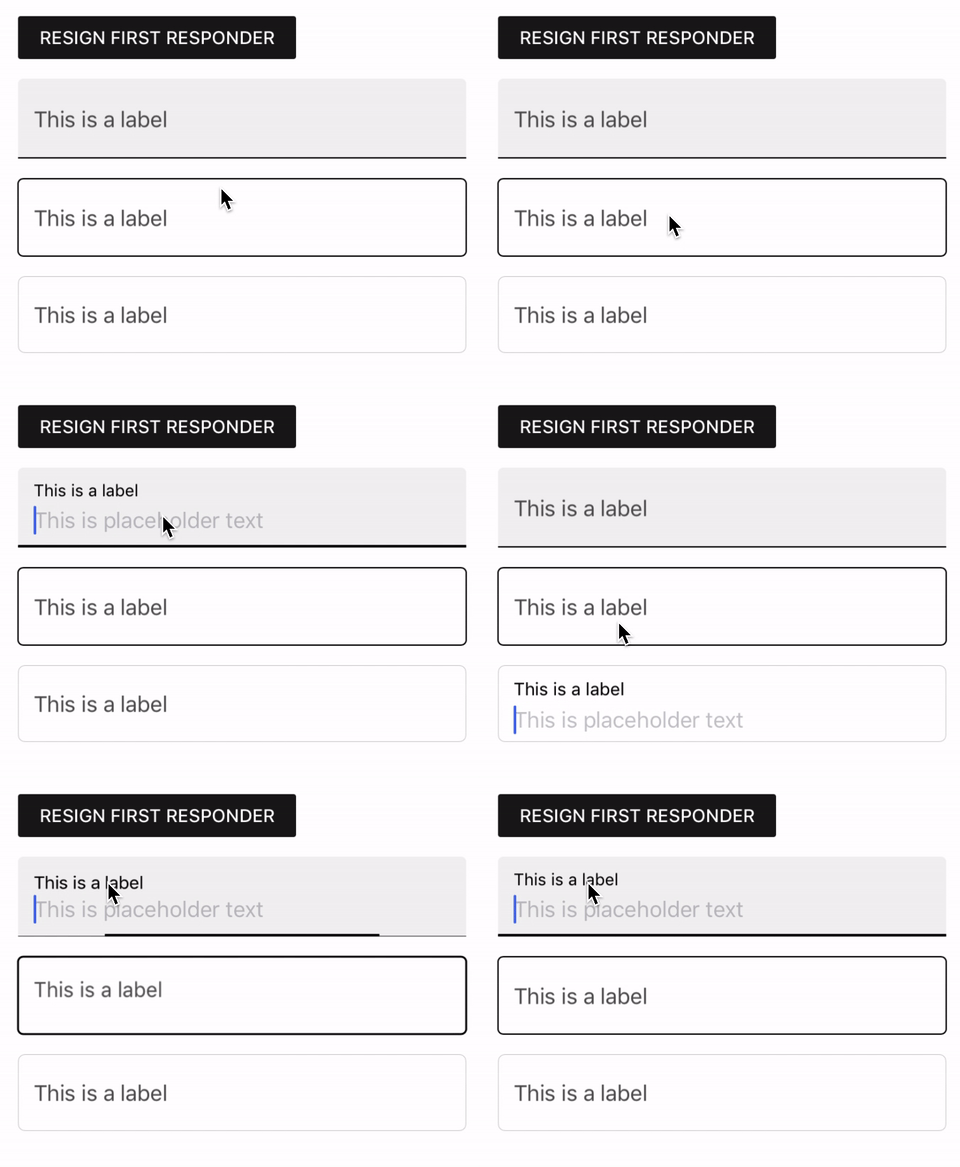
Closes#6942.
In a recent PR I made the floating label the same size as the non-floating label because I thought it brought the MDCBaseTextField closer to being the "absence of style." In this PR I make it smaller again because I decided I think it just looks bad.

I also added an override for `-setBorderStyle:` that will prevent non-base textfields from having border styles like `.roundedRect`.

Related to #6942.
This PR adds MDCFilledTextField, updates the example to include it, and adds some unit tests for MDCFilledTextField's public API. I will add snapshot tests to this PR after #8670 is merged in.

Related to #6942.
This PR adds an `animationDuration` property to MDCBaseTextField. I'm doing this because I ran into problems snapshot testing MDCFilledTextField. Its style object uses Core Animation, so the `[UIView setAnimationsEnabled:{NO/YES}]` calls I'm making in `-setUp`/`-tearDown` don't have any effect on it. However, they do have an effect on the label animation, which uses UIView animations. This PR has no behavioral or public API changes.

On one hand, this change goes against the idea that you shouldn't change source code for the sake of testing. On the other hand, there's nothing wrong with rewriting existing code so that it's more testable.

Related to #6942.
In #8665 I added to the `textInsets:` API an additional parameter, causing some breakages for clients who were relying on the original method signature for their subclassing.

I am bringing back the original API along with the new one, allowing clients to use either, and not breaking clients based on the new logic.
TL;DR -- This PR results in less duplication than if I were to just rewrite the same snapshot tests for MDCBaseTextField, MDCFilledTextField, and MDCOutlinedTextField, but there is still more duplication than I would like for there to be because of a bug that makes inheritance based snapshot tests not workable internally.

Before bringing over MDCFilledTextField and MDCOutlinedTextField I wanted to have some way to try to reduce code duplication in the snapshot tests for the three textfields. The snapshot tests for MDCTextField make use of inheritance to achieve this. I eventually want to do something similar, but I want to wait until [b/133313258](http://b/133313258) is resolved before I do that, because I want for the snapshot tests to be able to run internally. Until then, I suggest we have something like this. There's a little less duplication than if we just wrote the same snapshot test "the old fashioned way" for each textfield class, and there is some shared infrastructure, like in `MDCTextControlSnapshotTestHelpers`. In the future, if/when other MDCTextControls are brought into the library, they can also use of things like this.

I want to stress that this is not supposed to be the final state of snapshot testing for the new textfields. It's just one step closer. I'm still figuring it out.

Related to #6942.
This PR adds initial support for multi-line helper and error text.
It is important to note that this support is **opt-in**. This means that you will only get multi-line support if you change the leadingUnderlineLabel to have numberOfLines = 0 (or > 1) and change the label's break mode to be word wrapping.
This is why the snapshots that didn't have a change in their testing setup (to have this setup), stayed unchanged.
There were 2 issues that surfaced when trying to deal with this:
1. The calculation of the bottom inset for the labels was always calculated as if there is only 1 line. So I needed to add a calculation for the amount of lines there actually were.
2. To calculate the number of lines we need to know the width of the textfield. Because the snapshot tests were using `sizeThatFits:size` to take the snapshot tests, but the intrinsicContentSize didn't get the width, it calculated as if the textfield's width is 0, which led to the number of lines calculation to be off. Therefore, when sizeThatFits is invoked, we capture the width hint set by sizeThatFits and pass it on to the underline label so it is aware on how wide it should be when calculating how much height to provide for the label.
Substantially eases the work needed for #2153Closes#5762
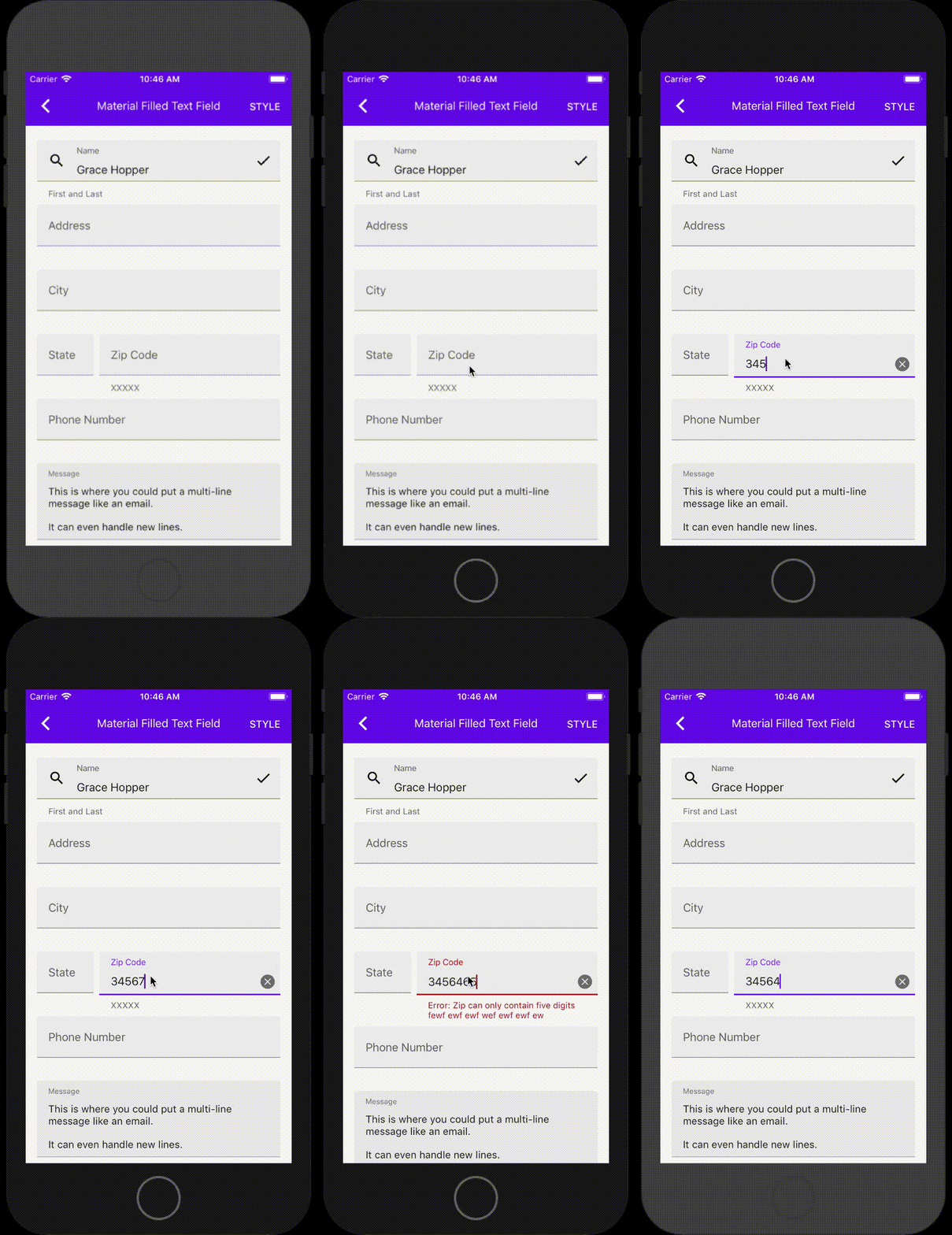
This PR brings over notions of `density` and `preferredContainerHeight`. Density refers to how vertically "squished" the textfields appear. `preferredContainerHeight` is a desired height for the container of the textfield. The container of the textfield is the rect within the outline in outlined textfields and the filled rect in filled textfields.

This functionality will remain private for now. In the near-ish future we will either expose it or delete it. Deleting it will not result in behavioral changes. The reason for bringing it over now is that it will make it significantly easier to bring everything else over.

Related to #6942.
This PR moves the repeated overriding of expandsOnOverflow and minimumLines in the updateLayout which is repeatedly called throughout the lifecycle.
Instead, we are initializing those values at first to be defaults, and then they can be changed by the client using the MDCTextInputControllerBase API for those properties.
Tested in example to make sure this is working correctly.
Closes#8559Closes#8558
The snapshots look like they are cut in the middle, this is because they are getting their bounds using `intrinsicContentSize` which does not take expandsToOverflow into regards. See: https://github.com/material-components/material-components-ios/issues/8573 for more info.
This PR adds assistive labels to MDCBaseTextField. It does so using a private class called MDCTextControlAssistiveLabelView. The textfield's layout object determines the frame of the MDCTextControlAssistiveLabelView just like it does with any other subview. What makes the MDCTextControlAssistiveLabelView different from other subviews of MDCBaseTextField is that it also has its own layout object. The MDCBaseTextFieldLayout calculates an MDCTextControlAssistiveLabelViewLayout which the MDCTextField applies to the MDCTextControlAssistiveLabelView at the same time it applies the rest of the layout.

The code in MDCBaseTextFieldLayout's layout calculation method ends up looking like this:

```Objective-c
  self.assistiveLabelViewLayout = [[MDCTextControlAssistiveLabelViewLayout alloc]
                         initWithWidth:textFieldWidth
                    leftAssistiveLabel:leftAssistiveLabel
                   rightAssistiveLabel:rightAssistiveLabel
            assistiveLabelDrawPriority:assistiveLabelDrawPriority
      customAssistiveLabelDrawPriority:customAssistiveLabelDrawPriority
                     horizontalPadding:kHorizontalPadding
           paddingAboveAssistiveLabels:positioningReference.paddingAboveAssistiveLabels
           paddingBelowAssistiveLabels:positioningReference.paddingBelowAssistiveLabels
                                 isRTL:isRTL];
  self.assistiveLabelViewFrame = CGRectMake(0, positioningReference.containerHeight, textFieldWidth,
                                            self.assistiveLabelViewLayout.calculatedHeight);
```

And the code in MDCBaseTextField's `-postLayoutSubviews` method ends up looking like this:
```
  self.assistiveLabelView.frame = self.layout.assistiveLabelViewFrame;
  self.assistiveLabelView.layout = self.layout.assistiveLabelViewLayout;
  [self.assistiveLabelView setNeedsLayout];
```
All the other MDCTextControls I plan on building will use this exact same pattern.

Related to #6942.
This PR brings more of the MDCTextControlVerticalPositioningReferenceBase over. The positioning reference objects provide information about the vertical positioning of subviews in MDCTextControls. Each MDCTextControlStyle vends a different positioning reference object to be used by the layout object.

It is important to remember that this PR does not bring over everything the positioning reference object does. Things like MDCTextControl density (dense textfields are textfields that are squished vertically so more textfields can be shown using less space) are made possible with this object.

Related to #6942.
In this PR I am beginning the naming transition from "contained input view" to "text control." This is just a renaming PR, there are no other changes.

At some point after this I want to make it its own component, rather than an extension on TextFields, in the spirit of Ripple and Ink.

Related to #6942.
When the `placeholderLabel.font` is different from the `font` property on an
MDCTextInputCommonFundament, it was possible that the placeholder font would
be overwritten by the `.font` property accidentally.
|Before|After|
|---|---|
|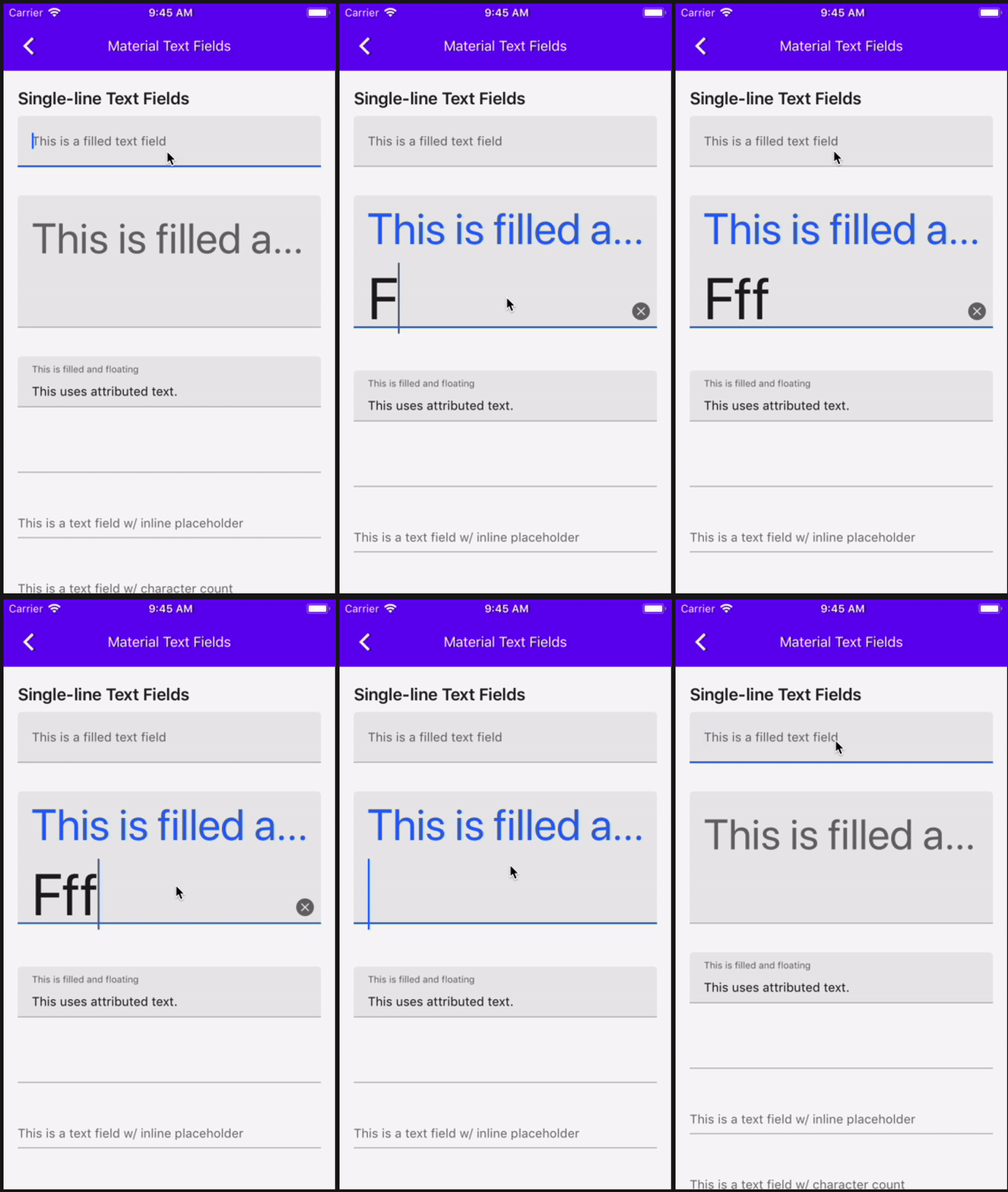||
**Testing Steps**
1. Create an MDCTextField and MDCTextInputControllerFilled
2. Assign different fonts to the controller's `textInputFont` and
`inlinePlaceholderFont`.
3. Tap into the text field to have it become the first responder and observe
the placeholder font.
4. Type one letter into the text field and observe the placeholder font.
**Expected Outcome**
Typing the letter does not cause the placeholder font to change.
**Note**: This is a roll-forward of commit d66d586
Closes#8390
This PR contains some improvements to MDCBaseTextField snapshot tests. The aim is to reduce the amount of time it takes for them to run. I'm still getting a sense of how much time these changes save.

Related to #6942.
This PR adds some placeholder support to MDCBaseTextField.

MDCBaseTextField has some special considerations related to placeholder visibility tthat UITextField does not have due to the fact that the label can sometimes occupy the space where the placeholder goes when there is no text.

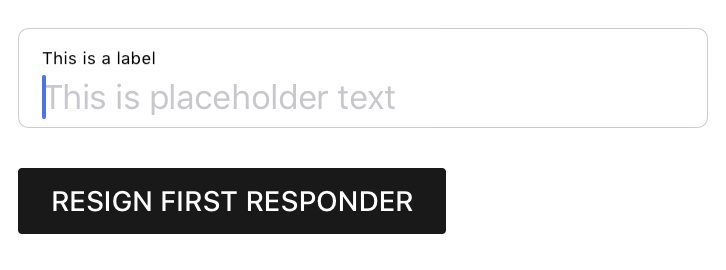
Here's a screenshot of an MDCBaseTextField with a placeholder:
<img width="363" alt="Screen Shot 2019-09-26 at 11 03 09 AM" src="https://user-images.githubusercontent.com/8020010/65700251-4ec2be80-e04d-11e9-93ab-a75a60c88ada.png">

Related to #6942.
This PR adds the MDCContainedInputView protocol and the MDCContainedInputViewStyle protocol. MDCContainedInputView is the protocol that all the contained input views conform to. It has properties for all of the things that contained input views should have in common. This includes a style property, which is an object conforming to MDCContainedInputViewStyle. The main job of the style object is to apply various visual decorations on the textfield, like filled backgrounds for filled textfields or outlines for outlined textfields. The style objects also vend the vertical positioning reference objects, which are the things that determine the vertical distances between the textfield's subviews. This makes sense when you consider that the differences in those distances depend on the style of the textfield, i.e. whether it's filled or outlined.

Related to #6942.
This PR adds a bit some UIView overrides to MDCBaseTextField with some additional minor cleanup and wiring, and a disabled snapshot test :D

Related to #6942.
This PR adds stateful coloring functionality to MDCBaseTextField. It ended up being a little bigger than I would have hoped, but it's pretty straightforward.

I know there were concerns about grouping colors in the same object. I don't know where we currently stand on that, but the way I have it here it shouldn't be too hard to change later if it turns out this approach doesn't work.

NOTE: The recent design doc on custom states specifies that new state constants should take the form of `MDC<#Class#>State<#State#`. However, I didn't want to call it MDCBaseTextFieldStateEditing because it's going to be used by not only its subclasses (MDCFilledTextField and MDCOutlinedTextField), but also other contained input views, like the input chip views and text areas. For that reason, I called it MDCTextControlStateEditing. This way the name makes sense for all of these text related control classes. More can be read about this at go/thoughts-on-custom-states.

Related to #6942.
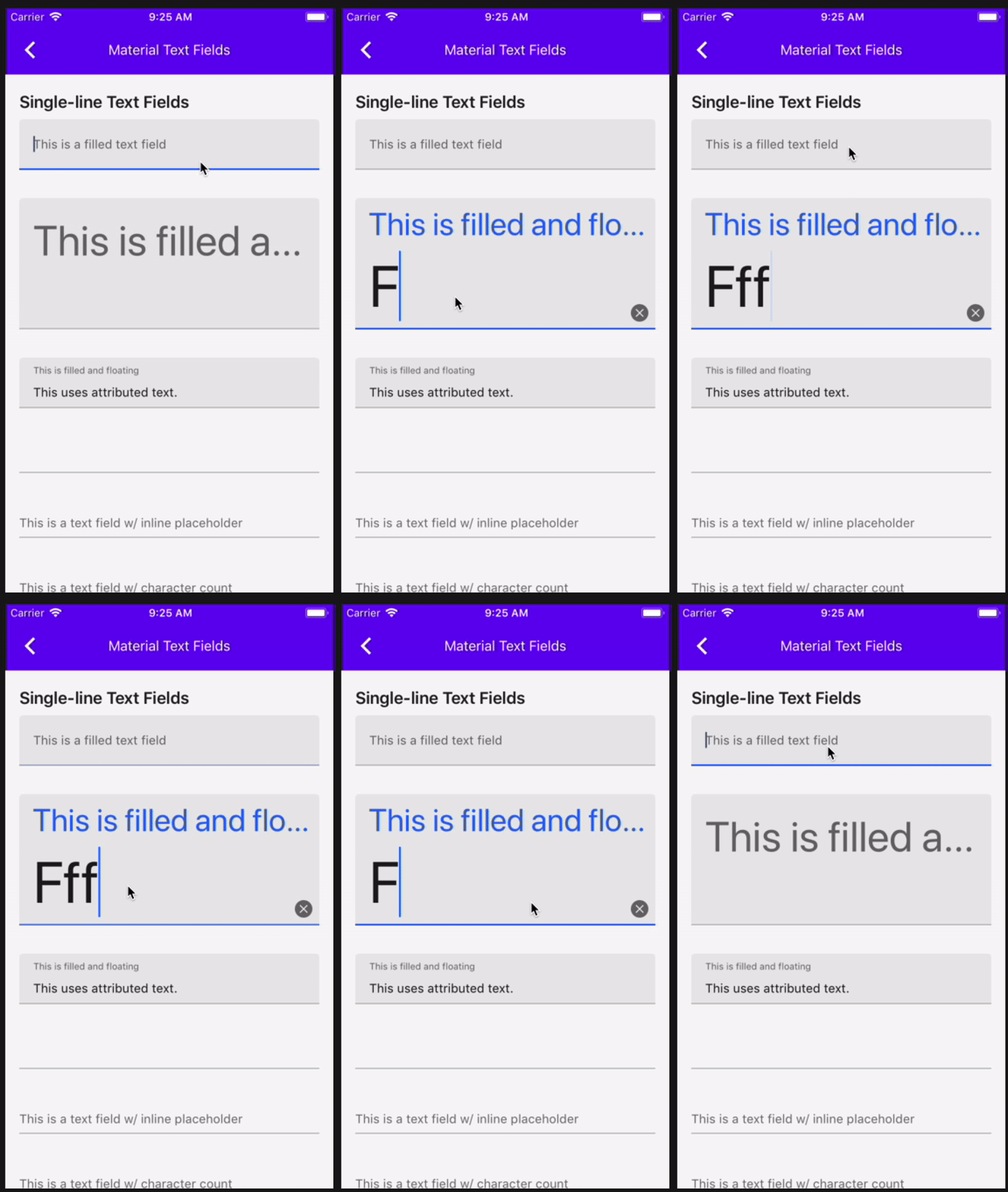
When the `placeholderLabel.font` is different from the `font` property on an
MDCTextInputCommonFundament, it was possible that the placeholder font would
be overwritten by the `.font` property accidentally.
|Before|After|
|---|---|
|||
**Testing Steps**
1. Create an MDCTextField and MDCTextInputControllerFilled
2. Assign different fonts to the controller's `textInputFont` and
`inlinePlaceholderFont`.
3. Tap into the text field to have it become the first responder and observe
the placeholder font.
4. Type one letter into the text field and observe the placeholder font.
**Expected Outcome**
Typing the letter does not cause the placeholder font to change.
Closes#8390
* Try new approach to snapshot testing textfields

* Delete NSLog and rename test case and delete old golden

* Run clang
In this PR I'm trying a new approach for snapshot testing MDCBaseTextField. Getting an accurate snapshot of a textfield that's editing is not very straightforward. In order to do it here I had to do a few things:
1. Add it to the snapshot test's app host's key window.
2. Take a UIView snapshot of it from the main thread.
3. Verify the golden using that UIView snapshot, as opposed to the view itself.

This PR is kind of a test. Someone who knows a lot more about snapshot testing might see something wrong with it that I'm missing 😅

Related to #6942.