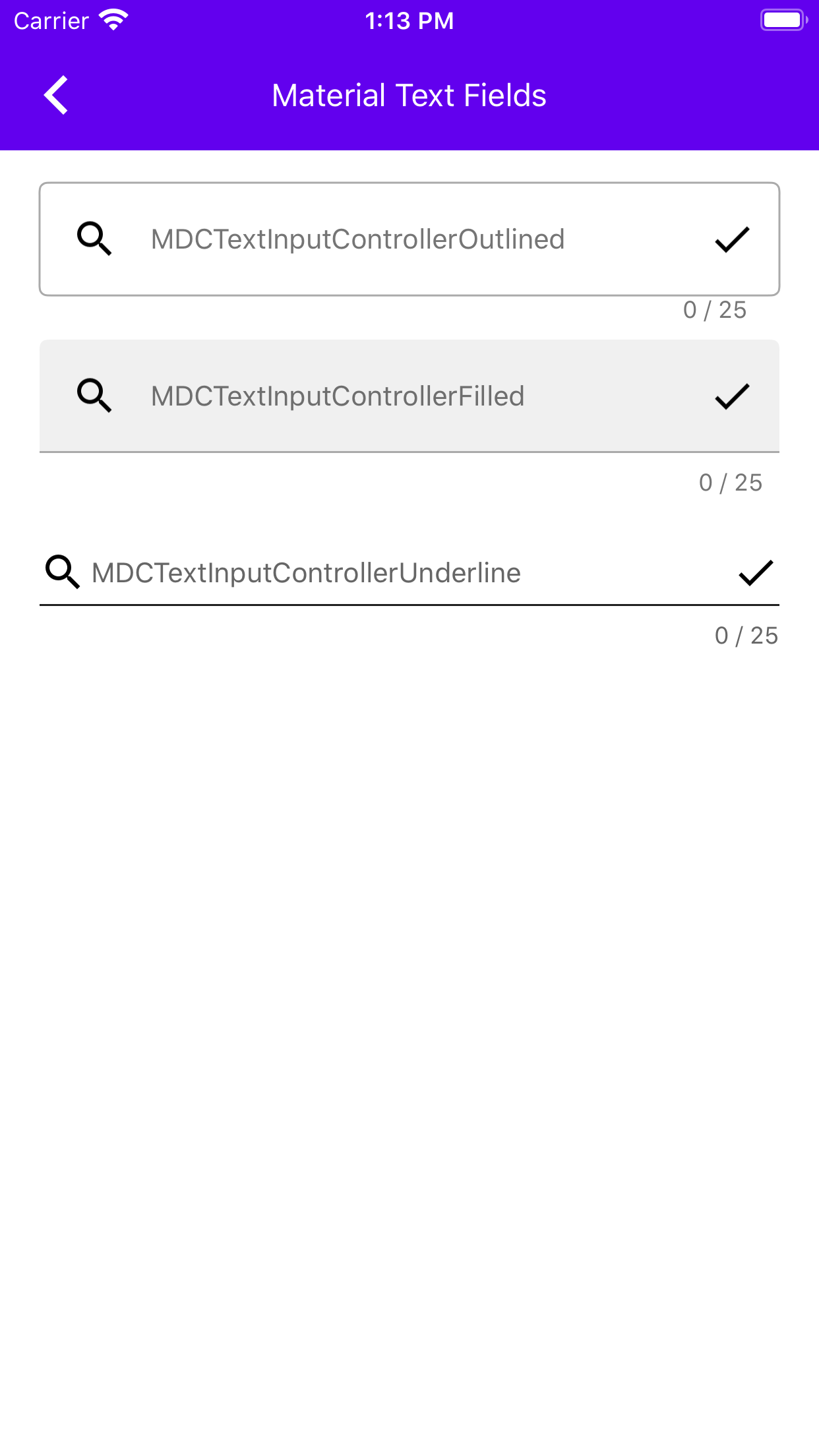
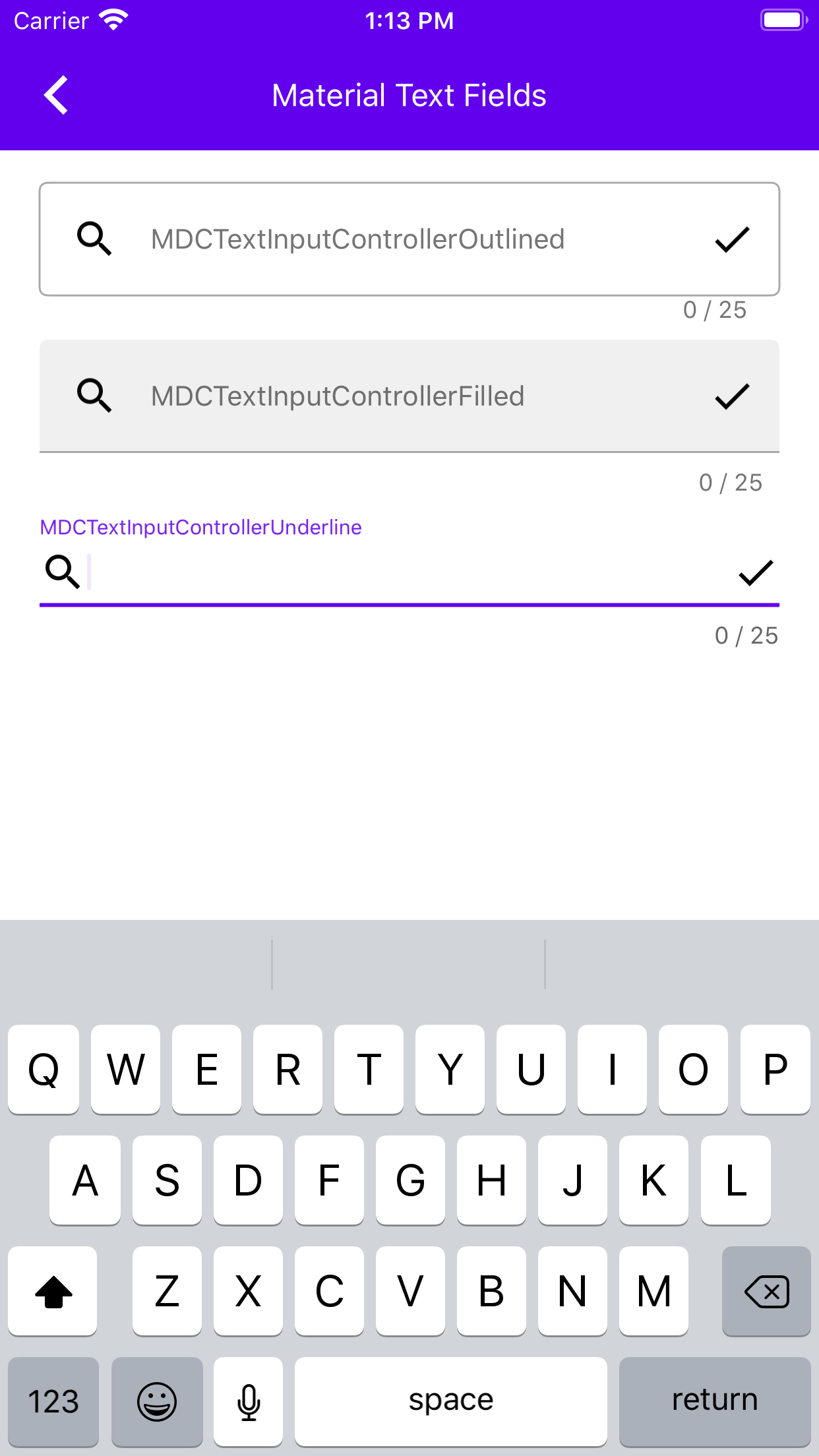
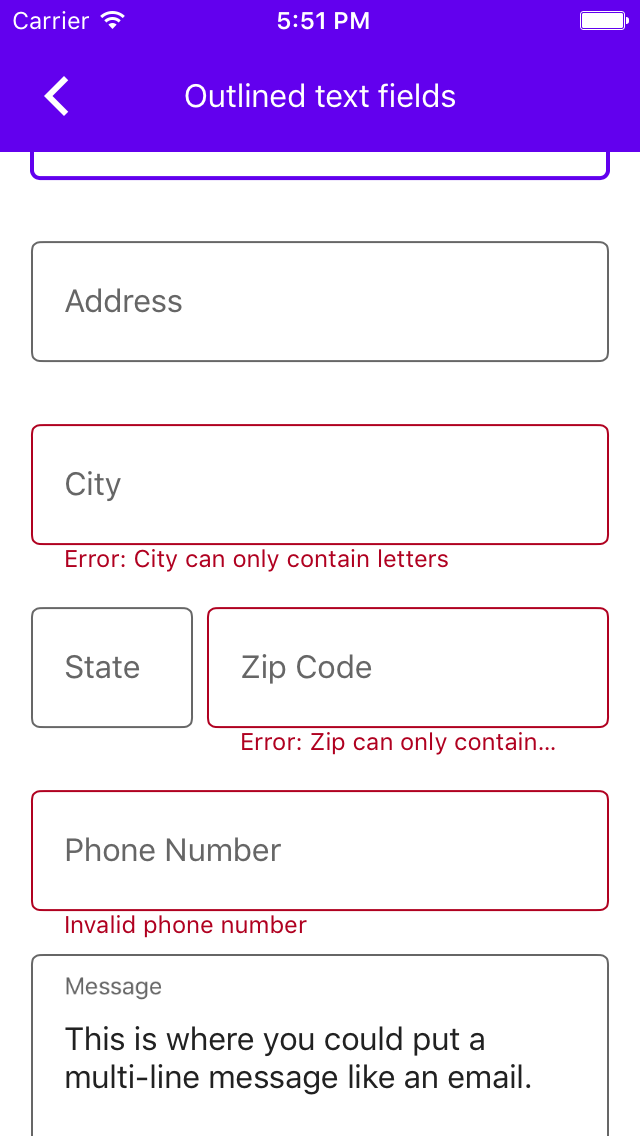
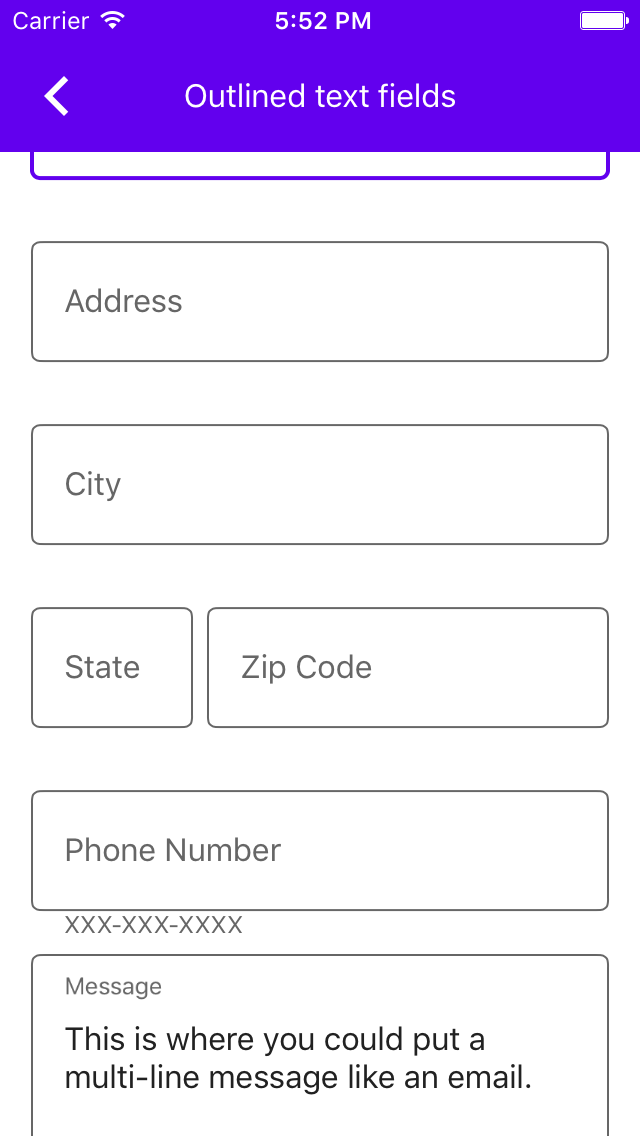
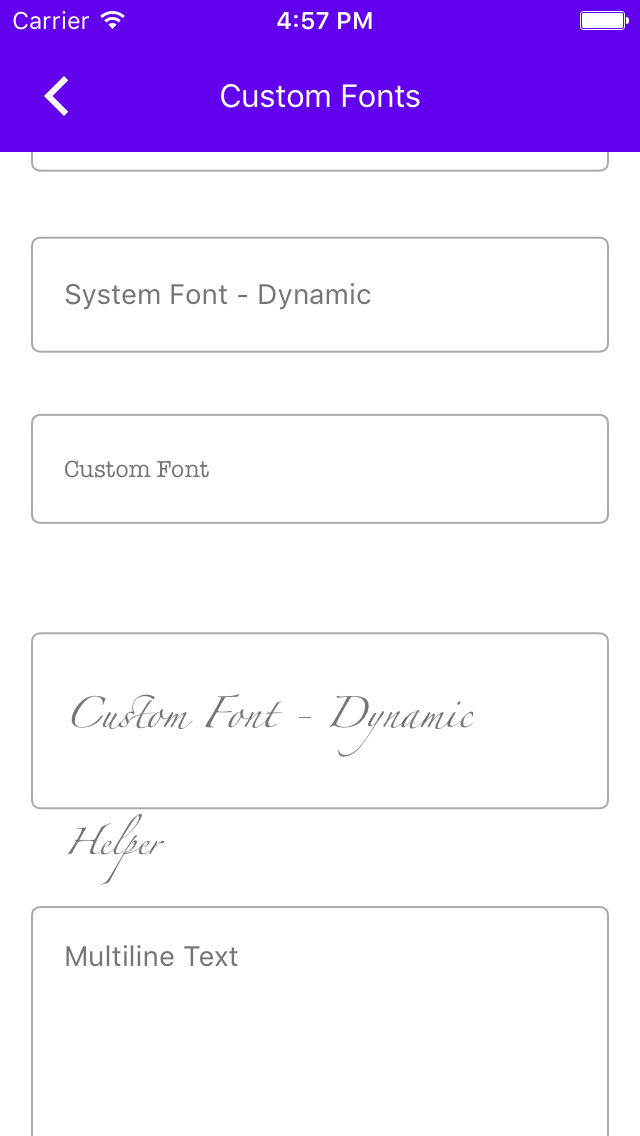
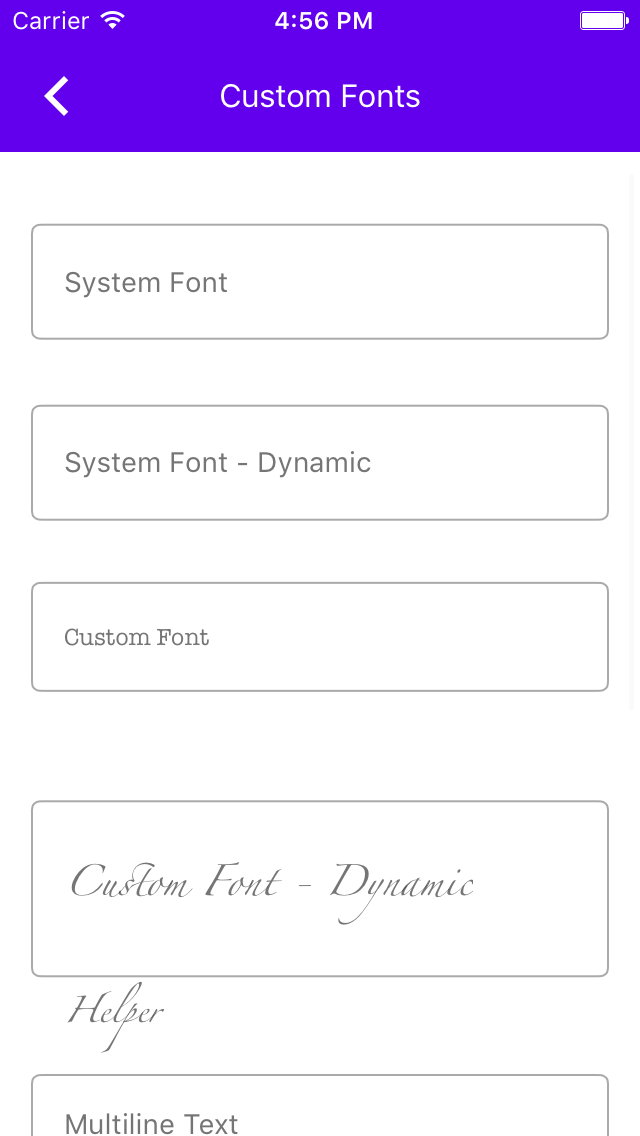
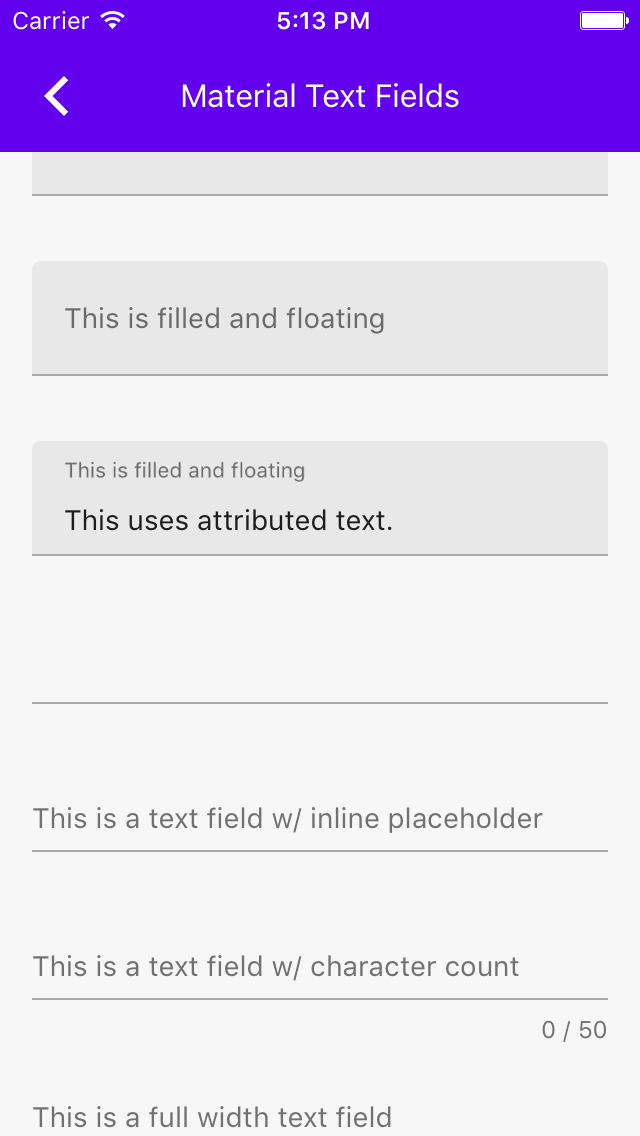
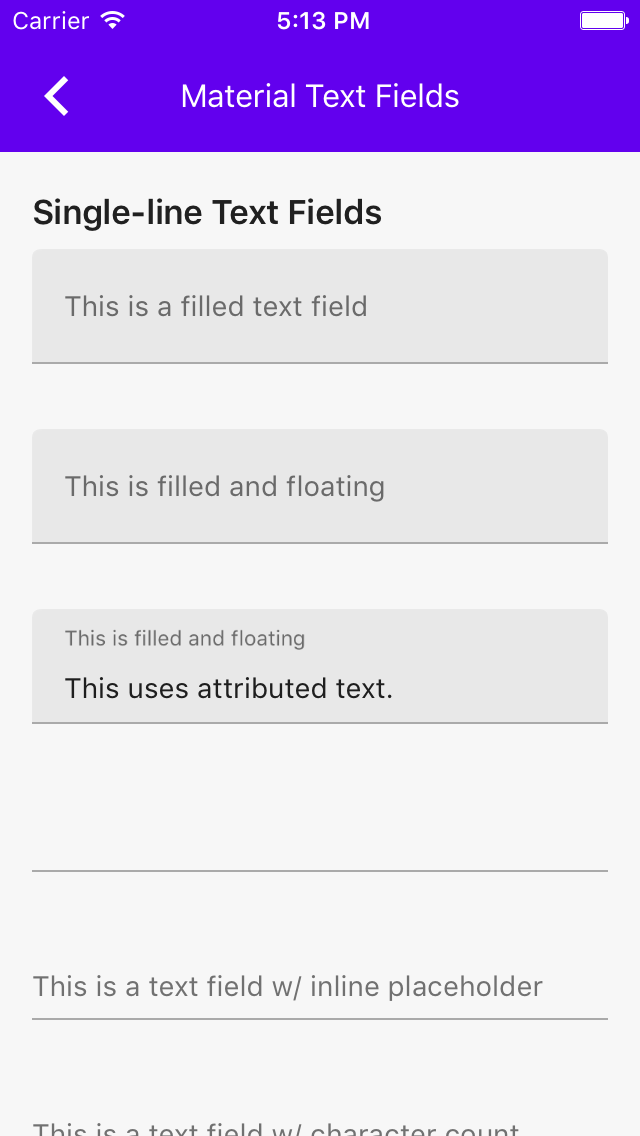
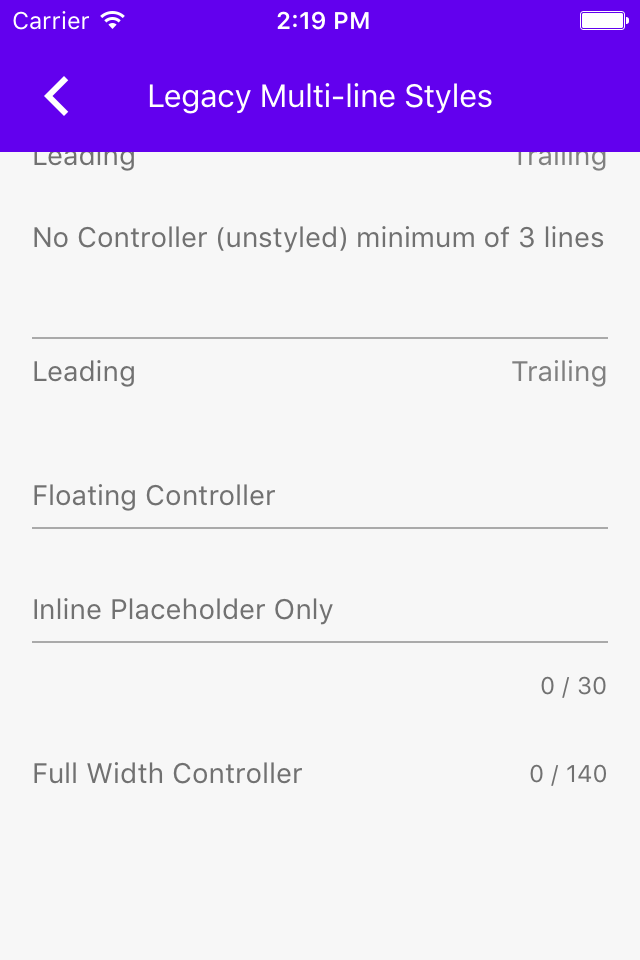
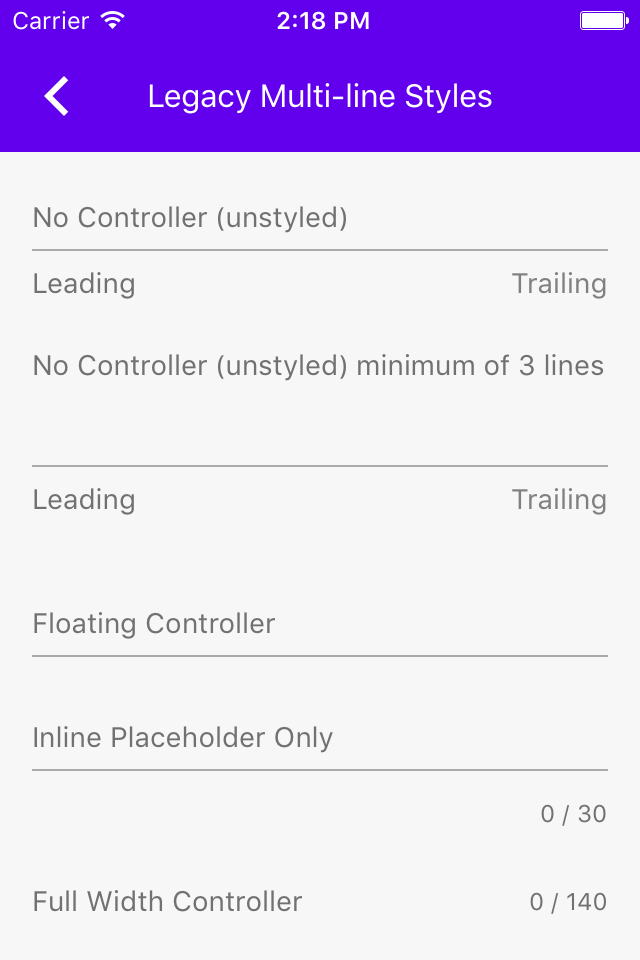
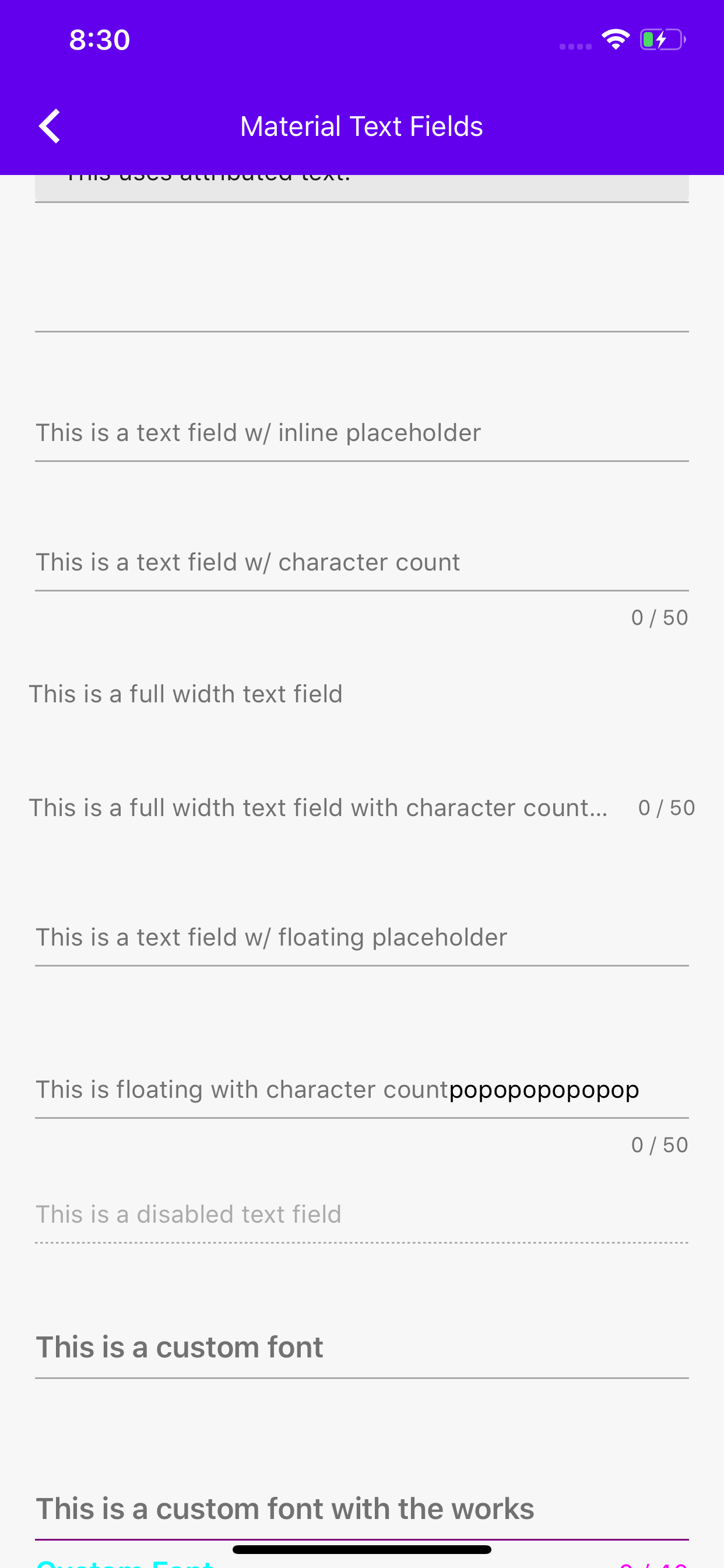
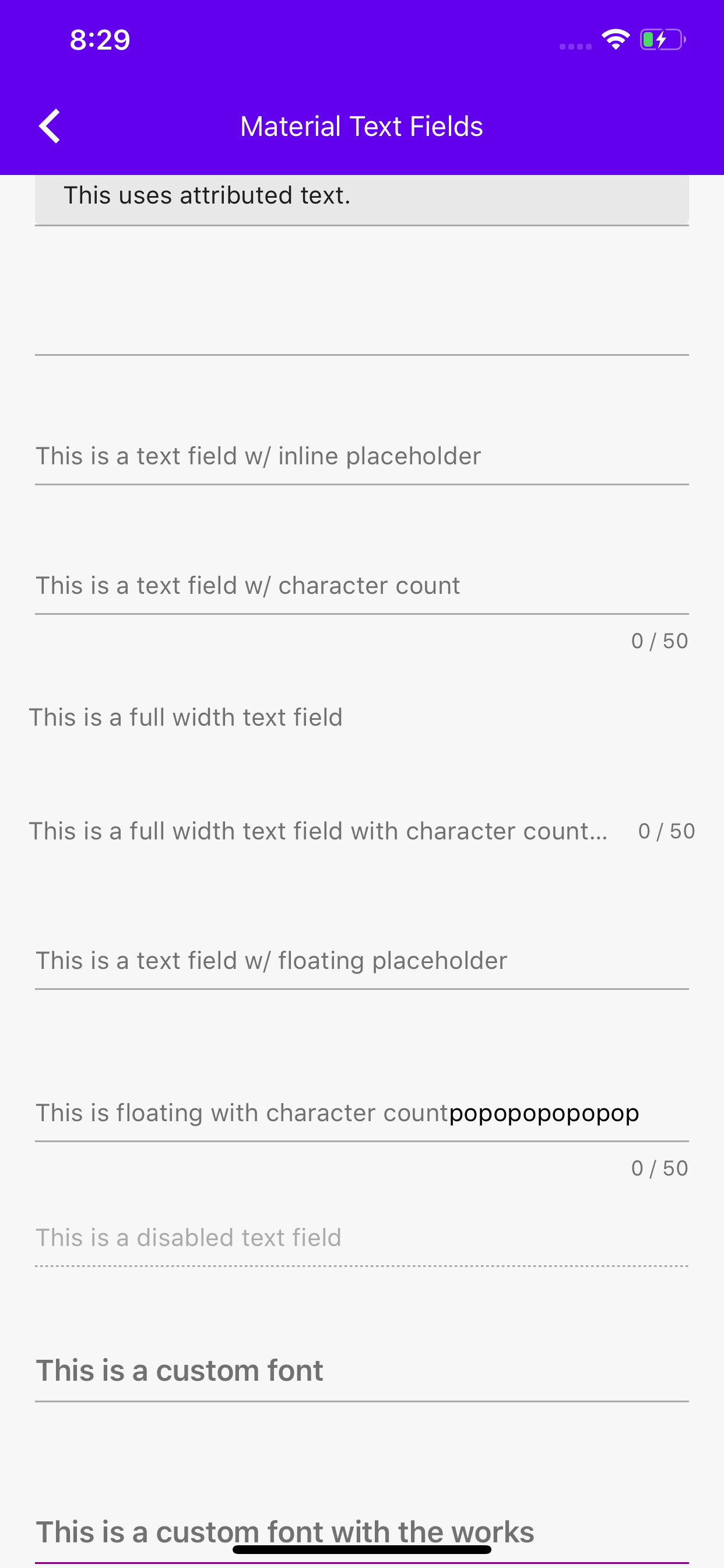
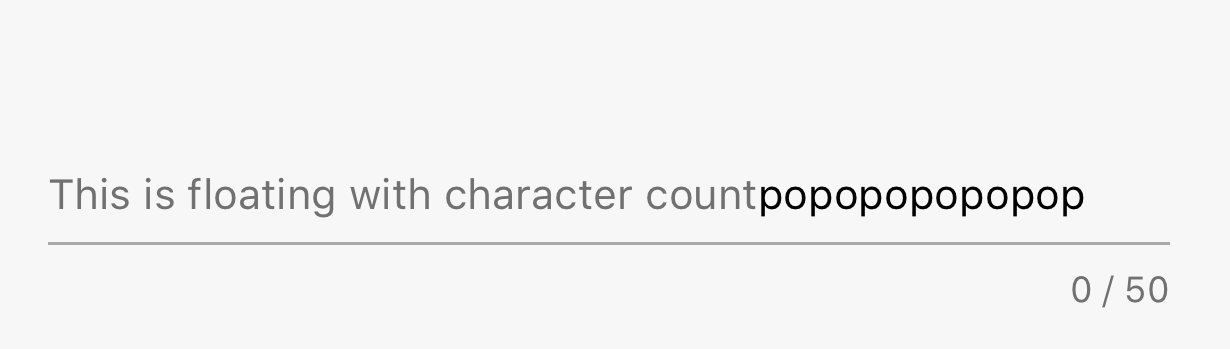
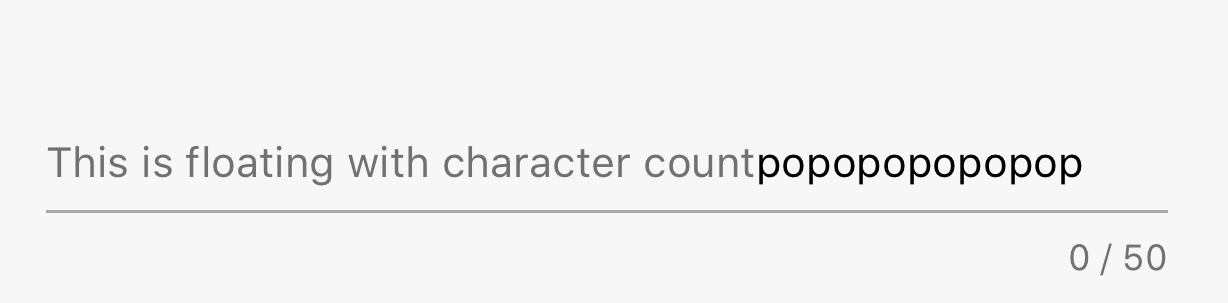
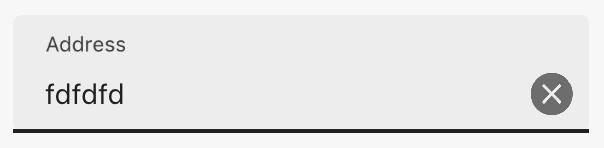
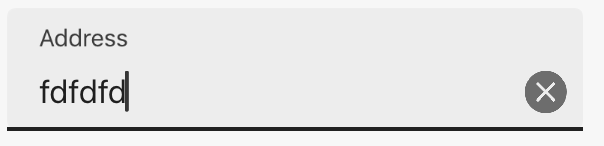
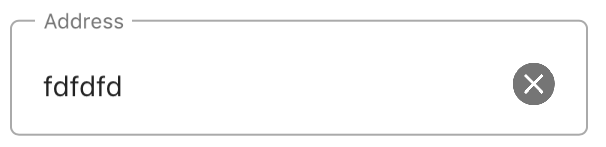
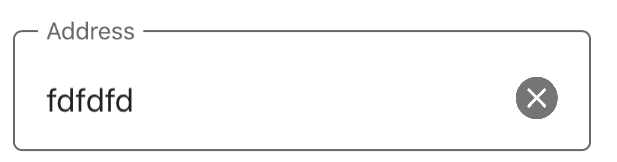
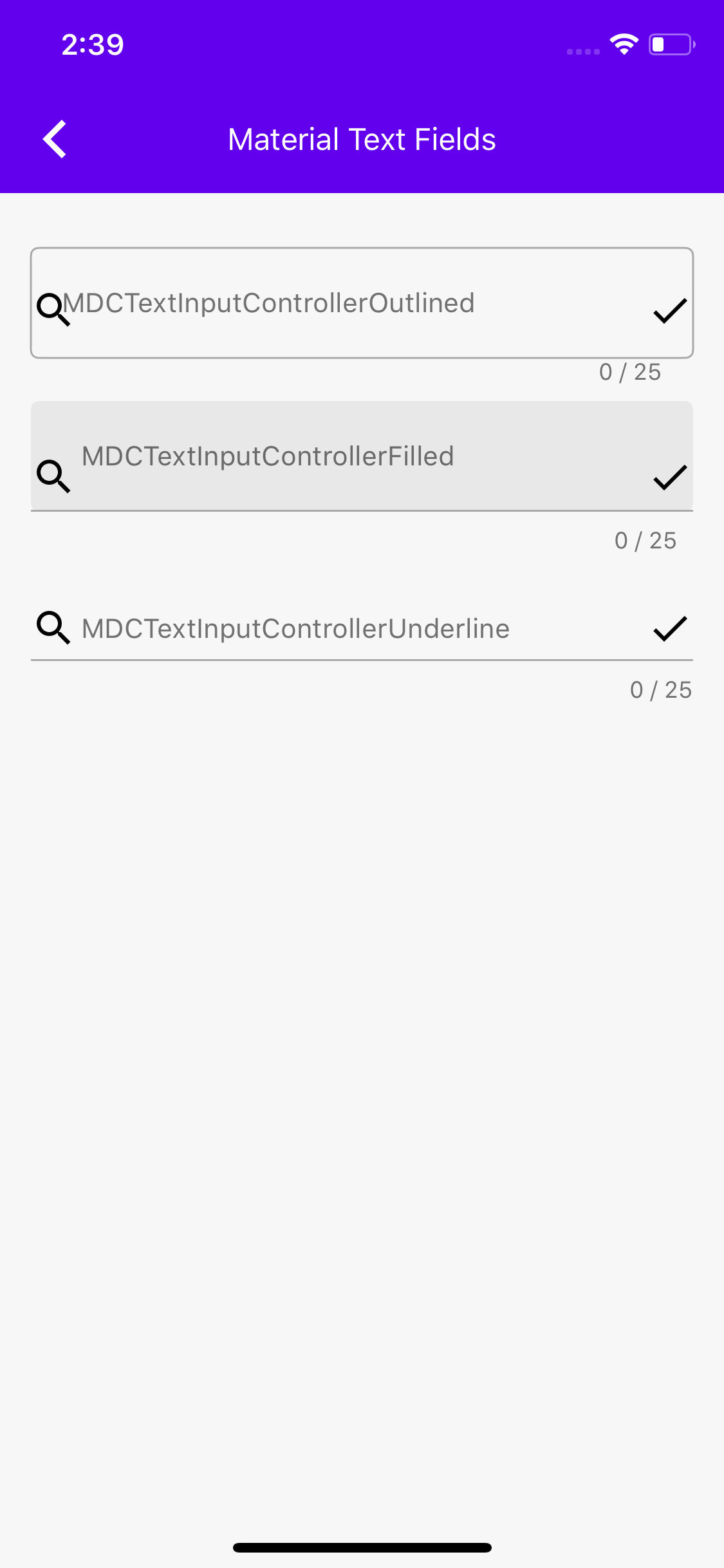
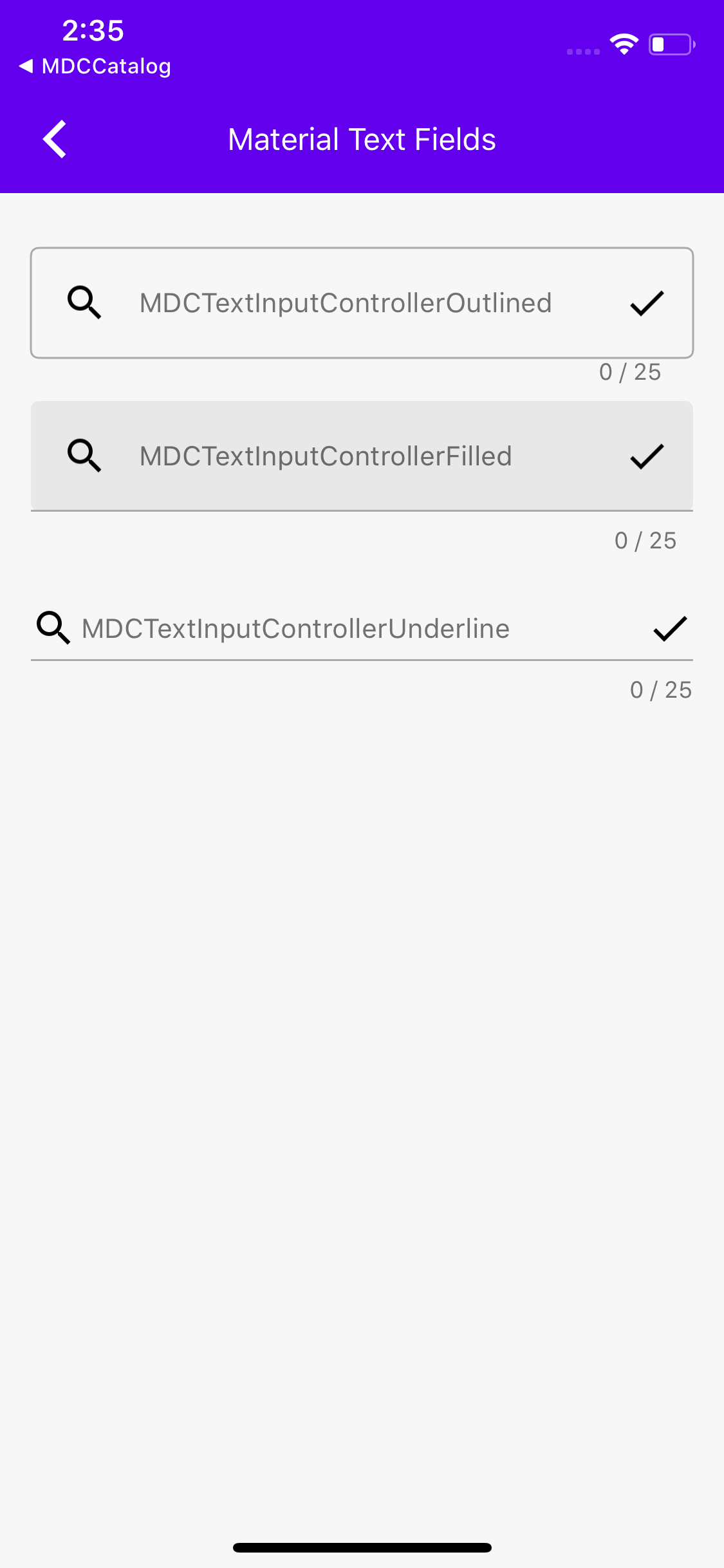
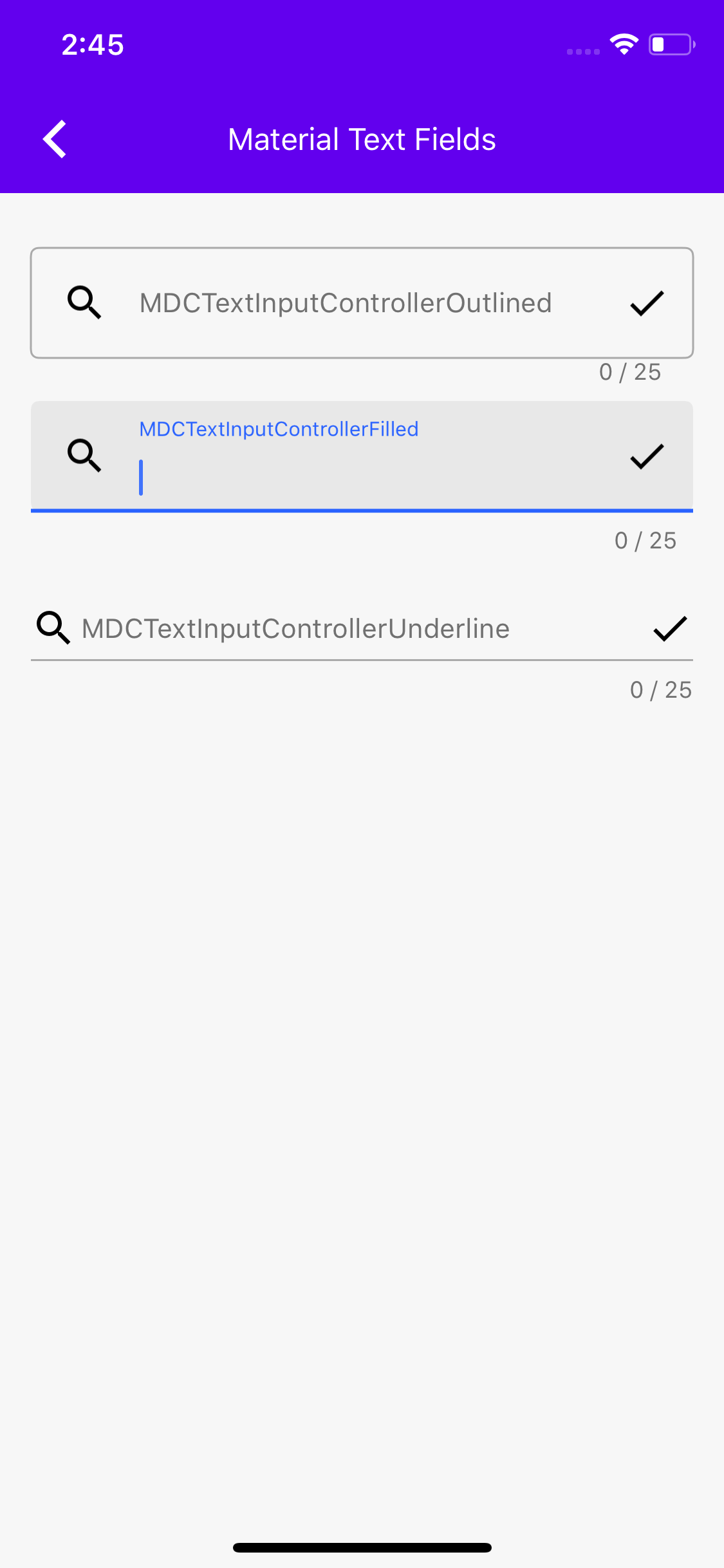
[TextFields] Add check for placeholder before adding to the accessibility strings spoken by voice over.

Also added changed example to remove the floating label so that we can check that voice over correctly verbalizes only the visible text.

Before and After zip:
[BeforeAfterVideos.zip](https://github.com/material-components/material-components-ios/files/3843558/BeforeAfterVideos.zip)

QA=Notice that "state" is verbalized when it is not visible on screen in the after.
more info at #7513
In this PR I extract the new TextFields from the old TextFields directory. In the future, if we bring over the input chip view and text area, they will go under this new TextControls directory as well.
Closes#8684.
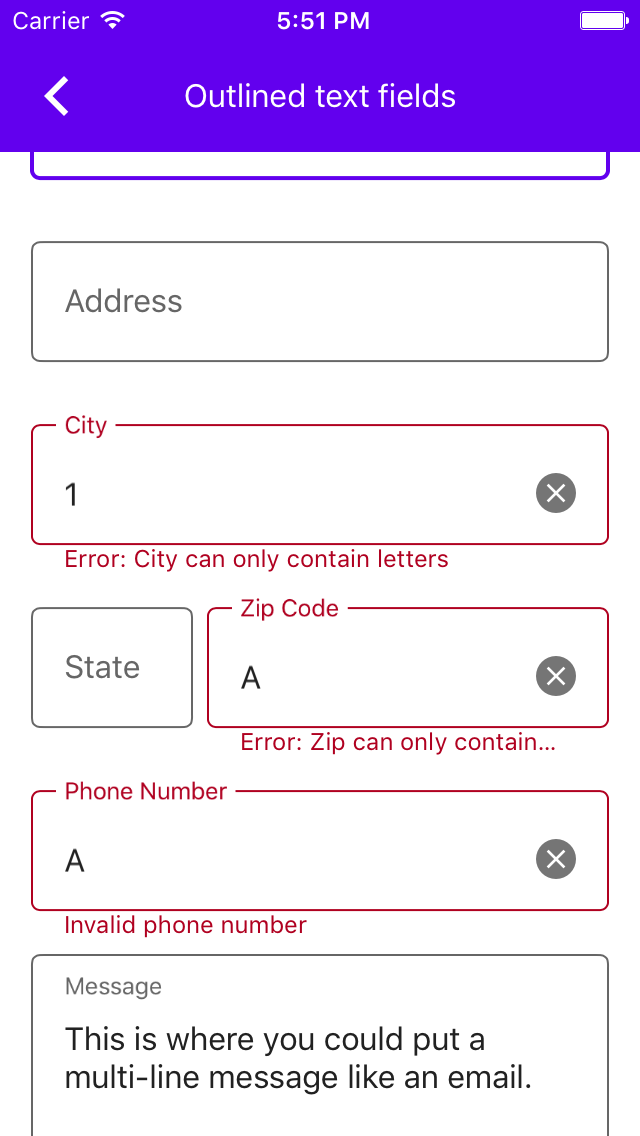
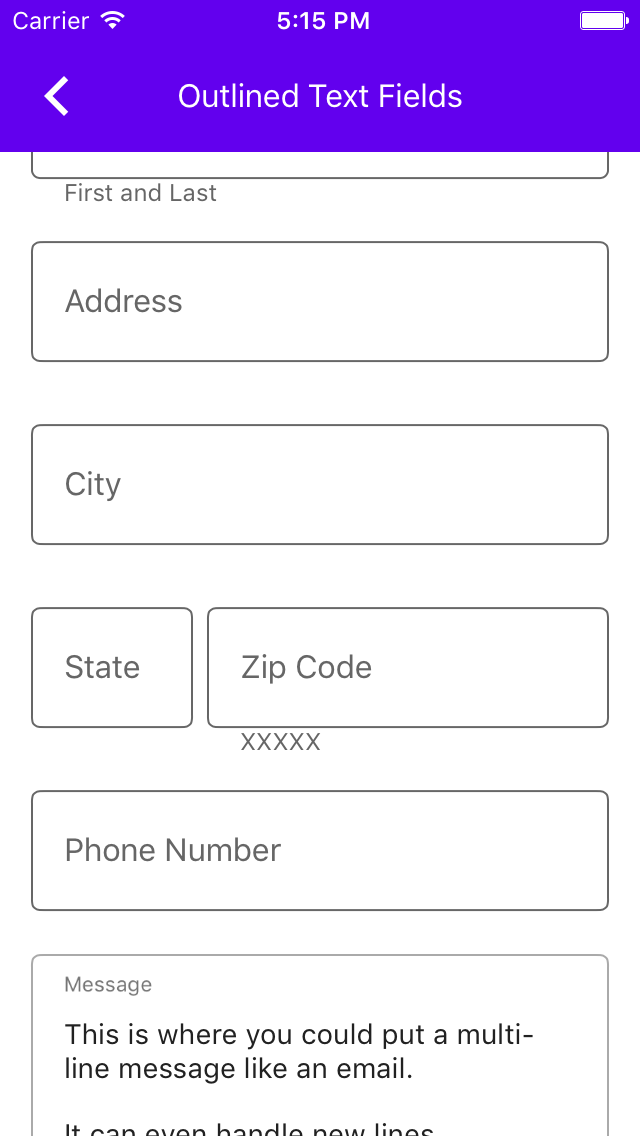
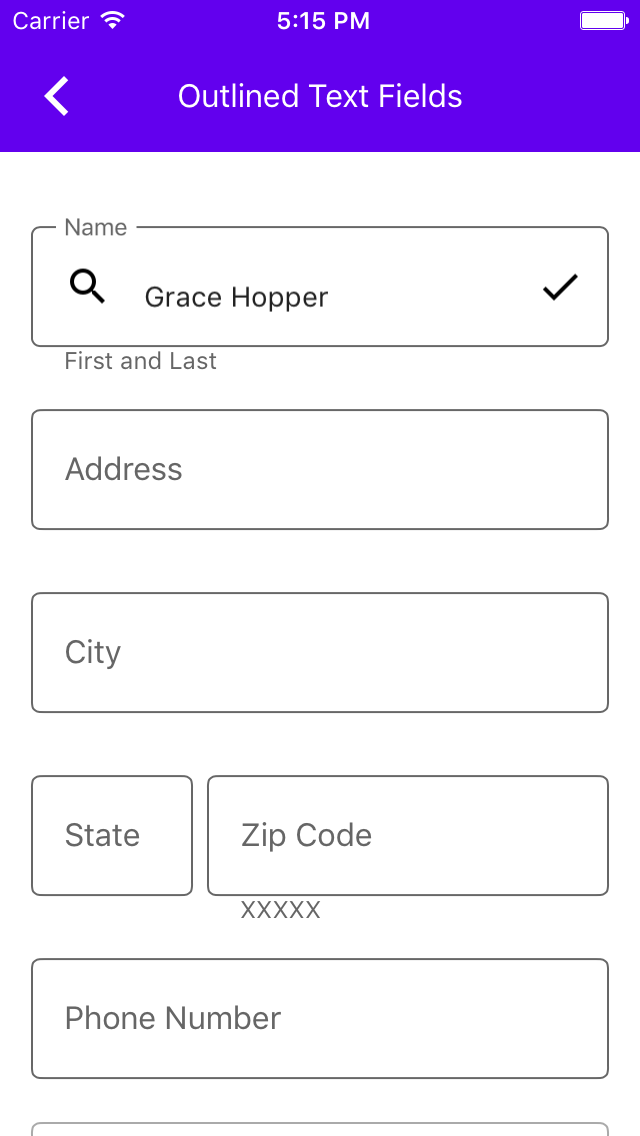
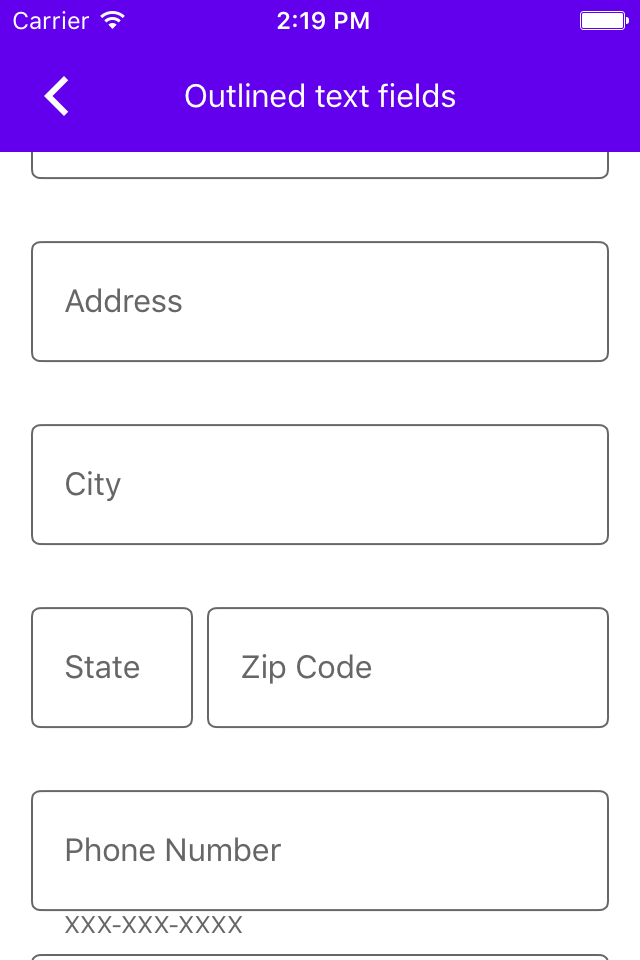
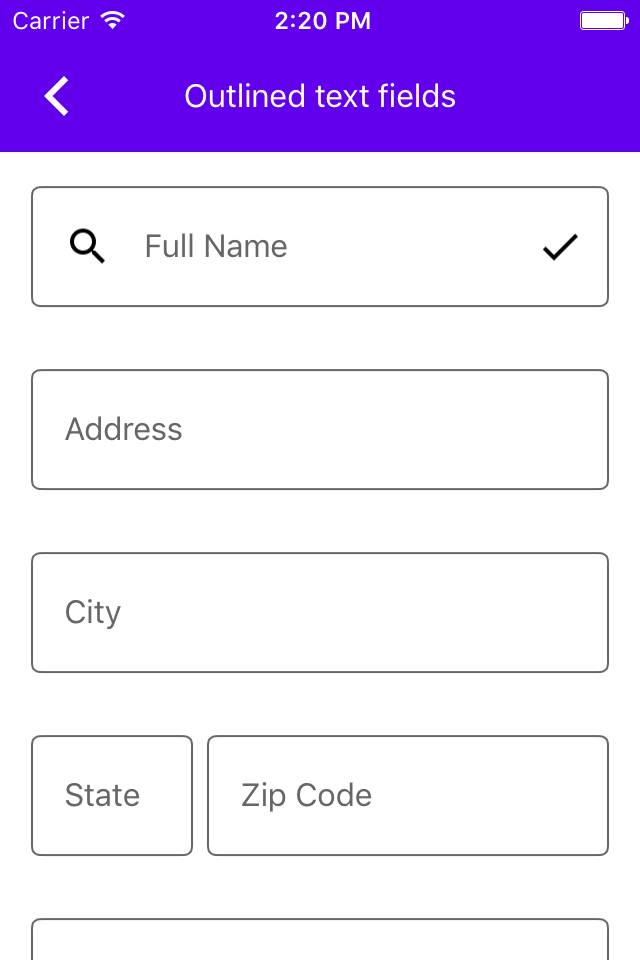
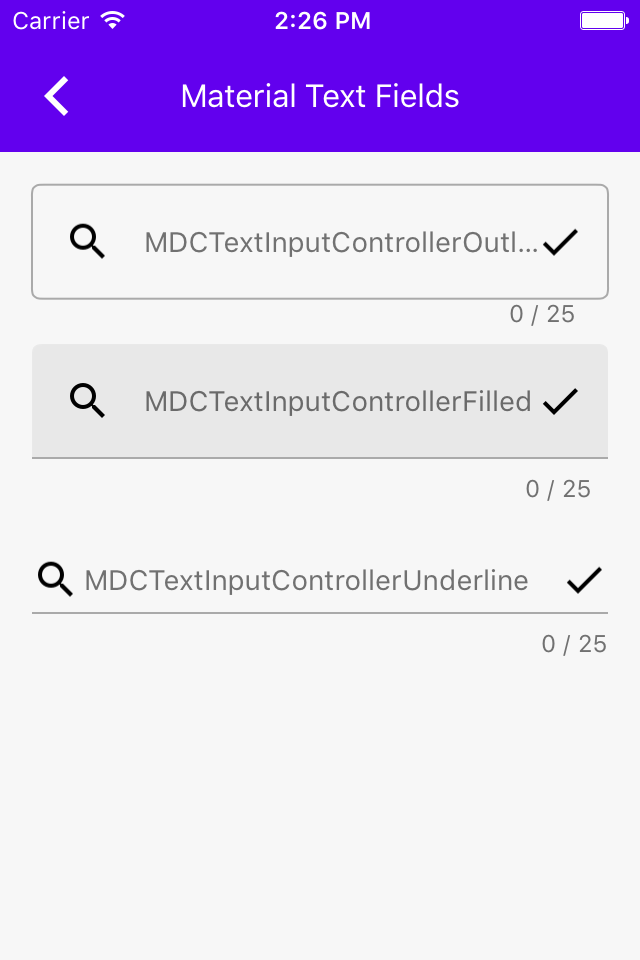
This PR adds the outlined textfields. The snapshots look a little weird because the way the snapshot tests are currently implemented they only get an image that's as big as the frame of the view. In a follow up PR I'm going to change that, so the images will have the entire floating label (which goes above the top of the view) for example.
Closes#6942.
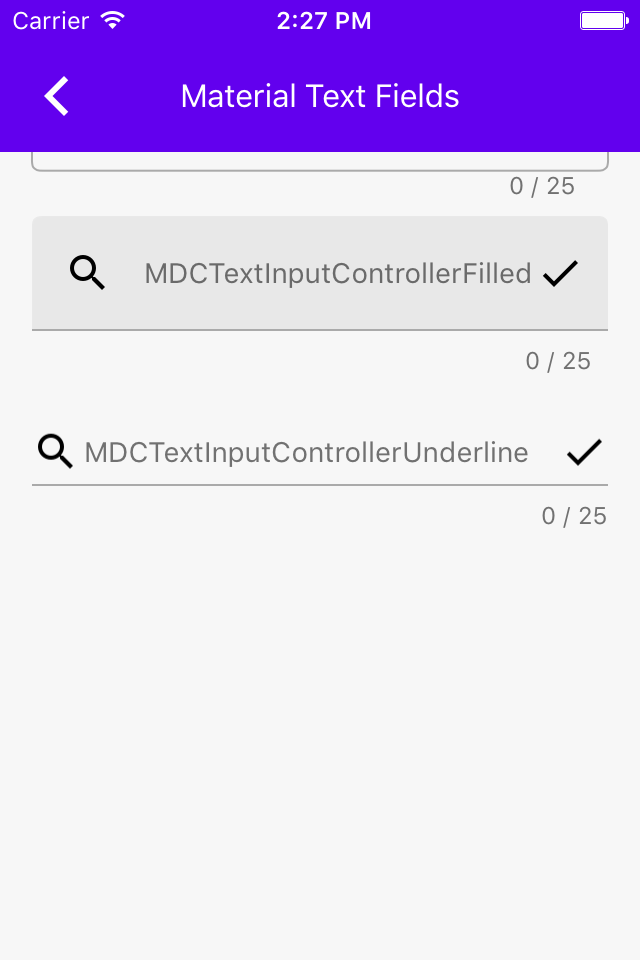
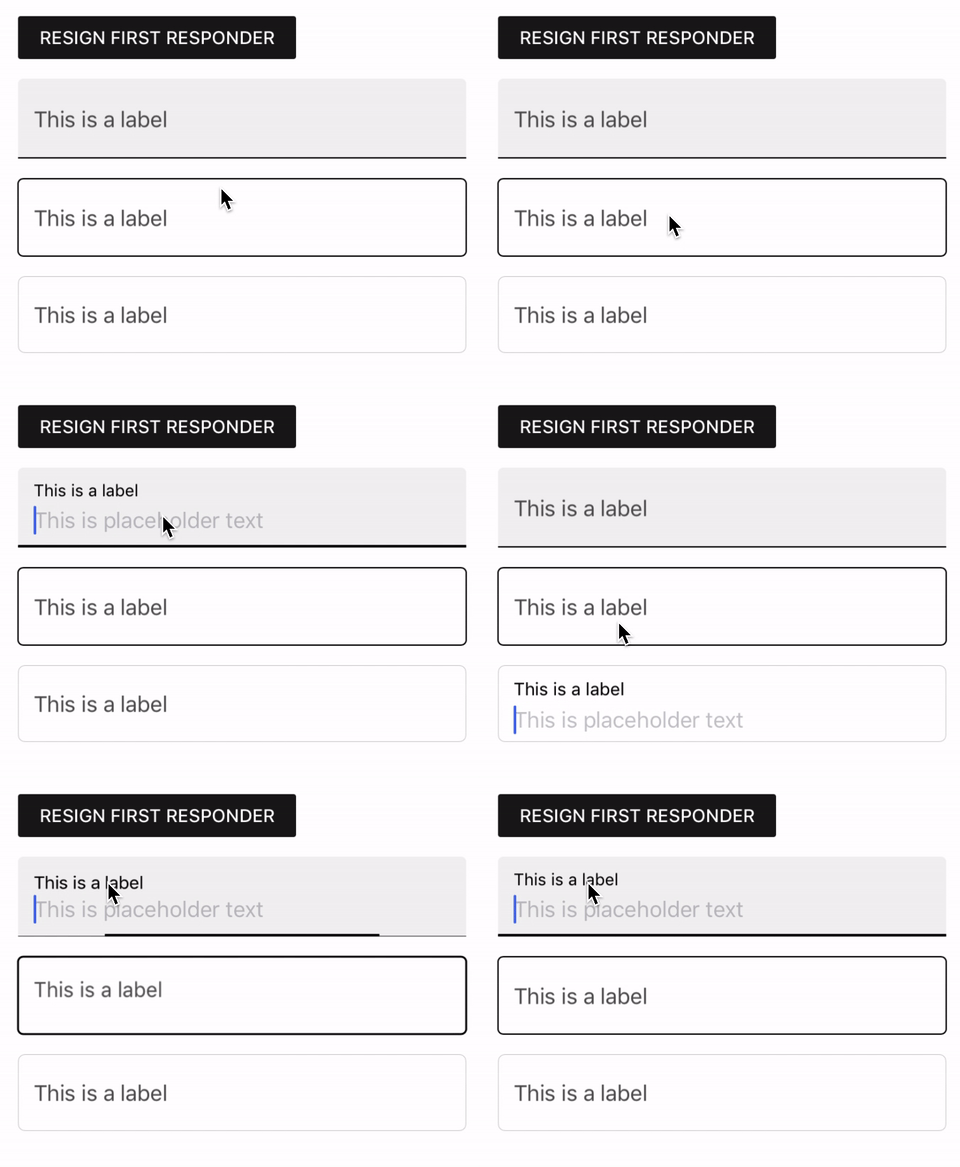
This PR adds MDCFilledTextField, updates the example to include it, and adds some unit tests for MDCFilledTextField's public API. I will add snapshot tests to this PR after #8670 is merged in.

Related to #6942.
This PR brings more of the MDCTextControlVerticalPositioningReferenceBase over. The positioning reference objects provide information about the vertical positioning of subviews in MDCTextControls. Each MDCTextControlStyle vends a different positioning reference object to be used by the layout object.

It is important to remember that this PR does not bring over everything the positioning reference object does. Things like MDCTextControl density (dense textfields are textfields that are squished vertically so more textfields can be shown using less space) are made possible with this object.

Related to #6942.
This PR adds some placeholder support to MDCBaseTextField.

MDCBaseTextField has some special considerations related to placeholder visibility tthat UITextField does not have due to the fact that the label can sometimes occupy the space where the placeholder goes when there is no text.

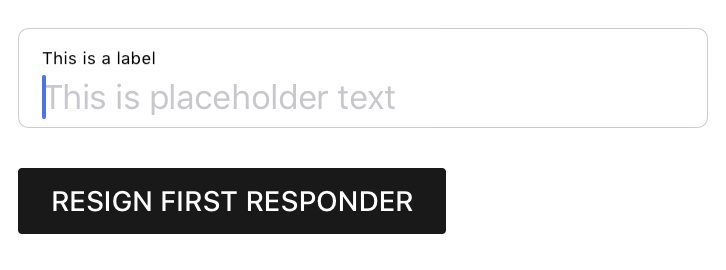
Here's a screenshot of an MDCBaseTextField with a placeholder:
<img width="363" alt="Screen Shot 2019-09-26 at 11 03 09 AM" src="https://user-images.githubusercontent.com/8020010/65700251-4ec2be80-e04d-11e9-93ab-a75a60c88ada.png">

Related to #6942.
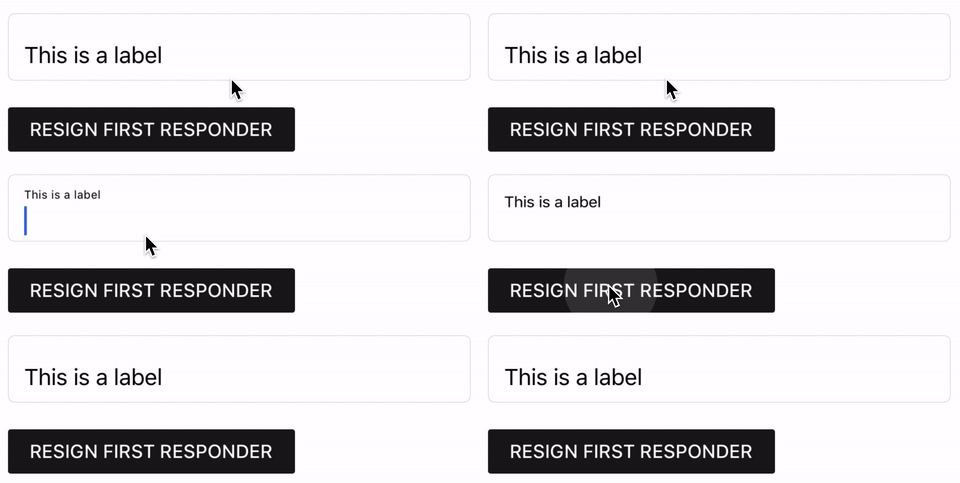
This PR adds the class that animates the textfield's label. Part of #6942.
One thing I noticed: the label's animation to the floating position (but not from it) doesn't seem to work on simulators running iOS 9, 10, or 11. It works on simulators running iOS 13 simulators though. It also works on @romoore's iPhone 4s device running iOS ~9.3 or so. I think it's just a simulator issue. Still, a little unsettling...
Here's a gif of the animation:
I opened #8231 in the spirit of keeping the experimental textfields up to date in our repo, but I think I'm going to take a different approach. Now that I'm actually bringing things over I'm encountering collisions with file names--there can't be an MDCContainedInputView.h in experimental examples and component source. And it's not worth adding a "2" suffix to every file in the experimental directory. So I'm going to delete all the experimental stuff!

Further development will take place in a local branch where the ContainedInputView textfields live in MaterialTextFields+ContainedInputView.
We need to add @objc annotations to colorScheme and typographyScheme instances in our Swift examples, because we moved to Swift 4.2, the respondsToSelector won't find `setColorScheme:` and `setTypographyScheme:` setters otherwise.
This is a follow up PR for #7166 adds @objc annotations to Swift catalogMetadata() methods, because the Swift 4 compiler no longer attempts to infer what methods should be visible to Objective-C. As a result of this change in the compiler, no Swift examples were showing up in Dragons after #7166. See this article: https://useyourloaf.com/blog/objc-warnings-upgrading-to-swift-4/ for additional context.
In this PR I have created MDCFilledTextField and MDCOutlinedTextField concrete classes that inherit from an MDCInputTextField base class. There are no significant changes to how the text fields work under the hood--they are still contained input views. However, that protocol conformance is now private. If we were to include these classes in our library clients would not need to have any idea what a Contained Input View is. For discussion on the rationale for doing this see the ill-fated https://github.com/material-components/material-components-ios/pull/6985 and [b/130306935](http://b/130306935).
Closes#7111.
* Refactor simple text field manual layout example code

* Make clear button layout calculation more understandable

* Have density informer protocol provide floating font scale factor instead of floating font size

* Send editingChanged event when clearing text

* Extract some placeholder management into a common object

* Run clang format

* Add WIP fancy animations to filled style

* In the middle of dealing with vertical density

* ITF vertical density is in a good place at the expense of ICV vertical density

* Run clang format

* Update input chip view density and example

* Add dynamic type support

* Ran clang format

* remove dead code

* Add a density informer method for the padding around the toprow/bottomrow divider

* Refactor placeholder animation code

* Ran clang format

* Refactor some placeholder layout logic

* Add nullability annotations

* Add missing nullability annotation

* Get rid of framework import for now

* Cast CAAnimation to CABasicAnimation

* Rename containerRect to containerFrame

* A bunch of property, class, and file renamings

* beginning to split floating label and placeholder. also some renamings

* Ran clang format

* More renamings

* More renamings

* Ran clang format

* A ton of renamings, some of which may need a second look ...

* More work separating floating label and placeholder

* Ran clang format

* About to make placeholder a UILabel again :(

* Placeholder and floating label are behaving pretty well together

* Fix placeholder appearance in text field

* Get rid of unneeded method

* Added some docs and got rid of the density informer method for bottom padding

* Get rid of some dead code

* Ran clang format

* Add nullability annotation

* Add CGFloat cast

* Renamed some things

* Positioning delegates no longer inherit from a root class, and they are passed into style object initializers
### Context

By default, Objective-C code will only perform availability checks for iOS APIs introduced from iOS 11 and up. We can enable -Wunguarded-availability to turn on available checks for older SDKs.

Additional context for this behavior comes from [llvm](https://reviews.llvm.org/D34264);

> [This patch](https://reviews.llvm.org/D34264) adds a new warning flag called -Wunguarded-availability-new. If -Wunguarded-availability is off, this warning only warns about uses of APIs that have been introduced in macOS >= 10.13, iOS >= 11, watchOS >= 4 and tvOS >= 11. This warning is on by default. We decided to use this kind of solution as we didn't want to turn on -Wunguarded-availability by default, as we didn't want our users to get warnings about uses of old APIs in their existing projects.

### What's happening in this change

This change turns on -Wunguarded-availability. This has the effect of the compiler performing availability checks for all APIs at or above the current deployment target (iOS 8.0). As such, this PR addresses several instances of code that were not performing availability checks.

Going forward, we will be able to use availability to encode our supported SDKs into the APIs that we provide. For example, we could annotate MDCActivityIndicator with NS_AVAILABLE_IOS(9_0) and all of our code would then have to use runtime checks prior to using this API.

### Caveats

Because -Wunguarded-availability is not enabled by default in Objective-C, our clients will need to proactively enable this flag in order to be warned of any use of APIs that support OS versions < 11.0. We can mitigate this risk in two ways:

1. Clearly announce any changes in our supported OS versions.
2. Encourage clients to enable -Wunguarded-availability.
[TextFields] Updates to SimpleTextFIeld and InputChipView prototype
This PR contains a lot of updates to SimpleTextField. Some of these updates are for little things I noticed I got wrong after looking at the guidelines a bit more. The more substantial changes introduced here, however, are related to feedback given in the design doc overview meeting in January. As a reminder, the two takeaways from that meeting were:
1. SimpleTextField shouldn't depend on MDCContainerScheme
2. The styles should not be represented as enum cases. Instead, they should be objects.
These changes address those pieces of feedback. While I still need to get around to updating the design doc to reflect the changes, I don't see the harm in merging the updates into their home in a MaterialComponentsExamples experimental directory.
This PR also contains changes that are not directly related to SimpleTextField!
Late last year, when we had the week of free time to do whatever we wanted, I began thinking about incorporating chips into SimpleTextFields. Not far into it I decided that any view implementing input chip functionality should be its own view, i.e. it shouldn't be stuffed in a UITextField, which carries inheritance-related burden. I started work on such a view in January, and briefly used it during the SimpleTextField design doc overview meeting to demonstrate how SimpleTextField styling could be generalized across views.
Following that meeting, and following the refactoring work to address feedback on SimpleTextFields, I updated the InputChipView to see how extensible my "container style as object" approach was. I think the work here, while definitely not a finished product, demonstrates that it's fairly usable. MDCSimpleTextField (I added an MDC) and InputChipView (no MDC) both conform to a protocol called MDCContainedInputView. That protocol declares a property for objects conforming to MDCContainerStyling. There are a few other classes and protocols in there, but I will write or talk more about those in a different setting. The key here is that I think it all might work, based off these changes. There are still some loose ends, but they can be taken care of. They _will_ be taken care of if the team decides to take this direction. They maybe won't if we decide to continue investing in MDCTextFields for all of our user input needs. If we do end up deciding to bring all this into the codebase I want the next addition to this family of contained input views to be a subclass of UITextView, for multiline text input.
This gif shows the updated MDCSimpleTextField styled as an "outlined" text field:
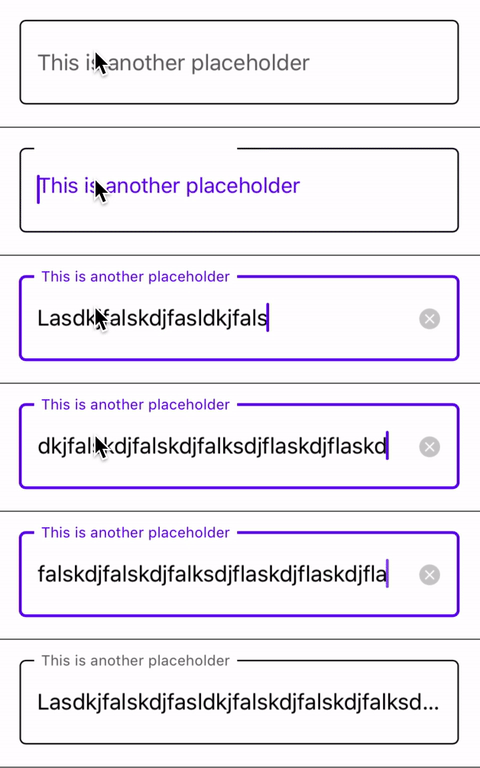
This gif shows the updated MDCSimpleTextField styled as a "filled" text field:
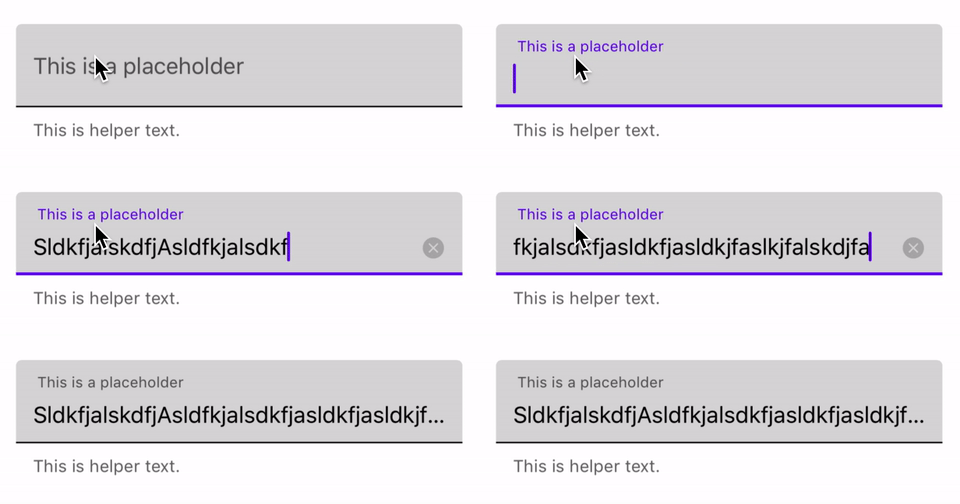
This gif shows the updated InputChipView styled as an "outlined" input chip view whose chips do not wrap:
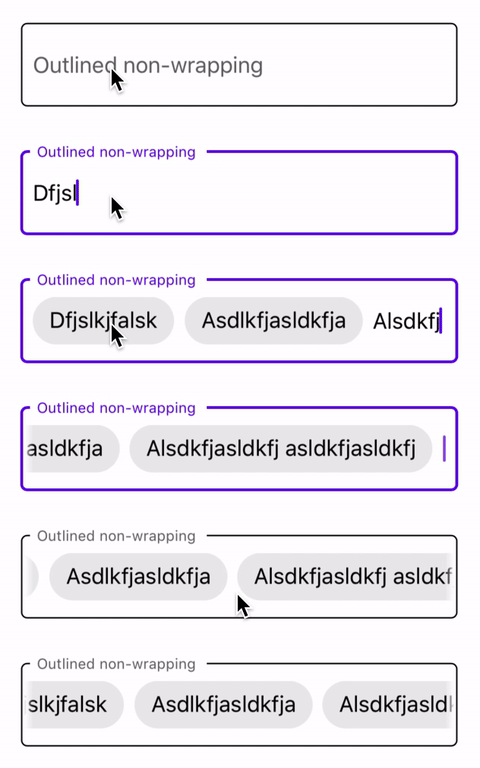
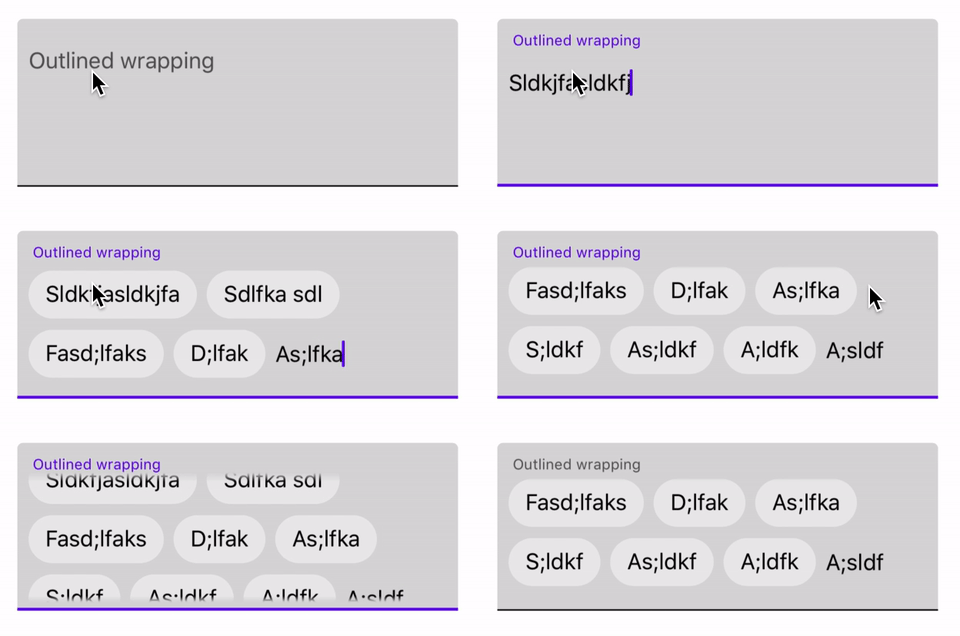
This gif shows the updated InputChipView styled as an "outlined" input chip view whose chips wrap:
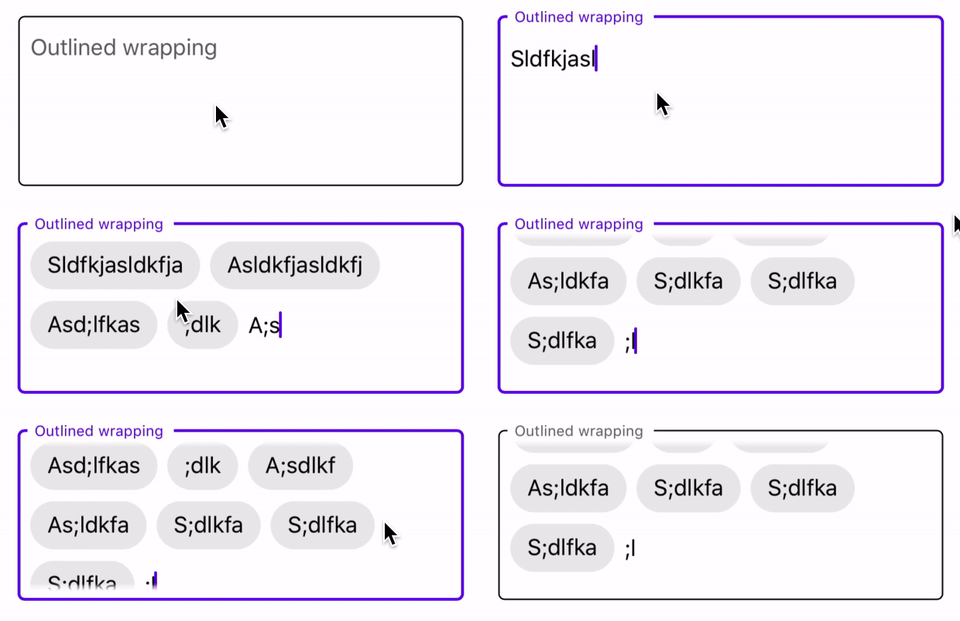
This gif shows the updated InputChipView styled as a "filled" input chip view whose chips do not wrap:
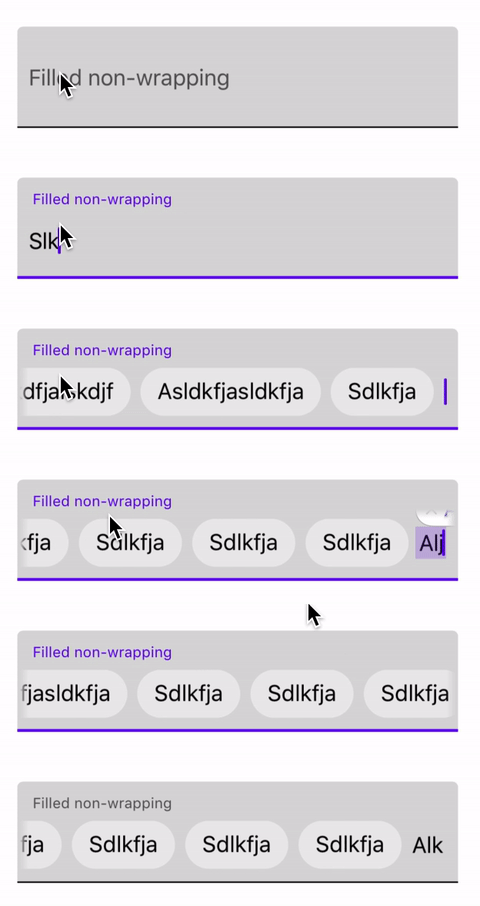
This gif shows the updated InputChipView styled as a "filled" input chip view whose chips wrap:
This PR adds an experimental `UITextField` subclass called `SimpleTextField` and accompanying examples to the `MaterialComponentExamples` (i.e. not `MaterialComponents` or `MaterialComponentsAlpha`) pod.
The ultimate aim of this text field is to complement (not replace) `MDCTextField` by:
- Providing an alternative when ongoing and difficult to fix `MDCTextField` bugs are blockers for clients/potential clients.
- Providing an alternative for clients who prefer not to work with `MDCTextInputControllers` due to perceived overhead.
- Hopefully doing two things (being a simple or filled text field) very well, rather than trying to do the many things `MDCTextField` and its related classes do.
Things I'm still thinking about/working on:
- VoiceOver. I haven't thought about VoiceOver at all yet. It would be nice to be able to just do what super would do and append the underline labels' and side views' accessibilityLabels/Values to that.
- Should it have some kind of input chip functionality? I'd say this is doable, but would require some thinking.
- Text field density support - The spec mentions "high-density" text fields--this refers to text fields whose bounds fit more snugly around the text, etc. My best idea for achieving this involves a `CGFloat` property called `desiredMainContentHeight`. "Main content height" refers to the area of the text field that contains the text, left/right view, placeholder, clear button, etc. Basically everything but the underline labels. With this property set to 0 (the default) the text field layout would be determined as it is right now. If set to anything other than that, the layout calculation would use the assigned value for the main area height, rather than the value it calculates.
- The manual layout example has some scroll view weirdness that I haven't had time to really fix yet. Also, the Swift storyboard example is basically useless because I can't refer to `SimpleTextField`, an Objective-C class in the same module, from it. I haven't had time to figure this out yet.
- It would be cool if some of the properties supported IBDesignable. I don't know IBDesignable that well, but I think doing this might make it so that you could specify outlined or filled in the storyboard and not have to write any code to achieve either style.
- This isn't code related, but I want to move away from this "Utils" file. It's a catch-all for things that could be more thoughtfully structured. The file structure in general really needs some work.
- There are no tests!
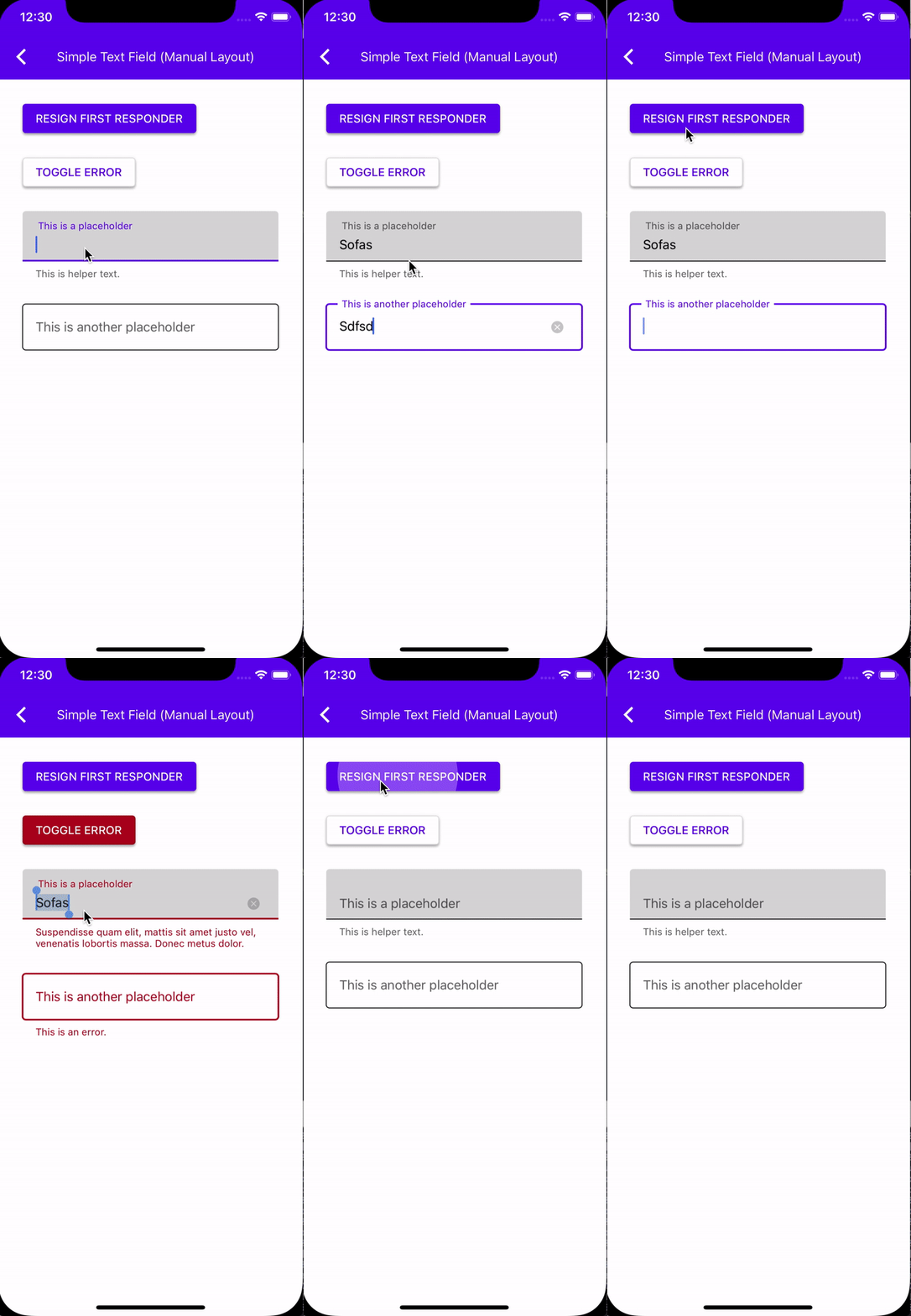
Feel free to look at the examples! "Simple Text Field (Manual Layout)" is better than "Simple Text Field (Storyboard)" right now.
Here's an LTR video:
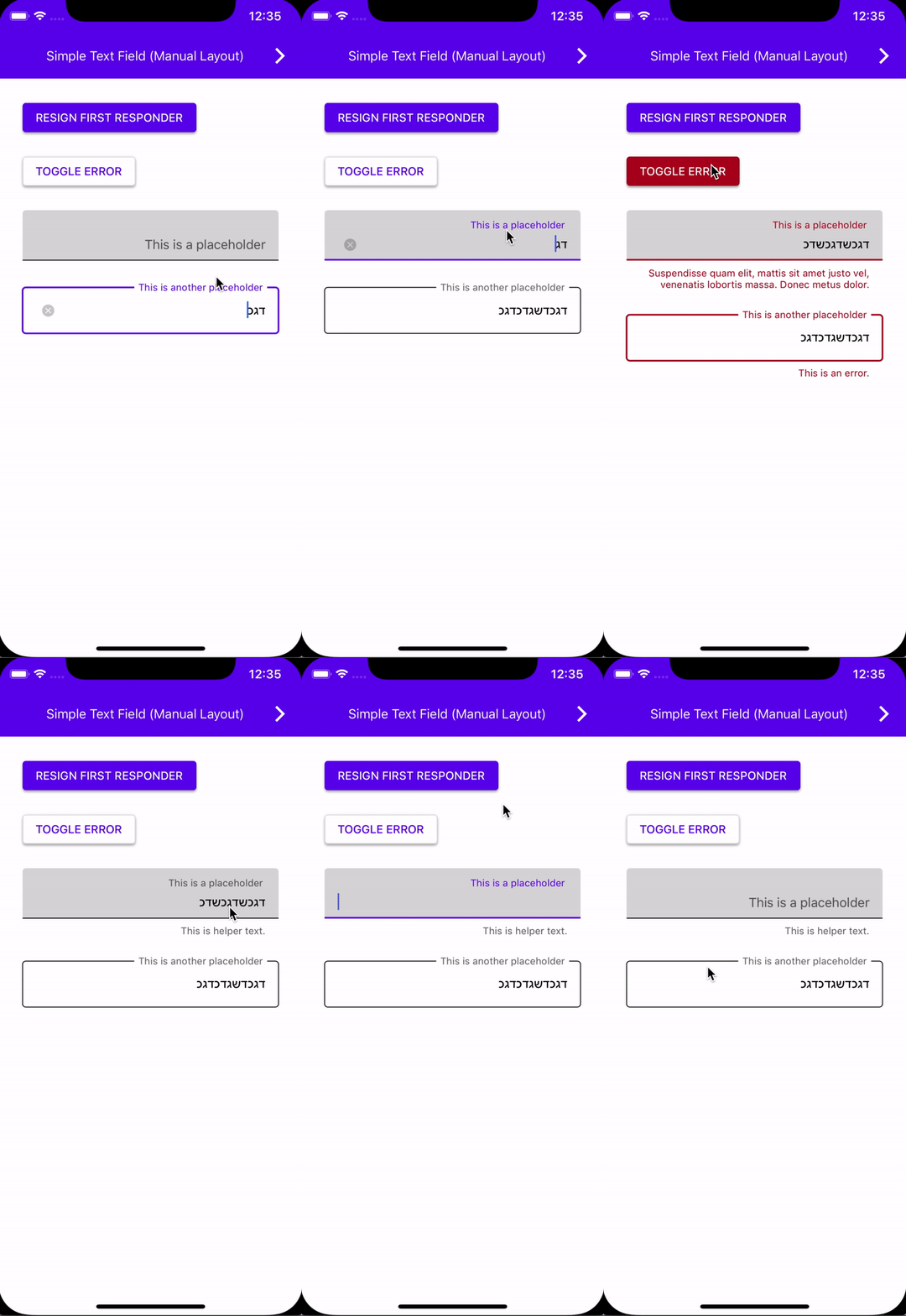
And an RTL video:
{MDC iOS} No longer using `-init` for Color Scheme.

Based on the discussions in go/mdc-ios-theming, we should not use the `-init` default initializer. Instead, we should use an explicit set of defaults.

Search regex: '\[\[MDCSemanticColorScheme alloc\] init\]'
Replacing all non-integral, single-precision floating point literals with double-precision values explicitly cast to CGFloat.  For example, `0.1f` should become `(CGFloat)0.1`.

Regex used:
```
([0-9]*\.)([0-9]*?)([1-9]+)([0-9]*?)[fF]
```

PiperOrigin-RevId: 220683126
Removes the need to copy-paste stanzas from other files anymore as we'll rely on #4478 to generate the correct stanza for us instead.

This was an automated change generated by running a find-and-replace regular expression:

```
/\*
 Copyright ([0-9]+)-present the Material Components for iOS authors\. All Rights Reserved\.

 Licensed under the Apache License, Version 2\.0 \(the "License"\);
 you may not use this file except in compliance with the License\.
 You may obtain a copy of the License at

 http://www\.apache\.org/licenses/LICENSE-2\.0

 Unless required by applicable law or agreed to in writing, software
 distributed under the License is distributed on an "AS IS" BASIS,
 WITHOUT WARRANTIES OR CONDITIONS OF ANY KIND, either express or implied\.
 See the License for the specific language governing permissions and
 limitations under the License\.
 \*/
```

```
/\*
Copyright ([0-9]+)-present the Material Components for iOS authors\. All Rights Reserved\.

Licensed under the Apache License, Version 2\.0 \(the "License"\);
you may not use this file except in compliance with the License\.
You may obtain a copy of the License at

http://www\.apache\.org/licenses/LICENSE-2\.0

Unless required by applicable law or agreed to in writing, software
distributed under the License is distributed on an "AS IS" BASIS,
WITHOUT WARRANTIES OR CONDITIONS OF ANY KIND, either express or implied\.
See the License for the specific language governing permissions and
limitations under the License\.
\*/
```

```
/\*
 Copyright ([0-9]+)-present the Material Components for iOS authors\. All Rights Reserved\.
 Licensed under the Apache License, Version 2\.0 \(the "License"\);
 you may not use this file except in compliance with the License\.
 You may obtain a copy of the License at
 http://www\.apache\.org/licenses/LICENSE-2\.0
 Unless required by applicable law or agreed to in writing, software
 distributed under the License is distributed on an "AS IS" BASIS,
 WITHOUT WARRANTIES OR CONDITIONS OF ANY KIND, either express or implied\.
 See the License for the specific language governing permissions and
 limitations under the License\.
 \*/
```

```
// Copyright $1-present the Material Components for iOS authors. All Rights Reserved.
//
// Licensed under the Apache License, Version 2.0 (the "License");
// you may not use this file except in compliance with the License.
// You may obtain a copy of the License at
//
// http://www.apache.org/licenses/LICENSE-2.0
//
// Unless required by applicable law or agreed to in writing, software
// distributed under the License is distributed on an "AS IS" BASIS,
// WITHOUT WARRANTIES OR CONDITIONS OF ANY KIND, either express or implied.
// See the License for the specific language governing permissions and
// limitations under the License.
```
We can now make use of @available throughout our codebase.

We support Xcode 9 and up, which includes the iOS 11 SDK. This means we can remove any guards for SDKs prior to iOS 11.

This was cleaned up by running a global find-and-replace with the following regular expression:

```
Find:#if defined\(__IPHONE_11_0\) && \(__IPHONE_OS_VERSION_MAX_ALLOWED >= __IPHONE_11_0\)\n(.+if \(@available\(iOS 11.0, \*\)\) \{(?:.|\n)*?)(?:#else(?:.|\n)*?)?\n#endif
Replace:$1
```

With some additional cleanup for stragglers that didn't match this pattern. Note that else clauses were intentionally dropped.

Closes https://github.com/material-components/material-components-ios/issues/4909
Many of our Swift examples are either missing imports or are importing all of
MaterialComponents. Both of these will cause failures during internal builds.
* Add setHelperText:helperAccessibilityLabel

* Add nullability annotations

* Do not copy helperText param in -setHelperText:

* Update filled text field example
TextFields were not always correctly posting notifications when attributed
text was set programmatically. This can cause the placeholder to remain in its
"empty" position and overlap the text.

Also added some examples to demonstrate the behavior and fixed a typo.