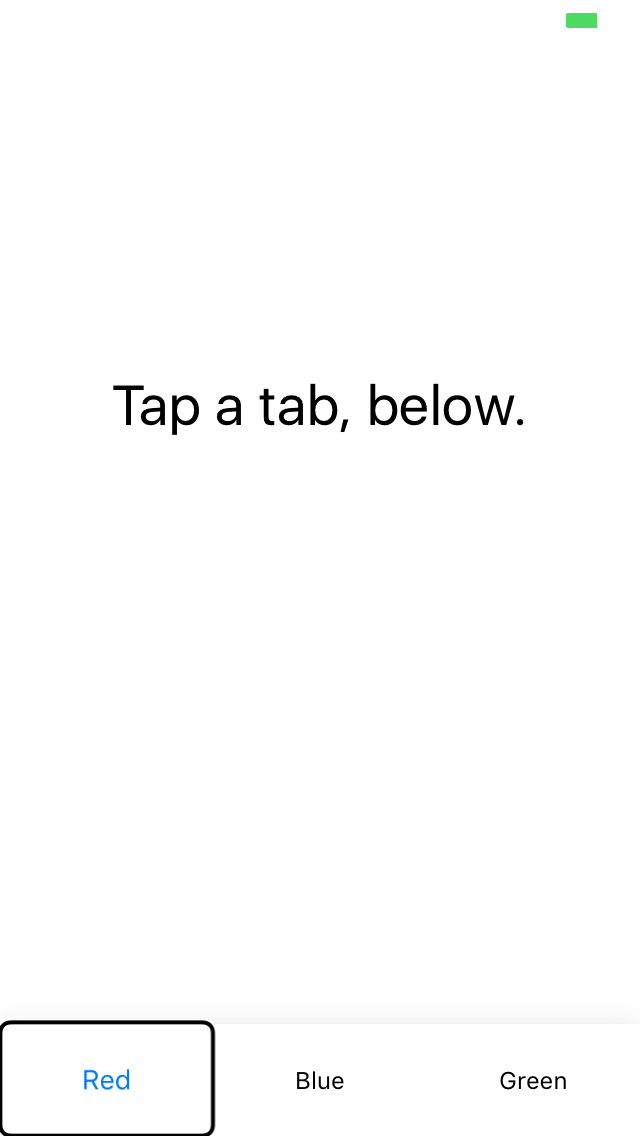
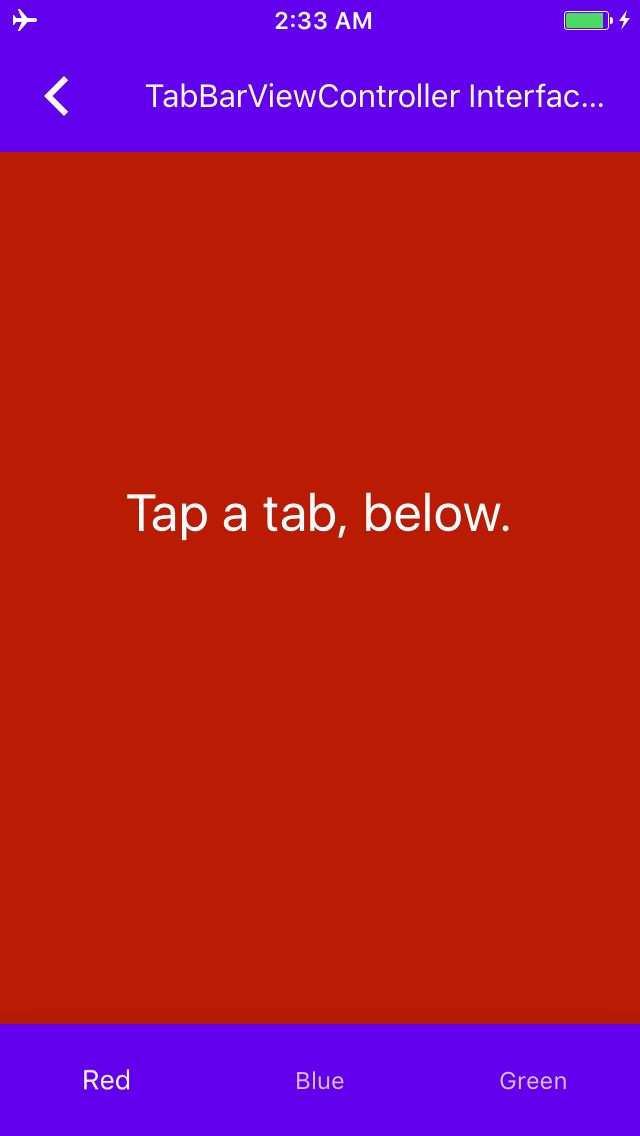
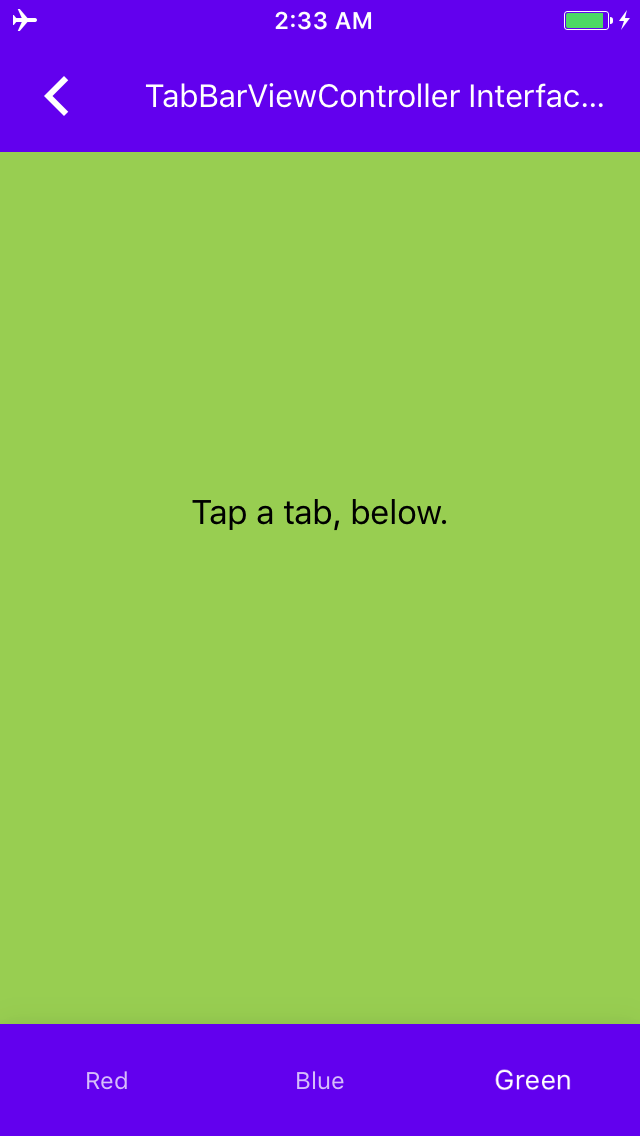
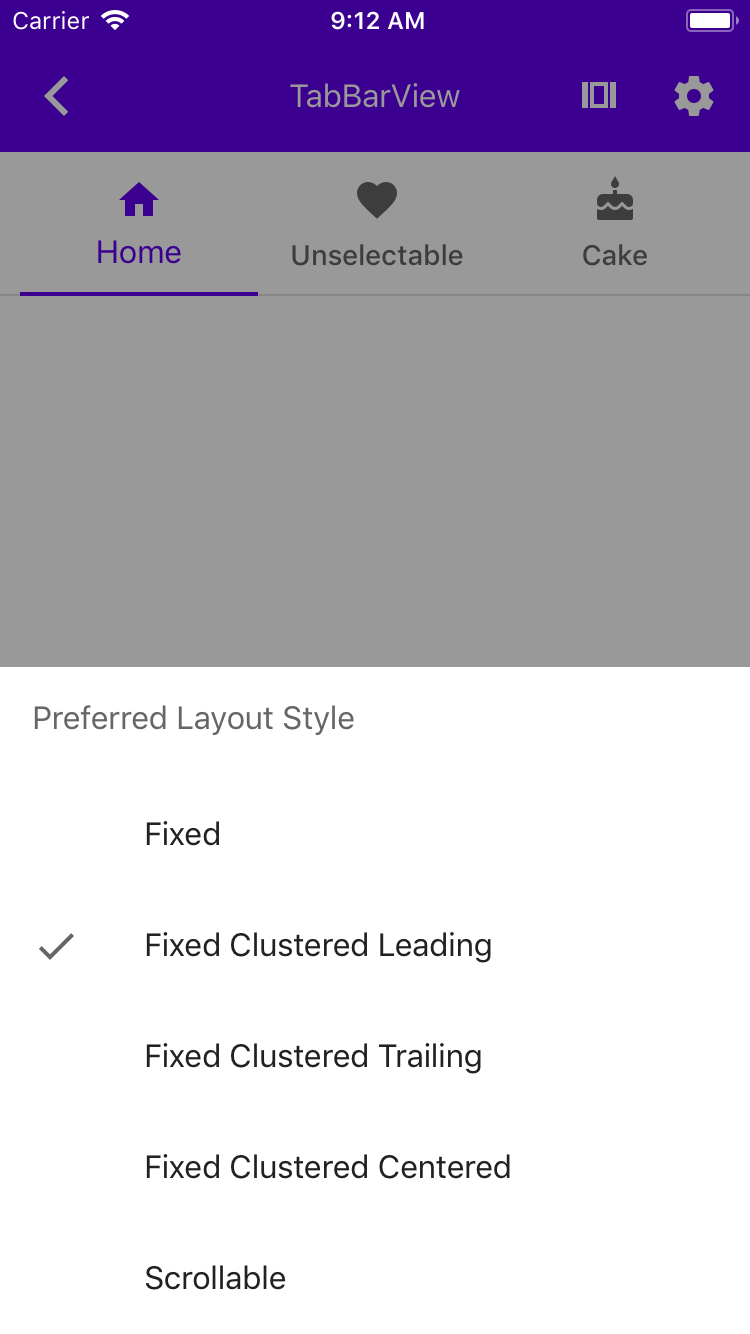
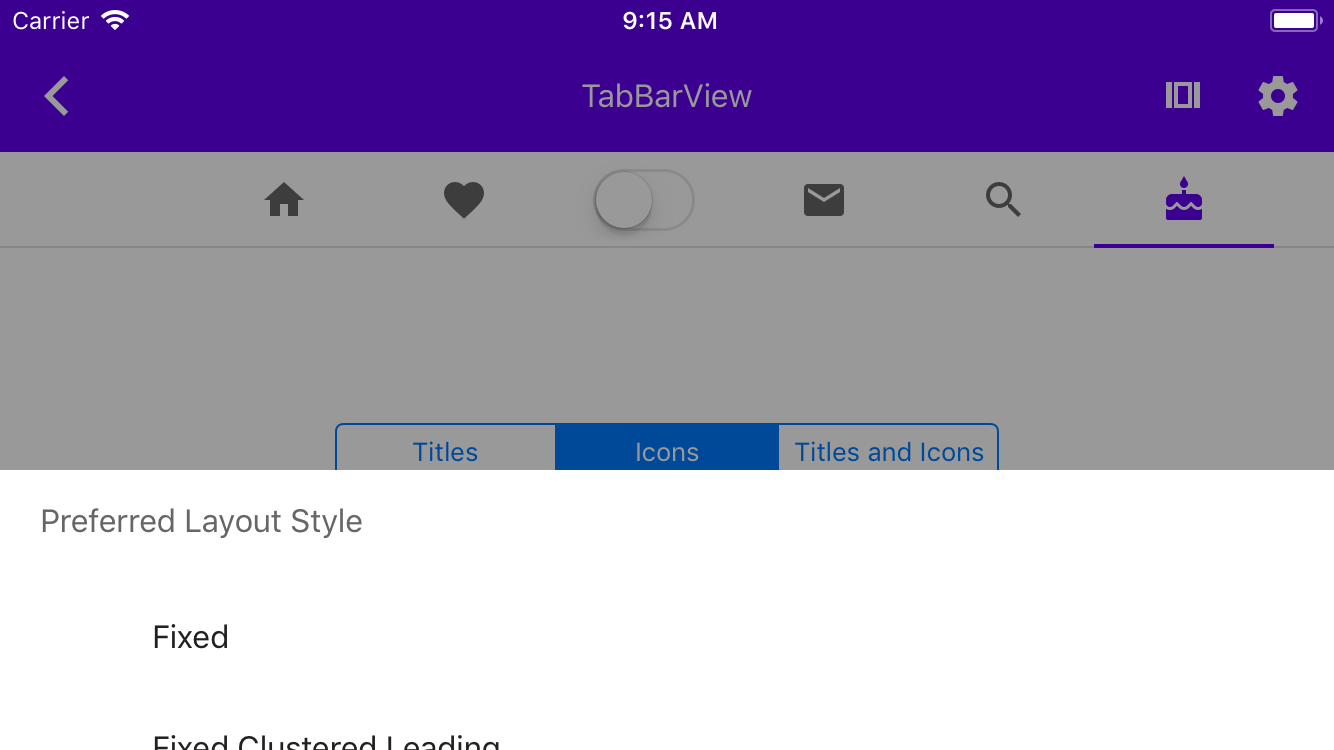
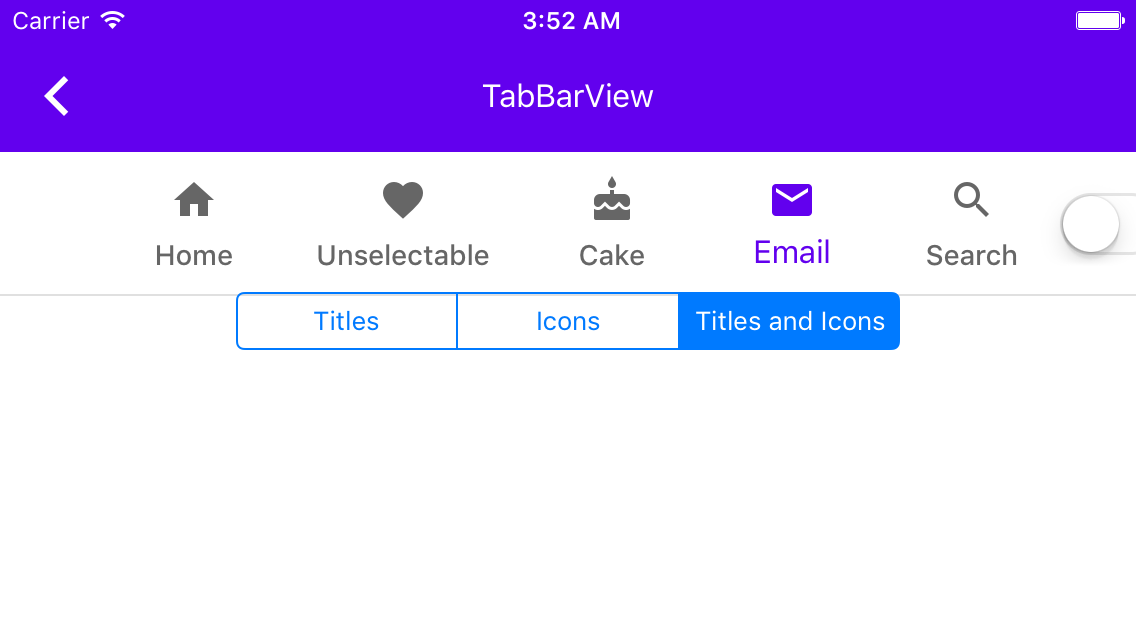
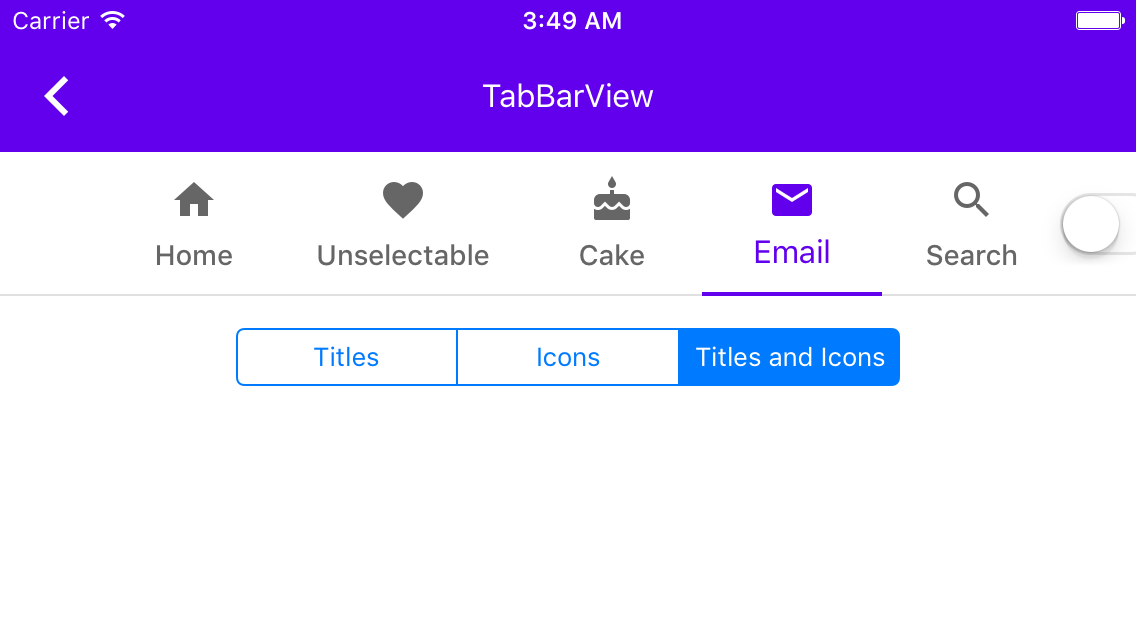
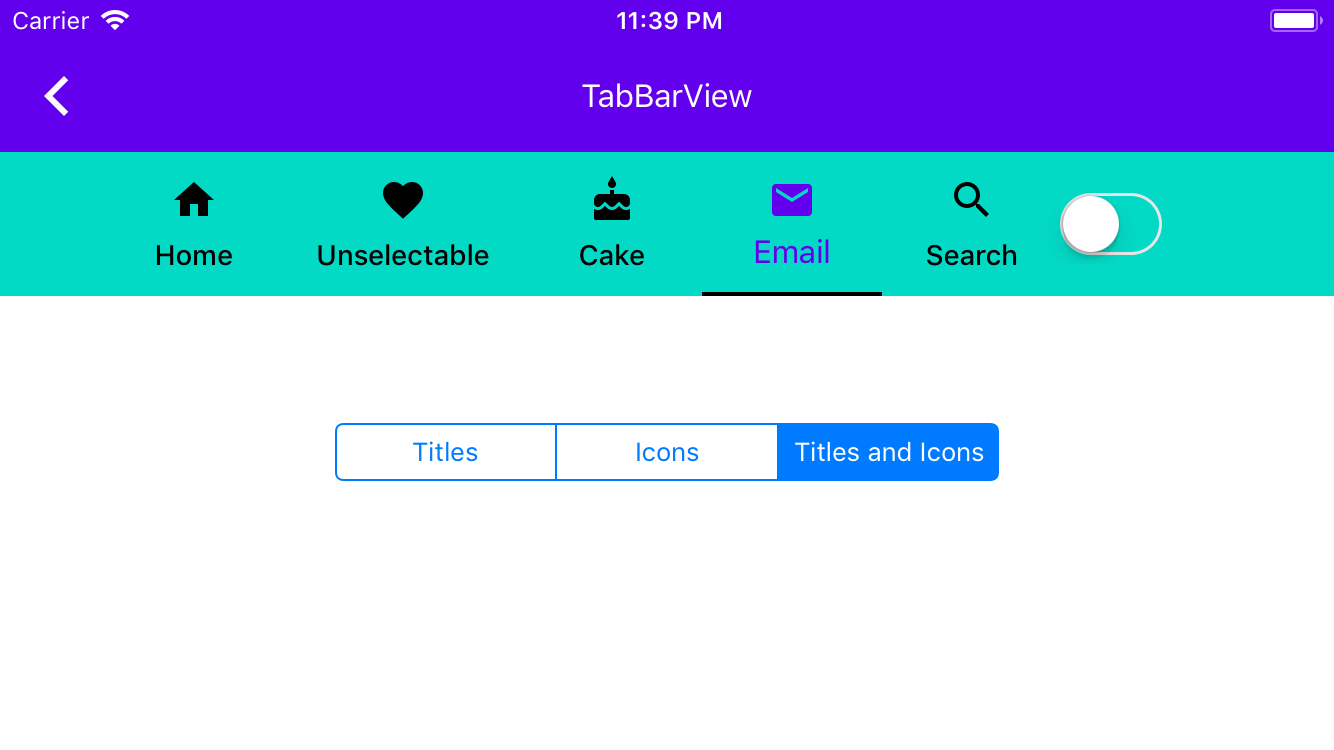
To reproduce:
1. Build and run the Dragons catalog app.
2. Launch the Tabs -> Text Tabs example.
3. Change alignment to "Selected Center".
4. Tap "Select First"
5. Tap "Select Last"
6. Tap "Select First" again
7. Tap "Select Last" again

Expected:
The selected (last) tab has both the selection indicator beneath it and highlighted text (white with 100% alpha)

Actual:
The selected (last) tab has the selection indicator beneath it, but its text styled as though it is not selected.
PiperOrigin-RevId: 306568811
Context:

Due to changes in the Swift runtime over the past years, methods that are considered "optional" in Objective-C need to have @objc annotations in order for Objective-C to be able to perform `respondsToSelector:` invocations.

Problem:
Many of our examples had not annotated their `catalogShouldHideNavigation` methods with the `@objc` annotation, causing the Catalog to wrap the examples in a container app bar view controller. The reason most of these examples would implement `catalogShouldHideNavigation` is because they are managing their own navigation (e.g. to demonstrate AppBar functionality), so this would often result in duplicate AppBars appearing in the example.

The fix:
All `catalogShouldHideNavigation` Swift methods have been annotated with `@objc`.

Fixes https://github.com/material-components/material-components-ios/issues/7576
Fixes https://github.com/material-components/material-components-ios/issues/7578
A new API, `- rectForItem:inCoordinateSpace:` provides the item's corresponding
view's frame in the provided coordinate space. Clients can use this API to
calculate which views are "shown" at any given time. A simple use of this API
for that purpose is added to the example view controller.
Alternative solution to #6275Closes#7839
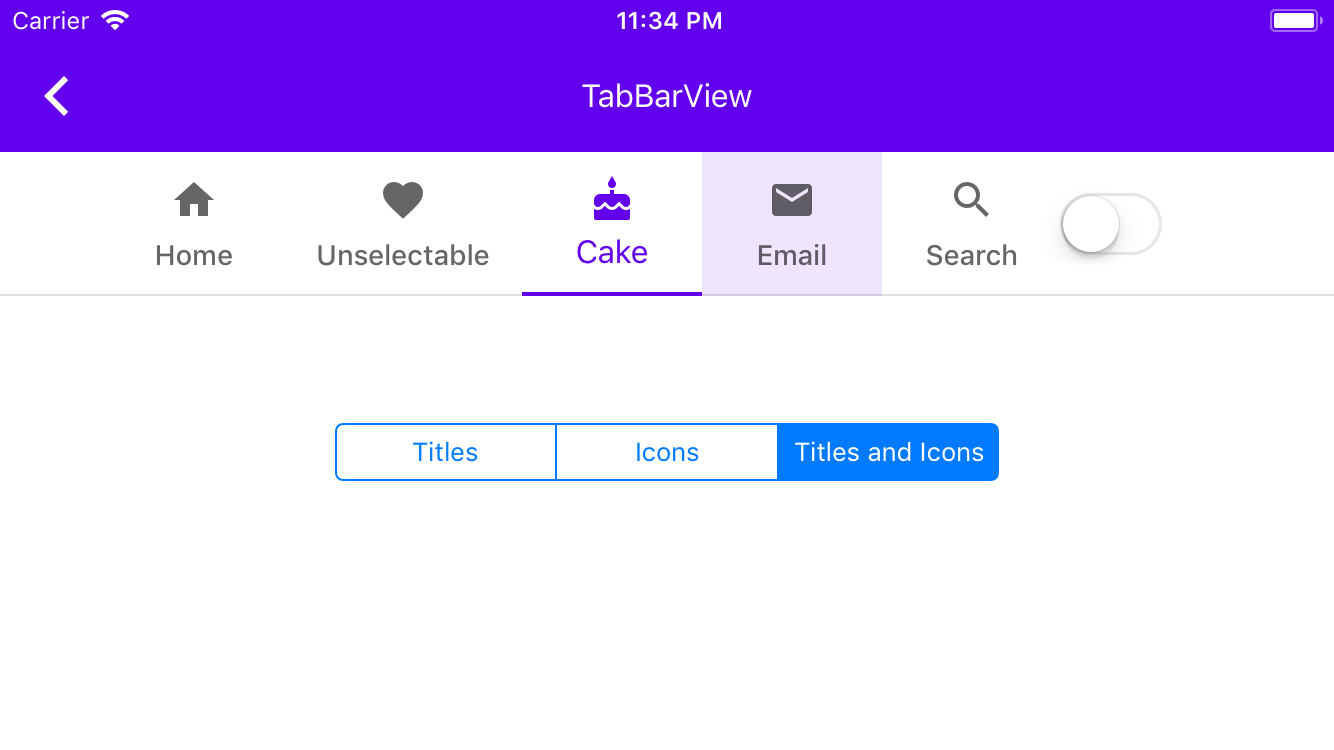
Once support for `selectedItem` was added, the example no longer correctly changed to title-only Tabs. This is because UITabBarItem seems to never allow setting `selectedItem` to `nil` once it has been read and returned anything other than `nil`.
Closes#7896
Adds a new required protocol method for setting a custom view to be selected. This makes it easier for custom views to respond to selection events.
Closes#7801
This change has no visible effect. It injects a scroll view into the TabBarView example view controller so that the injected AppBar won't manipulate the Tab Bar's insets.

Follow-up from #7744
When different font sizes for different states are used, the item view may end up with a different layout or even a different intrinsic content size.

Follow-up to #7757
Add UIAccessibility traits to item view.

**Testing**
accessibilityTraits
Steps to reproduce

1. Update the example to have a custom accessibilityTraits for one of the tabBarItems
    1. Optionally have it change those traits in the `tabBarView:didSelectItem:` delegate method.
2. item1.accessibilityTraits = @"Hello world";
3. Launch on a device
4. Select the item with Voiceover on
5. Navigate to the other items with titles but no custom value.
This PR un-reverts #7518 and makes it so that the delegate methods introduced in #7518 are only called if the items are nonnull.
#7555 should be merged in first.
Closes#6275.
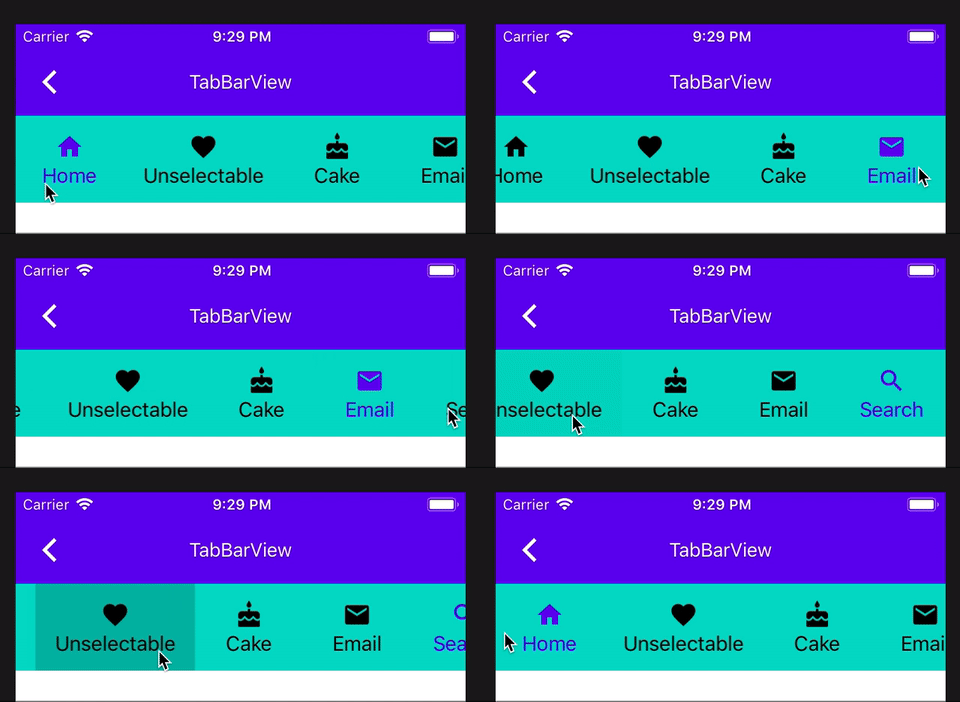
One of the solutions proposed in #6275 is to provide pass through methods for the UICollectionViewDelegate methods `-collectionView:willDisplayCell:forItemAtIndexPath:` and `-collectionView:didEndDisplayingCell:forItemAtIndexPath:`. This is the one I chose, mainly because it seemed the most straightforward. [One comment](https://github.com/material-components/material-components-ios/issues/6275#issuecomment-453650714) said we should be careful about this approach, and [another](https://github.com/material-components/material-components-ios/issues/6275#issuecomment-454204635) said we needed to look more into the "pre-fetching" behavior of these methods. It seems like a good approach to me... Scrolling through the tabs in the TabBarTextOnlyExample with print statements seems to work how I would expect it to. 👍
We need to add @objc annotations to colorScheme and typographyScheme instances in our Swift examples, because we moved to Swift 4.2, the respondsToSelector won't find `setColorScheme:` and `setTypographyScheme:` setters otherwise.
This is a follow up PR for #7166 adds @objc annotations to Swift catalogMetadata() methods, because the Swift 4 compiler no longer attempts to infer what methods should be visible to Objective-C. As a result of this change in the compiler, no Swift examples were showing up in Dragons after #7166. See this article: https://useyourloaf.com/blog/objc-warnings-upgrading-to-swift-4/ for additional context.
When adding a Star, the example would crash because one of the two
x/y values would nearly always be 0. This was caused by converting a
double into an integer in an earlier PR.
Closes#7009
### Context

By default, Objective-C code will only perform availability checks for iOS APIs introduced from iOS 11 and up. We can enable -Wunguarded-availability to turn on available checks for older SDKs.

Additional context for this behavior comes from [llvm](https://reviews.llvm.org/D34264);

> [This patch](https://reviews.llvm.org/D34264) adds a new warning flag called -Wunguarded-availability-new. If -Wunguarded-availability is off, this warning only warns about uses of APIs that have been introduced in macOS >= 10.13, iOS >= 11, watchOS >= 4 and tvOS >= 11. This warning is on by default. We decided to use this kind of solution as we didn't want to turn on -Wunguarded-availability by default, as we didn't want our users to get warnings about uses of old APIs in their existing projects.

### What's happening in this change

This change turns on -Wunguarded-availability. This has the effect of the compiler performing availability checks for all APIs at or above the current deployment target (iOS 8.0). As such, this PR addresses several instances of code that were not performing availability checks.

Going forward, we will be able to use availability to encode our supported SDKs into the APIs that we provide. For example, we could annotate MDCActivityIndicator with NS_AVAILABLE_IOS(9_0) and all of our code would then have to use runtime checks prior to using this API.

### Caveats

Because -Wunguarded-availability is not enabled by default in Objective-C, our clients will need to proactively enable this flag in order to be warned of any use of APIs that support OS versions < 11.0. We can mitigate this risk in two ways:

1. Clearly announce any changes in our supported OS versions.
2. Encourage clients to enable -Wunguarded-availability.