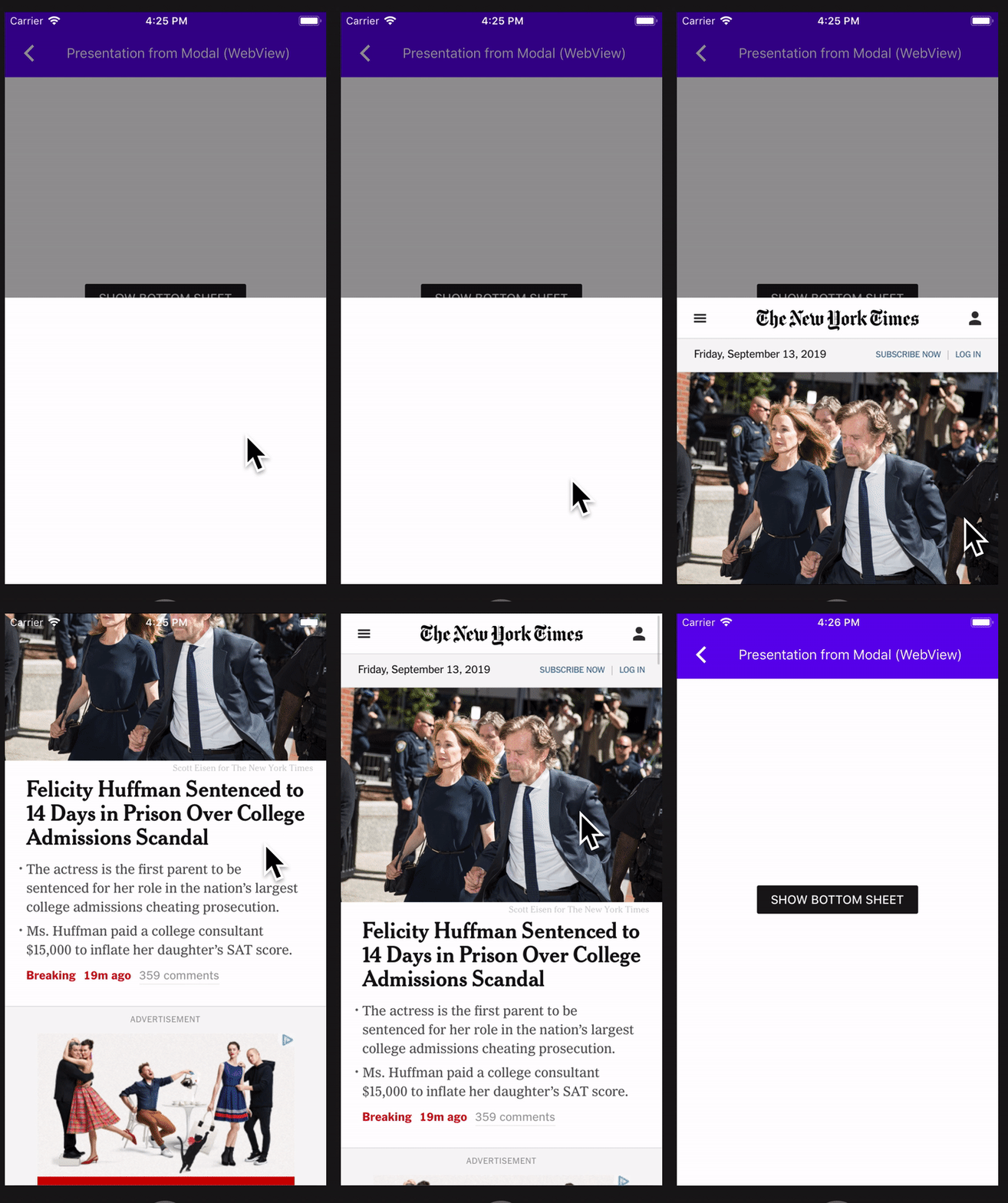
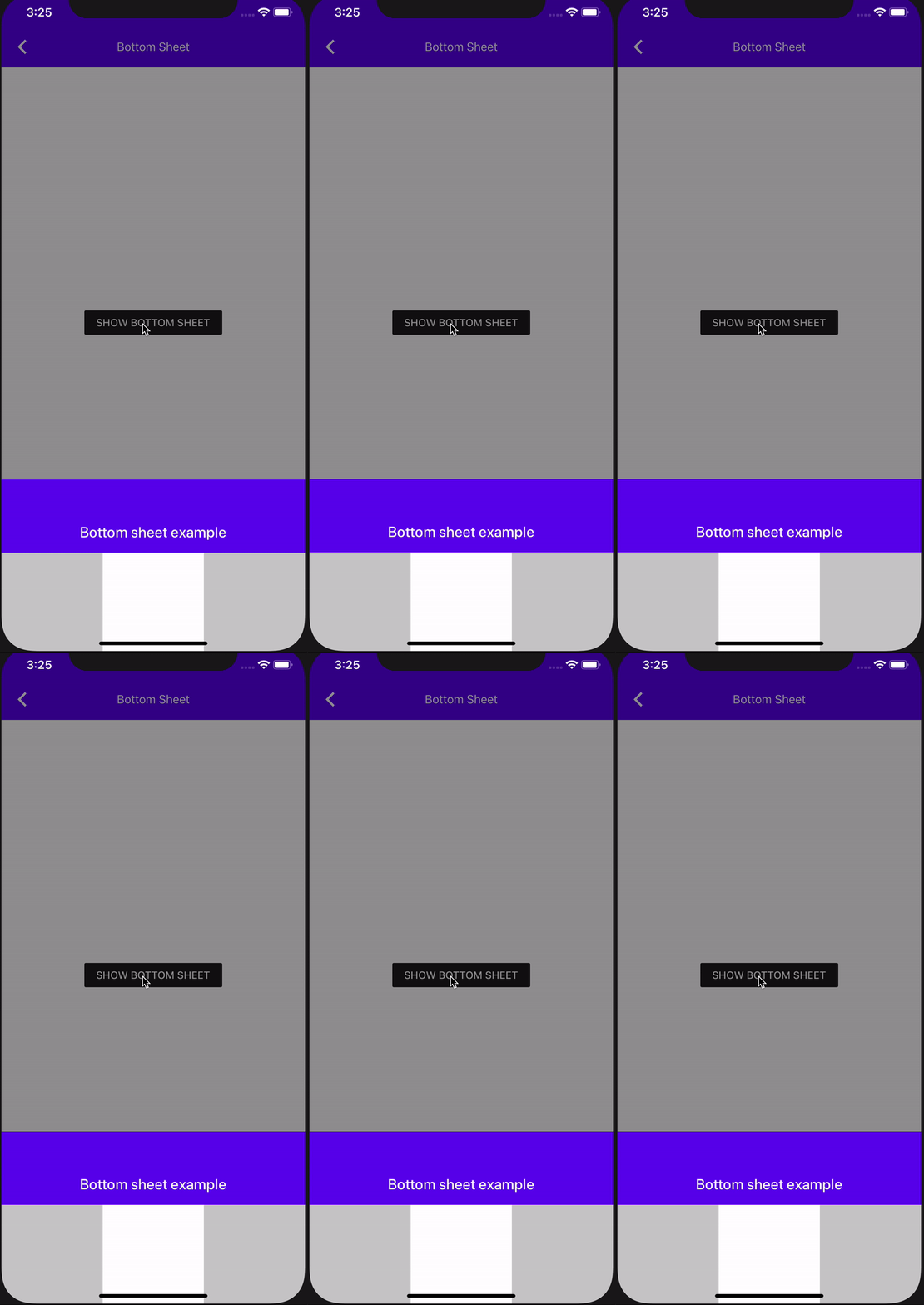
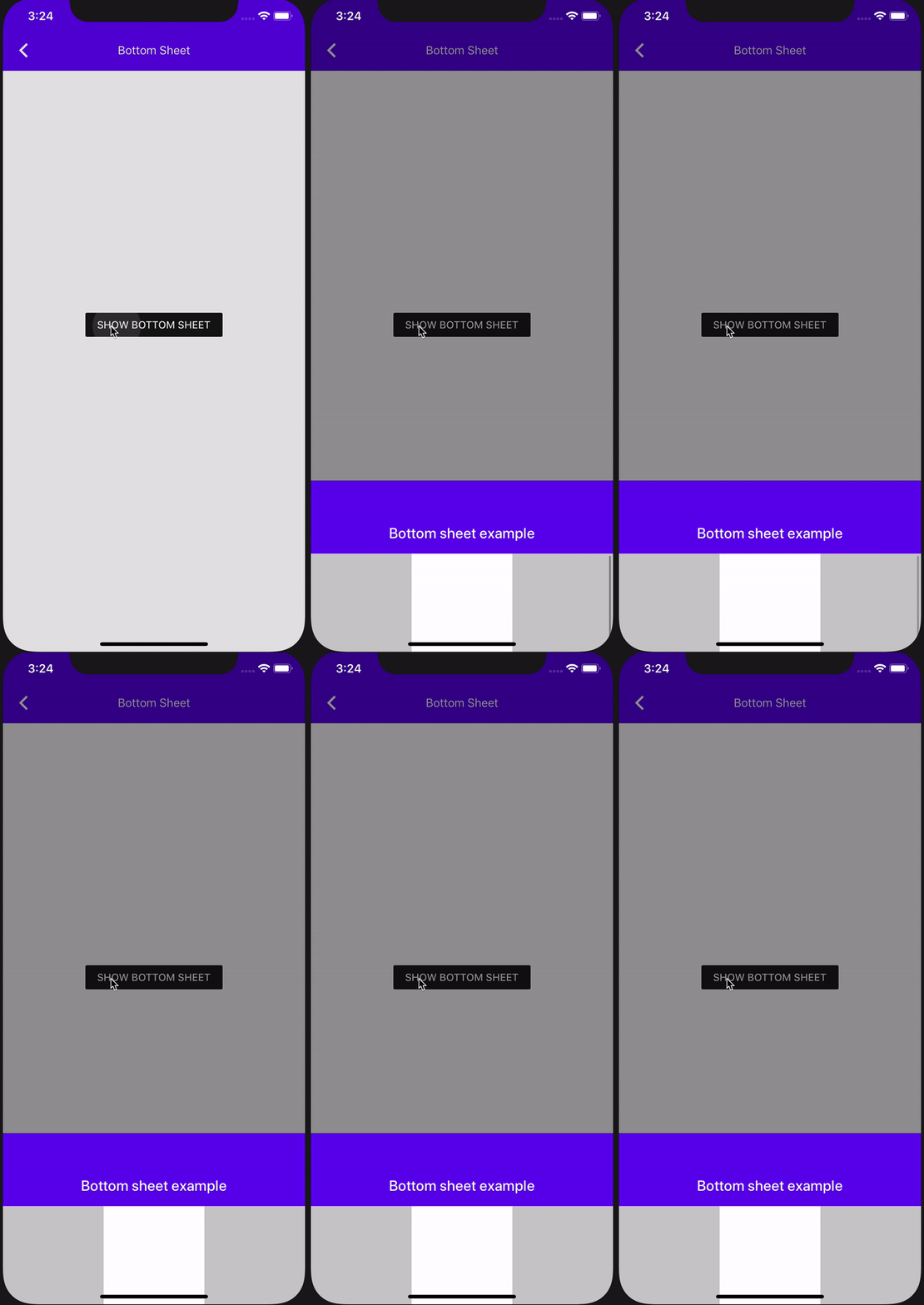
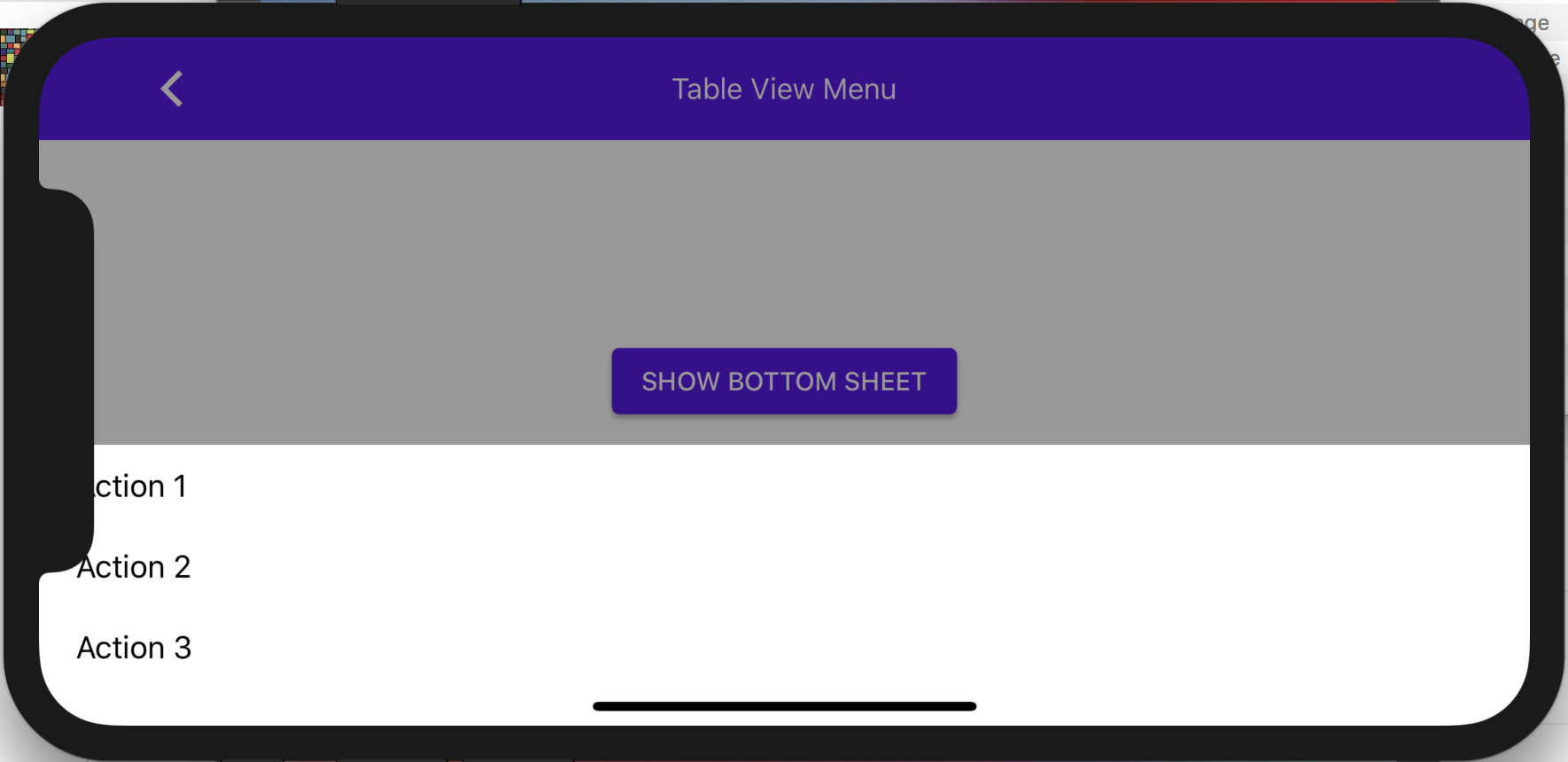
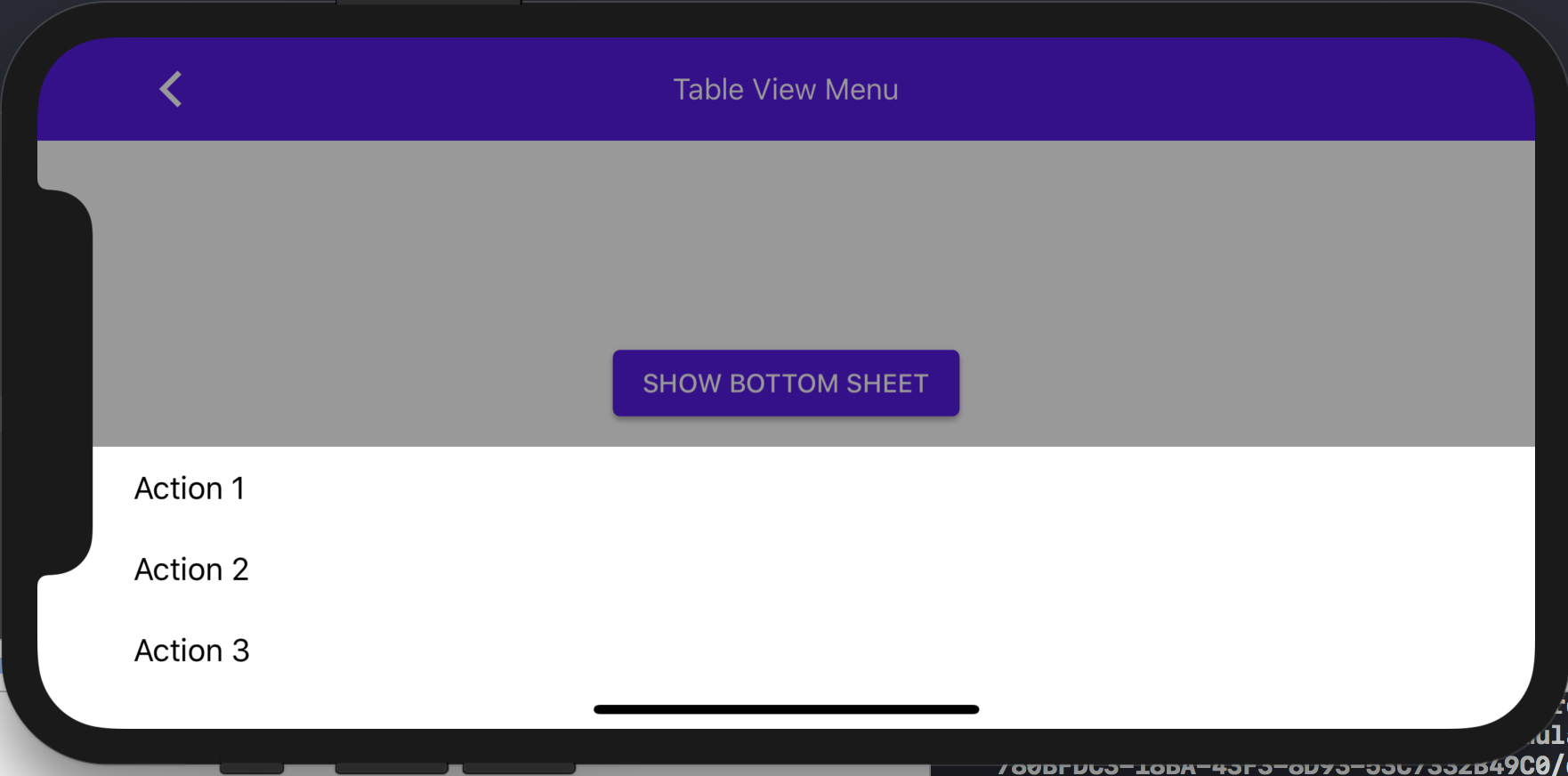
This function is invoked by MDCBottomSheetPresentationControllers when the bottom sheet dismissal animation has completed. This will be followed by a change to add a similar function to MDCActionSheetControllerDelegate, which will close the associated issue.

PiperOrigin-RevId: 314948223
In cases where there is a call and the status bar pushes the UITransitionView (container view) down by 20 points, we don't want the sheet view to take the Y offset of 20 points from the container view and add another 20 points to its Y origin as well.

PiperOrigin-RevId: 309715718
Currently setting the contentView's frame to its parent view is only done in viewDidLoad.
In that point in time, it is too early and the self.view.bounds height is still 0.
Due to that, in certain cases the view itself goes through a layout pass and updates itself to a frame height
that is larger than its parent view, causing problems like inability to scroll if it is a table view, as the content is already "fully displayed".
By setting the content view to the frame of the superview in viewWillAppear, we are assuring it stays the correct height.

PiperOrigin-RevId: 308593193
This CL makes it so that the bottom sheet presents in full screen when A) the bottom sheet presentation view controller's sheet container view's scroll view's content height is taller than the max height of the sheet, and B) the vertical size class is compact.

PiperOrigin-RevId: 307048307
This CL adds the presentingViewController's safeAreaInsets as additionalSafeAreaInsets on the presentedViewController in MDCBottomSheetPresentationViewController when the shouldPropagateSafeAreaInsetsToPresentedViewController is set to YES.

Originally I wasn't going to put this behavior behind a flag, but it was breaking some clients, so I added the flag.

PiperOrigin-RevId: 302683940
Prior to this change, it was possible to make the bottom sheet "wobble" on the x-axis if you threw it just right, or if you adjusted the width of the application in a split-screen environment.

This bug was due to the fact that bottom sheet is implemented with UIDynamics and it was using a stock UIAttachmentBehavior to animate the bottom sheet to its destination. UIAttachmentBehavior supports both x and y movement out of the box, but bottom sheet appears to have historically attempted to mitigate this fact by resetting the x velocity to 0 in several places. For example:

a42a84cca9/components/BottomSheet/src/private/MDCDraggableView.m (L63-L64)

and

a42a84cca9/components/BottomSheet/src/private/MDCDraggableView.m (L87-L88)

After this change, the bottom sheet's allowed range of movement will only be along the y axis. This is now enforced through a custom action block that explicitly resets the x position of the behavior's target to _targetPoint.x.

Closes https://github.com/material-components/material-components-ios/issues/9836
Closes https://github.com/material-components/material-components-ios/issues/5330

## Testing

Testing steps:

1. Open MDCDragons on an iPad.
2. Open the "Static content" Bottom Sheet example.
3. Present the bottom sheet.
4. Drag Safari from the dock to the side of the screen to enter split-screen mode.
4. Adjust the split screen divider to adjust the side of the MDCDragons app.

Verify that that bottom sheet is not wobbling on its x-axis.

Similarly, try tossing the bottom sheet up and to the left or up and to the right and verify that it does not wobble on its x-axis.
When a client or implementation updates the `contentInset` property, the
presented content may no longer be visible. Similar to observing the
`contentSize` property, when a change to `contentInset` takes place, the sheet
should reposition itself to make its content visible once more.

This change is specifically required for ActionSheet. ActionSheet adds a
header view above its table view and adjusts the table view's `contentInset`
to account for the header view's height. If this height changes, then the
`contentInset` value will change, but the `contentSize` will not. If the
`contentInset` value is not directly observed, the presented ActionSheet may
end up showing less than the total available content (when the height is less
than half the screen height).  By observing the `contentInset` property, the
sheet is presented with all content visible on-screen.

Part of #8709
BottomSheet at its default behavior allows clients to drag the bottom sheet downwards to dismiss it, and also allow it to be dismissed by tapping the scrim background when it is presented.
While there is an API to customize the behavior of tapping the scrim to not allow dismissal using dismissOnBackgroundTap. There is no way to customize the dragging behavior to not dismiss.
Therefore in this PR I have introduced a dismissOnDraggingDownSheet that does exactly that. It does so by returning NO in the gestureRecognizerShouldBegin if the MDCDraggableView if dismissOnDraggingDownSheet is set to NO.
Unit tests and documentation has been added along with the new API.
Closes#8457
This PR makes it so that the MDCBottomSheetController's MDCSheetState property accurately reflects the actual state its in during VoiceOver. Its previous VoiceOver behavior made it _look_ like it was extended, but `po bottomSheetController.state` would yield `MDCSheetStatePreferred`. Now it outputs `MDCSheetStateExtended`.
Thoroughly manually tested.
Closes#6758.
This change prevents touches to UIControl from being recognized by the bottomsheet's swipe gesture. This way a user doesn't accidentally starts dismissing the sheet while they are trying to interact with a control on the sheet.
Currently the MDCBottomSheet controller does not mark its init method as unavailable but the contentViewController is marked as readonly so clients would have to initialize with a contentViewController. If the contentViewController is nil then when addChildViewController is called in viewDidLoad this causes a crash as you cannot pass nil to an array.
Closes#8109
Adds an elevation property to MDCBottomSheet and MDCBottomSheet presentation controller. Snapshot test have been added for the MDCBottomSheetControlller.view as well as unit test for all public APIs.

Prework for #8025
`MDCBottomSheetPresentationController.m` contains a reference to UIWebView. This prevents compilation under UIKit for Mac where that class does not exist.
closes#7677
Additional API to the MDCBottomSheetControllerDelegate delegate, allowing clients to conform to the delegate and get callbacks for:
1. The offset of the sheet changes in respect to the top of the screen in points.
2. The state of the sheet changes to one of the possible states of type MDCSheetState.

This has been tested on examples to check for correctness of values and that the methods are called appropriately once the controller conforms to the protocol.

Additional unit tests have been written to test that the added delegate methods are rightly called when the value changes and a callback needs to be made.

Resolves: #7227
This is the third and last part of the migration of moving the Shape libraries away from the private/ folder. Continuation to PR: #6664 and #6495
Tracking bug, progress and more details can be found here: #6494
This resolves#6494
Because Shapes and ShapeLibrary have been used in production and are an integral part of the shape scheme and theming. Moreover, with to stop the confusion of clients that the library should not be imported as it is under private, we want to migrate the Shape libs to be under components/ instead of components/private.
The migration will be a 7 step migration to not break clients internally.
**We have completed steps 1 to 6, This PR concludes step 7 and the entire migration**
1. move the folders to the new directory.
2. Make the old component's BUILD and Podspec targets depend on the new component (and nothing else).
3. Delete all implementation files from the old component.
4. Replace the contents of the old component's headers with import statements to the new component's header. If the new component has headers that match the old component's, then the new component's headers will need to be named uniquely for a period of time to allow clients to migrate over.
5. Once all clients have migrated from the old component, delete the old component. This is a breaking change.
6. If you had to create temporary header names in the new component, then in a separate release add the new headers that you want the new component to use. Move the content of the old headers into the new headers and replace the old headers with an import of the new headers. Migrate clients to the desired headers.
7. Once all clients have moved off of the old headers, delete the old headers.
This is the first part of the migration of moving the Shape libraries away from the private/ folder.

Tracking bug, progress and more details can be found here: #6494

"Because Shapes and ShapeLibrary have been used in production and are an integral part of the shape scheme and theming. Moreover, with to stop the confusion of clients that the library should not be imported as it is under private, we want to migrate the Shape libs to be under components/ instead of components/private.

The migration will be a 7 step migration to not break clients internally.

1. move the folders to the new directory.
2. Make the old component's BUILD and Podspec targets depend on the new component (and nothing else).
3. Delete all implementation files from the old component.
4. Replace the contents of the old component's headers with import statements to the new component's header. If the new component has headers that match the old component's, then the new component's headers will need to be named uniquely for a period of time to allow clients to migrate over.
5. Once all clients have migrated from the old component, delete the old component. This is a breaking change.
6. If you had to create temporary header names in the new component, then in a separate release add the new headers that you want the new component to use. Move the content of the old headers into the new headers and replace the old headers with an import of the new headers. Migrate clients to the desired headers.
7. Once all clients have moved off of the old headers, delete the old headers.

Passes bazel build and pod build locally.
…sentationController`.
Originally, the recently introduced `scrimColor` property was not affecting the actual scrim color in `MDCBottomSheetPresentationController`. This change adds a check to see if `scrimColor` property has been set, and if so, assigns it to `dimmingView`’s `backgroundColor`.
Closes#6162.
This is a fix for a client issue regarding when using MDCBottomSheetController to display UICollectionViewController or UITableViewController, the safeAreaInsets are zero.
To fix this we needed the BottomSheetController view and the content main scrollView to preserve the layout margins of its superview. Specifically the layout margins of the MDCSheetContainerView needs to be respected by its subviews. The MDCSheetContainerView layout margins are set in its `safeAreaInsetsDidChange` method.
Before:
<img width="885" alt="screen shot 2018-12-14 at 1 39 08 pm" src="https://user-images.githubusercontent.com/4066863/50021026-ba97d700-ffa5-11e8-8855-a7dc8ba92841.png">
After:
<img width="881" alt="screen shot 2018-12-14 at 1 39 33 pm" src="https://user-images.githubusercontent.com/4066863/50021030-bff52180-ffa5-11e8-8f29-1d72f294d8f4.png">
Closes#5889
* Add Bottom Sheet dragon which helps reproduce an issue with bottom sheet centering and iPad Split View.

* Updated copyright and import ordering.

* Add a `scrimColor` property to the bottom sheet presentation controller.

This new property behaves the same way that the analogous property on Dialogs does.
Also added a new test that tests the scrim color in the same way that the dialog
color is tested.

* Add scrim color to the bottom sheet controller.

The scrim color is eventually set on the presentation controller
via the transition controller when the presentation controller is
first initialized.

* Updating comment for scrim color on the controller.

* Clang format
Replacing all non-integral, single-precision floating point literals with double-precision values explicitly cast to CGFloat.  For example, `0.1f` should become `(CGFloat)0.1`.

Regex used:
```
([0-9]*\.)([0-9]*?)([1-9]+)([0-9]*?)[fF]
```

PiperOrigin-RevId: 220683126
** This is a breaking change to the Shape Scheme **

Based on recent conversations with design, there has been some updates to the way we theme our bottom sheet using shapes. Namely, the discussions revolved around the different states the sheet can be shaped in, and the different variations of sheets having different shape mappings ([Standard Bottom Sheet](https://material.io/design/components/sheets-bottom.html#standard-bottom-sheet) and [Modal Bottom Sheet](https://material.io/design/components/sheets-bottom.html#modal-bottom-sheet).

In conclusion, it has been decided that for the case of the Modal Bottom Sheet (our current bottom sheet), we map the top 2 corners to the Large Component Shape category when the sheet isn't in a full screen state. When the sheet is in full screen, we should not map it or shape it at all.
### Context
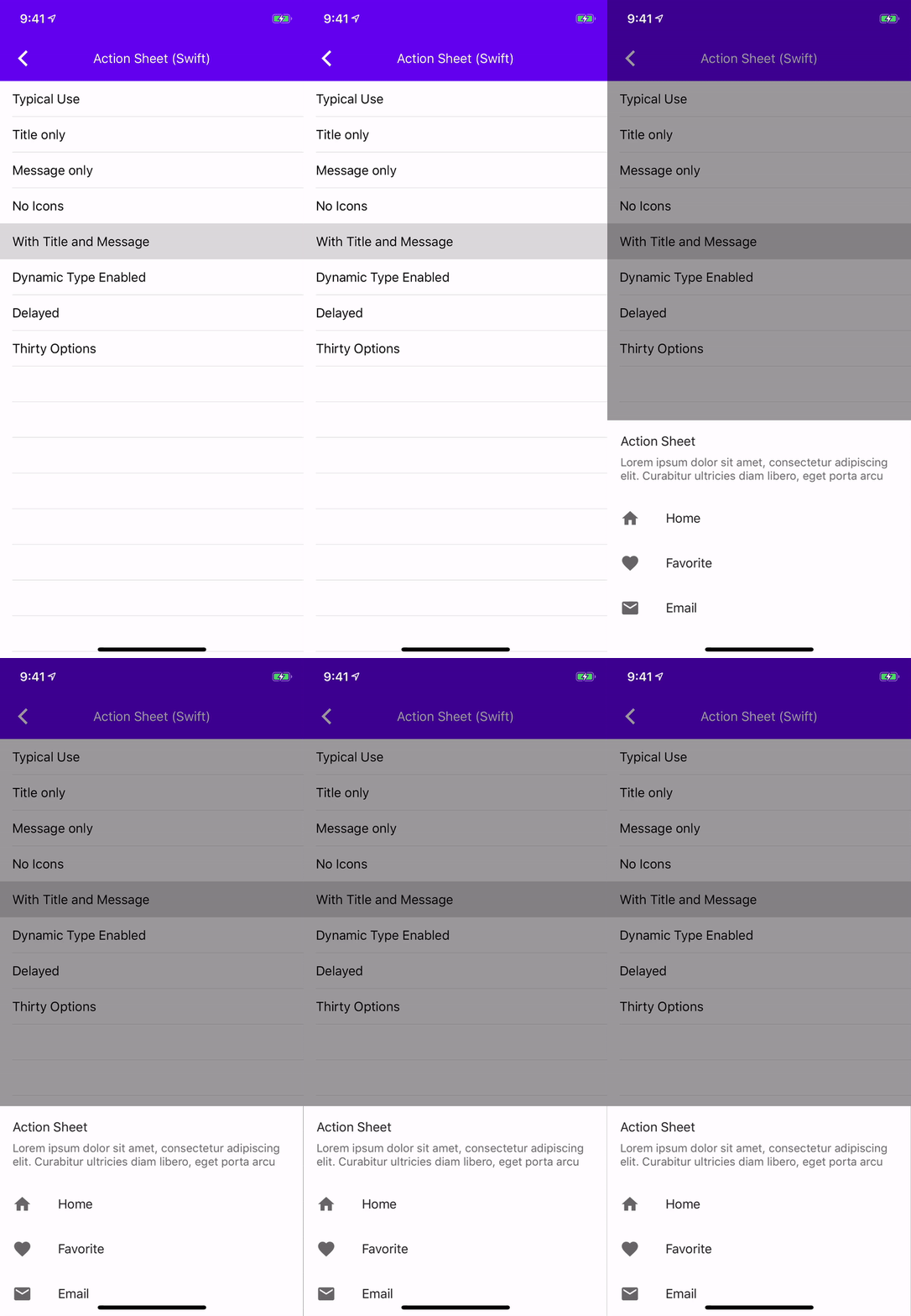
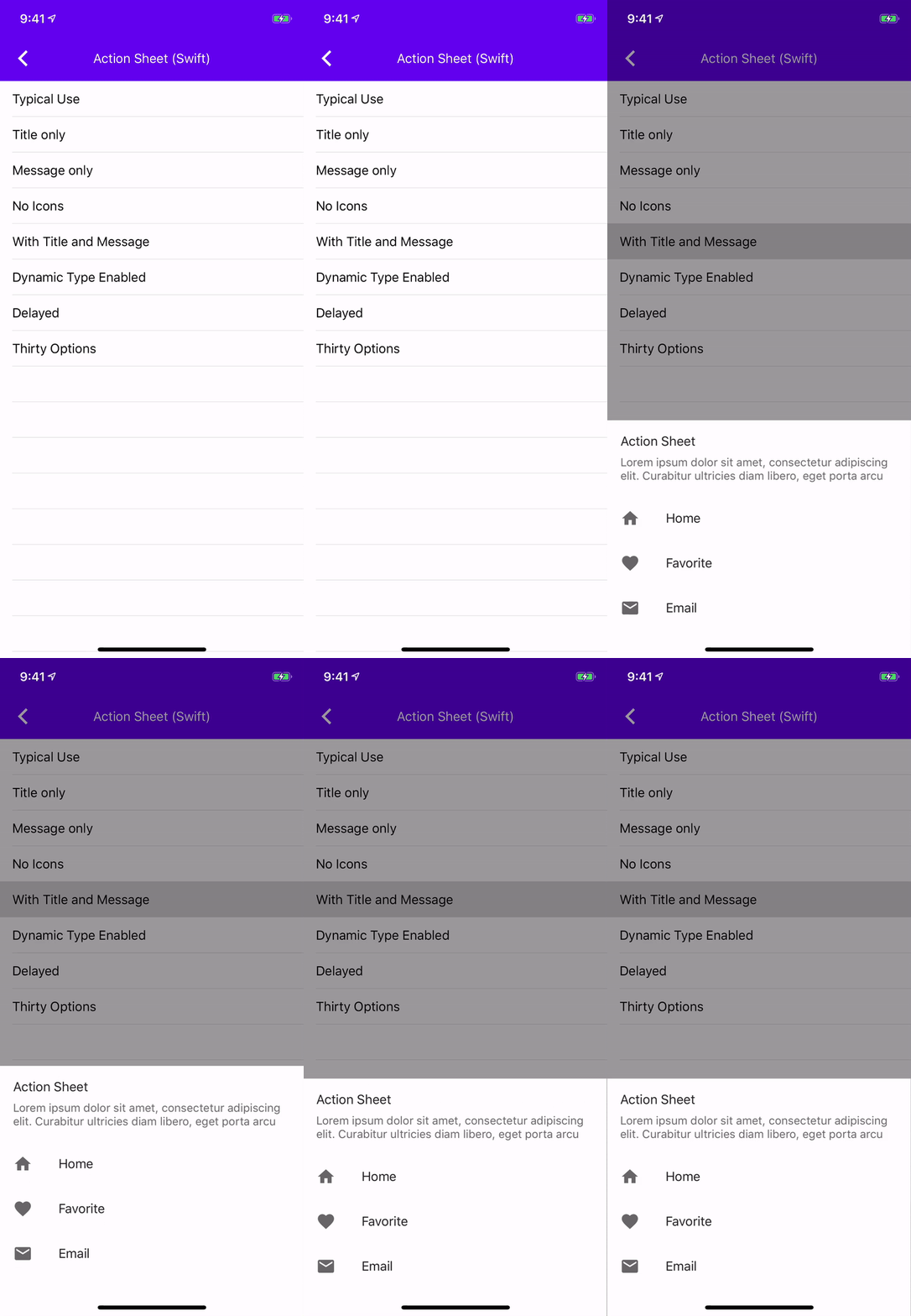
ActionSheet is using MDCBottomSheet presentation controller which uses `MDCSheetContainerView` within the method `safeAreaInsetsDidChange` the `MDCSheetContainerView` would subtract the top safe area inset from the scrollView frame. This caused components using this presentation controller to have the correct layout initially but after a user interacts with it they wouldn't layout correctly.
### The problem
After the bottom sheet rebounds from an upward nudge it doesn't respect the safe area
### The fix
Remove the subtraction from the scrollView's frame.
### Related bugs
b/117286643, #5331
### Videos
| Before | After |
| - | - |
|||
**<><>This is a breaking change<><>**

There are slight terminology updates to the current Shape Scheme.

First, we are staying with the Cut notion for cut corners rather than Angled. This is on par with our current naming of the CutCornerTreatment.

Secondly, we are moving from the term S/M/L Surface to S/M/L Component for the scheme categories.
Previously clients could only set a custom height for bottom sheet by setting the `preferredContentSize` this adds a property so clients can set a specific height and not touch `preferredContentSize`.

Related to #4945
The method `updateSheetViewHeight` had no inputs and no outputs. Since
its purpose it to assign a new value to
`sheetView.preferredSheetHeight`, it should accept a new value and use
fall-back/defaulting behavior if that value is 0.

Part of #4945
Upcoming changes to `-updatePreferredSheetHeight` will create new inputs to
the method. I'm adding some new unit tests (and fixing a small error) to
capture the current behavior of the method under typical conditions.

Related to #4945
This PR allows our users to set specific corners in the shape scheme and have it applied correctly to the components.

Some components may allow only some of their corners to be set (i.e., BottomSheet)
This will allow us to set percentage support for a corner treatment as a follow up PR. Reason being is that the MDCCornerTreatment is part of the shape of the component itself, and hence has control to set the value of the corner when it is right in the lifecycle and the frame has been set. If we keep the percentage value setting in the Shape Themer, then the themer could be applied too early in the lifecycle and thus take a percentage off a 0 value (frame height).

Overall this simplifies the API and causes less duplication.

The other approach would be to *also* add percentage support to MDCCornerTreatment and leave MDCShapeCorner as is, but that would just make it too cumbersome and redundant.
Removes the need to copy-paste stanzas from other files anymore as we'll rely on #4478 to generate the correct stanza for us instead.

This was an automated change generated by running a find-and-replace regular expression:

```
/\*
 Copyright ([0-9]+)-present the Material Components for iOS authors\. All Rights Reserved\.

 Licensed under the Apache License, Version 2\.0 \(the "License"\);
 you may not use this file except in compliance with the License\.
 You may obtain a copy of the License at

 http://www\.apache\.org/licenses/LICENSE-2\.0

 Unless required by applicable law or agreed to in writing, software
 distributed under the License is distributed on an "AS IS" BASIS,
 WITHOUT WARRANTIES OR CONDITIONS OF ANY KIND, either express or implied\.
 See the License for the specific language governing permissions and
 limitations under the License\.
 \*/
```

```
/\*
Copyright ([0-9]+)-present the Material Components for iOS authors\. All Rights Reserved\.

Licensed under the Apache License, Version 2\.0 \(the "License"\);
you may not use this file except in compliance with the License\.
You may obtain a copy of the License at

http://www\.apache\.org/licenses/LICENSE-2\.0

Unless required by applicable law or agreed to in writing, software
distributed under the License is distributed on an "AS IS" BASIS,
WITHOUT WARRANTIES OR CONDITIONS OF ANY KIND, either express or implied\.
See the License for the specific language governing permissions and
limitations under the License\.
\*/
```

```
/\*
 Copyright ([0-9]+)-present the Material Components for iOS authors\. All Rights Reserved\.
 Licensed under the Apache License, Version 2\.0 \(the "License"\);
 you may not use this file except in compliance with the License\.
 You may obtain a copy of the License at
 http://www\.apache\.org/licenses/LICENSE-2\.0
 Unless required by applicable law or agreed to in writing, software
 distributed under the License is distributed on an "AS IS" BASIS,
 WITHOUT WARRANTIES OR CONDITIONS OF ANY KIND, either express or implied\.
 See the License for the specific language governing permissions and
 limitations under the License\.
 \*/
```

```
// Copyright $1-present the Material Components for iOS authors. All Rights Reserved.
//
// Licensed under the Apache License, Version 2.0 (the "License");
// you may not use this file except in compliance with the License.
// You may obtain a copy of the License at
//
// http://www.apache.org/licenses/LICENSE-2.0
//
// Unless required by applicable law or agreed to in writing, software
// distributed under the License is distributed on an "AS IS" BASIS,
// WITHOUT WARRANTIES OR CONDITIONS OF ANY KIND, either express or implied.
// See the License for the specific language governing permissions and
// limitations under the License.
```