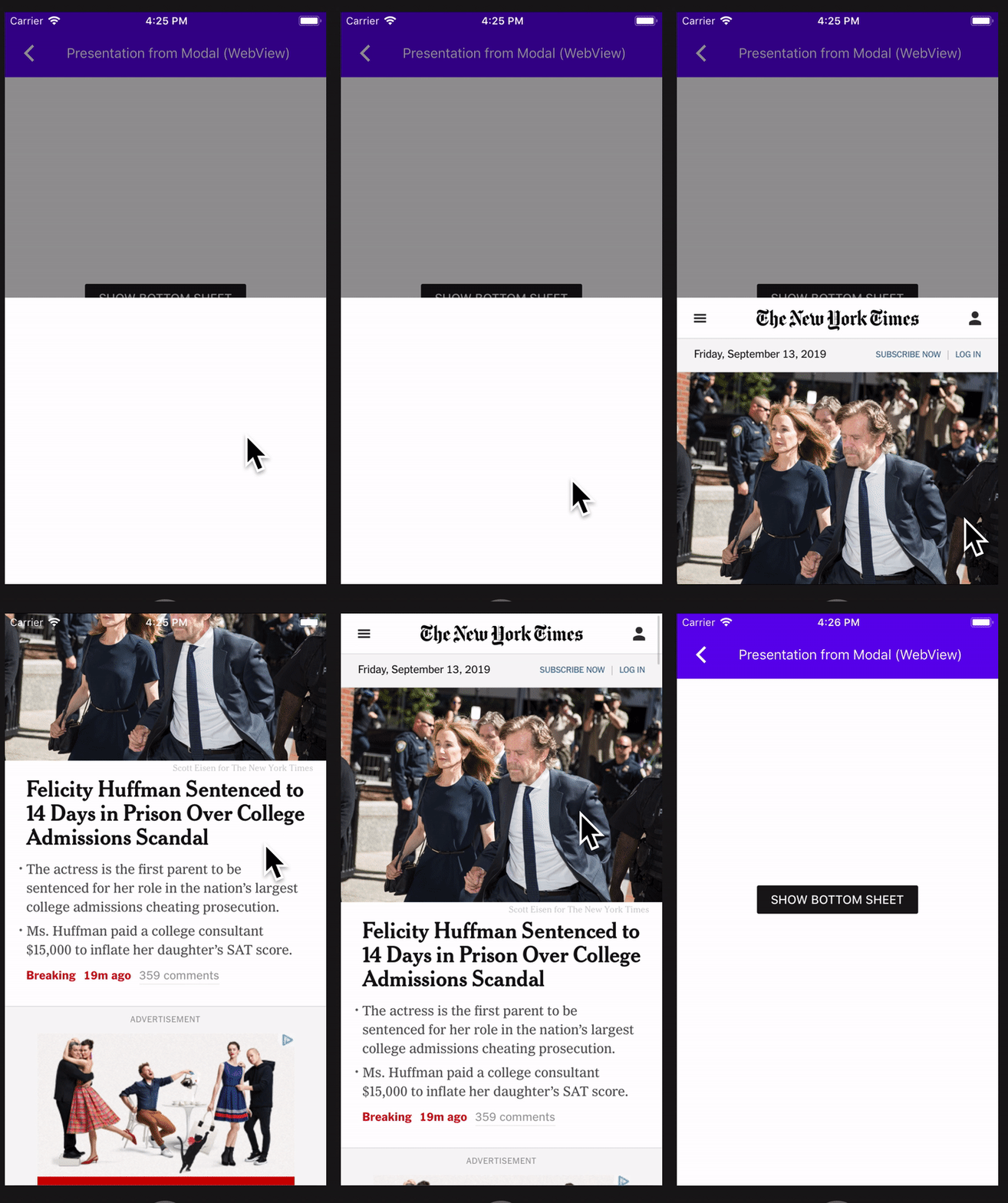
This function is invoked by MDCBottomSheetPresentationControllers when the bottom sheet dismissal animation has completed. This will be followed by a change to add a similar function to MDCActionSheetControllerDelegate, which will close the associated issue.

PiperOrigin-RevId: 314948223
In cases where there is a call and the status bar pushes the UITransitionView (container view) down by 20 points, we don't want the sheet view to take the Y offset of 20 points from the container view and add another 20 points to its Y origin as well.

PiperOrigin-RevId: 309715718
Currently setting the contentView's frame to its parent view is only done in viewDidLoad.
In that point in time, it is too early and the self.view.bounds height is still 0.
Due to that, in certain cases the view itself goes through a layout pass and updates itself to a frame height
that is larger than its parent view, causing problems like inability to scroll if it is a table view, as the content is already "fully displayed".
By setting the content view to the frame of the superview in viewWillAppear, we are assuring it stays the correct height.

PiperOrigin-RevId: 308593193
This CL makes it so that the bottom sheet presents in full screen when A) the bottom sheet presentation view controller's sheet container view's scroll view's content height is taller than the max height of the sheet, and B) the vertical size class is compact.

PiperOrigin-RevId: 307048307
We recommend using `initWithDefaults` and we should follow the recommendation. This change removes all usage of `init` within MDC components in order to let us remove that initializer from the public surface.

PiperOrigin-RevId: 302958447
This CL adds the presentingViewController's safeAreaInsets as additionalSafeAreaInsets on the presentedViewController in MDCBottomSheetPresentationViewController when the shouldPropagateSafeAreaInsetsToPresentedViewController is set to YES.

Originally I wasn't going to put this behavior behind a flag, but it was breaking some clients, so I added the flag.

PiperOrigin-RevId: 302683940
Prior to this change, it was possible to make the bottom sheet "wobble" on the x-axis if you threw it just right, or if you adjusted the width of the application in a split-screen environment.

This bug was due to the fact that bottom sheet is implemented with UIDynamics and it was using a stock UIAttachmentBehavior to animate the bottom sheet to its destination. UIAttachmentBehavior supports both x and y movement out of the box, but bottom sheet appears to have historically attempted to mitigate this fact by resetting the x velocity to 0 in several places. For example:

a42a84cca9/components/BottomSheet/src/private/MDCDraggableView.m (L63-L64)

and

a42a84cca9/components/BottomSheet/src/private/MDCDraggableView.m (L87-L88)

After this change, the bottom sheet's allowed range of movement will only be along the y axis. This is now enforced through a custom action block that explicitly resets the x position of the behavior's target to _targetPoint.x.

Closes https://github.com/material-components/material-components-ios/issues/9836
Closes https://github.com/material-components/material-components-ios/issues/5330

## Testing

Testing steps:

1. Open MDCDragons on an iPad.
2. Open the "Static content" Bottom Sheet example.
3. Present the bottom sheet.
4. Drag Safari from the dock to the side of the screen to enter split-screen mode.
4. Adjust the split screen divider to adjust the side of the MDCDragons app.

Verify that that bottom sheet is not wobbling on its x-axis.

Similarly, try tossing the bottom sheet up and to the left or up and to the right and verify that it does not wobble on its x-axis.
A reproduction of an issue found internally. To reproduce:

1. Navigate to this example
1. Turn VoiceOver on
1. Tap the button to display the bottom sheet

Expected behavior:
The bottom sheet becomes focused

Actual behavior:
The text field behind the bottom sheet reclaims focus after the bottom sheet finishes presenting

Reproduces #9773
When a client or implementation updates the `contentInset` property, the
presented content may no longer be visible. Similar to observing the
`contentSize` property, when a change to `contentInset` takes place, the sheet
should reposition itself to make its content visible once more.

This change is specifically required for ActionSheet. ActionSheet adds a
header view above its table view and adjusts the table view's `contentInset`
to account for the header view's height. If this height changes, then the
`contentInset` value will change, but the `contentSize` will not. If the
`contentInset` value is not directly observed, the presented ActionSheet may
end up showing less than the total available content (when the height is less
than half the screen height).  By observing the `contentInset` property, the
sheet is presented with all content visible on-screen.

Part of #8709
BottomSheet at its default behavior allows clients to drag the bottom sheet downwards to dismiss it, and also allow it to be dismissed by tapping the scrim background when it is presented.
While there is an API to customize the behavior of tapping the scrim to not allow dismissal using dismissOnBackgroundTap. There is no way to customize the dragging behavior to not dismiss.
Therefore in this PR I have introduced a dismissOnDraggingDownSheet that does exactly that. It does so by returning NO in the gestureRecognizerShouldBegin if the MDCDraggableView if dismissOnDraggingDownSheet is set to NO.
Unit tests and documentation has been added along with the new API.
Closes#8457
* [Catalog] Add accessibility element to BottomSheetTallExample

* [Catalog] Add accessibility element to BottomSheetSimpleExample

* Add dismissOnBackgroundTap to BottomSheetPresentationExample

* clang
* [BottomSheet] Ignore background tap location if VoiceOver is on

* Verify that the scrim view is focused in voice over

* cleanup

* Remove VoiceOver logic from bottom sheet, update example

* cleanup
This PR makes it so that the MDCBottomSheetController's MDCSheetState property accurately reflects the actual state its in during VoiceOver. Its previous VoiceOver behavior made it _look_ like it was extended, but `po bottomSheetController.state` would yield `MDCSheetStatePreferred`. Now it outputs `MDCSheetStateExtended`.
Thoroughly manually tested.
Closes#6758.
This change prevents touches to UIControl from being recognized by the bottomsheet's swipe gesture. This way a user doesn't accidentally starts dismissing the sheet while they are trying to interact with a control on the sheet.
Currently the MDCBottomSheet controller does not mark its init method as unavailable but the contentViewController is marked as readonly so clients would have to initialize with a contentViewController. If the contentViewController is nil then when addChildViewController is called in viewDidLoad this causes a crash as you cannot pass nil to an array.
Closes#8109
Adds an elevation property to MDCBottomSheet and MDCBottomSheet presentation controller. Snapshot test have been added for the MDCBottomSheetControlller.view as well as unit test for all public APIs.

Prework for #8025
`MDCBottomSheetPresentationController.m` contains a reference to UIWebView. This prevents compilation under UIKit for Mac where that class does not exist.
closes#7677
Additional API to the MDCBottomSheetControllerDelegate delegate, allowing clients to conform to the delegate and get callbacks for:
1. The offset of the sheet changes in respect to the top of the screen in points.
2. The state of the sheet changes to one of the possible states of type MDCSheetState.

This has been tested on examples to check for correctness of values and that the methods are called appropriately once the controller conforms to the protocol.

Additional unit tests have been written to test that the added delegate methods are rightly called when the value changes and a callback needs to be made.

Resolves: #7227
We need to add @objc annotations to colorScheme and typographyScheme instances in our Swift examples, because we moved to Swift 4.2, the respondsToSelector won't find `setColorScheme:` and `setTypographyScheme:` setters otherwise.
This is a follow up PR for #7166 adds @objc annotations to Swift catalogMetadata() methods, because the Swift 4 compiler no longer attempts to infer what methods should be visible to Objective-C. As a result of this change in the compiler, no Swift examples were showing up in Dragons after #7166. See this article: https://useyourloaf.com/blog/objc-warnings-upgrading-to-swift-4/ for additional context.