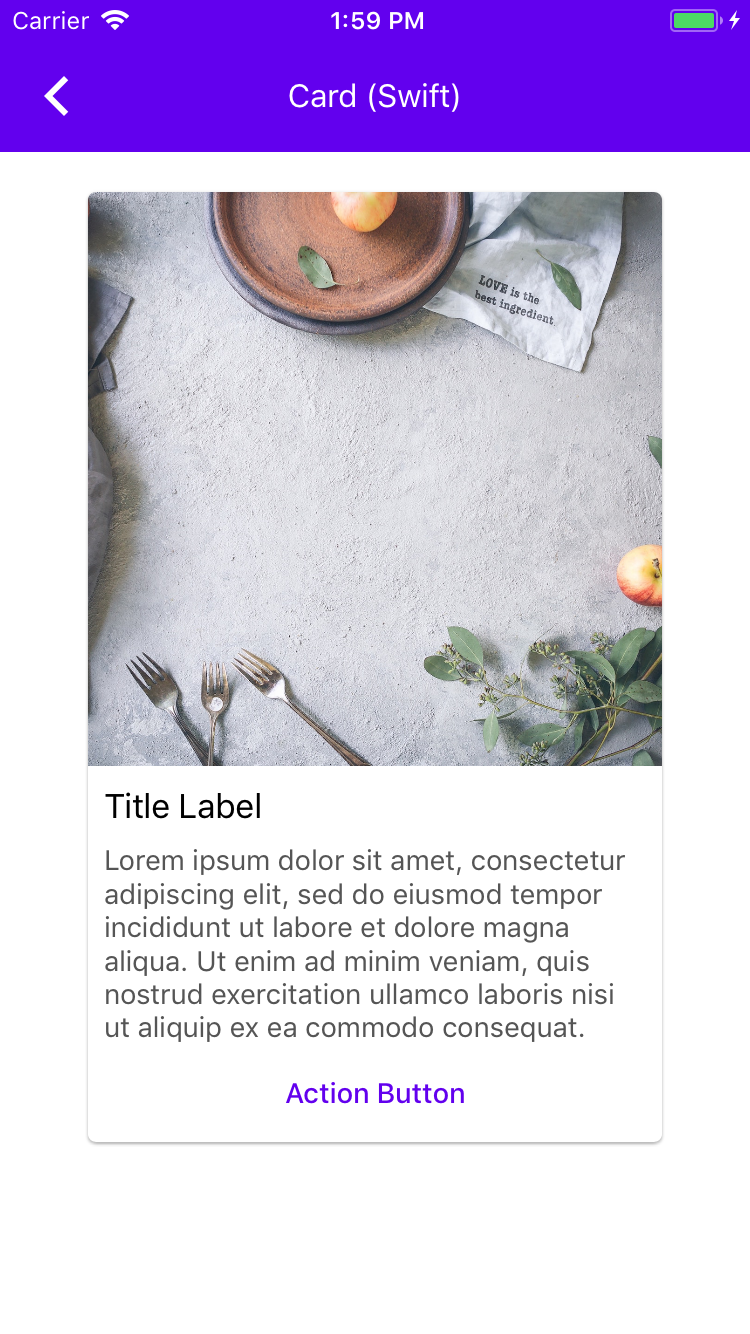
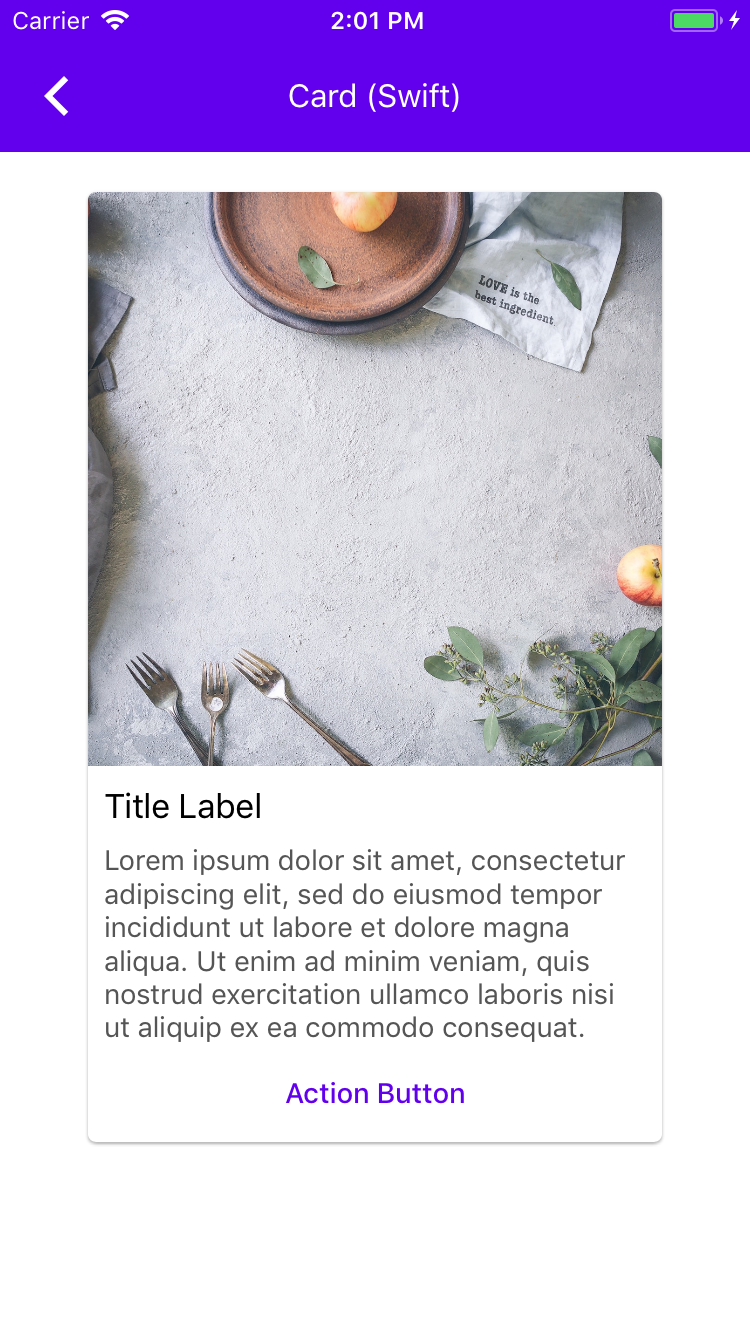
This reverts commit fdaf872c605cab44a4579cb8b7f0ea168c445318. The
container scheme import is missing in a Swift example.
```
material_components_ios/components/Cards/examples/EditReorderCollectionViewController.swift:38:24 use of undeclared type 'MDCContainerScheming'
var containerScheme: MDCContainerScheming {
^~~~~~~~~~~~~~~~~~~~
```
Reopens#6030
This is an automated change generated by replacing all instances of MaterialComponentsAlpha with MaterialComponentsBeta. This is not a breaking change because changes to Alpha/Beta components (including renaming them) are not considered breaking.

The MaterialComponentsAlpha podspec was mistakenly named Alpha, when what we meant was more close to Beta. The distinction is that Alpha components are not expected to be used by clients, while Beta components are.
### Context
All of our theming targets should be `MDC<#Component>+Theming` but all files should be `MDC<#Component>+MaterialTheming.m/h`. We got out of sync and caught this early.

### The problem
Our targets and file names weren't correct in some cases

### The fix
Update our targets and files to be what we have decided as a team.
### Context
Currently `MDCBottomDrawerViewController` _jumps_ if the preferredContentSize changes. A client is asking for this _jump_ to not happen but instead the drawer will look the same but have more content.
#### Conditional checks
1. The check to see if `_contentVCPreferredContentSizeHeightCached` is zero is because on initial layout this value is 0 until we call `cacheLayoutCalculations` which sets this value.
2. The check to see if `percentageFullScreen > 0.5` is there to make sure we never have an initial drawer factor more than design has specified.
### The problem
`MDCBottomDrawerViewController` _jumps_ if the preferredContentSize changes
### The fix
Set initialDrawerFactor to a custom value so that change doesn't cause a jump.
### Videos
| Before | After |
| - | - |
|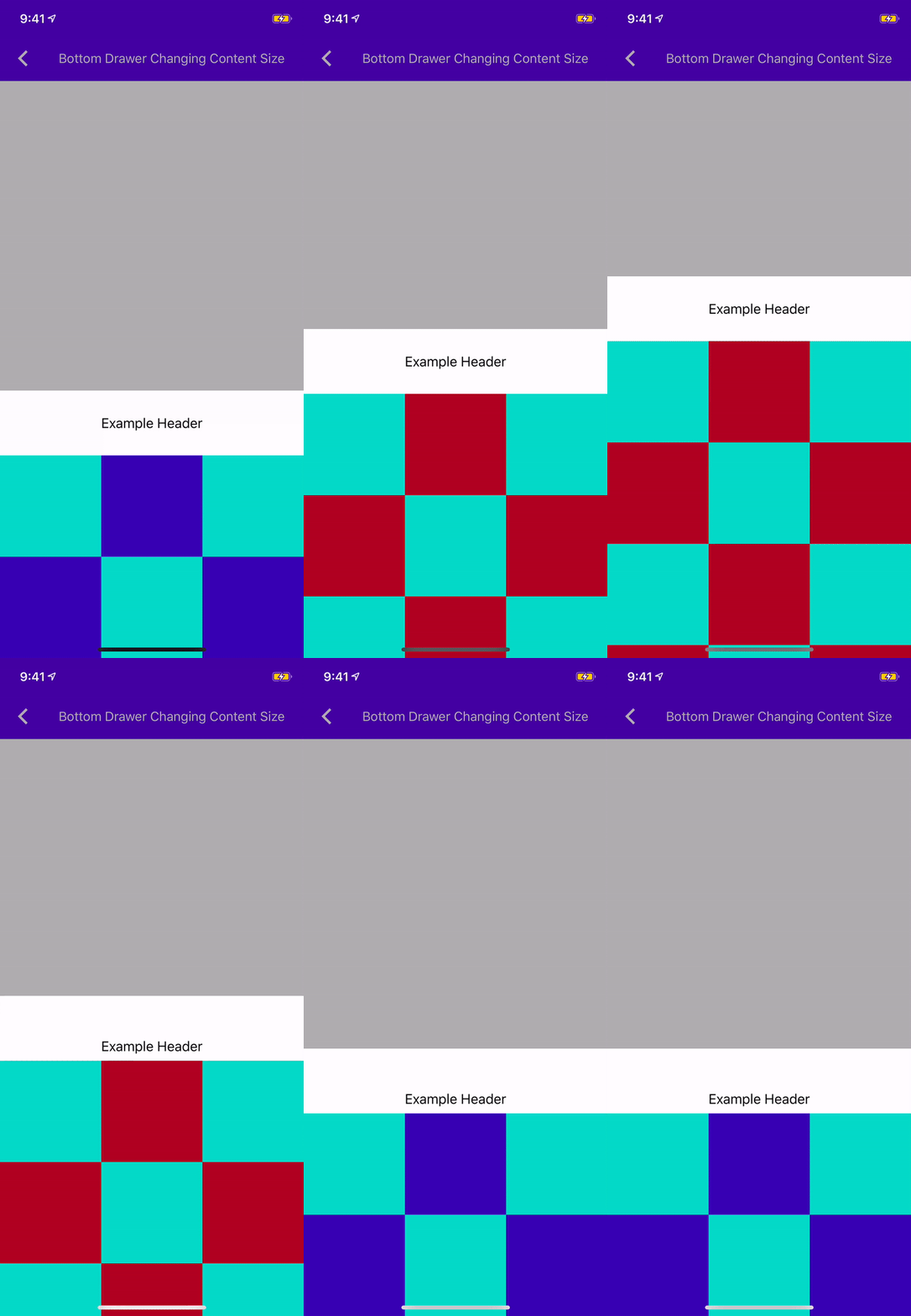||
### Context
Currently `MDCBottomDrawerViewController` _jumps_ if the preferredContentSize changes. A client is asking for this _jump_ to not happen but instead the drawer will look the same but have more content.
#### Conditional checks
1. The check to see if `_contentVCPreferredContentSizeHeightCached` is zero is because on initial layout this value is 0 until we call `cacheLayoutCalculations` which sets this value.
2. The check to see if `percentageFullScreen > 0.5` is there to make sure we never have an initial drawer factor more than design has specified.
### The problem
`MDCBottomDrawerViewController` _jumps_ if the preferredContentSize changes
### The fix
Set initialDrawerFactor to a custom value so that change doesn't cause a jump.
### Videos
| Before | After |
| - | - |
|||
This change makes use of MDCContainerScheme to provide a single theming-related API for ButtonBar.

Includes example updates unit tests.

This change is the first in a series of changes that will be required to add Theming extension support to AppBar:

- [x] ButtonBar
- [ ] NavigationBar
- [ ] HeaderStackView
- [ ] FlexibleHeader
- [ ] AppBar
### The problem
We currently do not have UI tests on a component level. Integrating snapshot tests would allow us to have peace of mind with each PR that it isn't going to introduce any changes to the UI unless its intended to.
### The solution
* Integrate `ios-snapshot-test-case` pod to handle generating and diffing images of components.
* Integrate `git-lfs` to handle storage of the goldens.
This PR creates one test to showcase the ability to do snapshot tests. Upon merging this PR, you must install git-lfs in order to properly have the images pulled down. The 3 steps to do this:
1. `brew install git-lfs`
2. `git lfs install`
3. `git lfs pull`
Additionally, the golden is generated using an iOS 11 simulator at 2x scale so that the kokoro jobs are happy.
### Related bugs
Closes#5740
### Context
As the team pivots to using theming within extensions we have started off with buttons as a test run. This will be part fo the work with buttons only addressing the contained button type. This adds a new method to MDCButton - `applyContainedThemeWithScheme:(id<MDCContainerScheming>)scheme`

### The problem
We currently do not theme buttons the way the team has decided to theme them

### The fix
This themes Contained buttons with the new style we have all agreed on.

### Remaining Work
Theming for Text and Outlined buttons in this new style.
**Context:**
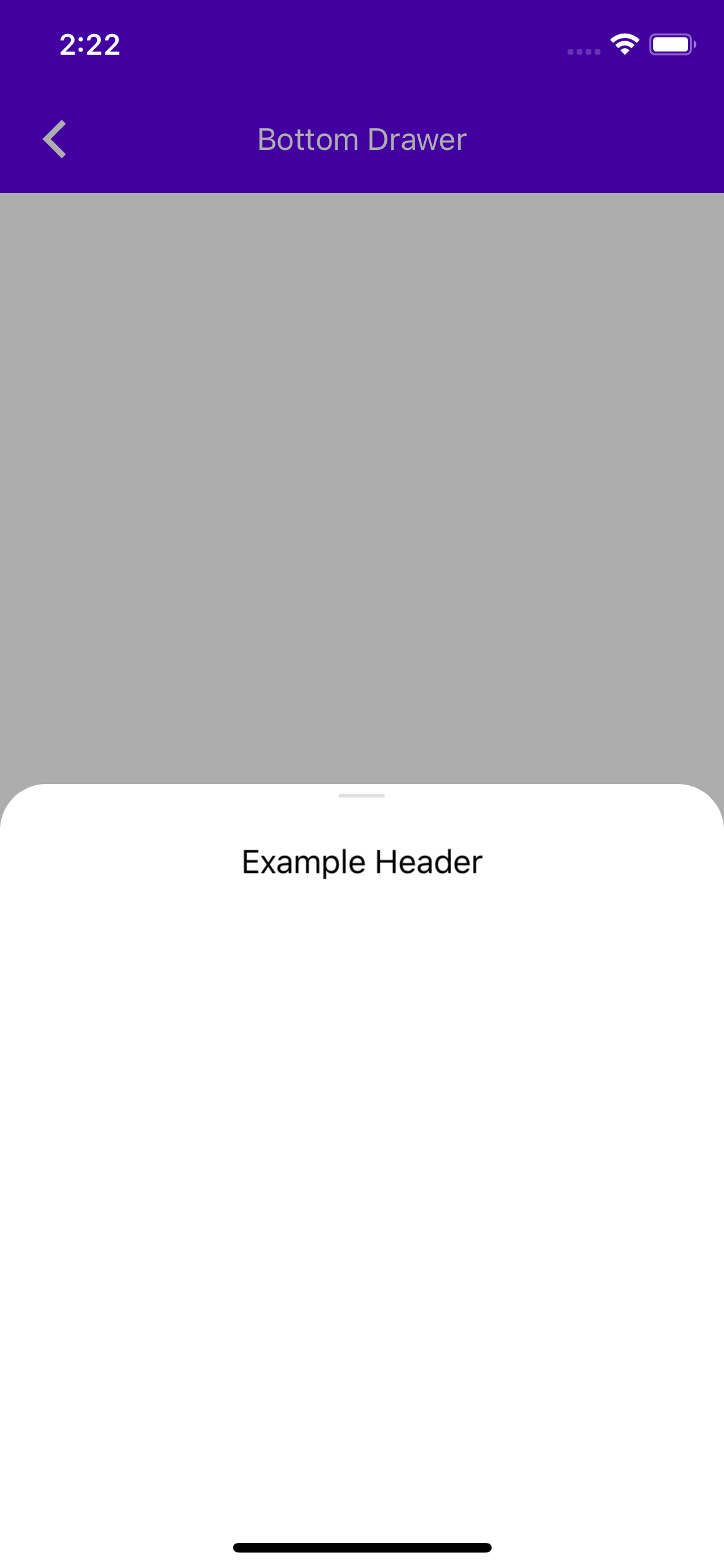
The Navigation Drawer should have an affordance to show scrollability in a shape of a top handle.
**The Problem:**
Currently we have no top handle in our drawer to show scrollability.
**The Fix:**
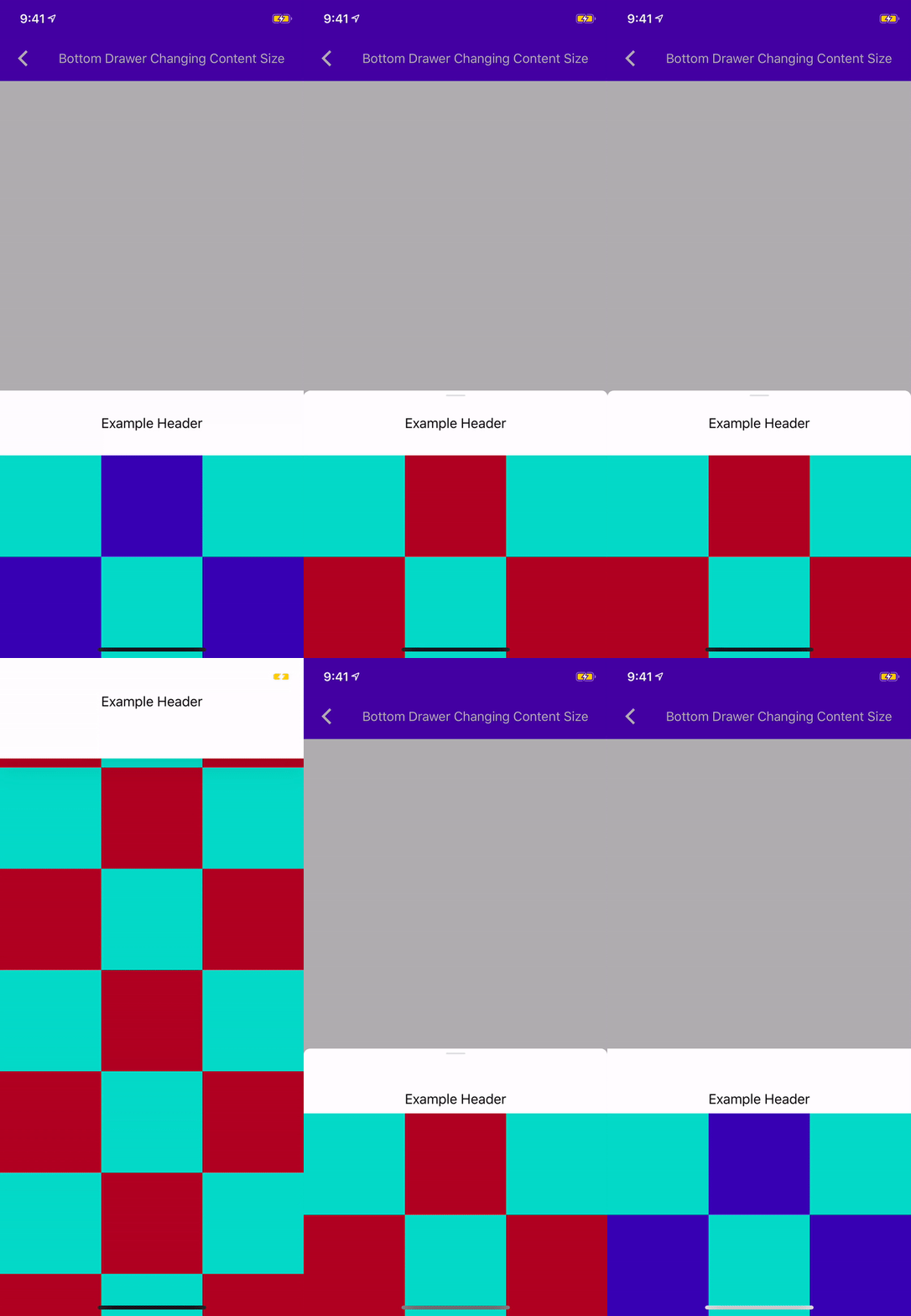
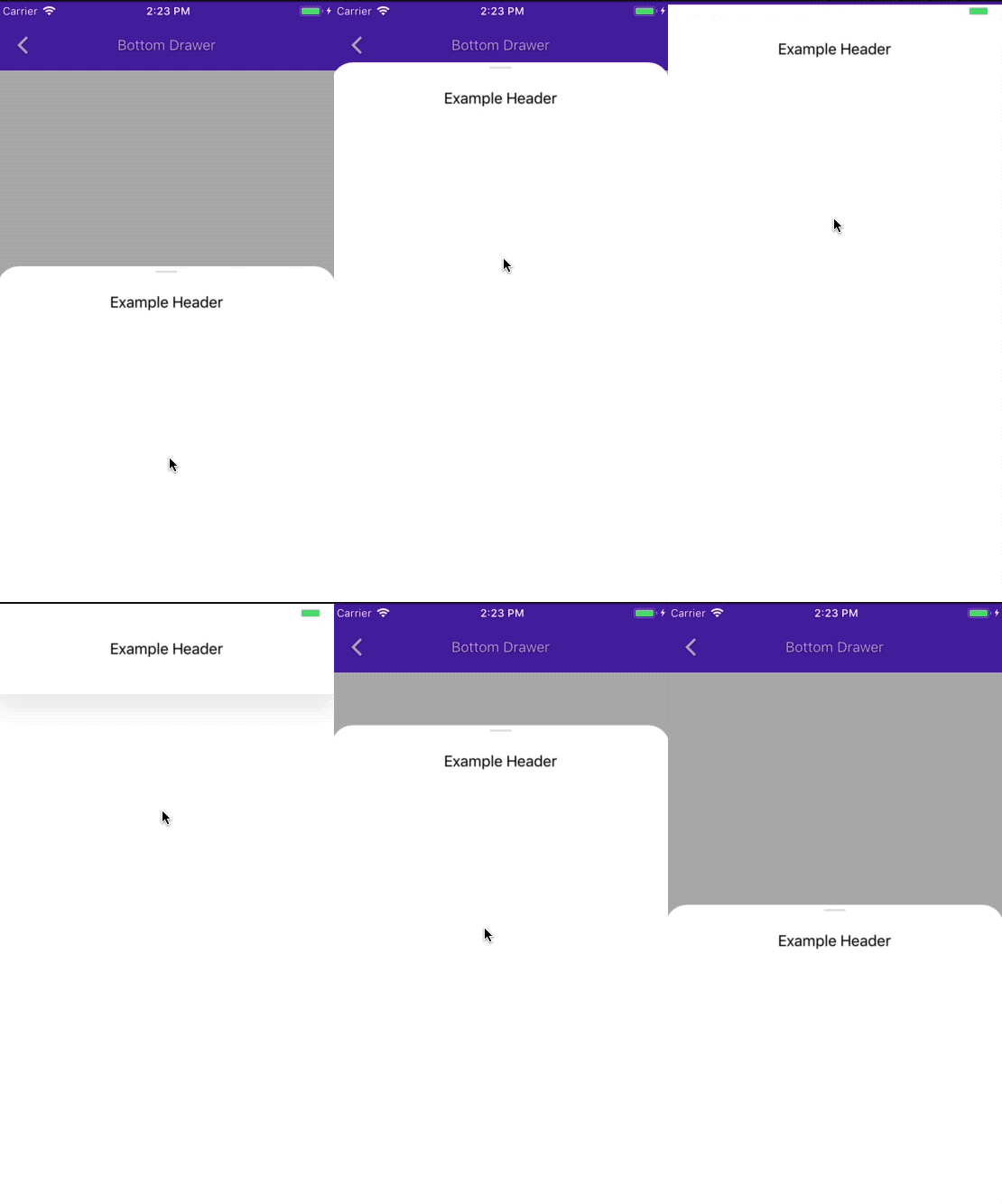
In this PR we are adding a top handle to our drawer. the top handle is hidden by default. when the top handle isn't hidden, it is visible when there is more scrolling to perform for the drawer, and then it fades away as the drawer reaches its full height, or when it goes to full screen.
**Testing:**
Unit Tests + Tested on an iPhone X and iPhone 7 on all examples, portrait and landscape.
**Related Bugs:**
Closes#5515
**Screenshot**
**Video of transition**
This PR is the last step in graduating the Navigation Drawer component from Beta to Ready.
We have resolved all the outstanding issues in the Navigation Drawer Project here: https://github.com/material-components/material-components-ios/projects/85 and hotlist: 1230549 .
The only outstanding issue is the unit tests ( #5466 , #5465 ) which were approved and are pending due to GitHub issues causing CI not to run.
We are essentially migrating here the NavigationDrawer component from the MaterialComponentsAlpha podspec to the MaterialComponents podspec so it can be used publicly using the normal means of installing our Pod.
This PR is blocked and can land once #5466 and #5465 land.
Closes#5333
Adding semantic emphasis to Dialog actions which allows conditional theming of buttons. The MDCDailogScheme now has a button scheme which can be used to theme buttons according to their action's assigned emphasis.
Issue: b/117608629
Design Review document (go/gmdc-ios-dialogs-design-doc).
Adding semantic emphasis to Dialog actions which allows conditional theming of buttons. The MDCDailogScheme now has a button scheme which can be used to theme buttons according to their action's assigned emphasis.
Issue: b/117608629
Design Review document (go/gmdc-ios-dialogs-design-doc).
See docs for test_spec here: https://blog.cocoapods.org/CocoaPods-1.3.0/

test_spec is an official CocoaPods mechanism for associating tests with a component. tests_spec has several advantages over our prior "tests as a podspec" hack:

- We can finally run individual tests from Xcode's inline green "test" button that shows up alongside each test in the editor.
- Tests can import private header files from components from .h files in the test target (because tests are no longer treated as frameworks). We were not previously able to do this, making it impossible to create .h/.m files that were shared across multiple test .m files.
- We no longer need MDCUnitTests - everything lives in the MDCCatalog target.
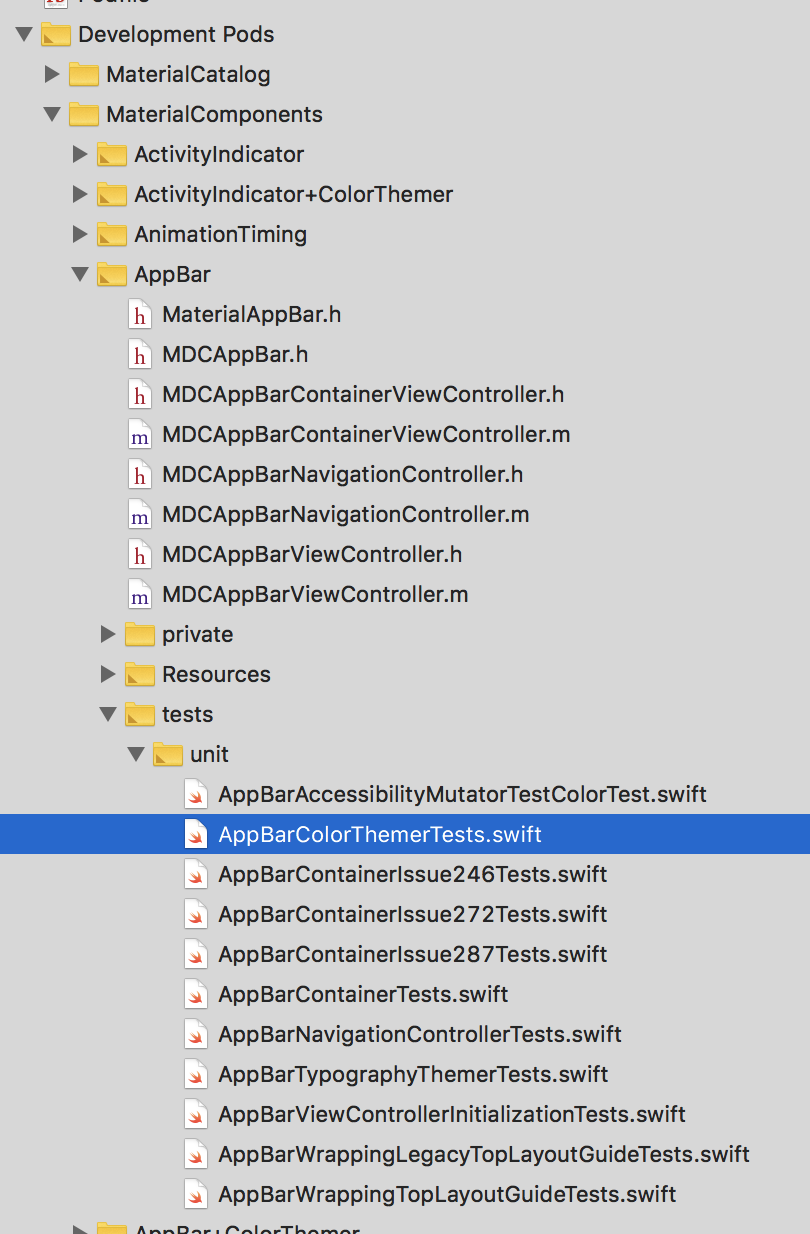
- The tests/ folder now appears as a sub-group for each component in the MaterialComponents development pod group. This will have a big impact on day-to-day workflow. Previously our tests lived in a sibling group to our components, making it somewhat difficult to navigate back-and-forth in Xcode.
- pod lib lint is now able to run our unit tests.
- Our tests can now explicitly declare their dependencies.

Some caveats:

- Each component now needs a test_spec subspec definition. This is a minor detail and one that doesn't add much extra work when creating a new component (we continue to just copy the existing templates).
- When adding a new test_spec, we also need to add the test_spec to our MDCCatalog Podfile under the `:testspecs` list. This is a bit annoying, but only happens when new components are created (very infrequent). This is a good case of the cost here being outweighed by the benefits above (which affect our daily workflow).

## Screenshot

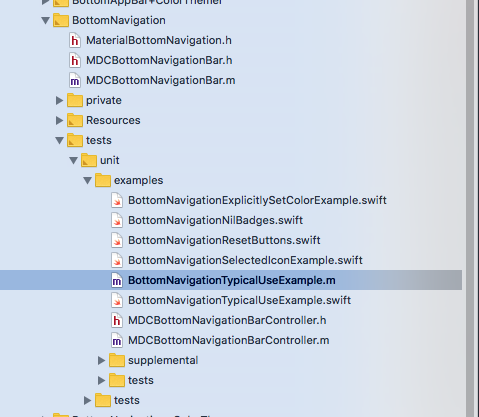
<img width="405" alt="screen shot 2018-09-22 at 9 40 17 pm" src="https://user-images.githubusercontent.com/45670/45920647-33f4c180-beb0-11e8-94bc-88f3450c9e0a.png">