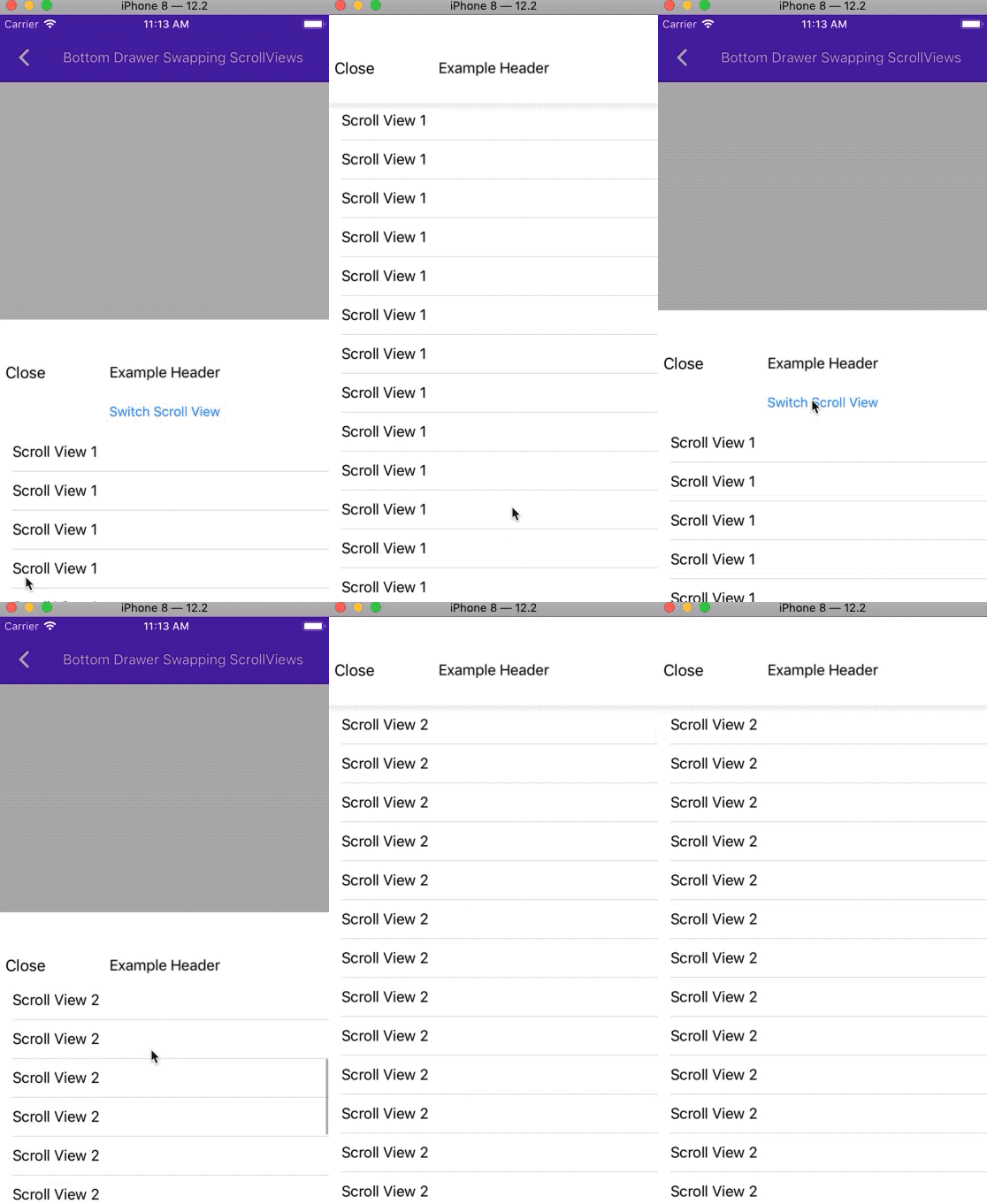
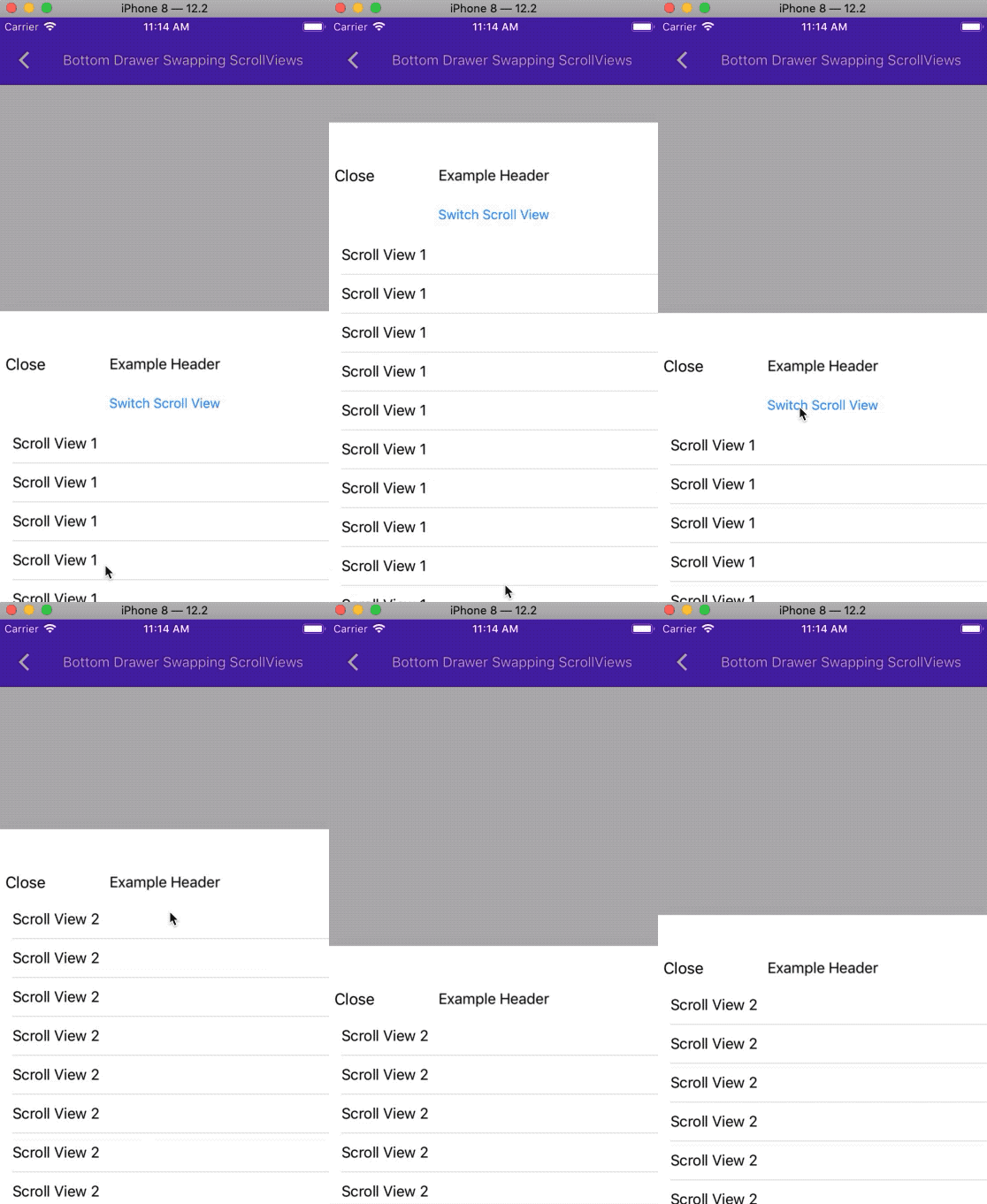
Cause:
The variable dismissOnBackgroundTap should be used to determine whether gesture recognizer is added to the presentation view controller. When the check was removed, gesture recognizer is interfering and touchesended is not propagated.
Fix:
Add back the check and add tap gesture recognizer only when dismissOnBackgroundTap is set to true.

PiperOrigin-RevId: 336292017
This adds a new property to MDCBottomDrawerViewController and MDCBottomDrawerContainerViewController that allows for non-fullscreen mobile landscape bottom drawer view.

PiperOrigin-RevId: 327626953
This adds a new property to MDCBottomDrawerViewController that allows for non-fullscreen mobile landscape bottom drawer view.

PiperOrigin-RevId: 327070504
Prior to these changes, changing the maximumInitialDrawerHeight did not have any effect after initial presentation. This adds the ability to modify the value after presentation.
Also enables the ability to change the preferred content size with an animation. If the preferred content size is less than the maximum initial drawer height, the visible portion of the content will be adjusted. Previously, the visible portion would remain the same size, even if more could be shown on screen.
Closes#7369.
[BottomDrawer] Allow touch events to propagate to delegate for  MDCBottomNavigationDrawer

Allow the drawer to optionally forward touch events to the delegate for handling. This enables tap thru to the underlying VC if the client needs that behavior.

An example use case would be when the client wants to present the drawer on top of a VC that has controls that they want to still be tappable. For example: A video player or a podcast player with play/pause controls. Then the client VC could still receive the tap event on the control and respond to that and close the drawer at the same time. This would allow the user to save a tap.

this is a second attempt at https://github.com/material-components/material-components-ios/pull/8486

original cl/270318683
[NavigationDrawer] Add delegate methods to allow the presenting VC to gain access to the transitionCoordinator used during the present/dismiss transitions. Also provide callbacks for y-offset changes so that the presenting VC can animate content along with the y-offset changes.

Fixed requests from previous PR and added some tests for the callbacks.

Screen recording of the usage:
https://github.com/material-components/material-components-ios/files/3633638/navdrawer.mov.zip
Allow the drawer to optionally forward touch events to the delegate for handling. This enables tap thru to the underlying VC if the client needs that behavior.

An example use case would be when the client wants to present the drawer on top of a VC that has controls that they want to still be tappable. For example: A video player or a podcast player with play/pause controls. Then the client VC could still receive the tap event on the control and respond to that and close the drawer at the same time. This would allow the user to save a tap.
Add delegate methods to allow the presenting VC to gain access to the transitionCoordinator used during the present/dismiss transitions. Also provide callbacks for y-offset changes so that the presenting VC can animate content along with the y-offset changes.

Fixed requests from previous PR and added some tests for the callbacks.

Screen recording of the usage:

[navdrawer.mov.zip](https://github.com/material-components/material-components-ios/files/3633638/navdrawer.mov.zip)
This adds the notion of elevation and a customizable shadow color to the Bottom Drawer.

Addition of unit tests and snapshot tests.

This now allows the Navigation Drawer to properly support MDCElevation as part of the Dark Mode work.
The `_contentHeaderTopInset > _contentHeightSurplus` check in `MDCBottomDrawerContainerViewController`'s `cacheLayoutCalculationsWithAddedContentHeight:` function was erroneously evaluating to `true` when presenting content:
- in full screen
- with no header
- with the content's height being equal to the available height
Because of how `_contentHeightSurplus` is calculated, it was almost (but not quite) equal to `_contentHeaderTopInset`, which was causing the function to infinitely recurse.
This PR also adds an example that demonstrates the issue. To reproduce:
1. Open MDCDragons
1. Navigate to the "Bottom Drawer No Header Less Content" example
1. Rotate the phone/simulator to landscape
1. Show the bottom navigation drawer by tapping on the menu icon
Expected:
The bottom drawer is displayed.
Actual:
The `cacheLayoutCalculationsWithAddedContentHeight:` infinitely recurses and the app crashes due to stack overflow.
Closes#7633
This adds a new opt-in flag for clients to tell the drawer to add the bottom safe area inset to the content height. That way the content can be seen correctly without overlapping on the bottom safe area.

This issue has been reported by an internal client and helps with bug: b/123500336 .

This is a follow up PR to https://github.com/material-components/material-components-ios/pull/7544
In some cases, clients may have their contentViewController's preferredContentSize only update later in the lifecycle. In cases like that, the _preferredContentSize property may still be 0. Before this change, it would cause the drawer to be much smaller than it should be. This resolves the problem by not updating the drawer height if the content height is still 0.

This has been reported by 2 internal clients so far.
Related bugs: b/123500336 , #7369
We are adding a new property for NavigationDrawer's API called `maximumInitialDrawerHeight` which allows clients to set the initial height of the drawer, rather than it always being 50% of the screen's height.
We also had to be mindful that in some cases allowing any percentage could have the offset of the scrollView be a fractional number that wasn't reasonable, and therefore UIKit would round the scrollView's contentOffset to a close (yet different) value. Therefore to not cause inconsistencies between what the scrollView content offset returns and the drawer's initial offset, we rounded the number after the initial percentage calculation.
Unit tests have been added and all examples have been tested with and without the variable.
Resolves#7080
## Related links
* Related bugs: #5804#6305
* Component: [NavigationDrawer](https://github.com/material-components/material-components-ios/tree/develop/components/NavigationDrawer)
## Introduction
While working on #6305 I noticed that in certain cases the NavigationDrawer would not set the `trackingScrollView` correctly in certain cases.
## The problem
There was a race condition that if a user set any one of the properties on the `presentationController` before they set the `trackingScrollView` then the `trackingScrollView` internally would be nil.
## The fix
Set the tracking scroll view on the `presentationController` instead of on the `transitionController`.
## Related links
* Bug: #6305
* Component: [NavigationDrawer](https://github.com/material-components/material-components-ios/tree/develop/components/NavigationDrawer)
* Related PRs: #5928#5587#5520#5443
## Introduction
The navigation drawer should support resizable content. This content should be able to change and the drawer stay at the same height or not _jump_ to another height. There was a problem where the drawer would jump between heights for certain `preferredContentSize`'s of the `contentViewController`. This was thought to be addressed in #5928. Upon investigation the root cause was not that the drawer jumped when `preferredContentSize` changed but that some how the drawer was able to open passed it's `initialDrawerFactor`. Therefore when the `preferredContentSize` did change the drawer go to the correct `initialDrawerFactor` and when it changed back it would go to the incorrect value. Additionally, when the drawer got into this state it would be in an `.expanded` drawer state because the drawer thought it should open up passed the `initialDrawerFactor`.
## The problem
The drawer thought it had less content that it actually had and therefore would go into the incorrect state and override `initialDrawerFactor`.
## The fix
Upon investigation fixing the drawer's internal calculation as to how much _content_ it actually has vs how tall the `presentingViewBounds.height` multiplied by `initialDrawerFactor`.
## Tests
Tests were updated as well as comments around them to understand why they were updated.
## Code snippet
In order to test the before and after behavior edit `BottomDrawerInfiniteScrollingExample.swift` as outlined below.
```diff
let bottomDrawerViewController = MDCBottomDrawerViewController()
+ contentViewController.supportsScrollToTop = false
bottomDrawerViewController.contentViewController = contentViewController
```
Doing the above will showcase how the drawer got into it's broken state.
This PR closes#5600 .
The drawer now has added functionality allowing users to expand the drawer to full screen with duration and completion.
Clients have asked for this functionality, and it is also providing the expand to full screen functionality correctly even when the content is less than the full height of the screen.
### Context
Currently `MDCBottomDrawerViewController` _jumps_ if the preferredContentSize changes. A client is asking for this _jump_ to not happen but instead the drawer will look the same but have more content.
#### Conditional checks
1. The check to see if `_contentVCPreferredContentSizeHeightCached` is zero is because on initial layout this value is 0 until we call `cacheLayoutCalculations` which sets this value.
2. The check to see if `percentageFullScreen > 0.5` is there to make sure we never have an initial drawer factor more than design has specified.
### The problem
`MDCBottomDrawerViewController` _jumps_ if the preferredContentSize changes
### The fix
Set initialDrawerFactor to a custom value so that change doesn't cause a jump.
### Videos
| Before | After |
| - | - |
|||
### Context
A lot of the test used the same code in the given portion of the test. All of those given statements can be summarized into a function to reduce complexity of the test.
### The problem
Similar code throughout the test.
### The fix
Pull all of that code into a function.
**Context:**
Clients want the ability to scroll their content in the drawer to a specific content offset, most commonly to the top of the content.
**Problem:**
There is no current API that exposes a set content offset or moreover no API that exposes the internal scrollView to allow our clients to set its content offset as they will.
**Solution:**
Provide an API to set the content offset Y of the scrolled content of the drawer. Setting that offset Y to 0 essentially scrolls the user to the top. This API also allows the scrolling to be animated or not.
**Related Bugs:**
Closes#5713
**Context:**
There is degraded scrolling performance for clients who have heavier calculations when providing the `contentViewController`'s `preferredContentSize`. This is pretty common for dynamically sized content.
**Problem:**
We are calling preferredContentSize more times than we should, when we can defer re-calling it unless we are receiving a `preferredContentSizeDidChangeForChildContentContainer` call.
**Solution:**
Have `preferredContentSize` only called in `cacheLayoutCalculations`. The other unneeded `preferredContentSize` calls take their value either from another class that has already calculated the `preferredContentSize`, or within its own class as a property which caches the latest `preferredContentSize`.
**Related Bugs**
Closes#5715
**Context:**
Clients need a way to know the content inset of the drawer to be able to lay out their content appropriately.

**The Problem:**
Because things like the status bar, safe area, and the top handle take up more space at the top of the drawer, the content that is laid out initially will be clipped if not able to move the content appropriately as the drawer is dragged.

**The Fix:**
Add an MDCBottomDrawerViewControllerDelegate that listens to topInset changes as the drawer is dragged and provides the top inset in which the content should be laid out below.

**Testing:**
Unit Test + Tested on an iPhone X and iPhone 7 on all examples, portrait and landscape.
**Context:**
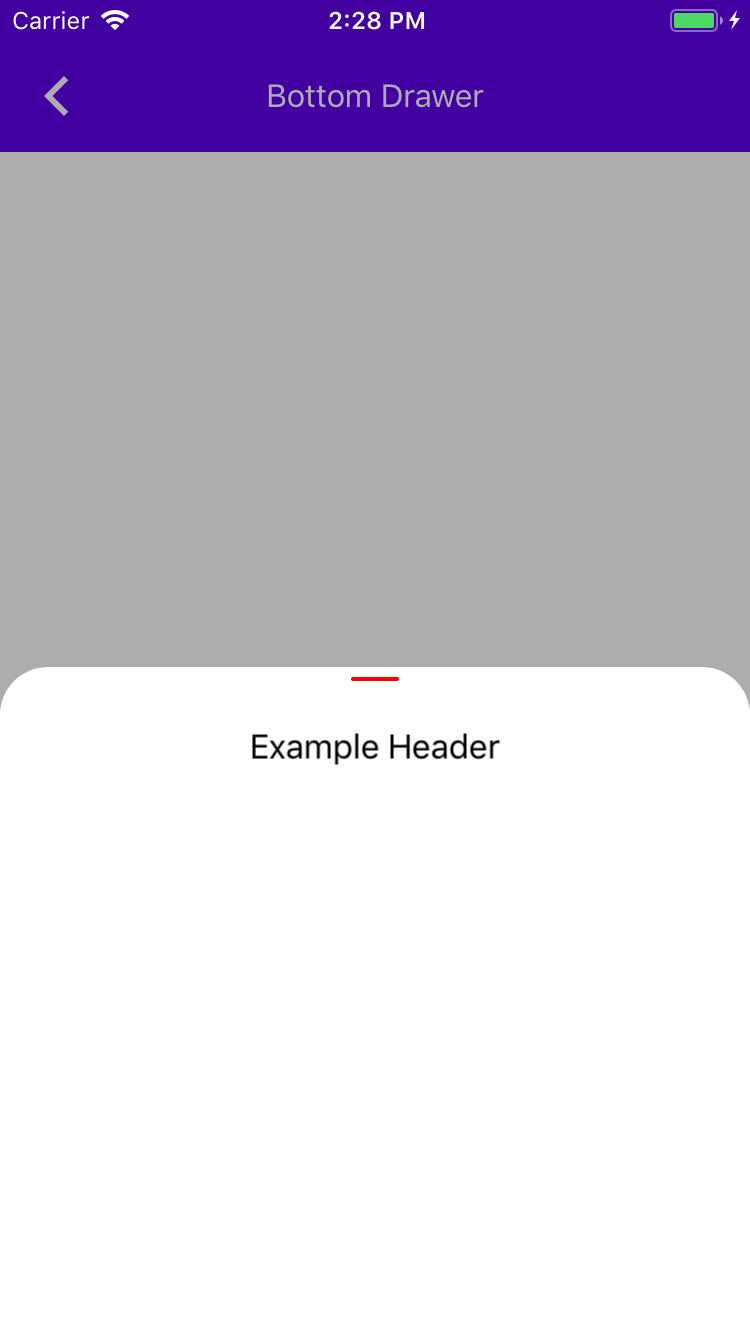
The navigation drawer's top handle should have an API to be able to customize its color.
**The Problem:**
Currently our top handle only has a default color set and can't have clients customize its color.
**The Fix:**
Provide an API to MDCBottomDrawerViewController to set the handle's background color.
**Testing:**
Unit Test + Tested on an iPhone X and iPhone 7 on all examples, portrait and landscape.
**Screenshot**
**Context:**
Clients need the ability to dynamically size their navigation drawer content and have the drawer work appropriately and correctly.
**The Problem:**
Currently we have no mechanism where we let the drawer know that the size of the content has changed and the internal calculations need to be re-calculated and re-applied.
Also, before we were partially listening to the `preferredContentSize` by asking if it has changed every so often using the conditional in the `contentHeightSurplus` getter. Some clients can have a very calculations heavy `preferredContentSize`, which will cause the whole drawer mechanism to lag.
**The Fix:**
Because the `contentViewController` and the `headerViewController` are child view controllers of `MDCBottomDrawerContainerViewController` , we can listen to `preferredContentSizeDidChangeForChildContentContainer` and reset the previously calculated variables and relayout the drawer.
**Testing:**
Unit Test + Tested on an iPhone X and iPhone 7 on all examples, portrait and landscape. A dragons example has been created exactly for the testing of the dynamically changing content size here: #5545
**Related Bugs:**
Closes#5514
**Context:**
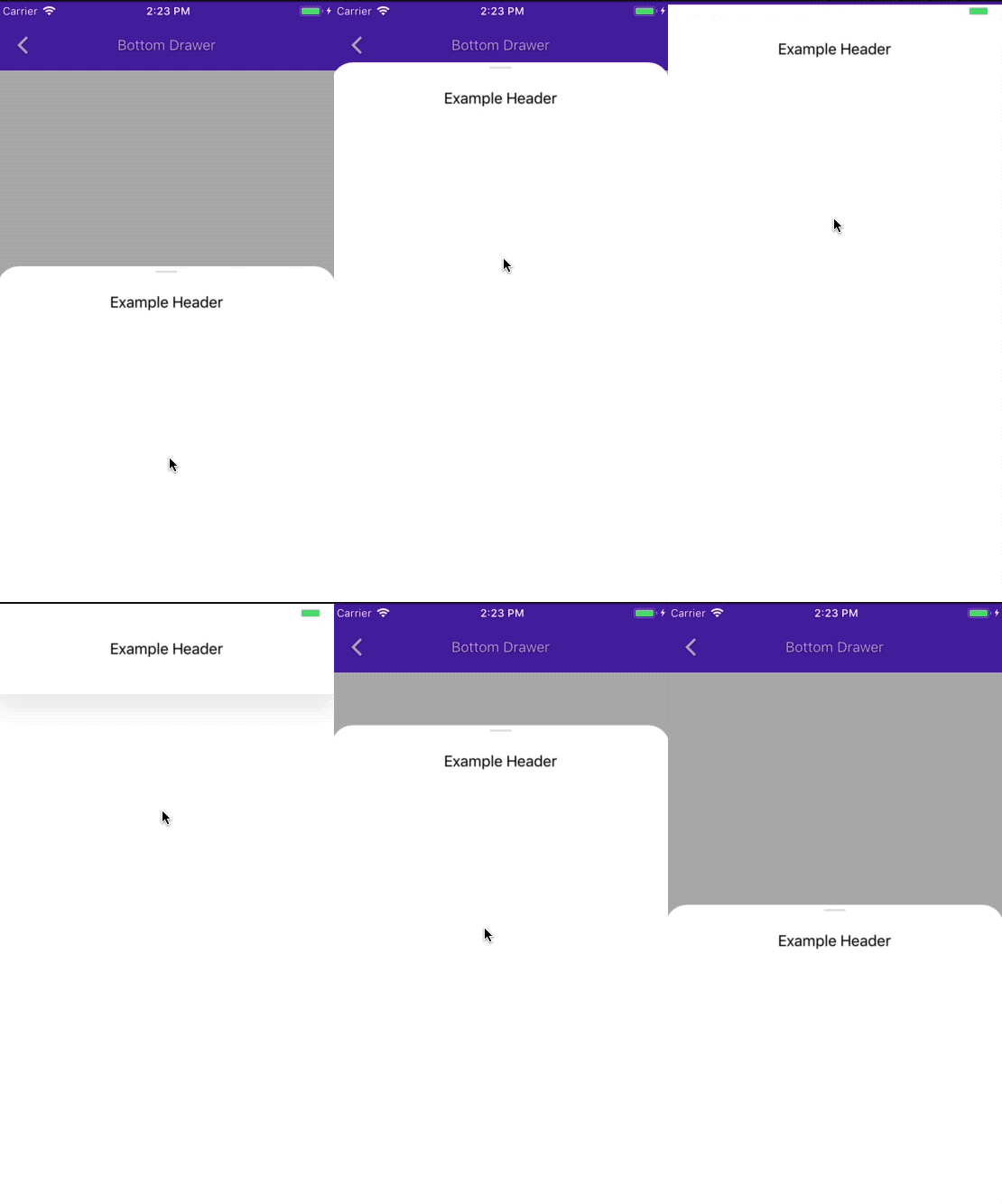
The Navigation Drawer should have an affordance to show scrollability in a shape of a top handle.
**The Problem:**
Currently we have no top handle in our drawer to show scrollability.
**The Fix:**
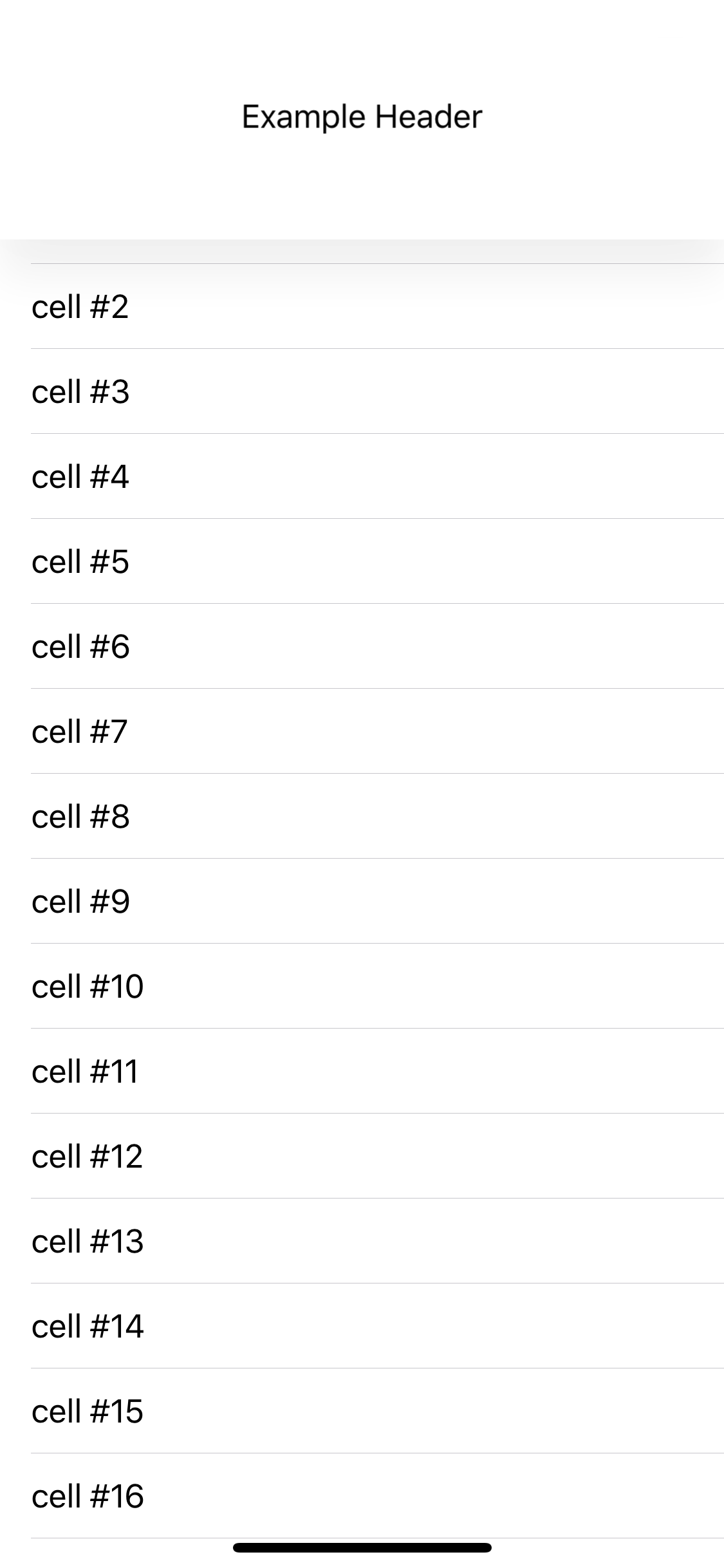
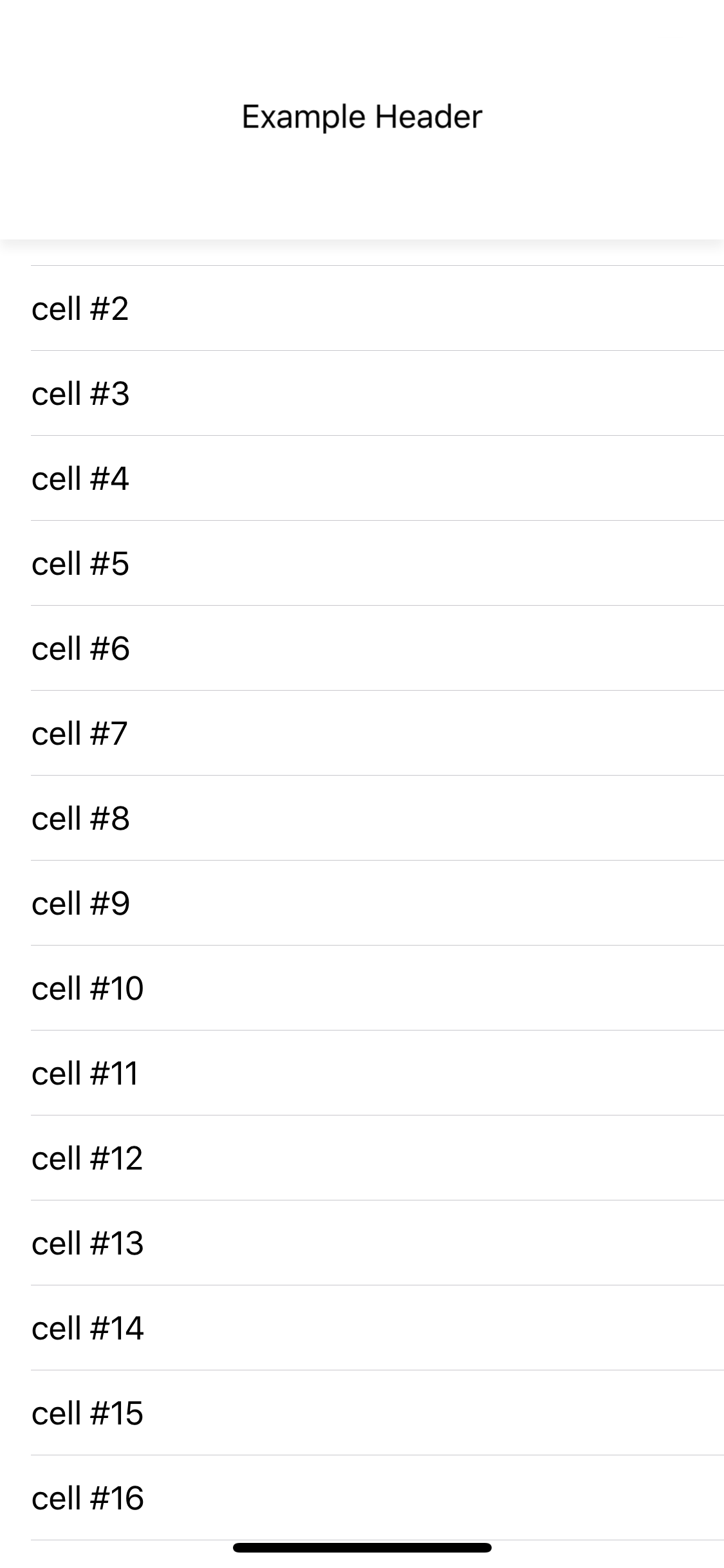
In this PR we are adding a top handle to our drawer. the top handle is hidden by default. when the top handle isn't hidden, it is visible when there is more scrolling to perform for the drawer, and then it fades away as the drawer reaches its full height, or when it goes to full screen.
**Testing:**
Unit Tests + Tested on an iPhone X and iPhone 7 on all examples, portrait and landscape.
**Related Bugs:**
Closes#5515
**Screenshot**

**Video of transition**
**Context:**
Some clients were not aware that their content's scroll view needs to be disabled so the content will not start scrolling while dragging the drawer.

**The Problem:**
Clients need to explicitly set their tracking scroll view scrolling to disabled manually.

**The Fix:**
If a tracking scroll view is provided, set the scrolling to disabled automatically and therefore cause less client confusion

**Testing:**
Unit Test + Tested on an iPhone X on all examples.
Context:
This change opens up an API to the nav drawer to allow clients to round the top corners using the state system. allowing them to define what corner radius will the top corners have based on the state the drawer is in.
The Problem:
There was no way for users to customize and set the top corners' radius of the drawer.
The Fix:
We now have an API open that allows users to set the corner radius using the drawer's state system. The corner radius logic was moved to the MDCBottomDrawerViewController because that logic isn't part of the drawer scrolling mechanism and shouldn't sit in MDCBottomDrawerContainerViewController if not necessary. To achieve the desired outcome we exposed internally the bottomDrawerTopTransitionRatio:transitionRatio API to the MDCBottomDrawerViewController so it can animate the transition between corner radius shapes smoothly.
Testing:
Unit Tests + Tested on an iPhone X and iPhone 7 with smaller and bigger preferredContentSize to imitate different states. Tested on Portrait and Landscape on all examples.
Related Bugs:
Closes#5516
Context:
To allow us to create APIs for our users to set different appearances based on the different states the drawer can be in, we need to create an initial state system.
The Problem:
Without defining a state for our drawer, we won't be able to differentiate between different presentations the drawer may be in, and then alter the drawer's appearance effectively.
The Fix:
Provide a state enum as part of MDCBottomDrawerController, that is read only, and is set using a delegate that is initially set by the internal implementation.
Testing:
Unit Tests + Tested on an iPhone X and iPhone 7 with smaller and bigger preferredContentSize to imitate different states.
Related Bugs:
Closes#5524
### Context
NavigationDrawer is missing unit test. One of the _heavy lifting_ functions is `cacheLayoutCalculation`, which has many side effects. One of those side effects is setting the `contentHeightSurplus`. `contentHeightSurplus` effects `scrollsToReveal` so those test were also added.

**_Note:_** I didn't add any comments in the test but those may be necessary to give future maintainers context on why the test are a given result.

### Related issues
#4911
### Related PR
#5465
### Content
NavigationDrawer is missing unit test. One of the _heavy lifting_ functions is `cacheLayoutCalculation`, which has many side effects. One of those side effects is setting the `contentHeaderTopInset`. In cacheLayoutCalculations there is two paths to set `contentHeaderTopInset` one is with scrollable content and one is without scrollable content. If the content isn't scrollable then the `contentHeaderTopInset` is the size of the `presentingViewBounds.size.height` minus the `headerViewController.preferredContentSize.height` and the `contentViewController.preferredContentSize.height`. If the content is scrollable then the `contentHeaderTopInset` is the size of the `presentingViewBounds` * `initialDrawerFactor`.

### Work in the PR
Test `presentingViewBounds`

Test `contentHeaderTopInset`
-  Scrollable
   - With large headerViewController
   - With large contentViewController
   - With large contentViewController and headerViewController
- Non-scrollable
  - With only a headerViewController
  - With only a contentViewController
  - With both a contentViewController and a headerViewController
  - With no contentViewController or headerViewController

### Remaining Work
For `cacheLayoutCalculations` we still need to test `contentHeightSurplus`
### Related issues
#4911
### Context
We currently are missing a lot unit test for NavigationDrawer. In order to keep the PR's manageable I have decided to break them up into related groups. This group is the two properties that look at the headerViewControllers.preferredContentSize.height and tests those two.
### The problem
We are missing a lot of unit test for NavigationDrawer
### The fix
Add test for `topHeaderHeight` and `contentHeaderHeight`

### Bugs
Related to #4911
### Context
In #5423 my thinking was that we would need to test MDCBottomDrawerViewController but majority of the test are going to be related to MDCBottomDrawerContainerViewController. We may still want to test MDCBottomDrawerViewController so that is why I haven't completely removed that file for tests. But, we need fakes in a couple places so this adds _Fakes_ files so that code can be shared.

### The problem
We need fakes for test in MaterialNavigationDrawer because we can't present and that code should be shared.

### The fix
Add a `MDCNavigationDrawerFakes` files so we can have fakes and they can be shared across test files.

### Related bugs
#4911