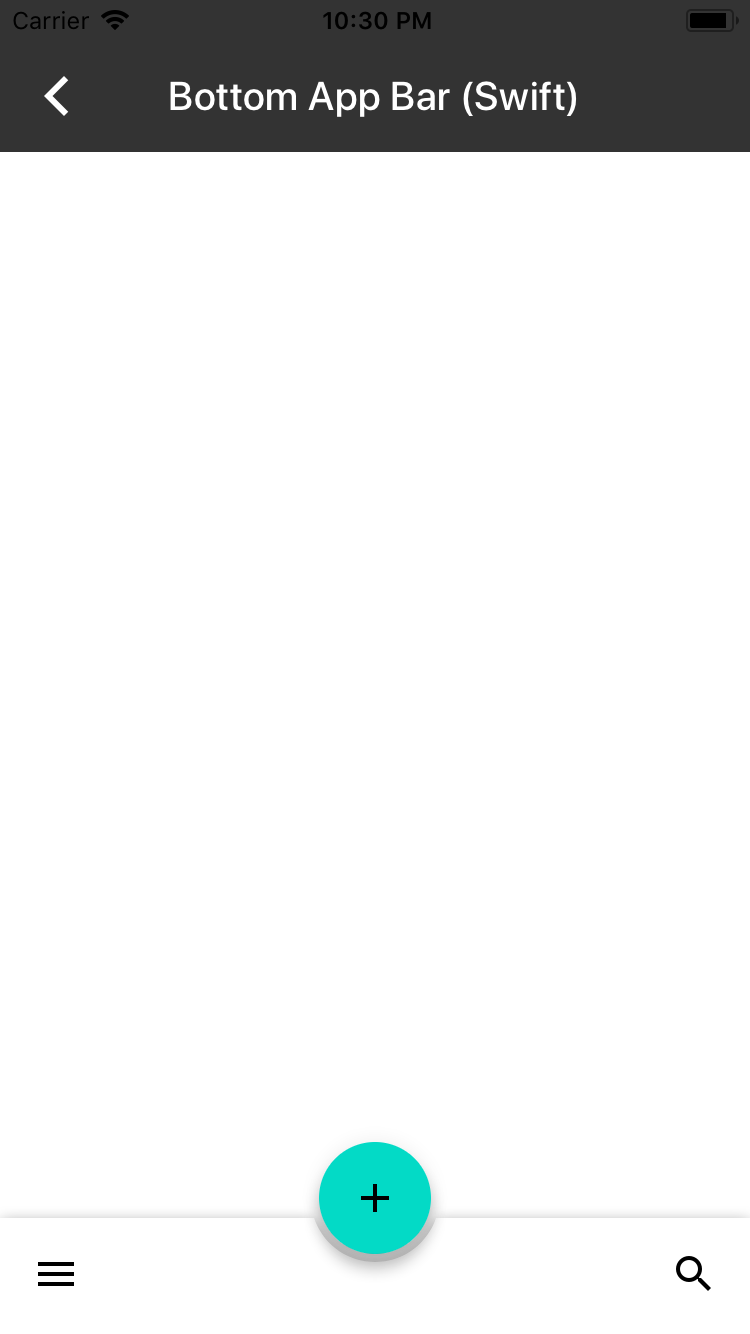
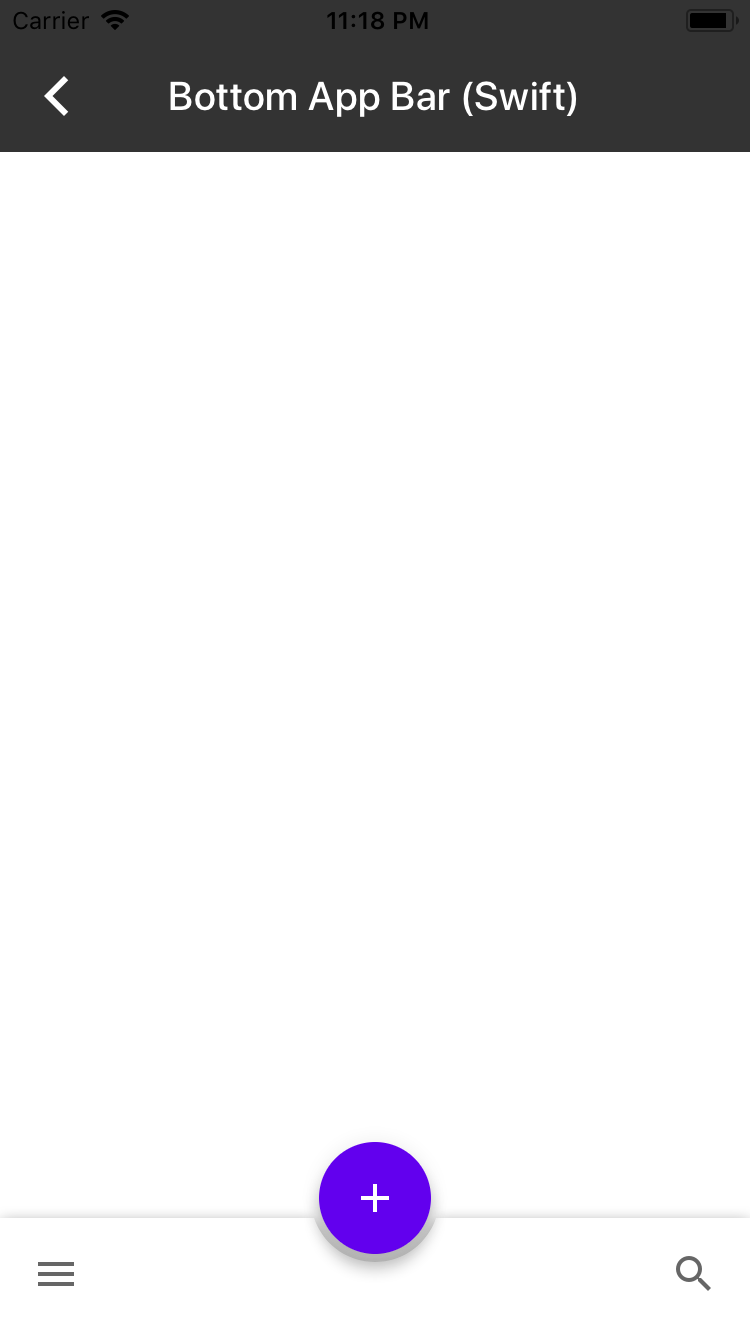
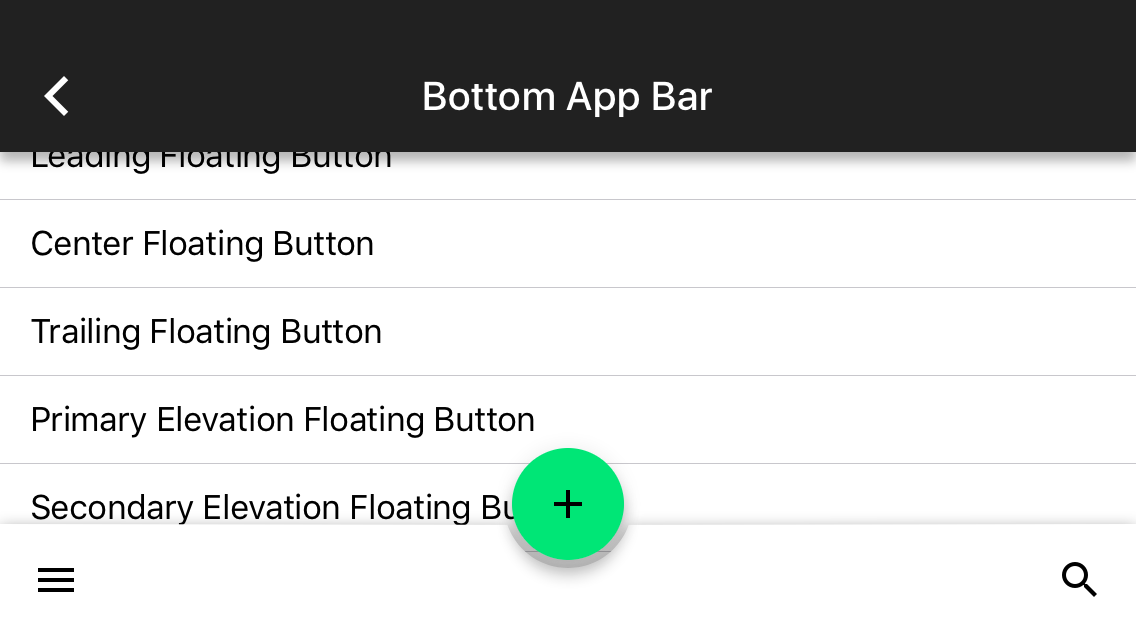
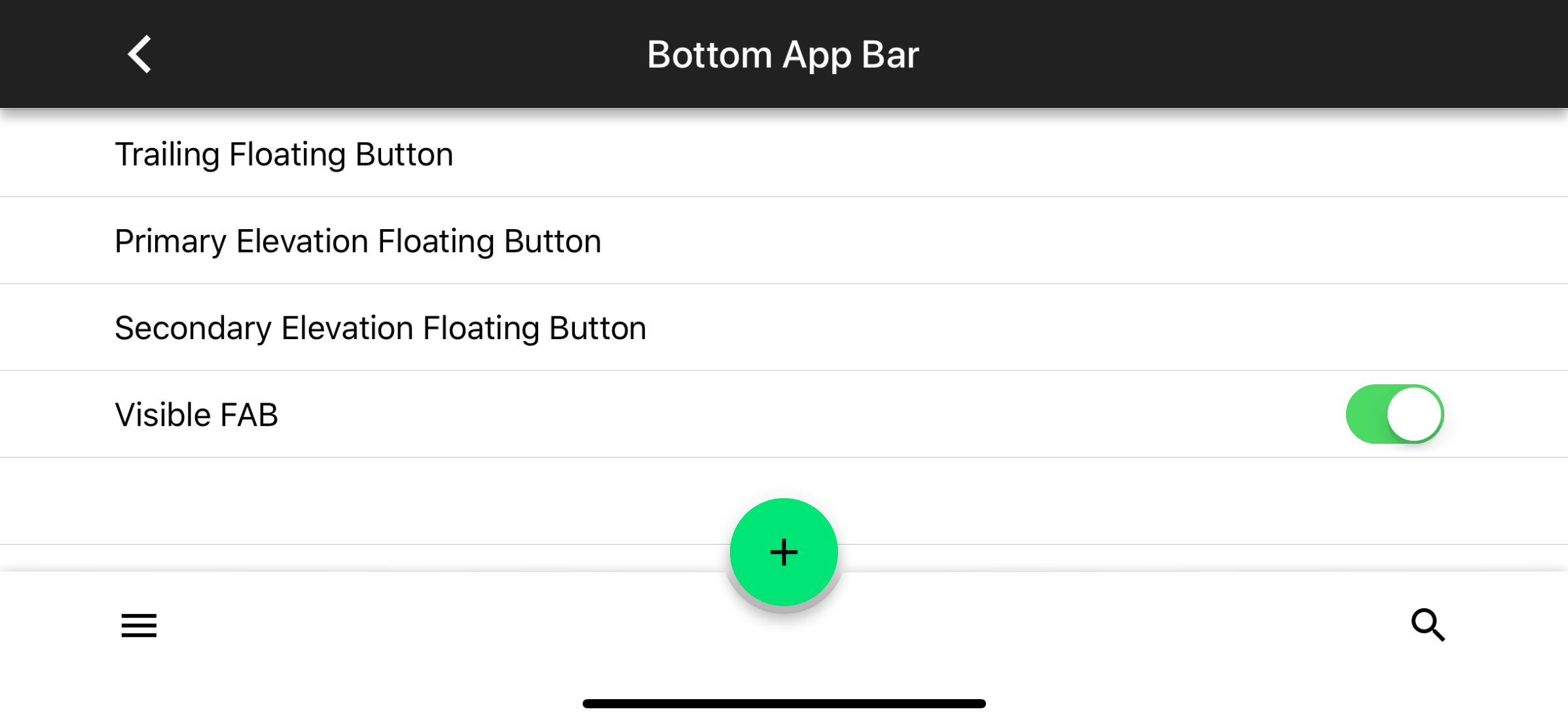
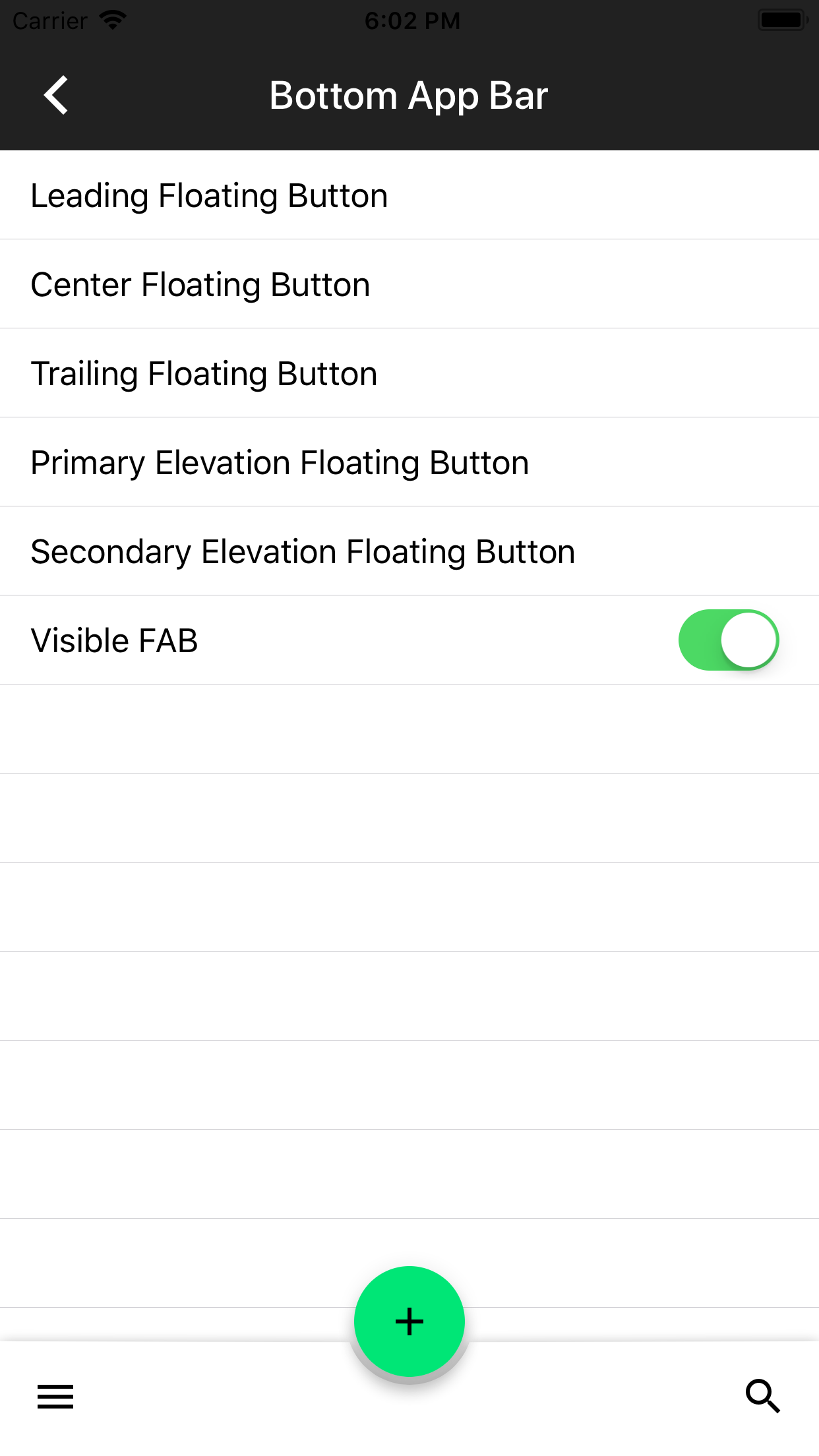
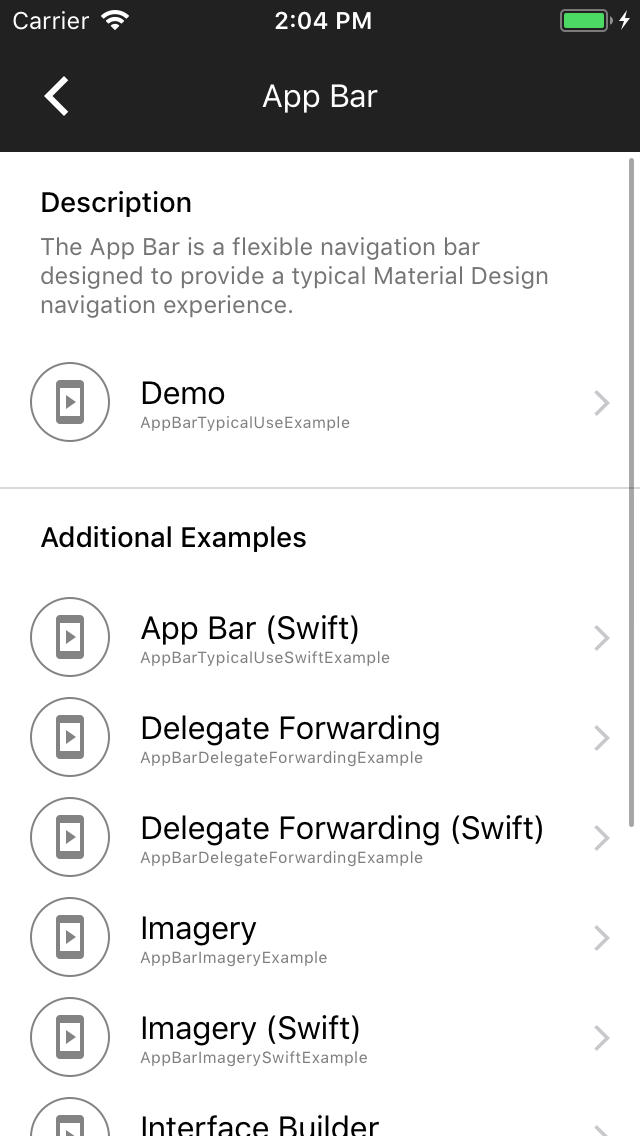
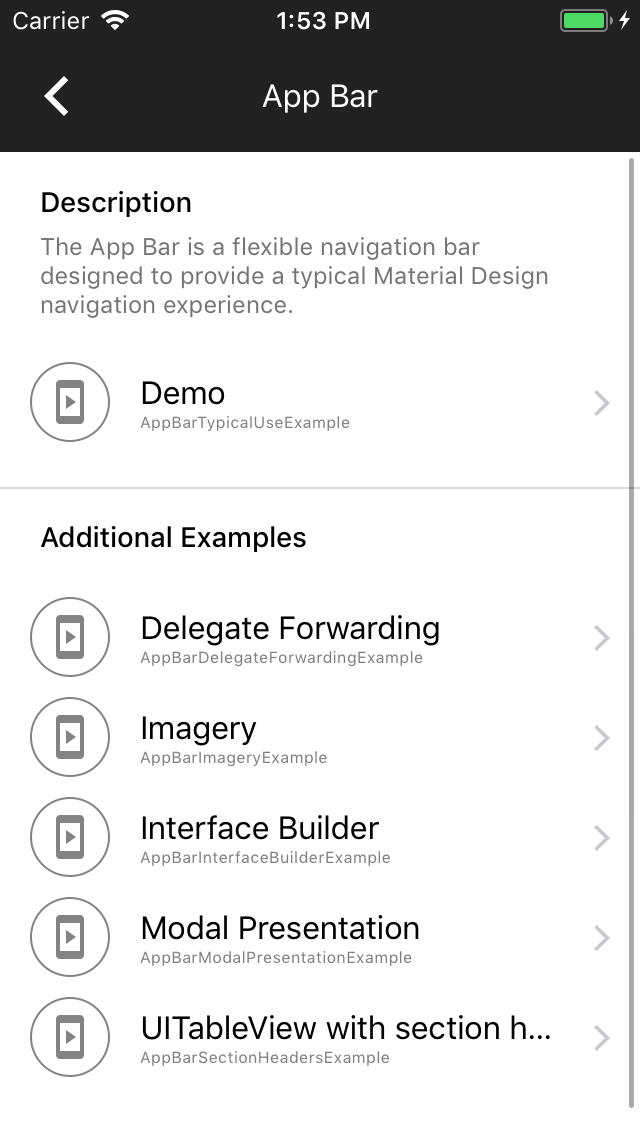
This allows our UI test runner to fetch the catalog by convention tree at runtime in order to generate dynamic test runners that walk the entire catalog by convention tree without requiring maintenance of an explicit list of breadcrumbs.

In this change I have replaced the explicit list of components with such a dynamic walker. In a follow-up change we will be able to dynamically walk through every node of the three and take screenshots. In a subsequent change from there we may allow certain nodes to implement "testActionStart" and "testActionStop" methods that allow the test runner to invoke certain canonical actions automatically (e.g. present a dialog).

A couple examples are flaky, so a new convention has been added to those examples of providing a "flaky" tag on the example's metadata. If this flag is YES, then the example will not be snapshotted.

PiperOrigin-RevId: 306214455
Context:

Due to changes in the Swift runtime over the past years, methods that are considered "optional" in Objective-C need to have @objc annotations in order for Objective-C to be able to perform `respondsToSelector:` invocations.

Problem:
Many of our examples had not annotated their `catalogShouldHideNavigation` methods with the `@objc` annotation, causing the Catalog to wrap the examples in a container app bar view controller. The reason most of these examples would implement `catalogShouldHideNavigation` is because they are managing their own navigation (e.g. to demonstrate AppBar functionality), so this would often result in duplicate AppBars appearing in the example.

The fix:
All `catalogShouldHideNavigation` Swift methods have been annotated with `@objc`.

Fixes https://github.com/material-components/material-components-ios/issues/7576
Fixes https://github.com/material-components/material-components-ios/issues/7578
We need to add @objc annotations to colorScheme and typographyScheme instances in our Swift examples, because we moved to Swift 4.2, the respondsToSelector won't find `setColorScheme:` and `setTypographyScheme:` setters otherwise.
This is a follow up PR for #7166 adds @objc annotations to Swift catalogMetadata() methods, because the Swift 4 compiler no longer attempts to infer what methods should be visible to Objective-C. As a result of this change in the compiler, no Swift examples were showing up in Dragons after #7166. See this article: https://useyourloaf.com/blog/objc-warnings-upgrading-to-swift-4/ for additional context.
[BottomAppBar] Fix it/bottom app bar cut out (#5958)

### Context
FABs can be circular or pill-shaped. As described in #5414, the cutout on BottomAppBar does not take into account pill-shaped FABs.

### The Problem
The UIBezierPath used in the current implementation draws a half circle where the FAB appears. For pill-shaped FABS, this doesn't work, as the cutout needs to made up of two quarter circle and a line connecting them.

### The Fix
I implemented a UIBezierPath that is made up of two quarter circles connected by a line, as well as the remainder of the rectangle that makes up the BottomAppBar's background. By doing so, I was able to provide **one** bezier path for both circular and pill-shaped cutouts, and **one** bezier path for a non-cutout version of the rectangle. This results in a smooth animation between the cutout and non-cutout state.

See https://stackoverflow.com/a/9522806 for an explanation of why the cutout and non-cutout bezier paths need to have the same general structure (e.g. number of path elements, and element types).
### Context
FABs can be circular or pill-shaped. As described in #5414, the cutout on BottomAppBar does not take into account pill-shaped FABs.

### The Problem
The UIBezierPath used in the current implementation draws a half circle where the FAB appears. For pill-shaped FABS, this doesn't work, as the cutout needs to made up of two quarter circle and a line connecting them.

### The Fix
I implemented a UIBezierPath that is made up of two quarter circles connected by a line, as well as the remainder of the rectangle that makes up the BottomAppBar's background. By doing so, I was able to provide **one** bezier path for both circular and pill-shaped cutouts, and **one** bezier path for a non-cutout version of the rectangle. This results in a smooth animation between the cutout and non-cutout state.

See https://stackoverflow.com/a/9522806 for an explanation of why the cutout and non-cutout bezier paths need to have the same general structure (e.g. number of path elements, and element types).
{MDC iOS} No longer using `-init` for Color Scheme.

Based on the discussions in go/mdc-ios-theming, we should not use the `-init` default initializer. Instead, we should use an explicit set of defaults.

Search regex: '\[\[MDCSemanticColorScheme alloc\] init\]'
[MDC Swift] Add guards for Swift 4.2+

On Xcode 10, using Tulsi, the unit test target cannot be built because much of the Swift code does
not have the correct syntax for Swift 4.2+. Adding pragmas to allow continued support for Xcode
9.4.2 and Xcode 10.

PiperOrigin-RevId: 220399935
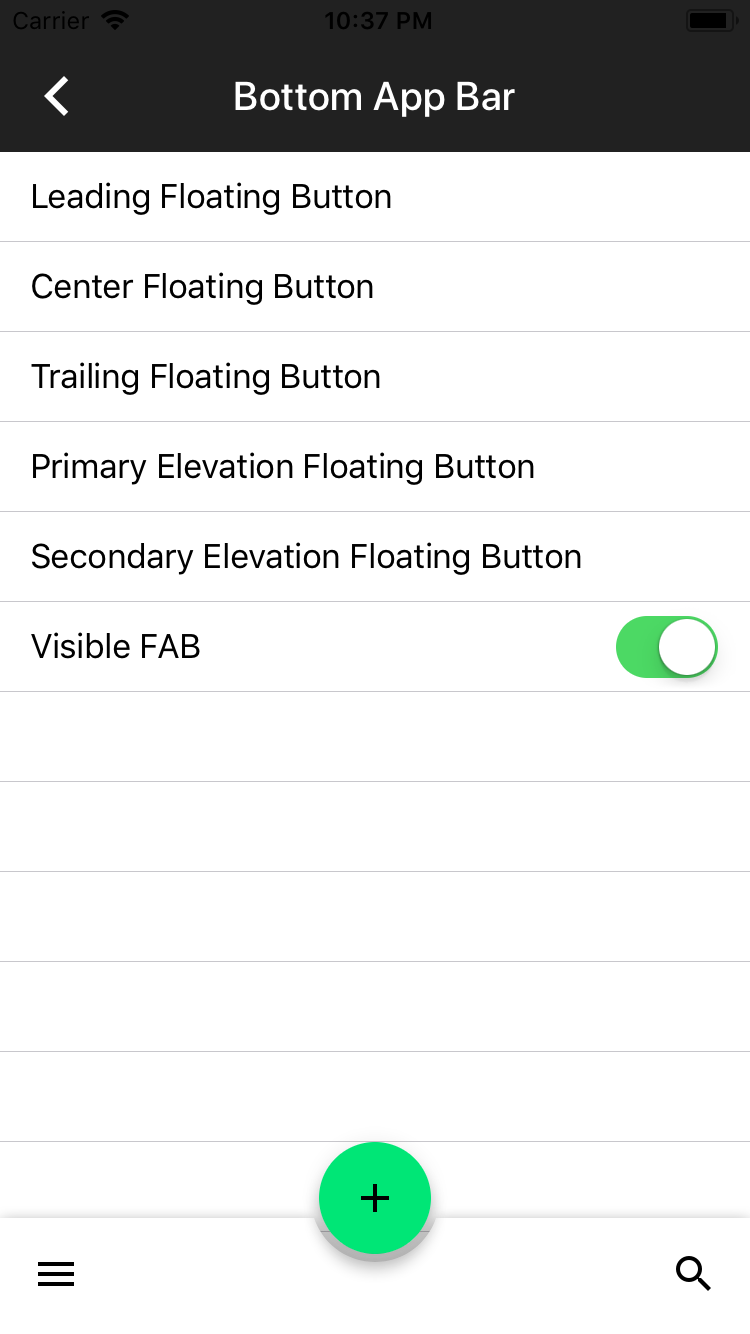
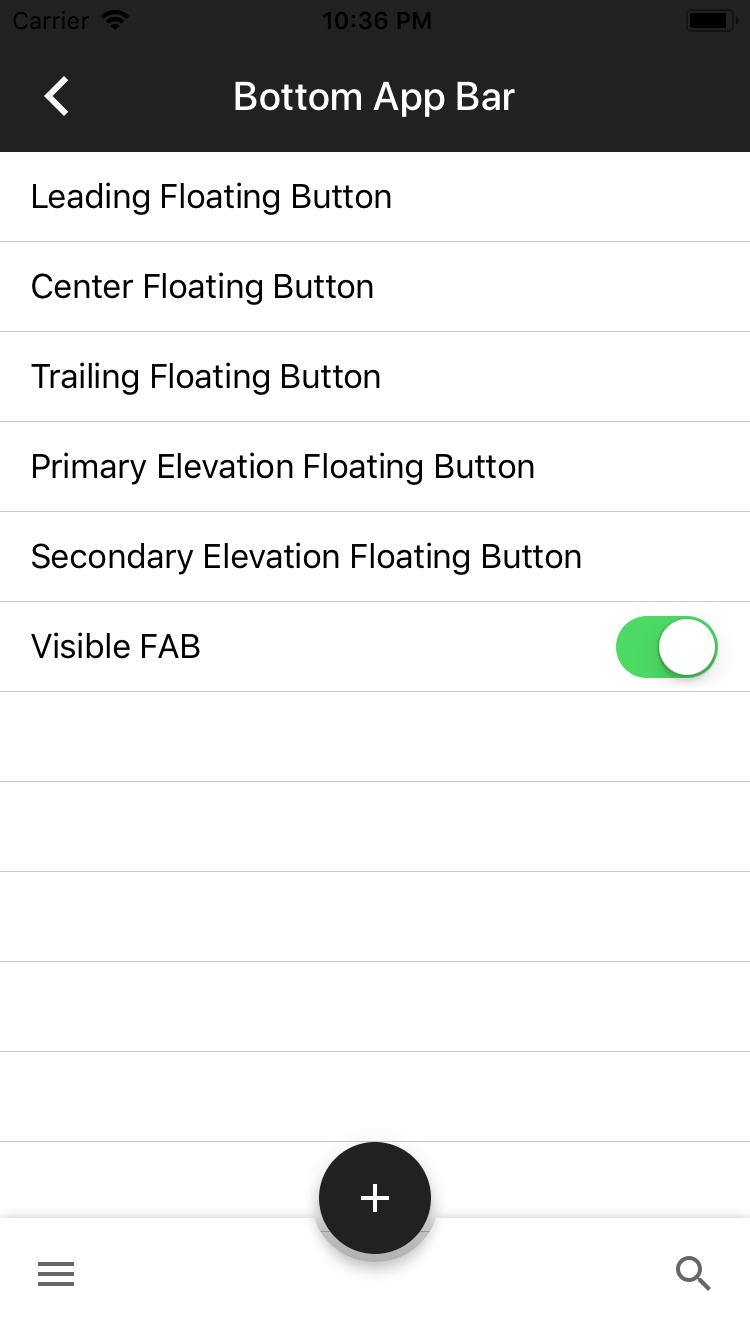
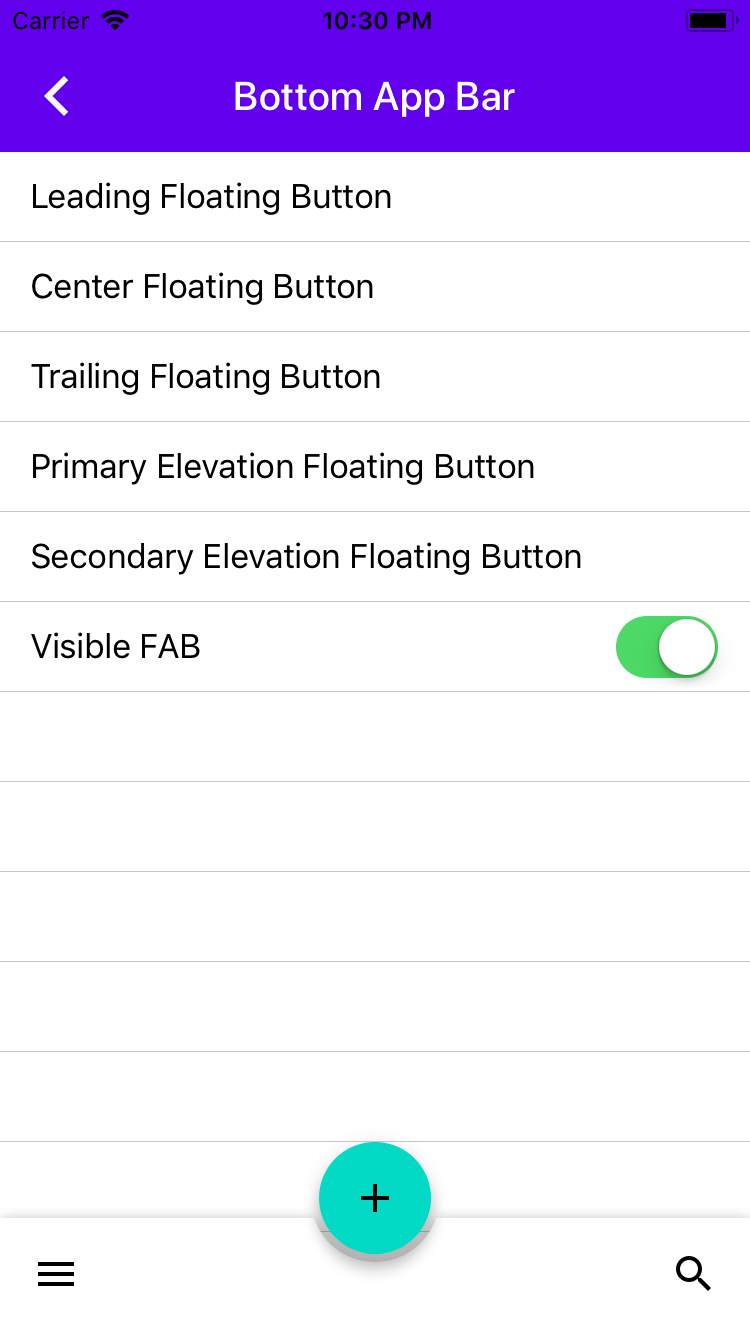
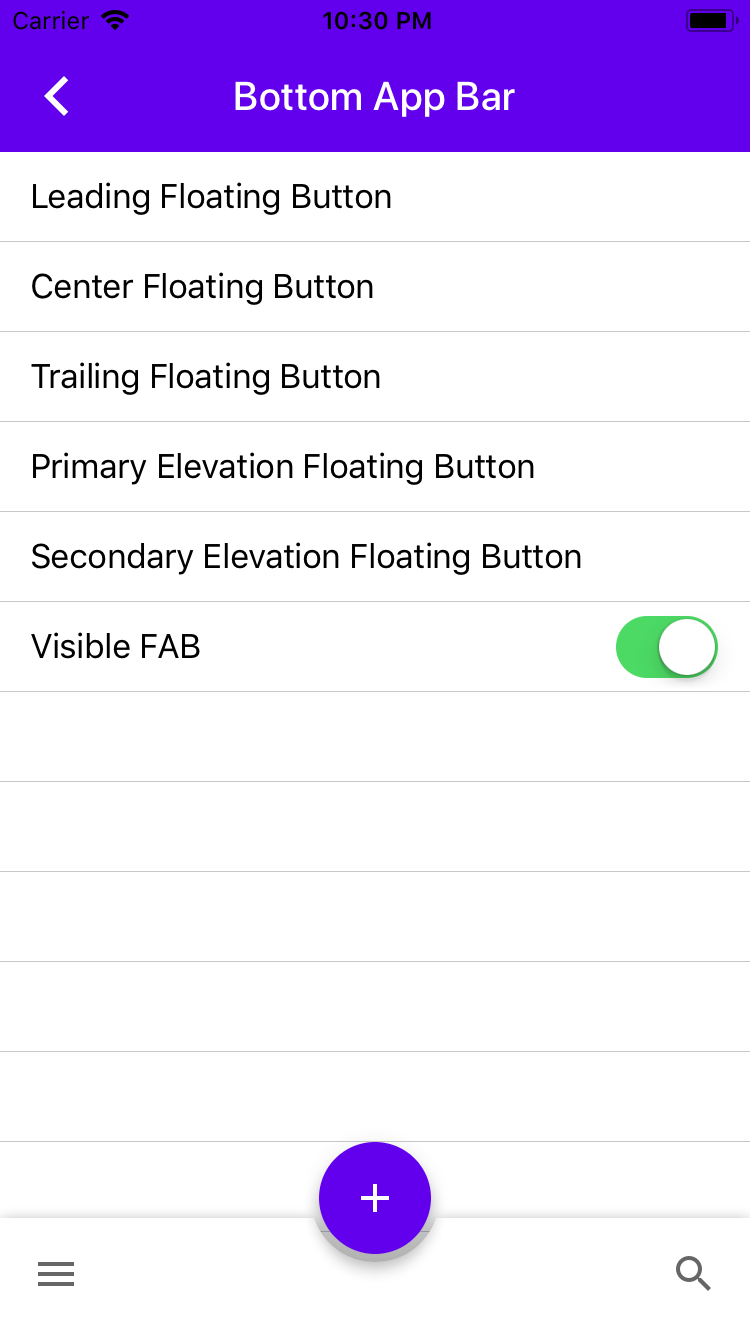
I did an audit of the Catalog app to track down screens with an incorrect status bar color and the ones that I found are:
* AppBar -> Presented (This example does not use the app theme so I was able to set the style directly)
* AppBar -> Wrapped
* BottomAppBar
Additionally, I found that changing the Catalog theme from black to another color (and vice-versa) resulted in the status bar being incorrect until the next page navigation. So I created a fix for this too.
Closes#3778
Removes the need to copy-paste stanzas from other files anymore as we'll rely on #4478 to generate the correct stanza for us instead.

This was an automated change generated by running a find-and-replace regular expression:

```
/\*
 Copyright ([0-9]+)-present the Material Components for iOS authors\. All Rights Reserved\.

 Licensed under the Apache License, Version 2\.0 \(the "License"\);
 you may not use this file except in compliance with the License\.
 You may obtain a copy of the License at

 http://www\.apache\.org/licenses/LICENSE-2\.0

 Unless required by applicable law or agreed to in writing, software
 distributed under the License is distributed on an "AS IS" BASIS,
 WITHOUT WARRANTIES OR CONDITIONS OF ANY KIND, either express or implied\.
 See the License for the specific language governing permissions and
 limitations under the License\.
 \*/
```

```
/\*
Copyright ([0-9]+)-present the Material Components for iOS authors\. All Rights Reserved\.

Licensed under the Apache License, Version 2\.0 \(the "License"\);
you may not use this file except in compliance with the License\.
You may obtain a copy of the License at

http://www\.apache\.org/licenses/LICENSE-2\.0

Unless required by applicable law or agreed to in writing, software
distributed under the License is distributed on an "AS IS" BASIS,
WITHOUT WARRANTIES OR CONDITIONS OF ANY KIND, either express or implied\.
See the License for the specific language governing permissions and
limitations under the License\.
\*/
```

```
/\*
 Copyright ([0-9]+)-present the Material Components for iOS authors\. All Rights Reserved\.
 Licensed under the Apache License, Version 2\.0 \(the "License"\);
 you may not use this file except in compliance with the License\.
 You may obtain a copy of the License at
 http://www\.apache\.org/licenses/LICENSE-2\.0
 Unless required by applicable law or agreed to in writing, software
 distributed under the License is distributed on an "AS IS" BASIS,
 WITHOUT WARRANTIES OR CONDITIONS OF ANY KIND, either express or implied\.
 See the License for the specific language governing permissions and
 limitations under the License\.
 \*/
```

```
// Copyright $1-present the Material Components for iOS authors. All Rights Reserved.
//
// Licensed under the Apache License, Version 2.0 (the "License");
// you may not use this file except in compliance with the License.
// You may obtain a copy of the License at
//
// http://www.apache.org/licenses/LICENSE-2.0
//
// Unless required by applicable law or agreed to in writing, software
// distributed under the License is distributed on an "AS IS" BASIS,
// WITHOUT WARRANTIES OR CONDITIONS OF ANY KIND, either express or implied.
// See the License for the specific language governing permissions and
// limitations under the License.
```
We can now make use of @available throughout our codebase.

We support Xcode 9 and up, which includes the iOS 11 SDK. This means we can remove any guards for SDKs prior to iOS 11.

This was cleaned up by running a global find-and-replace with the following regular expression:

```
Find:#if defined\(__IPHONE_11_0\) && \(__IPHONE_OS_VERSION_MAX_ALLOWED >= __IPHONE_11_0\)\n(.+if \(@available\(iOS 11.0, \*\)\) \{(?:.|\n)*?)(?:#else(?:.|\n)*?)?\n#endif
Replace:$1
```

With some additional cleanup for stragglers that didn't match this pattern. Note that else clauses were intentionally dropped.

Closes https://github.com/material-components/material-components-ios/issues/4909
The example was not responding to taps to the table cells.  The AppBar needs
to be the `tableView`'s delegate, but so does the example view controller.
Forwarding the `UIScrollViewDelegate` methods to the flexible header view
controller to restore UITableView behavior.
* Replacing ColorThemer and FontThemer with SemanticColorThemer and TypographyThemer.

* Headline 6 is being used for FeatureHighlights not Headline2  (example update).

* Removed Feature Highlight Themer example since it's redundant, no scheme color changes in Feature Highlight Examples.

https://github.com/material-components/material-components-ios/pull/3489
* Added warnings to examples.

* fixed some warnings

* using button sender parameter.

* use button sender in example

* use button sender in example

* removed sender from methods that don’t use it.

* removed sender from methods that don’t use it.

* use button sender in example

* use button sender in example

* use button sender in example

* use button sender in example

* Fixed init of header configurator to use passed in parameter

* removed unused API

* use button sender in example

* Revert "Added warnings to examples."

This reverts commit 91f0480f86cb609c47b00f1346f82de67c31c4e9.

* fixed example: Using the view controllers navigationItem rather than creating a new one.

* removed finished checks from animation blocks in examples.

* reverted id sender checks

* revert id sender check for Flexible header UINavigationBar

* revert clug

* revert clug

* addressing nits

* removed sender check for FeatureHighlightTypicalUseView

* more nits
* Add readme and swift example

* Use autoresize mask for layout

* Use autoresize mask for layout

* Add links in .md file. Apply swift code style.

* Update color example code