mirror of
https://github.com/catppuccin/unocss.git
synced 2026-01-09 05:21:14 +08:00
 f23e0d1c54
* chore: better workspace

* chore: refresh lockfile

* chore: use capital letter on typedoc config

Co-authored-by: Copilot <175728472+Copilot@users.noreply.github.com>

* chore: use better globs on eslint config

Co-authored-by: Copilot <175728472+Copilot@users.noreply.github.com>

* chore: unset package-name for release-please

Co-authored-by: Hammy <58985301+sgoudham@users.noreply.github.com>

* chore: link README from package to root, remove LICENCE file links

When `pnpm pack`ing, LICENCE file seems to be automatically included in the generated `tar.gz`.

* ci(release-please): fix release-please outputs

* chore(release-please): set `include-component-in-tag` to `false`

* chore: revert preview URLs

* chore: rename `website` to `example`

It was intended to be an example usage of the project in the first place, now that we serve it at unocss.catppuccin.com should not change its name.

* chore(deps): refresh lockfile

chore(deps): bump pnpm version

---------

Co-authored-by: Copilot <175728472+Copilot@users.noreply.github.com>
Co-authored-by: Hammy <58985301+sgoudham@users.noreply.github.com>

Catppuccin for UnoCSS




Previews
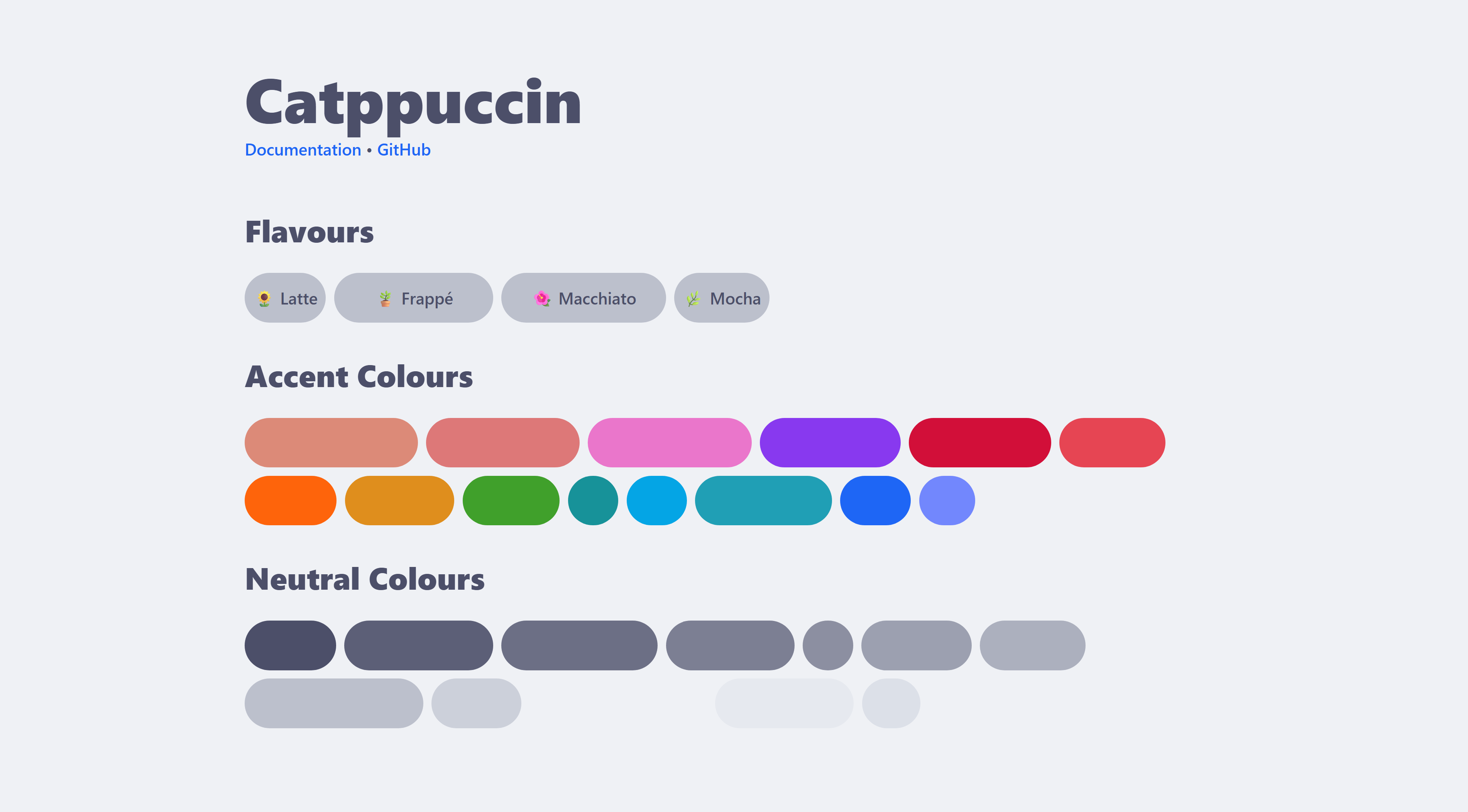
🌻 Latte
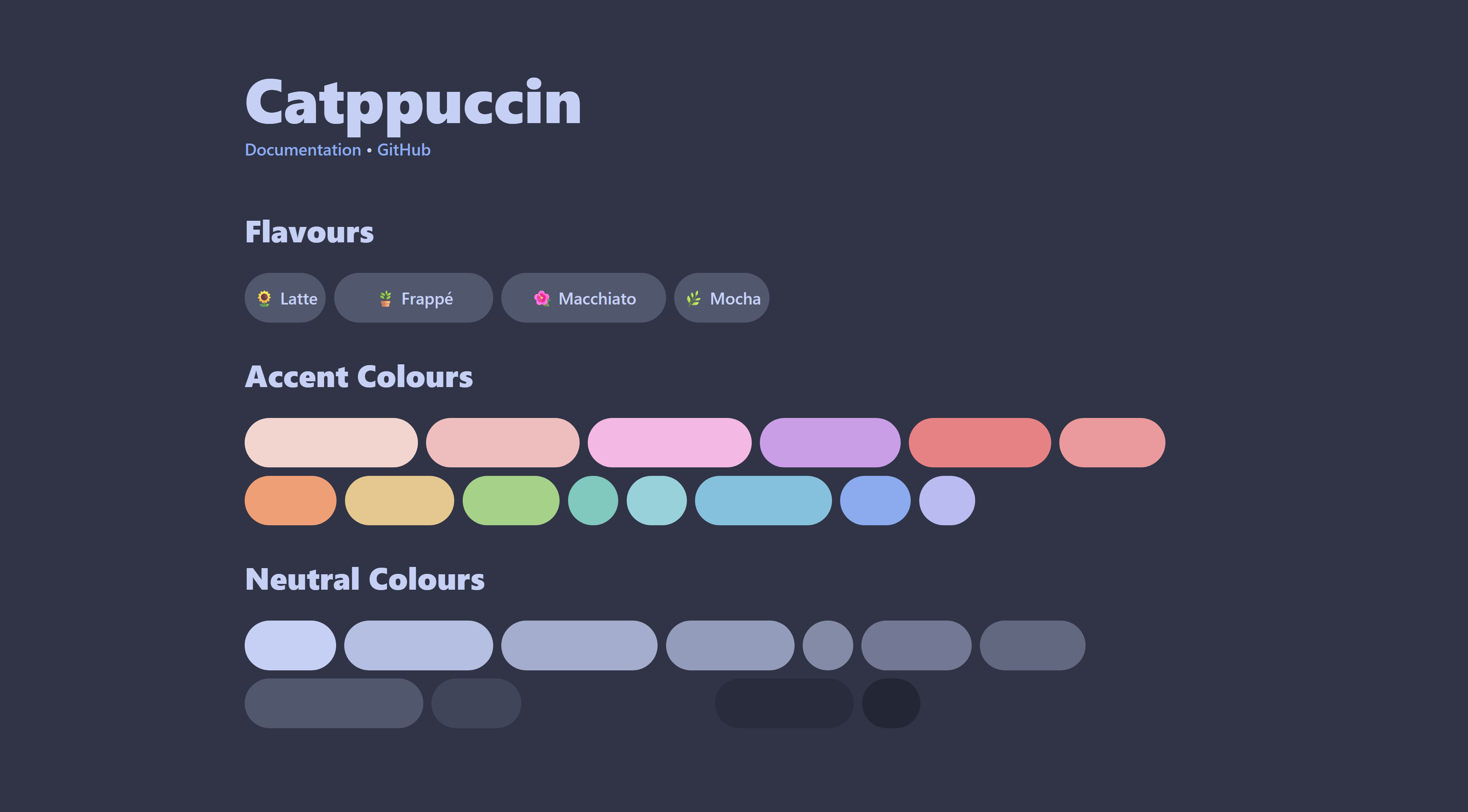
🪴 Frappé
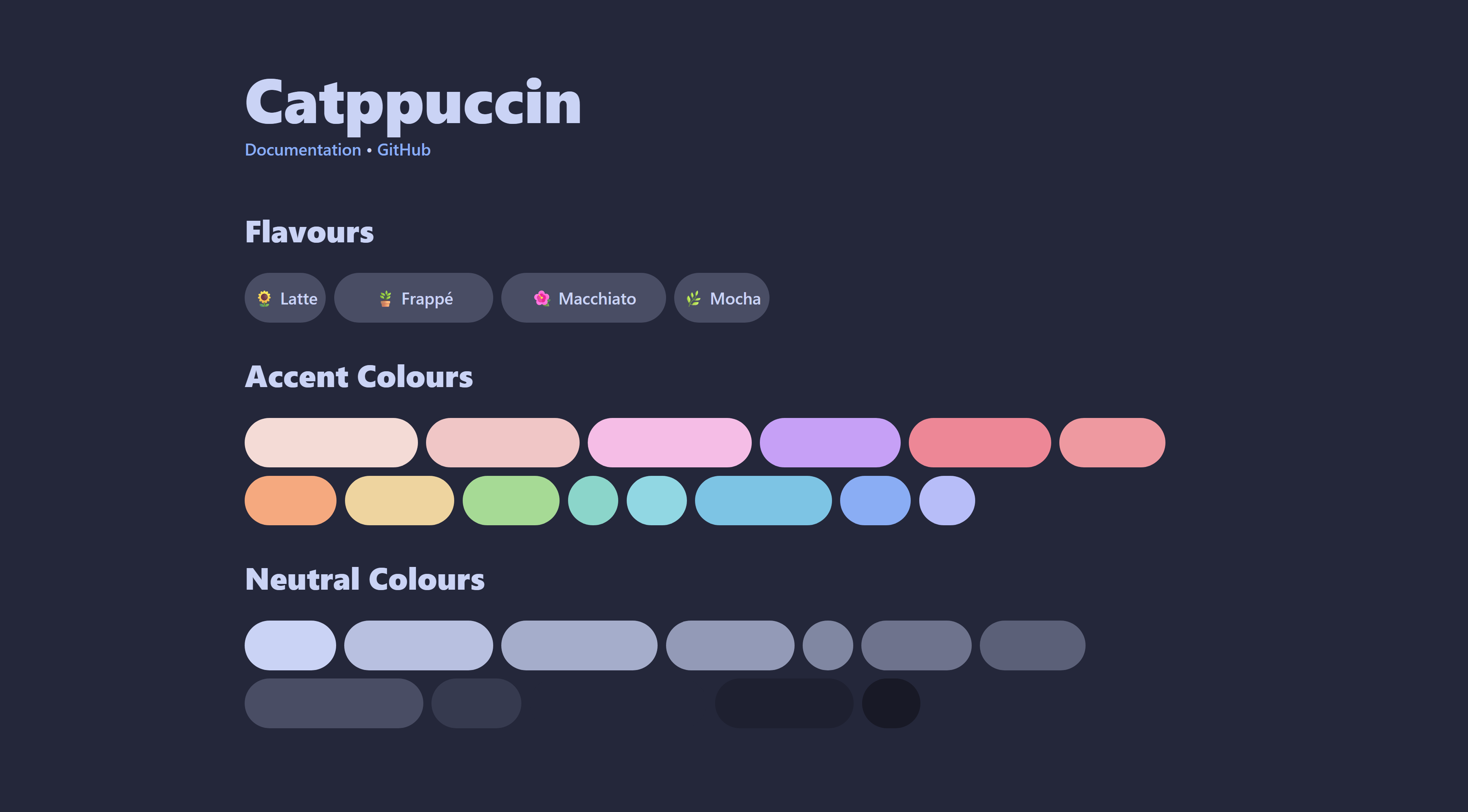
🌺 Macchiato
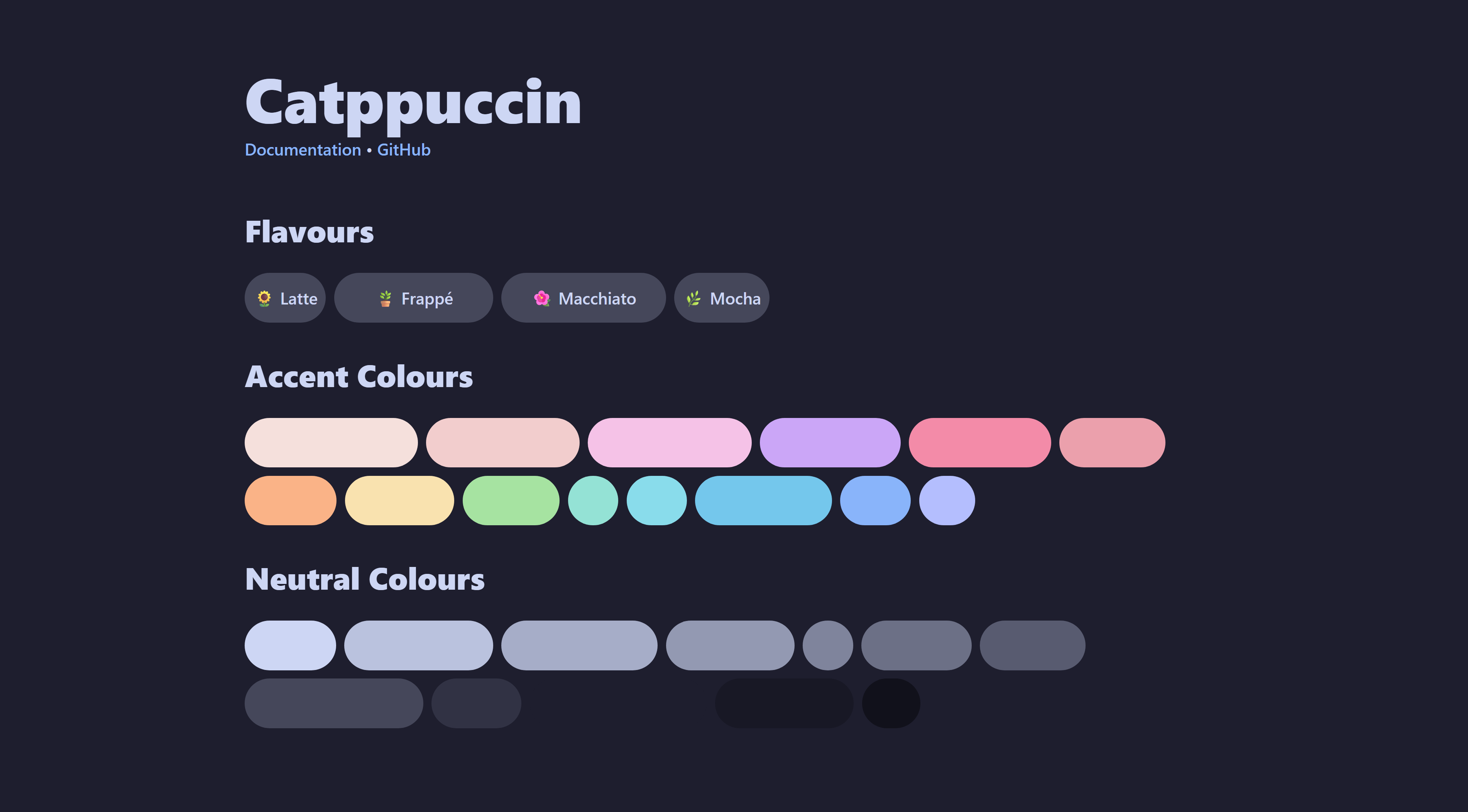
🌿 Mocha
Usage
-
Install the npm package
@catppuccin/unocssnpm install -D @catppuccin/unocss # or pnpm add -D @catppuccin/unocss # or yarn add -D @catppuccin/unocss -
Add the preset to your UnoCSS configuration
// uno.config.ts import { presetWind4, defineConfig } from 'unocss'; import presetCatppuccin from '@catppuccin/unocss'; export default defineConfig({ presets: [ presetWind4(), presetCatppuccin({ // options }) ] }); -
Configure the preset if needed. Refer to the FAQ for documentation
🙋 FAQ
- Q: Where can I find the documentation?
A: Documentation can be found at https://unocss.catppuccin.com/docs
💝 Thanks to

Copyright © 2021-present Catppuccin Org
