mirror of
https://github.com/catppuccin/flutter.git
synced 2026-01-09 05:40:56 +08:00


 Catppuccin for Flutter



Get started with example

Previews
🌻 Latte
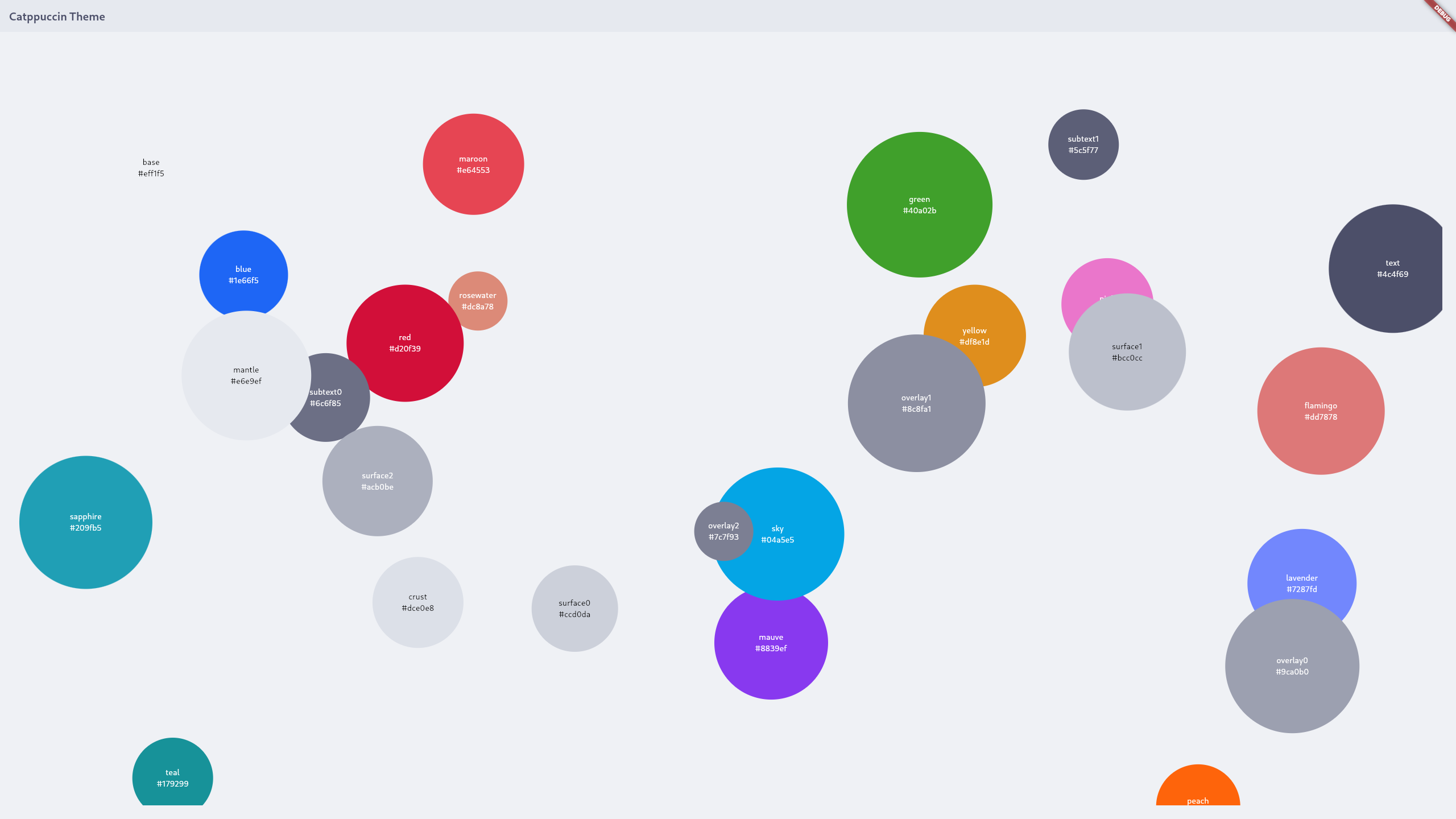
🪴 Frappé
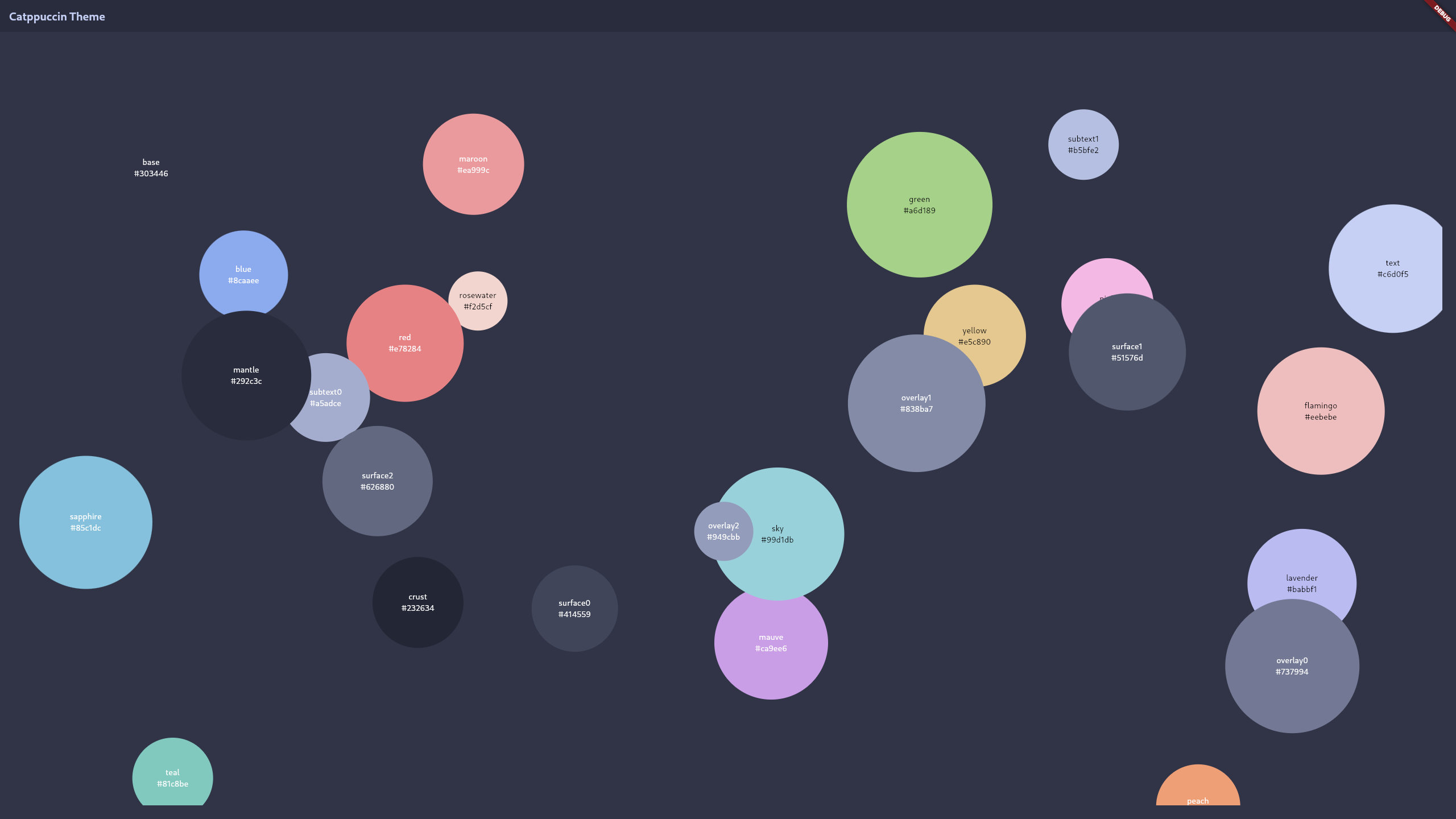
🌺 Macchiato
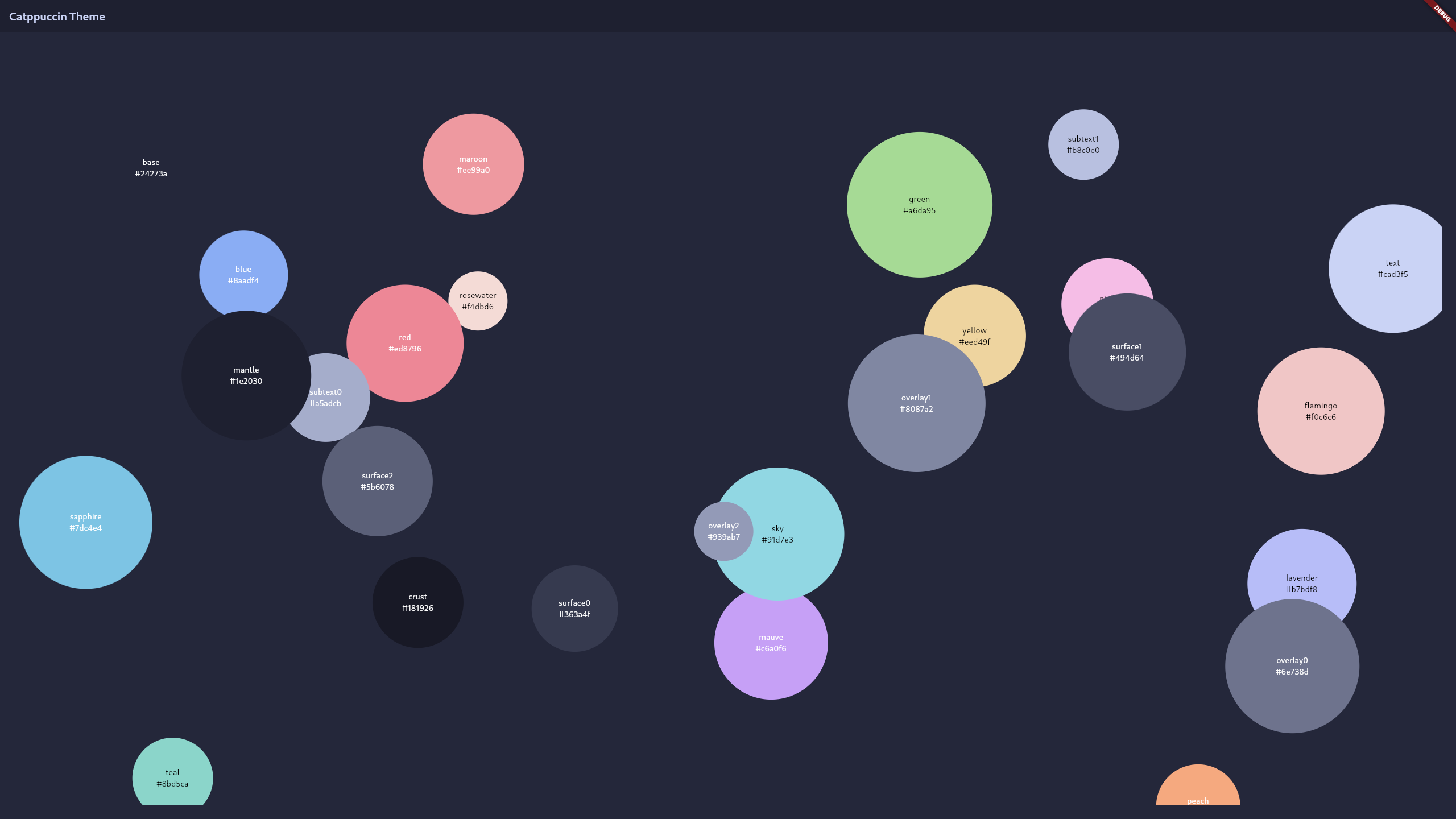
🌿 Mocha
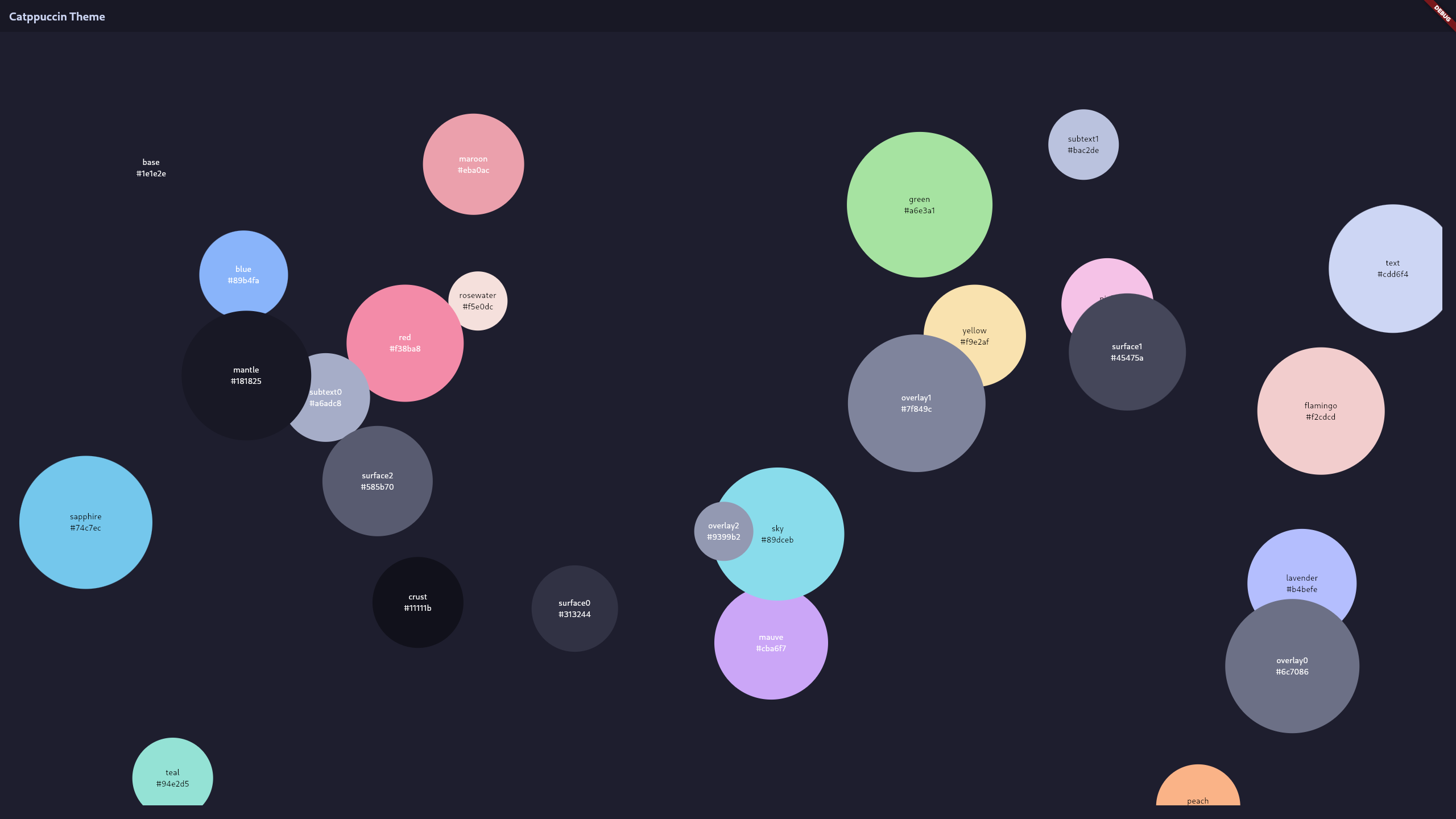
Installation
To use Catppuccin in a Flutter project, you can follow these steps:
- Add Catppuccin to Your
pubspec.yamlFile: Open yourpubspec.yamlfile and add the following line under thedependenciessection:dependencies: # ... catppuccin_flutter: ^0.3.1 # ... - After adding catppuccin_flutter to your
pubspec.yamlfile, run the following command in your terminal to fetch the packages:flutter pub get
Usage
import 'package:catppuccin_flutter/catppuccin_flutter.dart';

Flavor flavor = catppuccin.latte;
Color primaryColor = flavor.mauve;
Color secondaryColor = flavor.pink;
ctpencapsulates all the flavor names, namelylatte,frappe,macchiatoandmocha.Flavortypedef for record, which is a collection of all the colors available.
Contributing
If you are looking to contribute, please read through our CONTRIBUTING.md first!
💝 Thanks to

Copyright © 2022-present Catppuccin Org
